Square Art Photo Editor-Selfie Cam PC
Photo Editor Pixels Studio
Tải xuống Square Art Photo Editor-Selfie Cam trên PC với Trình giả lập GameLoop
Square Art Photo Editor-Selfie Cam trên PC
Square Art Photo Editor-Selfie Cam, đến từ nhà phát triển Photo Editor Pixels Studio, đang chạy trên hệ điều hành Android trong quá khứ.
Giờ đây, bạn có thể chơi Square Art Photo Editor-Selfie Cam trên PC với GameLoop một cách mượt mà.
Tải xuống nó trong thư viện GameLoop hoặc kết quả tìm kiếm. Không còn để ý đến pin hoặc các cuộc gọi bực bội vào sai thời điểm nữa.
Chỉ cần thưởng thức Square Art Photo Editor-Selfie Cam PC trên màn hình lớn miễn phí!
Square Art Photo Editor-Selfie Cam Giới thiệu
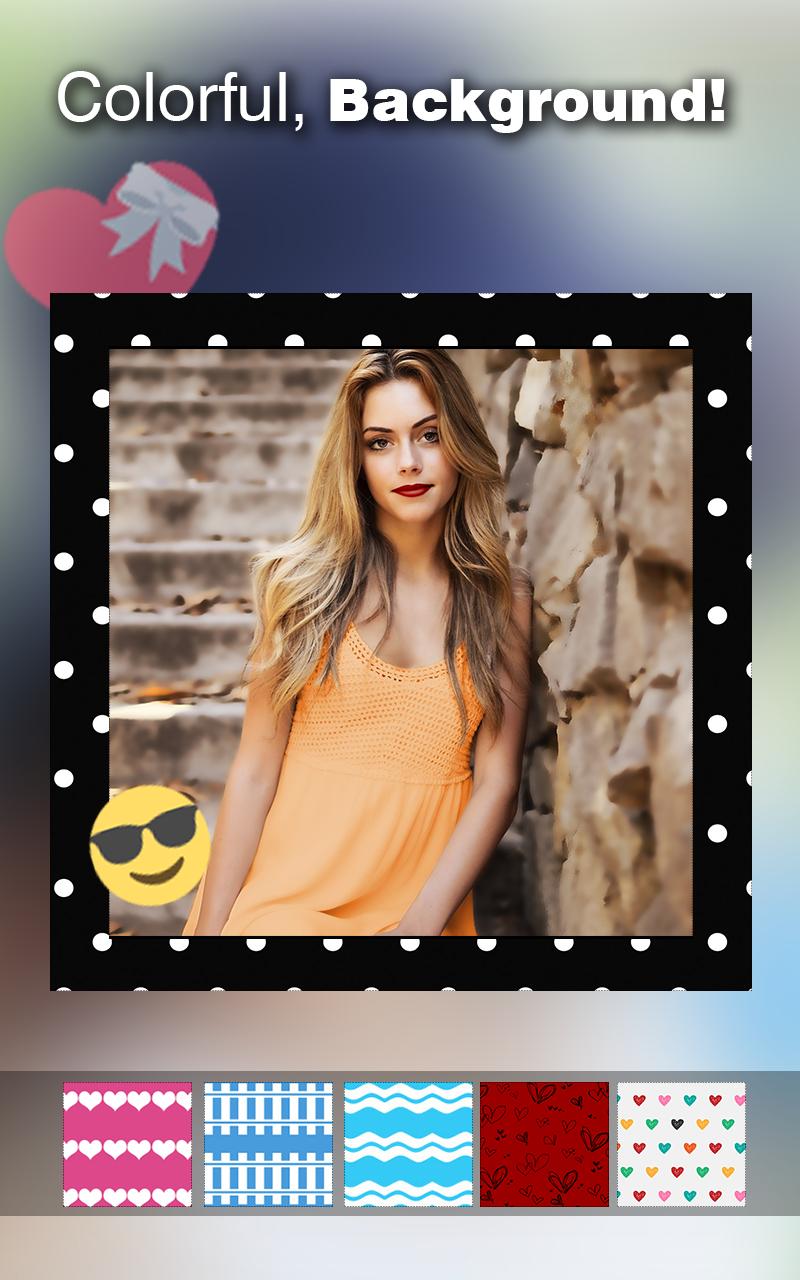
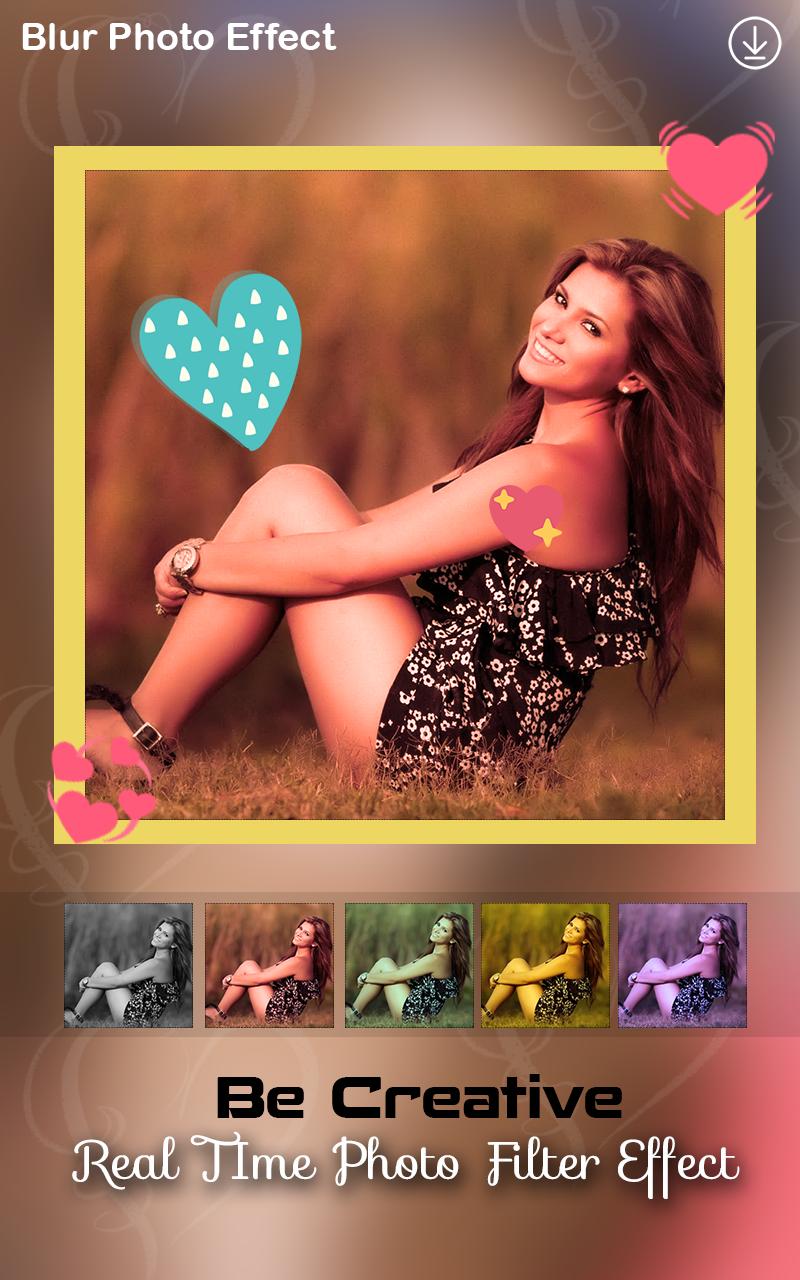
Square Art Photo Editor-Selfie Cam is very nice photo editing and photo filter application in play store. This application provide best Background ,Border, emoji,sticker,Gogals and many different Photo filter effects. In this application you an make Blur Image Background for your photos. This application layout is very attractive and make beautiful image with this application.
40+ effects, stickers and features to apply to your photos! Add photo effects, frames, filters and fun stickers! Enhance Photo with face booth: emoji, meme troll, tattoo, dragon fire, anime Add comic stickers: BOOM, BOMB, LOL
Feature :
• Easily Crop,Rotate photo
• Insta Square Effects
• 50+ Photo Filters effects
• 100+ Emoji & Sticker
• 20 + Background
• 20+ Frames
• Easily Make Creative Photos
• Make Blur Background to Your Photos
• save and share easily with your friends on socila media.
You set many type of background behinde your photos & Set border Stickers Gogals etc. this application layout is very faboules and nice perfect edit your photo with this application. This application designed by our experience developer and designer.
With this app you can post the full size photo to Instagram without cropping and resize. Insta Square app give unique filters, overlays and typography to your photos. you can create in your beautiful photos and many effect you can create easily by effect tool that is very easy to use.
✔ Add filters and text to your pictures
Add great filters and typography to your photos.
We have high quality filters so your selfie picture will truly stand out from the rest!
✔ No Crop feature
The easiest way to post high quality insta size picture on Instagram without cropping them! No more frustration when you have to crop your great full size photos before posting them on social networks.
✔ Adjustments
Fine-tune your pictures with Contrast, Brightness and Saturation etc.
✔ Simple and easy to use interface
Simple, but powerful user interface helps you to get job done much quicker.
This application is very fabulous & give proper review, suggestion & tips for this application.
Xem trước
Thông tin
Nhà phát triển
Photo Editor Pixels Studio
Phiên bản mới nhất
1.1
Cập nhật mới nhất
2018-10-15
Loại
Nhiếp ảnh
Có trên
Google Play
Cho xem nhiều hơn
Cách chơi Square Art Photo Editor-Selfie Cam với GameLoop trên PC
1. Tải xuống GameLoop từ trang web chính thức, sau đó chạy tệp exe để cài đặt GameLoop.
2. Mở GameLoop và tìm kiếm “Square Art Photo Editor-Selfie Cam”, tìm Square Art Photo Editor-Selfie Cam trong kết quả tìm kiếm và nhấp vào “Cài đặt”.
3. Thích chơi Square Art Photo Editor-Selfie Cam trên GameLoop.
Minimum requirements
OS
Windows 8.1 64-bit or Windows 10 64-bit
GPU
GTX 1050
CPU
i3-8300
Memory
8GB RAM
Storage
1GB available space
Recommended requirements
OS
Windows 8.1 64-bit or Windows 10 64-bit
GPU
GTX 1050
CPU
i3-9320
Memory
16GB RAM
Storage
1GB available space