Point Pixel Effect : Stunning Photo Editor PC
InFicial Infotech
Tải xuống Point Pixel Effect : Stunning Photo Editor trên PC với Trình giả lập GameLoop
Point Pixel Effect : Stunning Photo Editor trên PC
Point Pixel Effect : Stunning Photo Editor, đến từ nhà phát triển InFicial Infotech, đang chạy trên hệ điều hành Android trong quá khứ.
Giờ đây, bạn có thể chơi Point Pixel Effect : Stunning Photo Editor trên PC với GameLoop một cách mượt mà.
Tải xuống nó trong thư viện GameLoop hoặc kết quả tìm kiếm. Không còn để ý đến pin hoặc các cuộc gọi bực bội vào sai thời điểm nữa.
Chỉ cần thưởng thức Point Pixel Effect : Stunning Photo Editor PC trên màn hình lớn miễn phí!
Point Pixel Effect : Stunning Photo Editor Giới thiệu
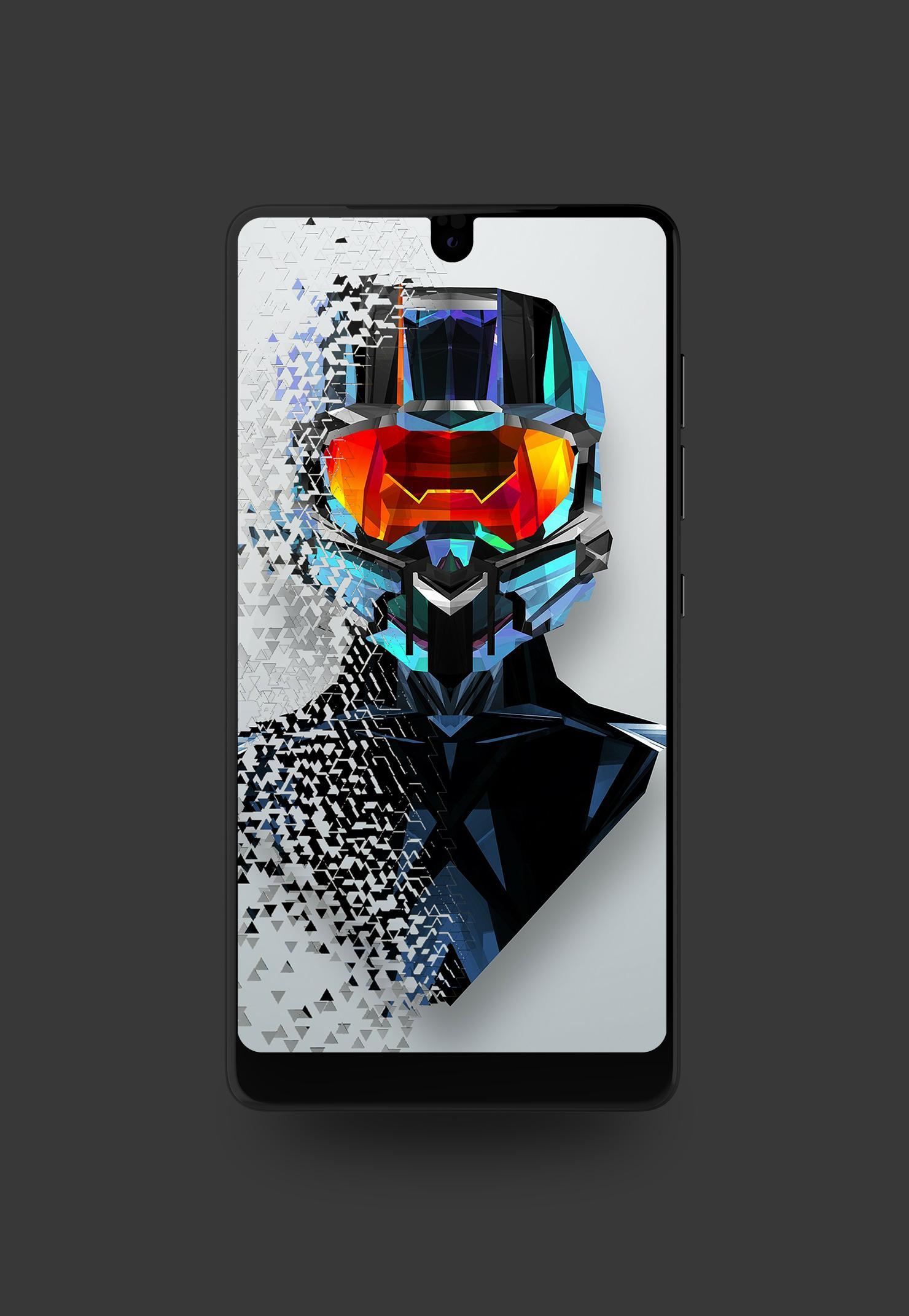
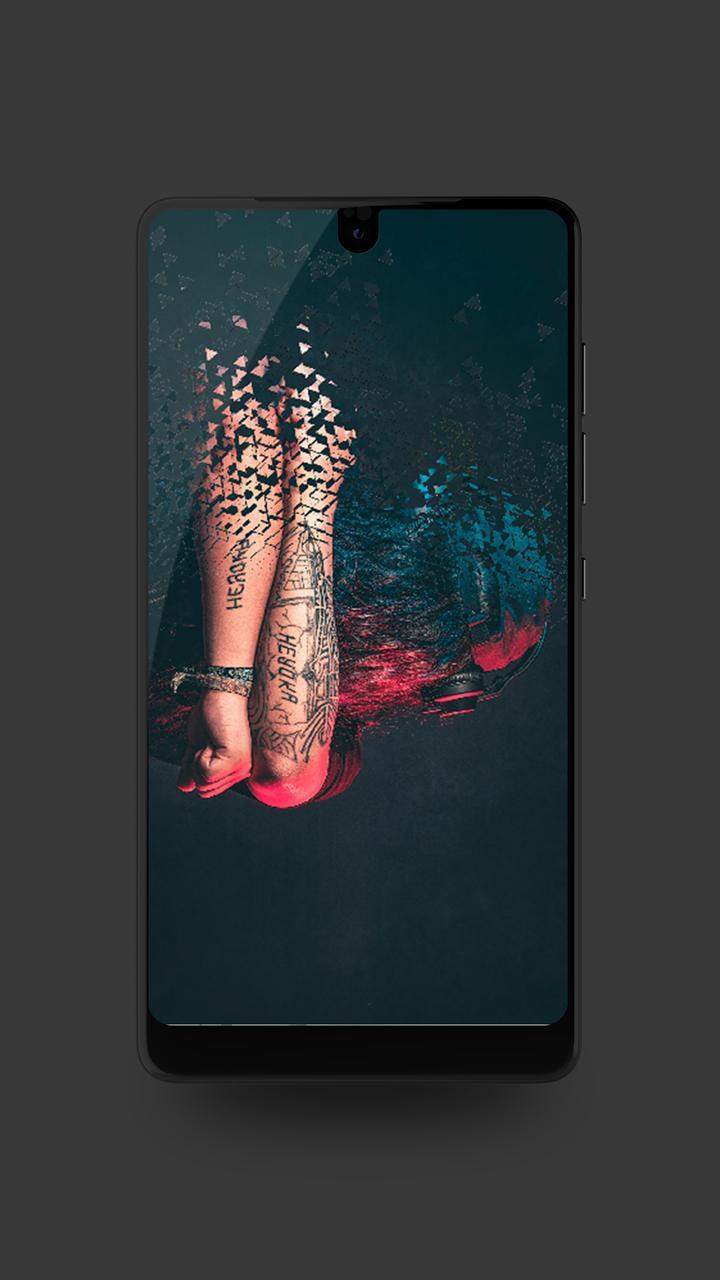
Hey there! We Create This Awesome Pixel Photo with Most Creative And Amazing Effects is Here. Using Pixel Photo You Can Create Marvellous point pixel effect On Your Image. We Have Some More Features In Our Point Pixel Photo.
Point Pixel Photo Transforms Your Favorite Photo into Most Astonishing and Stunning. Point Pixel Photo Also Apply impressive Stickers. You can Also Adjust Sticker on the picture like zoom-in,zoom-out, Left, Right, Top, Bottom.
Point Pixel Photo Also Add Collection, It Means You can See Your Creation.
->You Can Apply Rotation And Flip.
-> Create Point Pixel Photo on This Very easy and understandable. It Has also allowed you to add effect To your image in just one touch.
-> This All Effect Focus On Object and Make More Attractive.
-> Point Pixel effect also set some overlay image which you can apply overlay image in your photo with opacity.
-> Apply Some various effects:-
1. Apply Three-D Effect On Point Pixel Photo.
2. Apply Stylish Effect On Point Pixel Photo.
3. Apply Fogii Effect On Point Pixel Photo.
-> Apply Text On Photo:-
1. Modify Text Size on Text.
2. Apply Some Style to Text.
3. Apply Pattern to Text.
4. Apply Blur Effect On Text.
-> There is some step to create a point pixel effect photo.
step 1:- Click Button on start.
step 2:- Allow permission to access the storage.
step 3:- the Select photo which you want to apply point pixel effect.
step 4:- Then Crop the image in the square so that you can easily edit a photo.
step 5:- So, Now we are in edit mode in this mode you can apply overlay image, apply point effect or pixel effect, add different differnent sticker, Add Your name with Text, Rotate and Flip Image.
step 6:- In top Right have save button, click on the button to save your image.
step 7:- Congratulations, You make point pixel image.
Xem trước
Thông tin
Nhà phát triển
InFicial Infotech
Phiên bản mới nhất
1.2
Cập nhật mới nhất
2018-04-17
Loại
Nhiếp ảnh
Có trên
Google Play
Cho xem nhiều hơn
Cách chơi Point Pixel Effect : Stunning Photo Editor với GameLoop trên PC
1. Tải xuống GameLoop từ trang web chính thức, sau đó chạy tệp exe để cài đặt GameLoop.
2. Mở GameLoop và tìm kiếm “Point Pixel Effect : Stunning Photo Editor”, tìm Point Pixel Effect : Stunning Photo Editor trong kết quả tìm kiếm và nhấp vào “Cài đặt”.
3. Thích chơi Point Pixel Effect : Stunning Photo Editor trên GameLoop.
Minimum requirements
OS
Windows 8.1 64-bit or Windows 10 64-bit
GPU
GTX 1050
CPU
i3-8300
Memory
8GB RAM
Storage
1GB available space
Recommended requirements
OS
Windows 8.1 64-bit or Windows 10 64-bit
GPU
GTX 1050
CPU
i3-9320
Memory
16GB RAM
Storage
1GB available space