Passport Size Photo Maker PC
Devkrushna Infotech
Tải xuống Passport Size Photo Maker trên PC với Trình giả lập GameLoop
Passport Size Photo Maker trên PC
Passport Size Photo Maker, đến từ nhà phát triển Devkrushna Infotech, đang chạy trên hệ điều hành Android trong quá khứ.
Giờ đây, bạn có thể chơi Passport Size Photo Maker trên PC với GameLoop một cách mượt mà.
Tải xuống nó trong thư viện GameLoop hoặc kết quả tìm kiếm. Không còn để ý đến pin hoặc các cuộc gọi bực bội vào sai thời điểm nữa.
Chỉ cần thưởng thức Passport Size Photo Maker PC trên màn hình lớn miễn phí!
Passport Size Photo Maker Giới thiệu
Passport Size Photo Maker is a very useful and easy solution to make passport size photo. It supports lot of countries and different sizes of passport photos. This Passport Photo ID Maker is a very easy and user friendly application which makes your life easy. It changes your favorite photo in passport pictures with easy and simple steps.
Passport size photo maker is capable to create official photo sizes for ID, Passport, VISA and License of all countries of the world including USA, Spain, Germany, France, India, Italy, Korea, Australia, Canada, China, Japan, Singapore, Spain, Russia, Brazil etc. All the basic features that are needed to create a compliant passport photos are available for free. Passport Photo ID Maker is providing the functionality to edit photos in any time and provide passport pictures in very less time.
When a person need passport photos in emergency situation, it takes lot of time to get. So then they have to wait for much time, but now this application offer the solution of this problem. Your phone will help you out. You don't have to go to a studio, just Download Passport Size Photo Maker and create your own passport photos from your regular photos or phone camera. Now you can just click images at your home and define country, no. of images and store in a document form and then print out your document. Save your time and Money.
Passport size photo maker is a Passport Photo ID Maker app which can be used to make photos for identity card, visa photo, school I.D card, office ID card and many more. This App is fantastic and perfect photo editing app. You can edit your photo from camera or gallery and background with professional touch. Passport size photo maker includes premium features like Background removal and change background color in this app. save your passport pictures in JPEG or PNG and adjust photo quality. You can combine multiple copies of your ID photo into a single printable paper to reduce cost of printing. You can set 2 copies, 10 copies, 20 copies etc. All standard sizes as well as custom size of paper are supported. Lastly, it shows preview of selected number of copies photo then save it.
Features:
Create one or more passport photos
Select your photo from gallery album
Many filter options for photo
Adjust brightness of photo
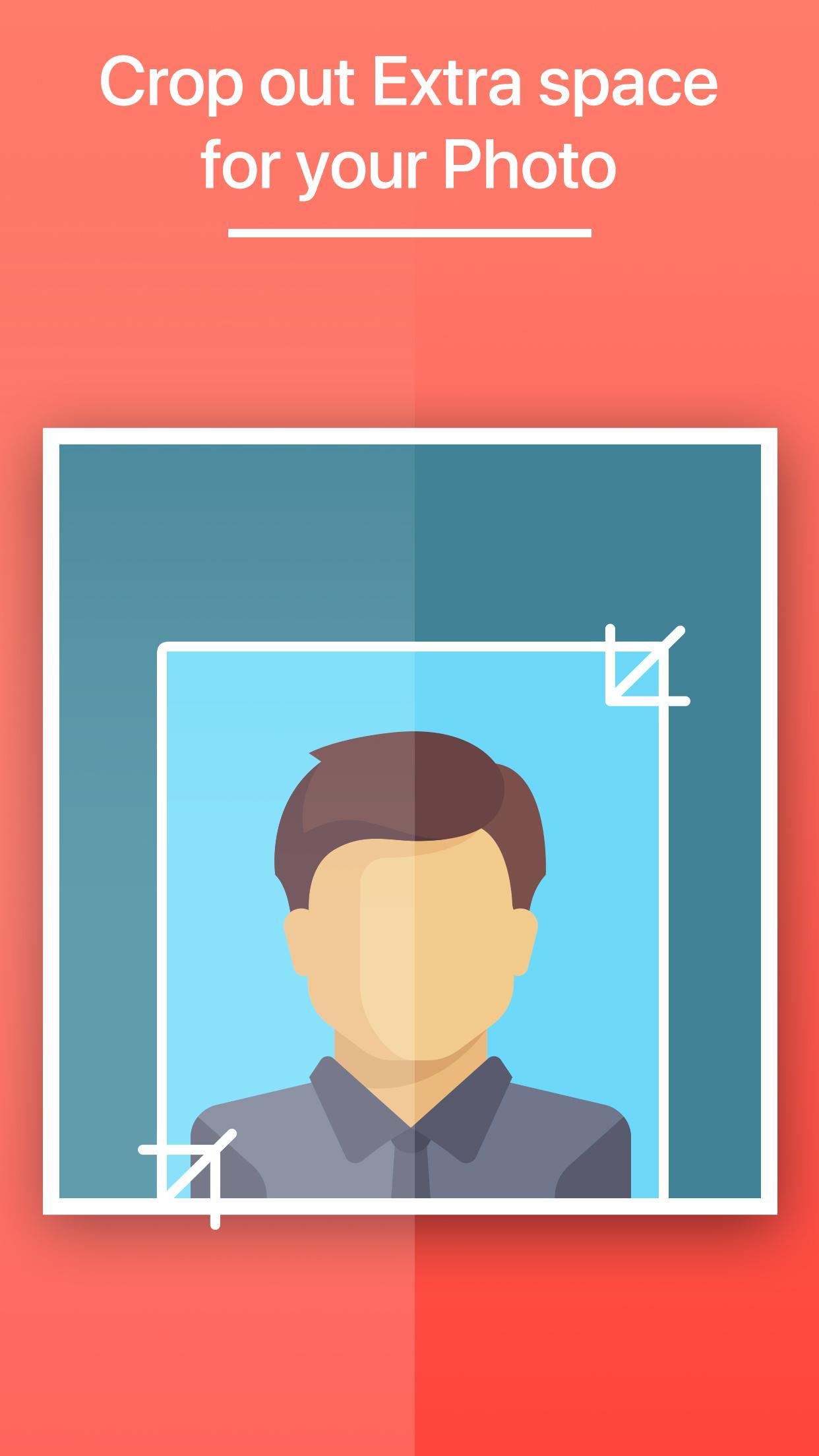
Crop the part of photo which you wants to include in final passport photo
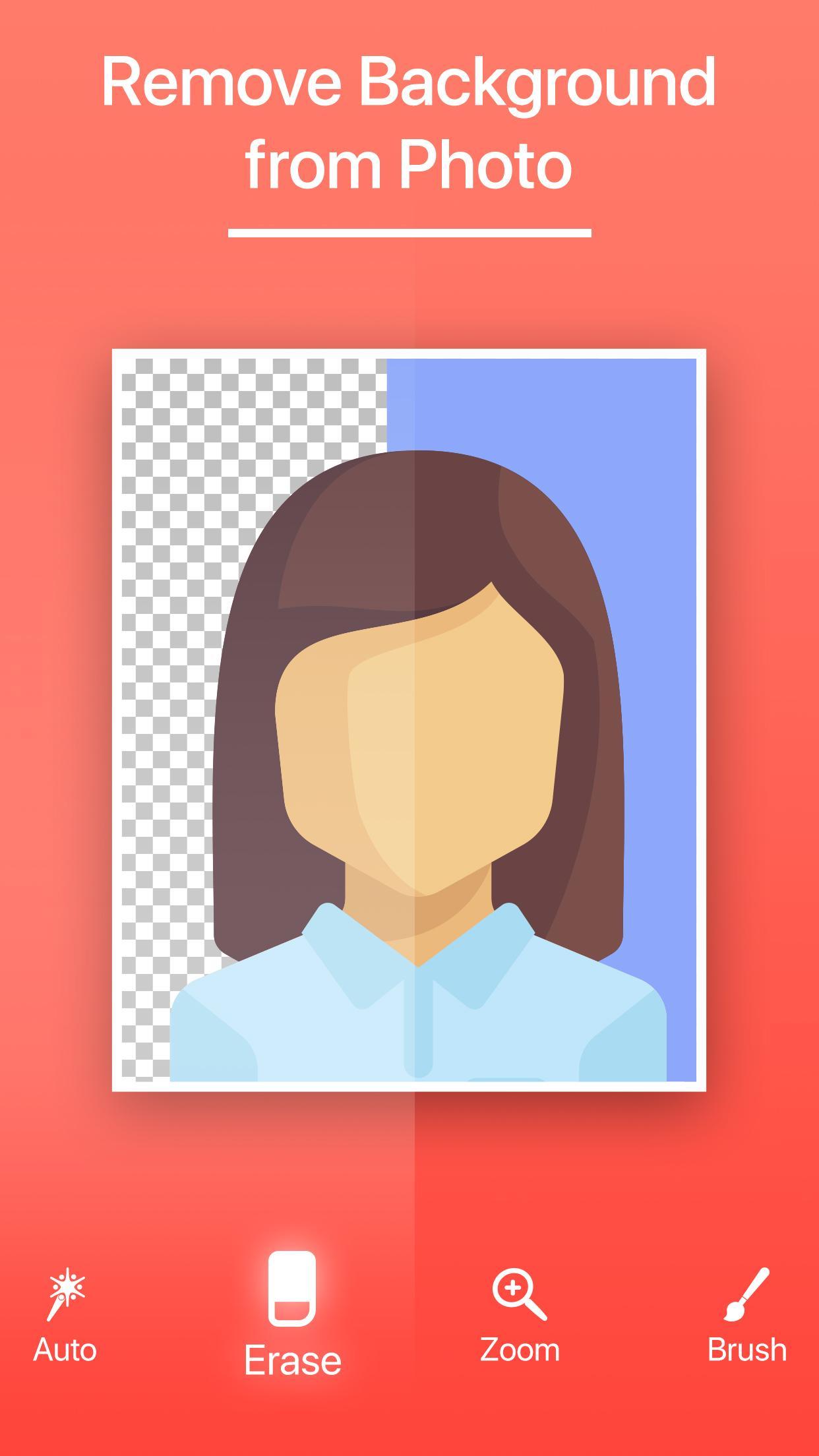
Erase unwanted background area
Set background color and border
Adjust photo quality when you save photo
Select how many of passport photos copies you want
Create Professional passport photos for official use by downloading Passport Size Photo Maker. For that, if you want to save cost and time to create your own passport photo, this passport size photo maker is just the right app for you…!
Xem trước
Thẻ
Nhiếp ảnhThông tin
Nhà phát triển
Devkrushna Infotech
Phiên bản mới nhất
1.0
Cập nhật mới nhất
2019-01-11
Loại
Nhiếp ảnh
Có trên
Google Play
Cho xem nhiều hơn
Cách chơi Passport Size Photo Maker với GameLoop trên PC
1. Tải xuống GameLoop từ trang web chính thức, sau đó chạy tệp exe để cài đặt GameLoop.
2. Mở GameLoop và tìm kiếm “Passport Size Photo Maker”, tìm Passport Size Photo Maker trong kết quả tìm kiếm và nhấp vào “Cài đặt”.
3. Thích chơi Passport Size Photo Maker trên GameLoop.
Minimum requirements
OS
Windows 8.1 64-bit or Windows 10 64-bit
GPU
GTX 1050
CPU
i3-8300
Memory
8GB RAM
Storage
1GB available space
Recommended requirements
OS
Windows 8.1 64-bit or Windows 10 64-bit
GPU
GTX 1050
CPU
i3-9320
Memory
16GB RAM
Storage
1GB available space