Bharatiya Janata Party BJP Photo Frame Editor 2019 PC
Photo Frame Editor Studio
Tải xuống Bharatiya Janata Party BJP Photo Frame Editor 2019 trên PC với Trình giả lập GameLoop
Bharatiya Janata Party BJP Photo Frame Editor 2019 trên PC
Bharatiya Janata Party BJP Photo Frame Editor 2019, đến từ nhà phát triển Photo Frame Editor Studio, đang chạy trên hệ điều hành Android trong quá khứ.
Giờ đây, bạn có thể chơi Bharatiya Janata Party BJP Photo Frame Editor 2019 trên PC với GameLoop một cách mượt mà.
Tải xuống nó trong thư viện GameLoop hoặc kết quả tìm kiếm. Không còn để ý đến pin hoặc các cuộc gọi bực bội vào sai thời điểm nữa.
Chỉ cần thưởng thức Bharatiya Janata Party BJP Photo Frame Editor 2019 PC trên màn hình lớn miễn phí!
Bharatiya Janata Party BJP Photo Frame Editor 2019 Giới thiệu
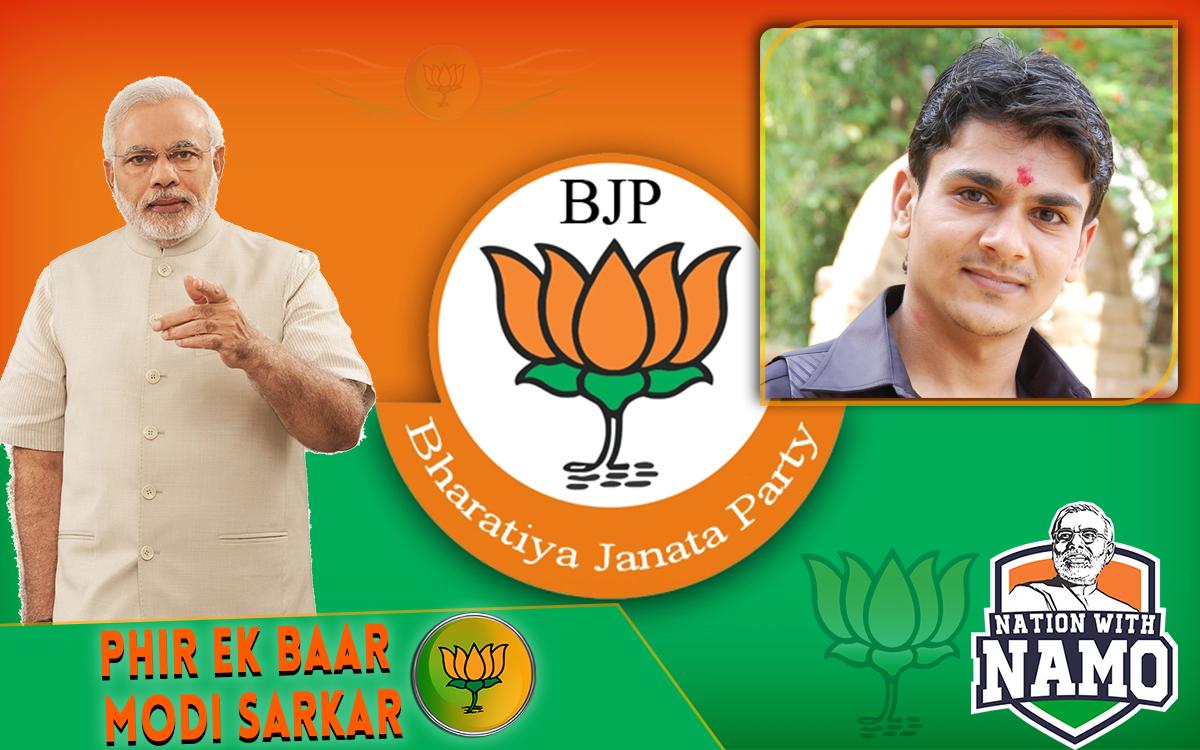
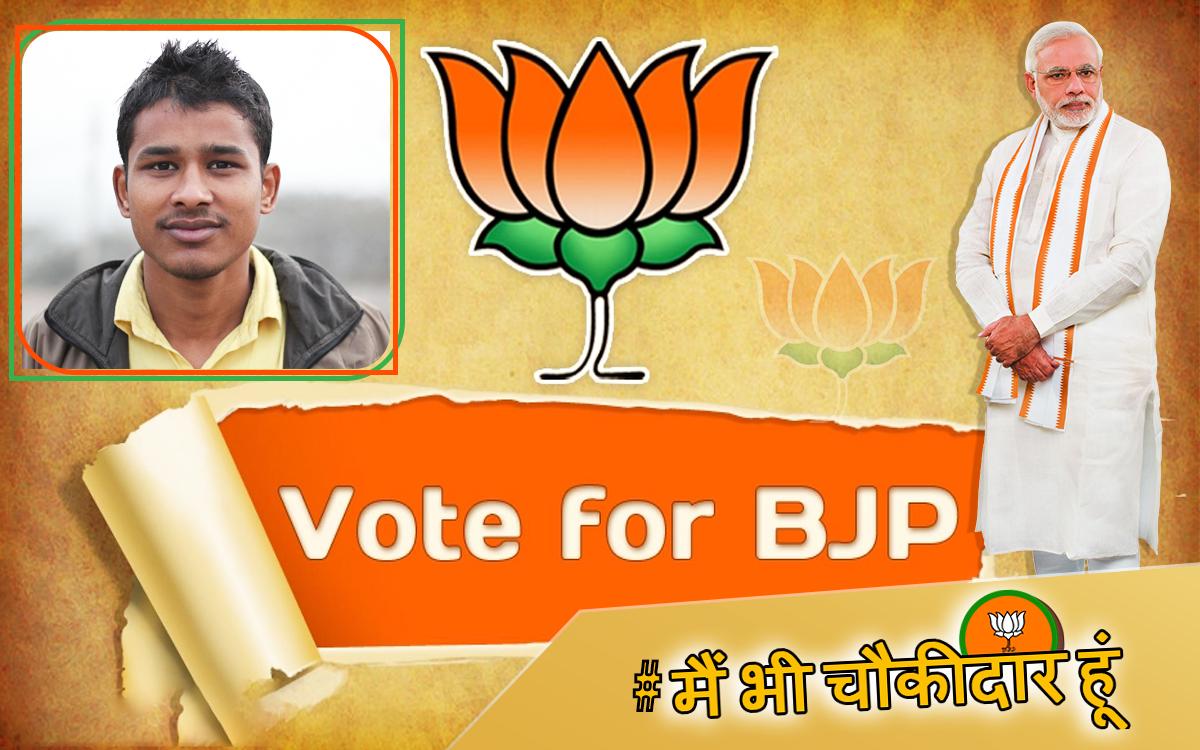
Bharatiya Janata Party BJP Flax Banner Photo Frame Editor 2019 app that fulfill your highest requirement for edit your normal photo to Bharatiya Janata Party BJP Flax Banner Photo Frame Editor 2019 to design your photos with valuable
massages and attractive stickers. This App that includes all functionalities in single app which are provided in different top downloaded apps.
In Our App Bharatiya Janata Party BJP Flax Banner Photo Frame Editor 2019 Includes Amazing Frames With awesome functionalities:
1. Different Unique Bharatiya Janata Party BJP Flax Banner Photo Frame Editor 2019 with Amazing Lovely HD EFFECTS and many more.
2. Lots of photo frame shapes.
3. Many exciting smiley and stickers.
4. Three Crop Options shape your ideas.
5. Feather Options for sharp your creativity.
6. Opacity Option for manage shine photo frames.
7. Text Option for awesome quotes.
8. Resize Option for perfect shape.
This App Gives Easy to create Unique Photo With Your True Love Family And friends.
Instructions For Use:
Step 1: Click On "Start" Button.
Step 2: Select Background i.e. "Bharatiya Janata Party BJP Flax Banner Photo Frame Editor 2019".
Step 3: Click "Add Photo" for choose your photo. Select Source Camera or Gallery.
Step 4: Choose Crop Method.*USE PEN OR STICK FOR BETTER SELECTION IN FREE HAND CROP.
Step 5: You can manage FEATHER ratio for hide crop edges.
Step 6: Resize your crop photo for perfect adjustment and place.
Note: You can set Opacity for perfect Shine.
Step 7: Add Stickers or Text as per your idea.
Step 8: SAVE and Share with your friends and family.
If you have any suggestion or doubt for Our App, Please feel free to mail Us.
Ads is supporting us and encourage for more updates.
We appreciates your valuable Comment and Full Review for Support Developers. It Help us to Develop Better and Beautiful App.
Thanking you !
ChanDiv
Xem trước
Thông tin
Nhà phát triển
Photo Frame Editor Studio
Phiên bản mới nhất
1.18
Cập nhật mới nhất
2019-03-22
Loại
Nhiếp ảnh
Có trên
Google Play
Cho xem nhiều hơn
Cách chơi Bharatiya Janata Party BJP Photo Frame Editor 2019 với GameLoop trên PC
1. Tải xuống GameLoop từ trang web chính thức, sau đó chạy tệp exe để cài đặt GameLoop.
2. Mở GameLoop và tìm kiếm “Bharatiya Janata Party BJP Photo Frame Editor 2019”, tìm Bharatiya Janata Party BJP Photo Frame Editor 2019 trong kết quả tìm kiếm và nhấp vào “Cài đặt”.
3. Thích chơi Bharatiya Janata Party BJP Photo Frame Editor 2019 trên GameLoop.
Minimum requirements
OS
Windows 8.1 64-bit or Windows 10 64-bit
GPU
GTX 1050
CPU
i3-8300
Memory
8GB RAM
Storage
1GB available space
Recommended requirements
OS
Windows 8.1 64-bit or Windows 10 64-bit
GPU
GTX 1050
CPU
i3-9320
Memory
16GB RAM
Storage
1GB available space