Prismatik Controller PC
exitbrain
Tải xuống Prismatik Controller trên PC với Trình giả lập GameLoop
Prismatik Controller trên PC
Prismatik Controller, đến từ nhà phát triển exitbrain, đang chạy trên hệ điều hành Android trong quá khứ.
Giờ đây, bạn có thể chơi Prismatik Controller trên PC với GameLoop một cách mượt mà.
Tải xuống nó trong thư viện GameLoop hoặc kết quả tìm kiếm. Không còn để ý đến pin hoặc các cuộc gọi bực bội vào sai thời điểm nữa.
Chỉ cần thưởng thức Prismatik Controller PC trên màn hình lớn miễn phí!
Prismatik Controller Giới thiệu
Prismatik Controller is a remote controller for Prismatik software v.5.11.0 for people who currently have a Lightpack. If you would like more info about Prismatik or Lightpack please visit www.lightpack.tv
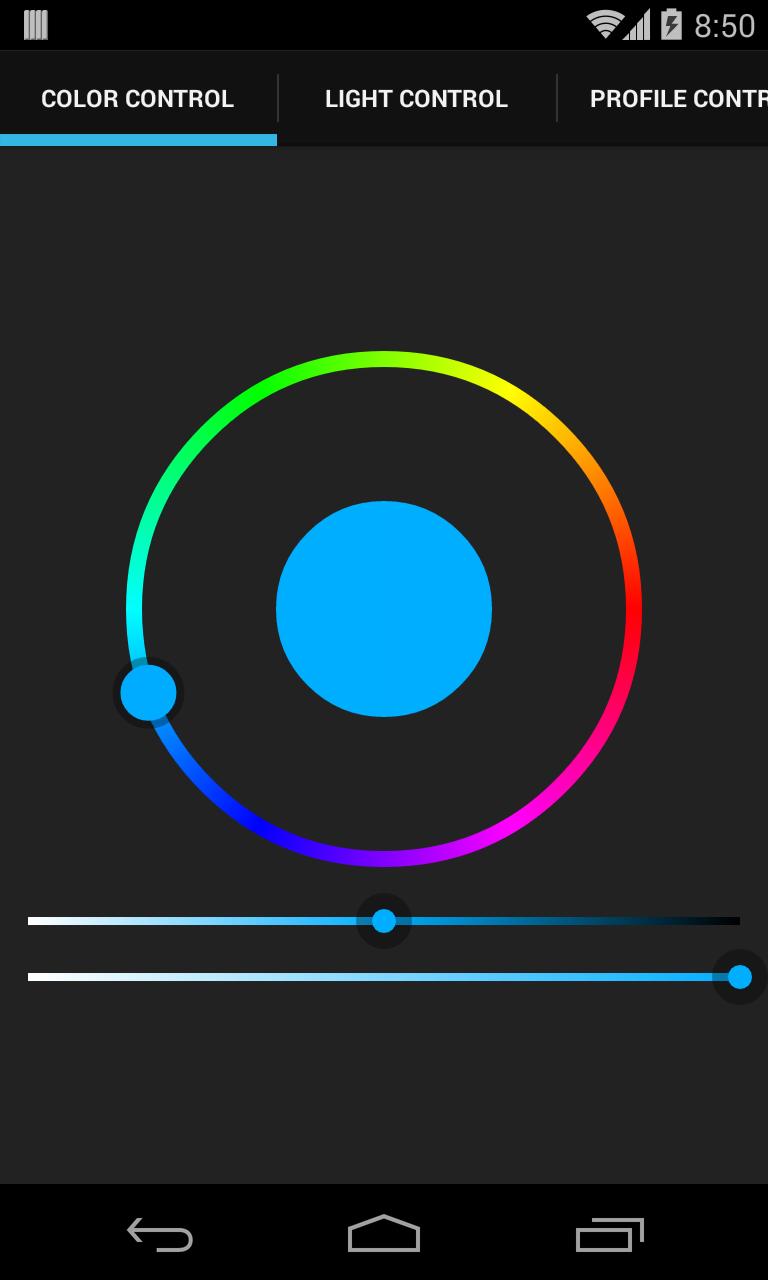
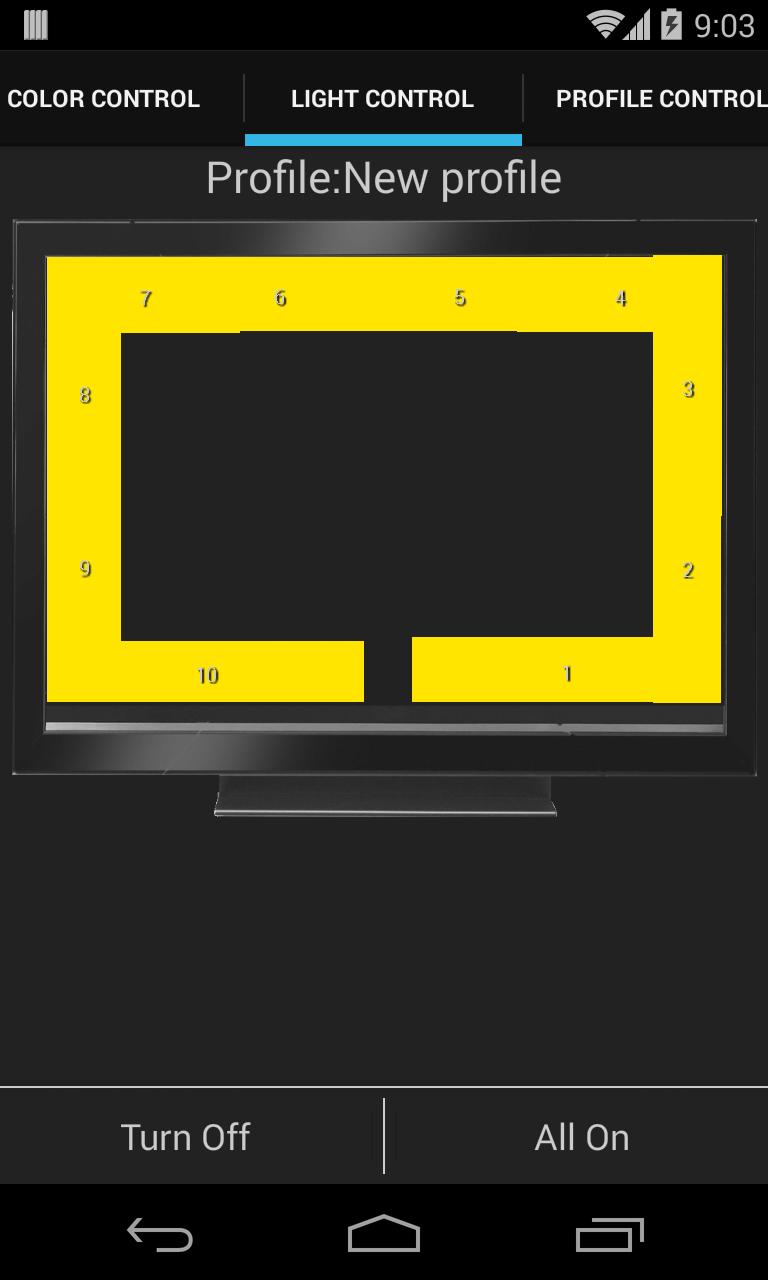
With Prismatik Controller you will be able to manage profiles by switching between them and editing them on the fly without having to open the Prismatik app on your computer. You can also change the led colors and play simple animations from the app.
How to set up:
When you installed Prismatic (v5.11.0) on your computer it started a server that runs when Prismatik is running. This app creates a client to connect to Prismatik's server to control the lights.
For this app's client to connect to the server it needs to know what the local IP address is of the computer running Prismatic. To lookup your local IP address just Google: "How to find the local IP address on (windows/a mac)" and follow the intructions to get it.
This app also needs the port that the server is running on if you didn't make any changes to Prismatik the port should be 3636 which is the default for this app. You can confirm that this is the port used by going to the "Experimental" tab of Prismatik's settings. The "Experimental" tab might not be visible for you, so to make it visible go to the "Profiles" tab and check the "Expert mode" checkbox and the new tab will appear.
From the "Experimental" tab you should see the "Enable server" checkbox checked and if not then check it. From this tab you can also confirm the port number and see what your API key is. If you change your API key you will need to make that same change in this app. Also you will need to uncheck the "Listen only on local interfaces" checkbox.
With the IP address, port and API key set up in the app as long as you are on the same network you should be able to connect to Prismatik and change the colors of the lights.
If you have any questions or feedback please feel free to email me at exitbrain@exitbrain.com
Xem trước
Thông tin
Nhà phát triển
exitbrain
Phiên bản mới nhất
1.4
Cập nhật mới nhất
2014-07-28
Loại
Cá nhân hóa
Có trên
Google Play
Cho xem nhiều hơn
Cách chơi Prismatik Controller với GameLoop trên PC
1. Tải xuống GameLoop từ trang web chính thức, sau đó chạy tệp exe để cài đặt GameLoop.
2. Mở GameLoop và tìm kiếm “Prismatik Controller”, tìm Prismatik Controller trong kết quả tìm kiếm và nhấp vào “Cài đặt”.
3. Thích chơi Prismatik Controller trên GameLoop.
Minimum requirements
OS
Windows 8.1 64-bit or Windows 10 64-bit
GPU
GTX 1050
CPU
i3-8300
Memory
8GB RAM
Storage
1GB available space
Recommended requirements
OS
Windows 8.1 64-bit or Windows 10 64-bit
GPU
GTX 1050
CPU
i3-9320
Memory
16GB RAM
Storage
1GB available space