Me Clock widget-Analog&Digital PC
Android_media
Tải xuống Me Clock widget-Analog&Digital trên PC với Trình giả lập GameLoop
Me Clock widget-Analog&Digital trên PC
Me Clock widget-Analog&Digital, đến từ nhà phát triển Android_media, đang chạy trên hệ điều hành Android trong quá khứ.
Giờ đây, bạn có thể chơi Me Clock widget-Analog&Digital trên PC với GameLoop một cách mượt mà.
Tải xuống nó trong thư viện GameLoop hoặc kết quả tìm kiếm. Không còn để ý đến pin hoặc các cuộc gọi bực bội vào sai thời điểm nữa.
Chỉ cần thưởng thức Me Clock widget-Analog&Digital PC trên màn hình lớn miễn phí!
Me Clock widget-Analog&Digital Giới thiệu
How to use:
1. Download "Me Clock" .
2. Long press on an empty region of your home screen.
3. Add "Me Clock Widget" from your widget list.
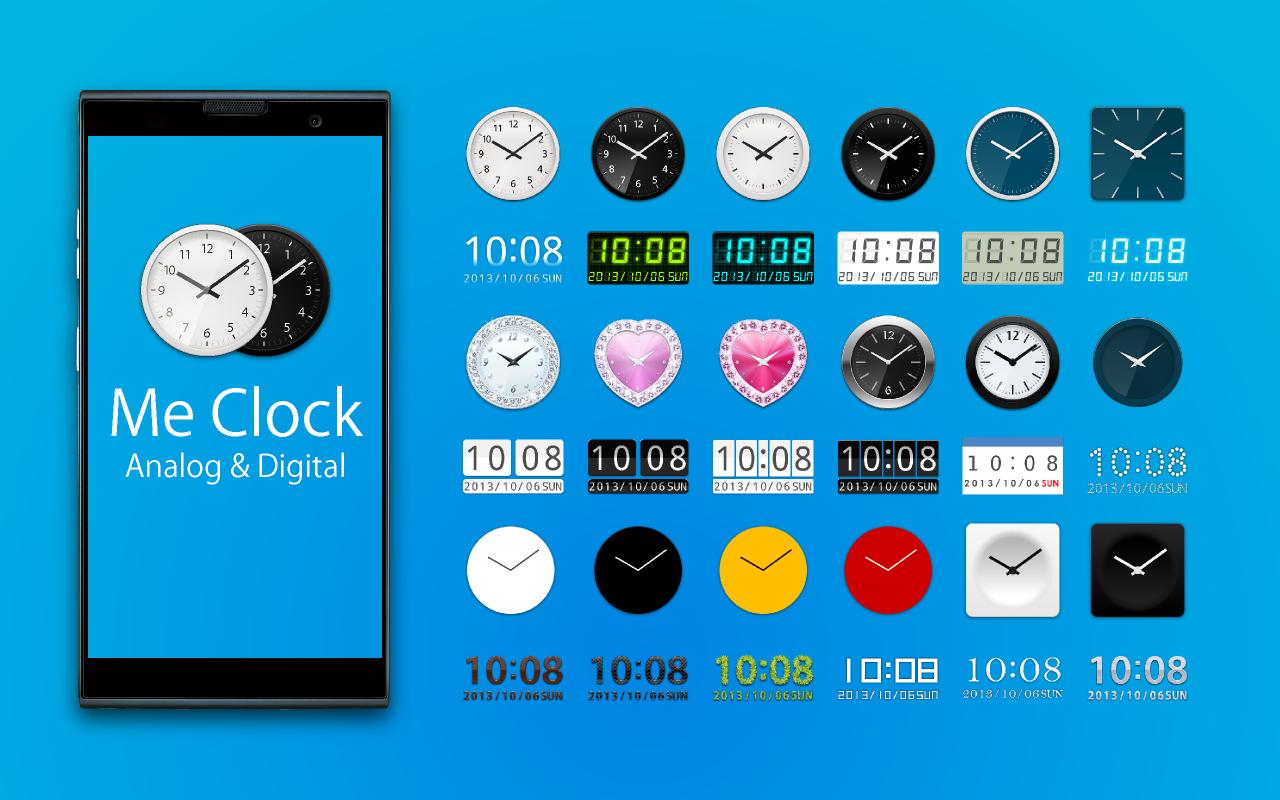
4. Select clock skin from the list.
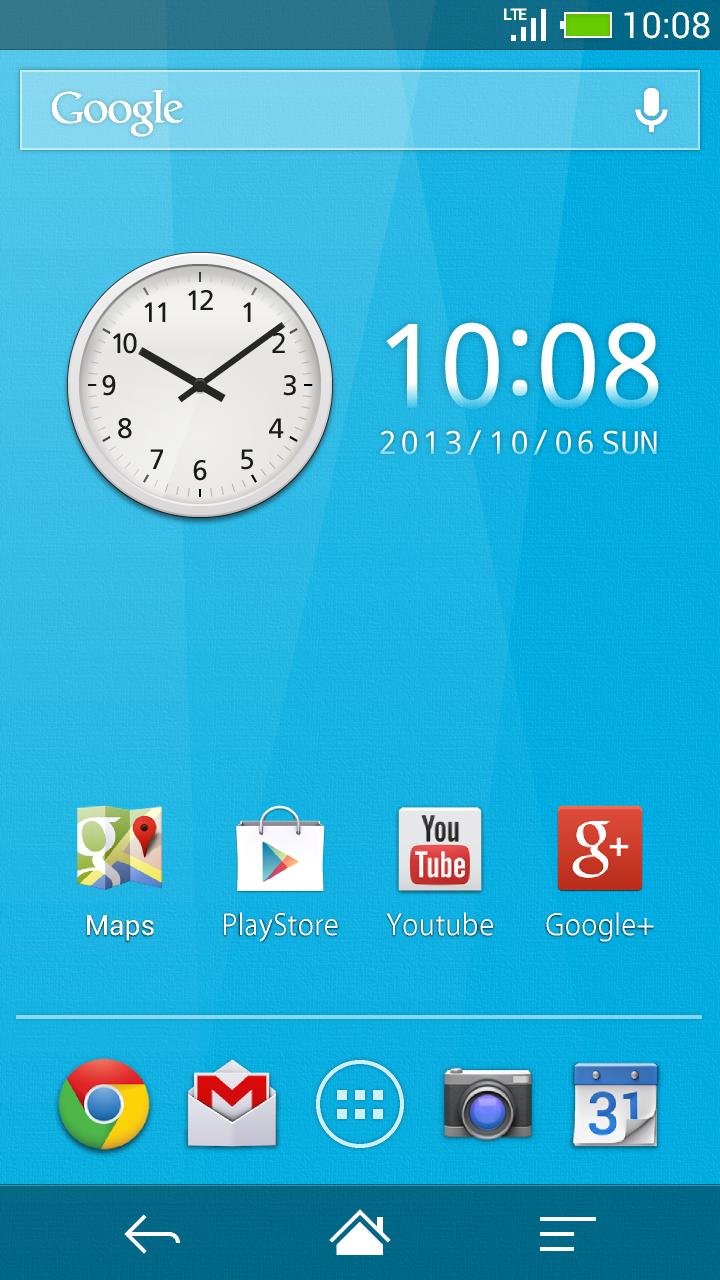
5. The widget will appear in your home screen.
< Remove the widget from the home >
1. Long press the widget.
2. The widget drag and drop to the trash on the home.
< Re-sizing the widget (Android3.1+ and Go Launcher) >
1. Long press the widget.
2. You will see four dots popup and a line bordering the widget’s area.
3. Drag the dots to their desired position for what size you would like then release.
4. Press the back key.
< Launch application >
1. Tap the widget and open "Me Clock Widget" setting menu.
2. Select " Tap to open application "
3. Choose application from the list.
4. Press the back key and menu closed.
5. Launch application when tap the widget on next time.
< Change displayed 12h/24h >
1. Tap the widget and open "Me Clock Widget" setting menu.
2. Check the " 24h "
3. Press the back key and menu closed.
< Change displayed date format >
1. Tap the widget and open "Me Clock Widget" setting menu.
2. Tap the " Date Format "
3. Select format on the list.
4. Press the back key and menu closed.
FAQ :
Q : Clock disappeared after the update
A : There is a possibility that clock widget that is disposed is transparent. After you throw away and hold to the trash to the location to which you put the clock widget, please place again.
Q : Don't work tap the application shortcut from the home.
A : Please to use from the widget list. And no problem remove the shortcut from the home.
Q : I want to change setting after launch application setting.
A : Once remove the widget and put on widget again.
Q : Does it communicate frequently?
A : Only when you view the watch list, it is communicating to update the clock skins list.
If there are no updates to the list, because it uses the cache, traffic is small.
It does not do the communication in the background otherwise.
Q : Use meny process? Use meny battery power?
A : This widget have no ads. The battery use and process use a minimum.
Test Devices:
Nexus4,Nexus7,Nexus10,FUJITSU,GalaxyNoteII,XperiaAcro
Features:
- Design skins many themes.(Analog clock, Digital clock, Simple, Cool, and Elegant)
- Support scaling adjustment of the widget size. (Android3.1+)
- Launch Application by tapping the clock widget.
- 24-hour format supported.(AM/PM)
- Date format supported.
- Lock screen widget.(Android4.2+)
- No ads.
From the team:
Thank you for using, Please rate it , and send me feedback.
Thank you.
Xem trước
Thông tin
Nhà phát triển
Android_media
Phiên bản mới nhất
3.6
Cập nhật mới nhất
2015-03-02
Loại
Cá nhân hóa
Có trên
Google Play
Cho xem nhiều hơn
Cách chơi Me Clock widget-Analog&Digital với GameLoop trên PC
1. Tải xuống GameLoop từ trang web chính thức, sau đó chạy tệp exe để cài đặt GameLoop.
2. Mở GameLoop và tìm kiếm “Me Clock widget-Analog&Digital”, tìm Me Clock widget-Analog&Digital trong kết quả tìm kiếm và nhấp vào “Cài đặt”.
3. Thích chơi Me Clock widget-Analog&Digital trên GameLoop.
Minimum requirements
OS
Windows 8.1 64-bit or Windows 10 64-bit
GPU
GTX 1050
CPU
i3-8300
Memory
8GB RAM
Storage
1GB available space
Recommended requirements
OS
Windows 8.1 64-bit or Windows 10 64-bit
GPU
GTX 1050
CPU
i3-9320
Memory
16GB RAM
Storage
1GB available space