Launcher iOS 15 Control Center PC
Future 4 Tomorrow
Tải xuống Launcher iOS 15 Control Center trên PC với Trình giả lập GameLoop
Launcher iOS 15 Control Center trên PC
Launcher iOS 15 Control Center, đến từ nhà phát triển Future 4 Tomorrow, đang chạy trên hệ điều hành Android trong quá khứ.
Giờ đây, bạn có thể chơi Launcher iOS 15 Control Center trên PC với GameLoop một cách mượt mà.
Tải xuống nó trong thư viện GameLoop hoặc kết quả tìm kiếm. Không còn để ý đến pin hoặc các cuộc gọi bực bội vào sai thời điểm nữa.
Chỉ cần thưởng thức Launcher iOS 15 Control Center PC trên màn hình lớn miễn phí!
Launcher iOS 15 Control Center Giới thiệu
1OS Control center is easy and instant icenter 14 for access on your device looks like a professional launcher.
Control center 1OS 15 launchers for your android phone with easy to using 1OS 13 launcher and smooth & clean user interface. You can experience the 1OS control center with the assistive touch 1OS 14.
1OS control center launcher has a convenient feature of iCenter 14 - 1OS assistive touch 14.
↦ Key Features of 1OS launcher
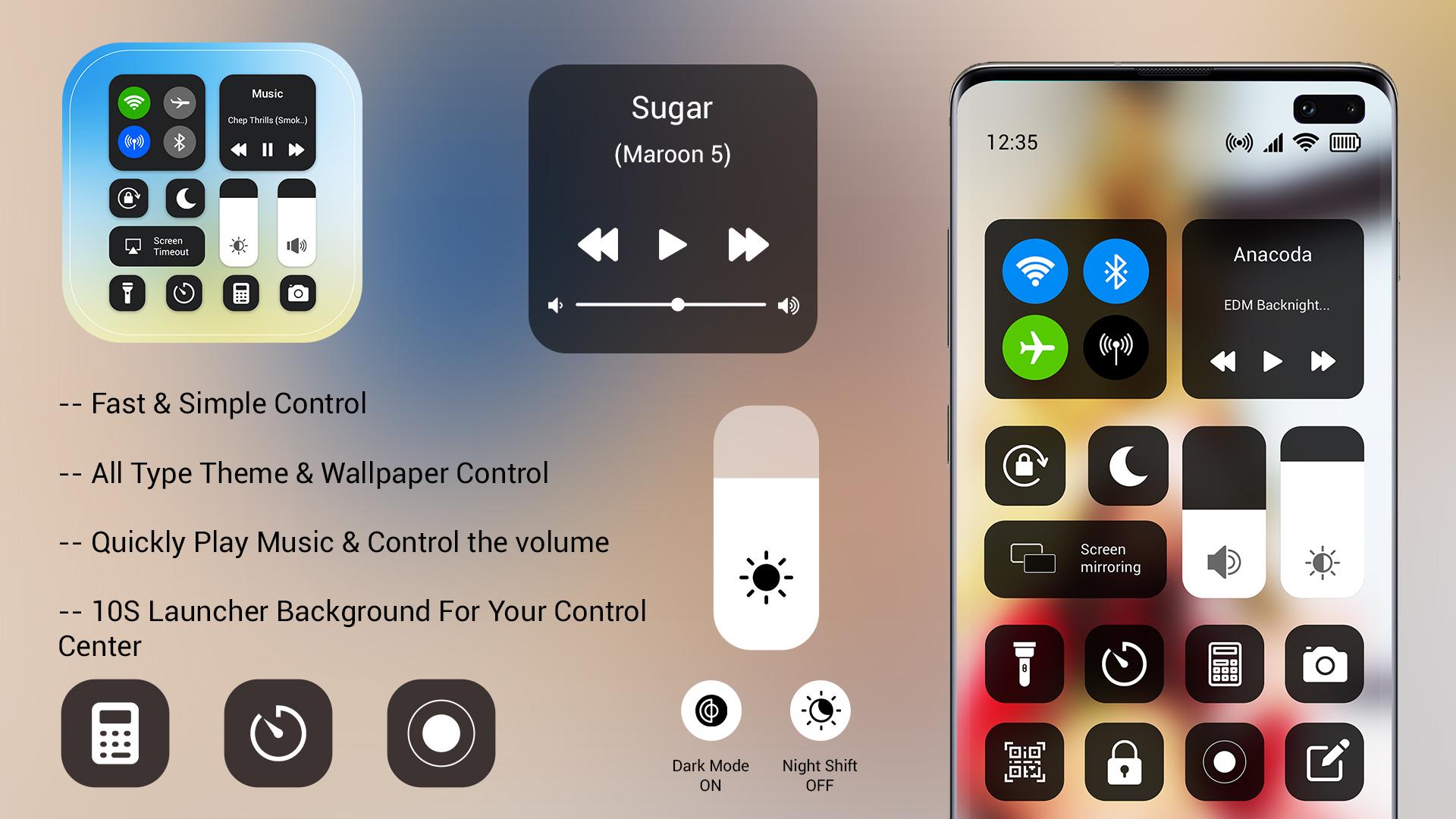
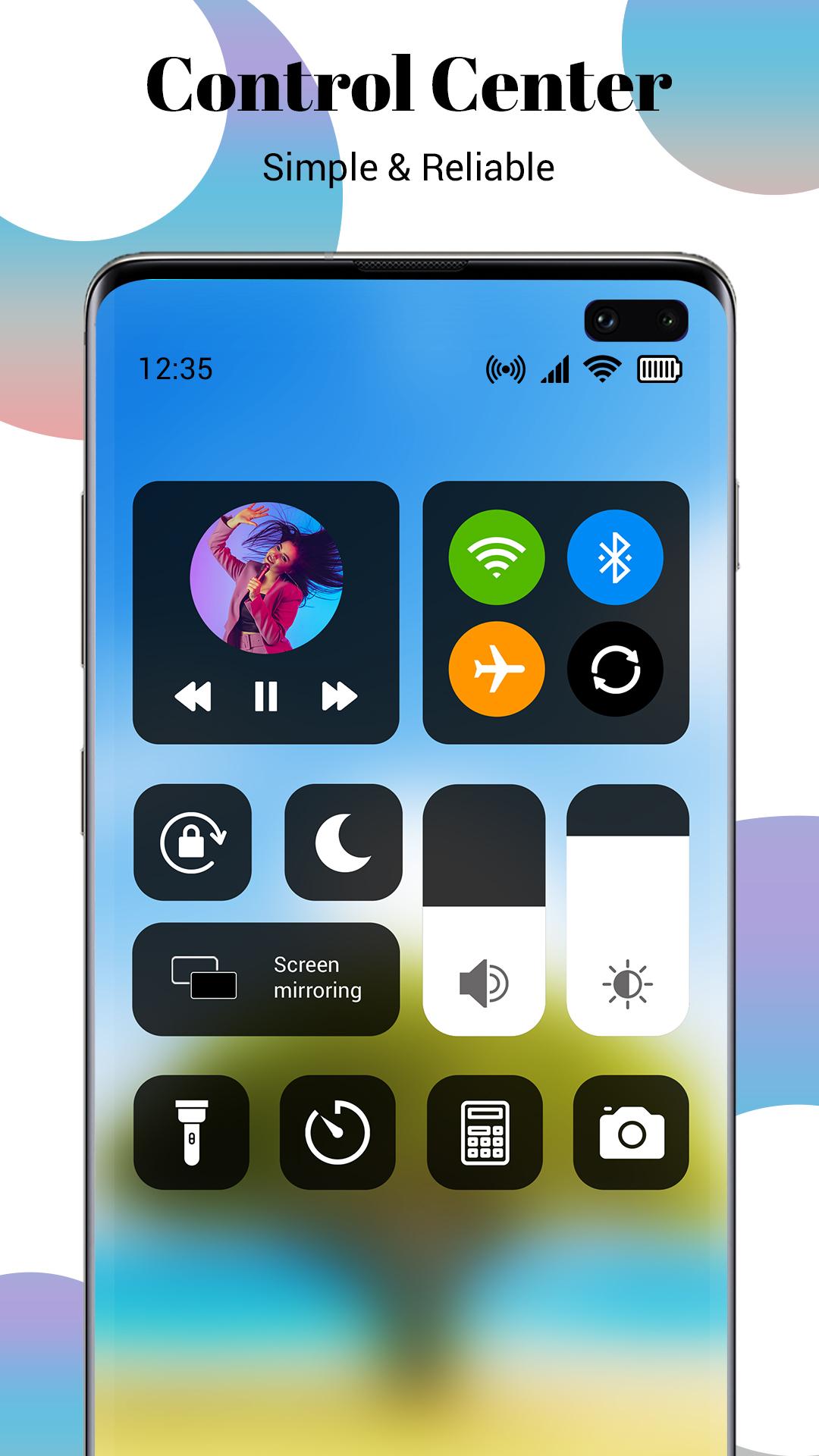
⦁ All-in-one 1OS control center like the home screen, icontrol center, 1OS lock screen, assistive touch
⦁ Quick search gesture by just swiping down anywhere on the screen
⦁ Make multiple groups of applications with you can hide the app by 1OS launcher
⦁ Gets all application icons similar to myOS center
⦁ Check notification in 1OS style on left down swiping
⦁ Manage all control in one icontrol center
Note: For use, this launcher sets 1OS launcher as the default OS on your smartphone.
In control center for 1OS 15 launcher has an inbuilt 1OS assistive touch 14 control center which all control access in one touch. It can use as a quick control center placed on the screen anywhere. Add ilock screen on mobile with check all notification get in 1OS style notification launcher. In 1OS launcher, you get all features of the same as I launcher.
↦ Disclaimer:
⦁ This 1OS launcher is not linked with the iOS system. This is launcher app.
⦁ This icon collection for iOS was designed by fans and does not infringe on any copyrights or trademarks.
⦁ It is purely a fan-made third-party application for customizing Android phones and is in no way linked with Apple Inc.
⦁ Please contact the team directly if you have a problem.
Xem trước
Thẻ
Cá nhân hóaThông tin
Nhà phát triển
Future 4 Tomorrow
Phiên bản mới nhất
1.0
Cập nhật mới nhất
2022-01-11
Loại
Cá nhân hóa
Có trên
Google Play
Cho xem nhiều hơn
Cách chơi Launcher iOS 15 Control Center với GameLoop trên PC
1. Tải xuống GameLoop từ trang web chính thức, sau đó chạy tệp exe để cài đặt GameLoop.
2. Mở GameLoop và tìm kiếm “Launcher iOS 15 Control Center”, tìm Launcher iOS 15 Control Center trong kết quả tìm kiếm và nhấp vào “Cài đặt”.
3. Thích chơi Launcher iOS 15 Control Center trên GameLoop.
Minimum requirements
OS
Windows 8.1 64-bit or Windows 10 64-bit
GPU
GTX 1050
CPU
i3-8300
Memory
8GB RAM
Storage
1GB available space
Recommended requirements
OS
Windows 8.1 64-bit or Windows 10 64-bit
GPU
GTX 1050
CPU
i3-9320
Memory
16GB RAM
Storage
1GB available space