
KawaiiWidget『Happy Sweets』 PC
SAICRAFT,Inc.
Tải xuống KawaiiWidget『Happy Sweets』 trên PC với Trình giả lập GameLoop
KawaiiWidget『Happy Sweets』 trên PC
KawaiiWidget『Happy Sweets』, đến từ nhà phát triển SAICRAFT,Inc., đang chạy trên hệ điều hành Android trong quá khứ.
Giờ đây, bạn có thể chơi KawaiiWidget『Happy Sweets』 trên PC với GameLoop một cách mượt mà.
Tải xuống nó trong thư viện GameLoop hoặc kết quả tìm kiếm. Không còn để ý đến pin hoặc các cuộc gọi bực bội vào sai thời điểm nữa.
Chỉ cần thưởng thức KawaiiWidget『Happy Sweets』 PC trên màn hình lớn miễn phí!
KawaiiWidget『Happy Sweets』 Giới thiệu
Free application.
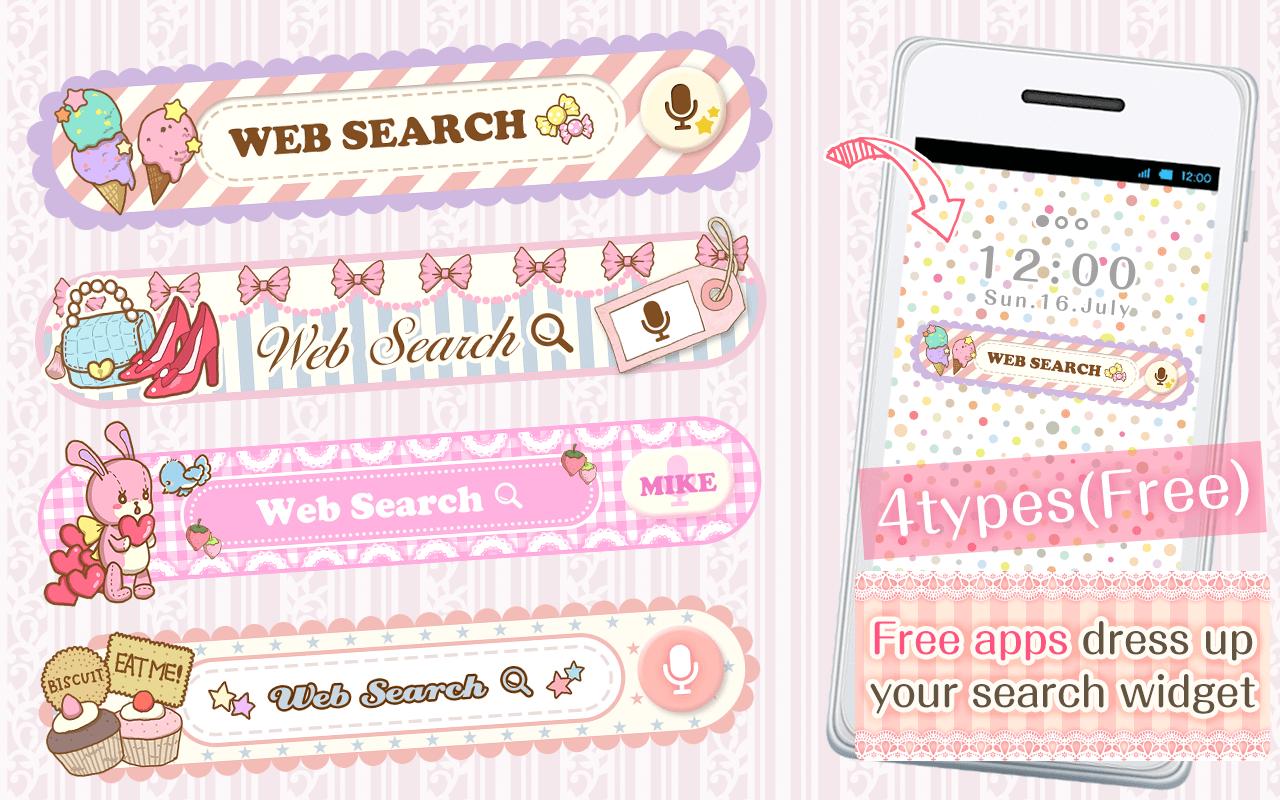
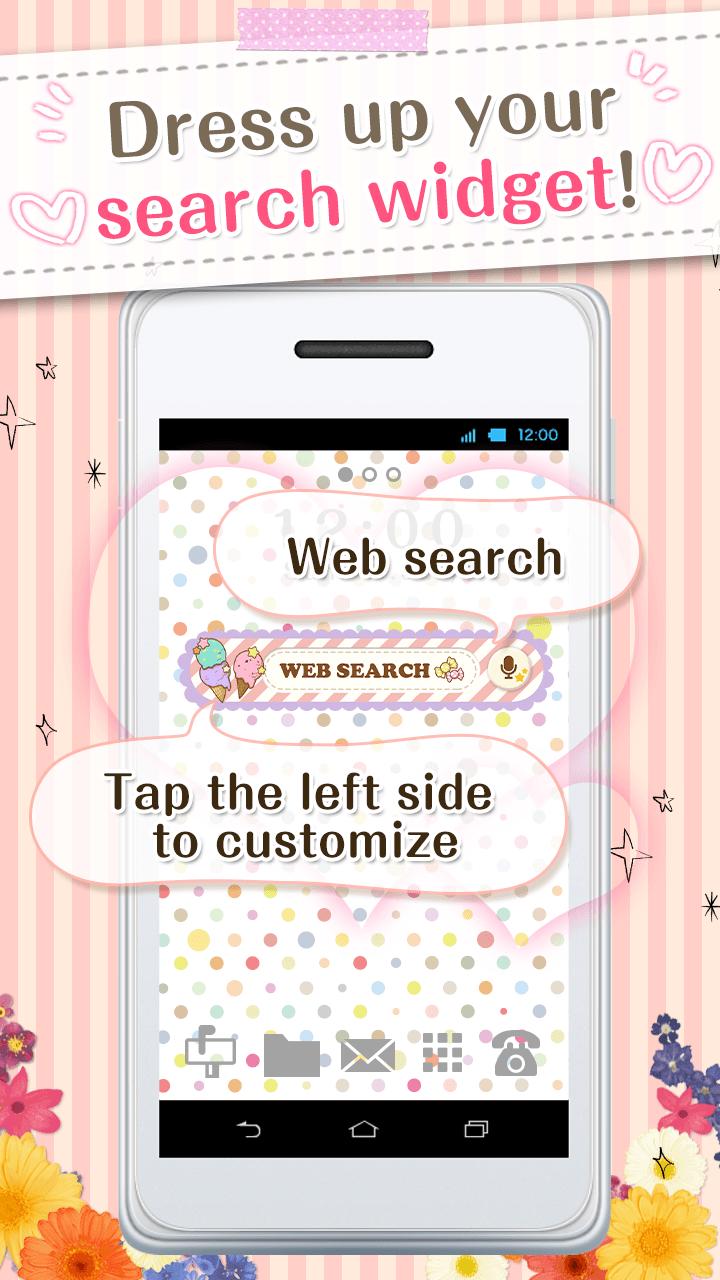
You can custumize your home screen with the cute Search Widget
Once downloaded onto your home screen,
this search widget allows you to access the internet easily.
You can enjoy many thpes of design,when you download the theme apps.
■For inquiries
info@aswidget.com
■Reasons to download
Easy to search once downloaded onto your home screen
Easy to delete and organize history
Supports voice input
■How to use
This application is used through downloading the search widget onto the home screen.
To use this application, please download the ""DRESSAPPS""application.
https://play.google.com/store/apps/details?id=com.aswidget.android.themewidget
■Set up method for search widget
Set up method is differs depending on the smart phone's brand.
Please check here
https://dressapps.jp/web/widget_setting
・Basic method1
1. Press down on an open space on your home screen.
2. Select "widget" once the menu is shown.
3. Select the widget of your choice. (for the old version: click on icon )
4. Clicking on the left area of the widget lets you change designs!
・Basic method2
1. Open your home screen and click on your application icon.
Although depending on device, the application button is formed of many ■ and ●
2. Tap on the widget button on the upper side of the screen and select the downloaded widget.
3. When the home screen pops up, drag the widget to the place of your choice.
4. Clicking on the left area of the widget lets you change designs!
■How to customize
(This search widget can be customized to your preference)
1. Click on the character on the left side of the search widget. The setup screen will pop up.
2. Choose a design of your choice from the ""more dressup""
■Comptible model
Android OS 2.3.3and later
■For inquiries
info@aswidget.com
Xem trước
Thông tin
Nhà phát triển
SAICRAFT,Inc.
Phiên bản mới nhất
1.0.0
Cập nhật mới nhất
2015-03-17
Loại
Cá nhân hóa
Có trên
Google Play
Cho xem nhiều hơn
Cách chơi KawaiiWidget『Happy Sweets』 với GameLoop trên PC
1. Tải xuống GameLoop từ trang web chính thức, sau đó chạy tệp exe để cài đặt GameLoop.
2. Mở GameLoop và tìm kiếm “KawaiiWidget『Happy Sweets』”, tìm KawaiiWidget『Happy Sweets』 trong kết quả tìm kiếm và nhấp vào “Cài đặt”.
3. Thích chơi KawaiiWidget『Happy Sweets』 trên GameLoop.
Minimum requirements
OS
Windows 8.1 64-bit or Windows 10 64-bit
GPU
GTX 1050
CPU
i3-8300
Memory
8GB RAM
Storage
1GB available space
Recommended requirements
OS
Windows 8.1 64-bit or Windows 10 64-bit
GPU
GTX 1050
CPU
i3-9320
Memory
16GB RAM
Storage
1GB available space