DashClock Widget PC
Roman Nurik and Ian Lake
Tải xuống DashClock Widget trên PC với Trình giả lập GameLoop
DashClock Widget trên PC
DashClock Widget, đến từ nhà phát triển Roman Nurik and Ian Lake, đang chạy trên hệ điều hành Android trong quá khứ.
Giờ đây, bạn có thể chơi DashClock Widget trên PC với GameLoop một cách mượt mà.
Tải xuống nó trong thư viện GameLoop hoặc kết quả tìm kiếm. Không còn để ý đến pin hoặc các cuộc gọi bực bội vào sai thời điểm nữa.
Chỉ cần thưởng thức DashClock Widget PC trên màn hình lớn miễn phí!
DashClock Widget Giới thiệu
** NOTE: this app is no longer being maintained. **
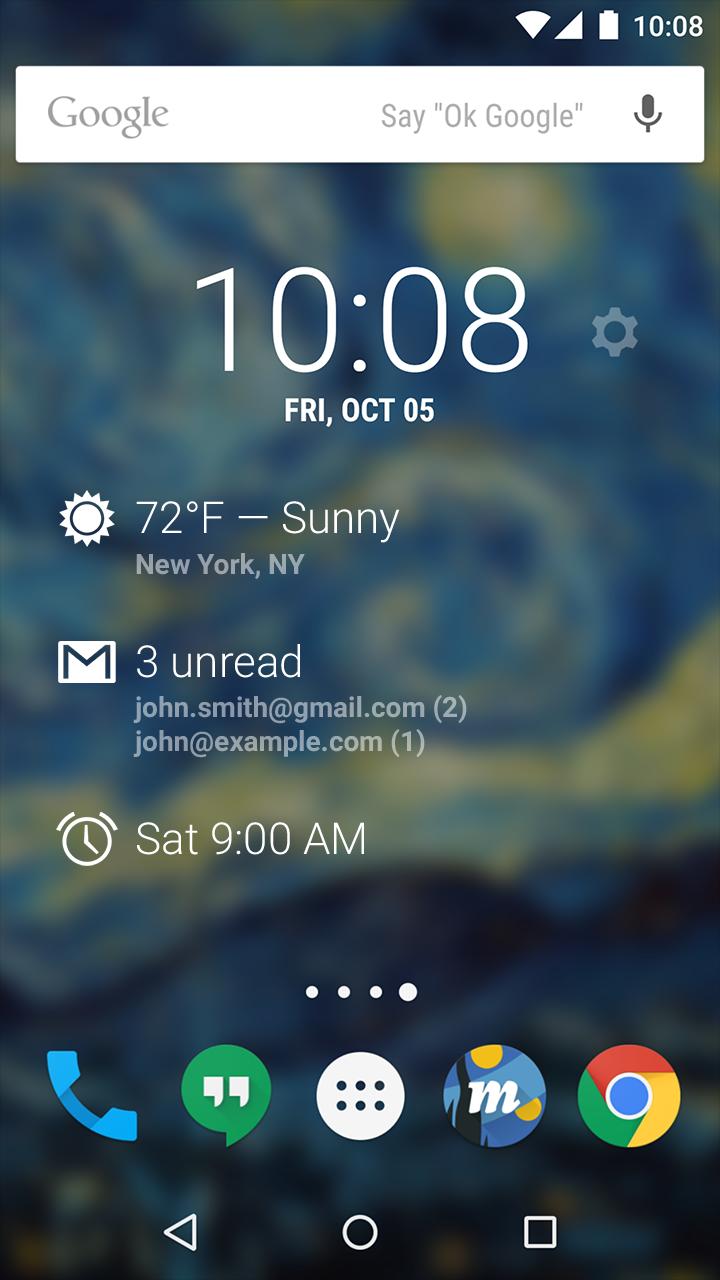
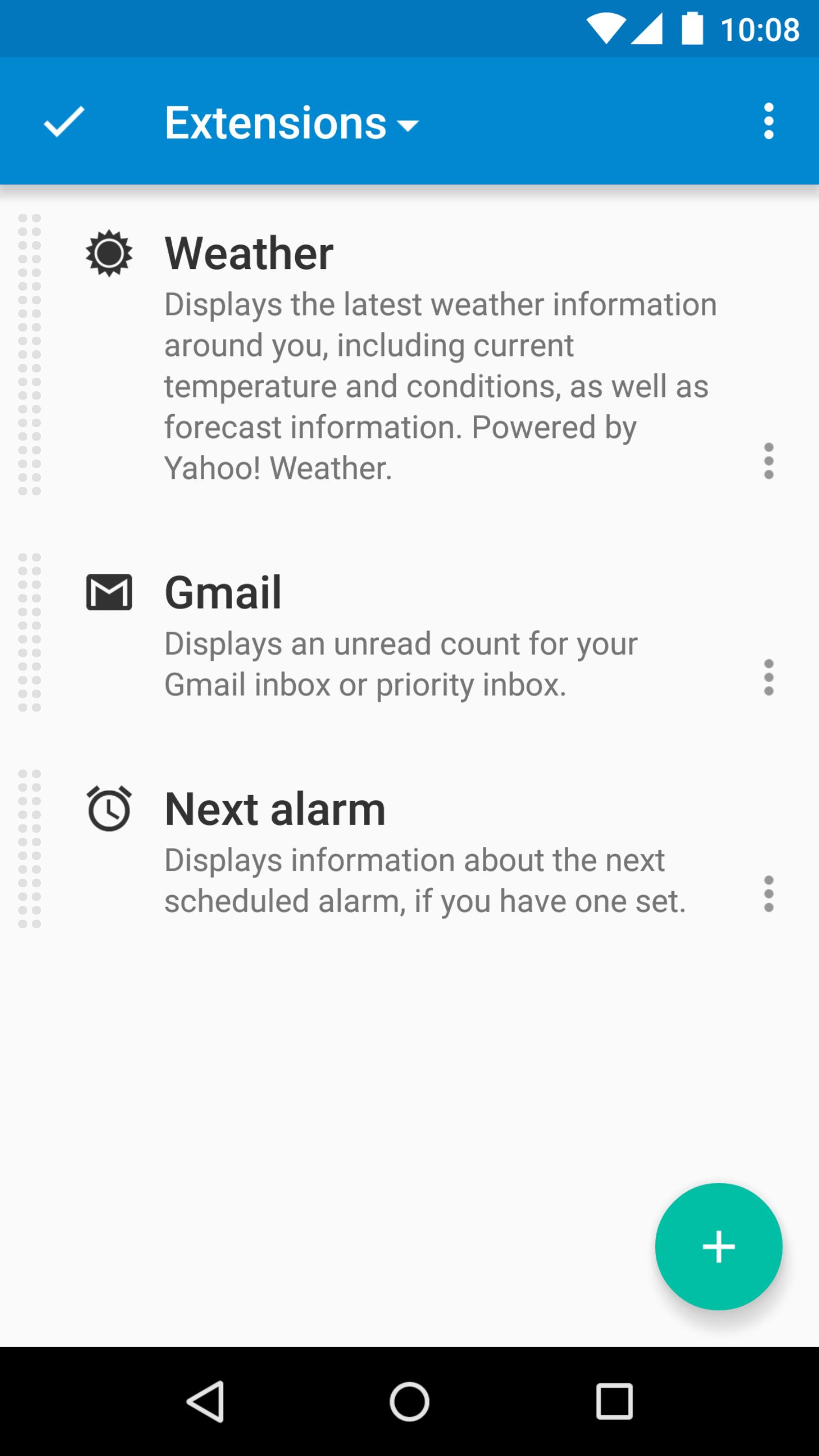
DashClock is a home screen clock widget for Android 4.2+ phones and tablets, with lock screen support for Android 4.2-4.4. It also exposes additional status items called extensions. The widget comes bundled with extensions that give you instant access to:
• Your current local weather
• Missed calls and unread text messages
• Your next calendar appointment
• Unread Gmail inbox or priority inbox conversations
• Your next scheduled alarm
To add the widget to your Android 4.2 device's lock screen, first make sure that "Enable widgets" is turned on in your security settings. Then, simply swipe to the left-most page of your lock screen and touch the "+" icon. Finally, select "DashClock" to customize and add the widget. You can make this the primary lock screen widget, replacing the default clock, by first touching-and-holding it and then dragging it horizontally to the very rightmost position.
Developers: DashClock is extensible! Visit the open source project at https://github.com/romannurik/dashclock to learn more or just check out the source.
Xem trước
Thông tin
Nhà phát triển
Roman Nurik and Ian Lake
Phiên bản mới nhất
1.7.2
Cập nhật mới nhất
2016-05-11
Loại
Cá nhân hóa
Có trên
Google Play
Cho xem nhiều hơn
Cách chơi DashClock Widget với GameLoop trên PC
1. Tải xuống GameLoop từ trang web chính thức, sau đó chạy tệp exe để cài đặt GameLoop.
2. Mở GameLoop và tìm kiếm “DashClock Widget”, tìm DashClock Widget trong kết quả tìm kiếm và nhấp vào “Cài đặt”.
3. Thích chơi DashClock Widget trên GameLoop.
Minimum requirements
OS
Windows 8.1 64-bit or Windows 10 64-bit
GPU
GTX 1050
CPU
i3-8300
Memory
8GB RAM
Storage
1GB available space
Recommended requirements
OS
Windows 8.1 64-bit or Windows 10 64-bit
GPU
GTX 1050
CPU
i3-9320
Memory
16GB RAM
Storage
1GB available space