Voice Recorder PC
Calendar Date
Tải xuống Voice Recorder trên PC với Trình giả lập GameLoop
Voice Recorder trên PC
Voice Recorder, đến từ nhà phát triển Calendar Date, đang chạy trên hệ điều hành Android trong quá khứ.
Giờ đây, bạn có thể chơi Voice Recorder trên PC với GameLoop một cách mượt mà.
Tải xuống nó trong thư viện GameLoop hoặc kết quả tìm kiếm. Không còn để ý đến pin hoặc các cuộc gọi bực bội vào sai thời điểm nữa.
Chỉ cần thưởng thức Voice Recorder PC trên màn hình lớn miễn phí!
Voice Recorder Giới thiệu
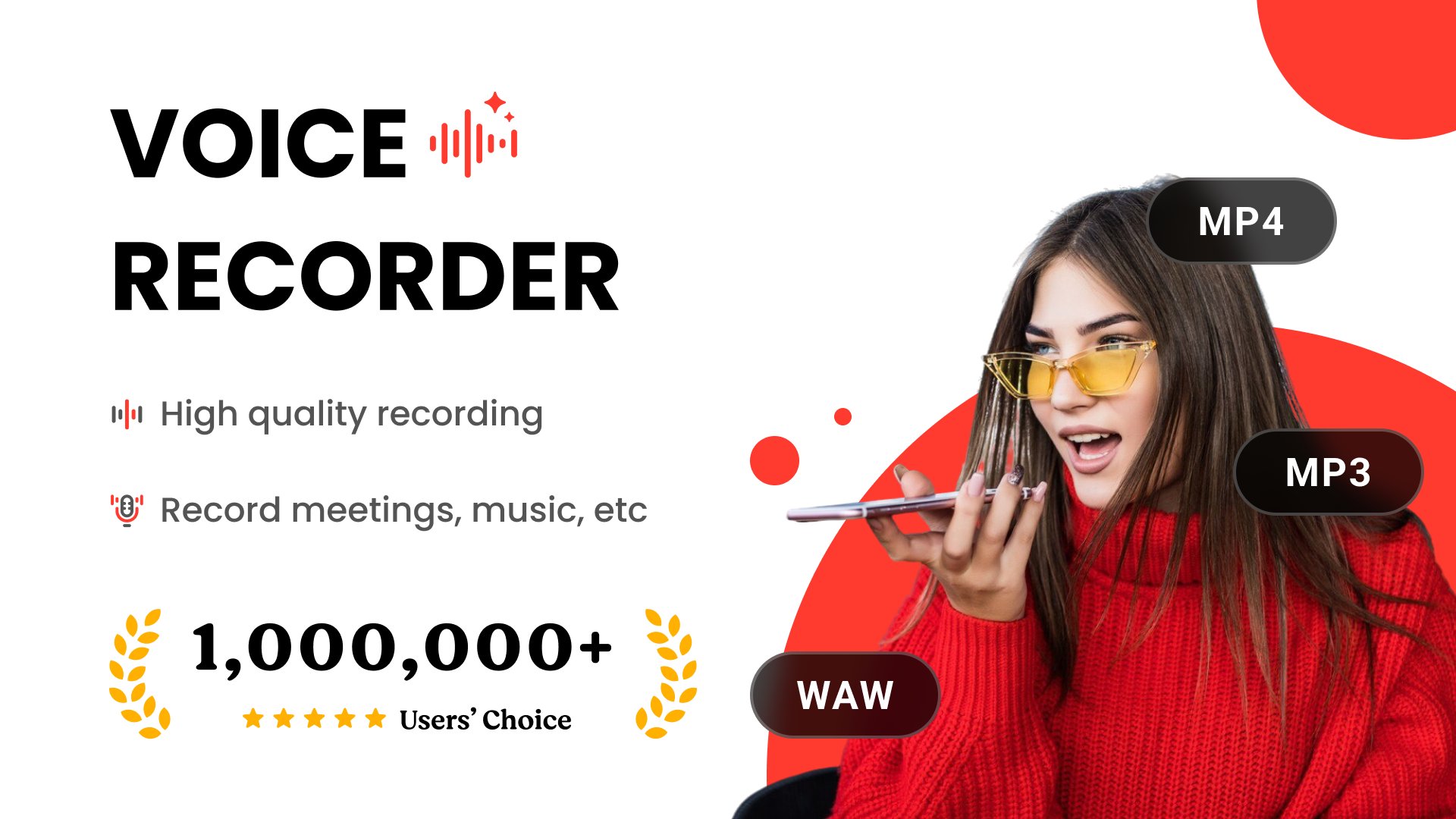
Looking for a simple voice recorder for Android that works anytime you need it? This app lets you easily record voice notes on your phone, record meetings clearly, and record lectures in class without noise. Many people use it as a quick voice memo recorder for Android to record ideas, reminders, and conversations while working, studying, or traveling. You can record high quality audio on Android, save important discussions, and instantly play them back whenever you need. Whether you want to record interviews on your phone, record important meetings at work, or just keep a daily voice notes recorder for personal use, this easy audio recorder app for Android helps you capture every moment clearly.
Share your voice recordings when it matters the most! Voice Recorder shows an aftercall enabling you to identify incoming calls as they happen so you can play high-quality audio, easily edit your recordings as well immediately after the incoming call, this enables users to export their preferred recordings with one tap and share it with your friends and family after calls .
Voice Recorder & Sound Recorder is a free recorder app that includes various boosts and filters to improve sound quality. You can also use the audio editor to trim, cut, merge, and mix your recordings. Some filters include noise reduction, de-essing, and fade-in and out effects.
Voice Recorder app Features
• Voice Recorder Apps have an immersive and easy-to-understand user interface. - Users can reject incoming calls while recording.
• Automatic and manual sensitivity control for Skip silence mode
• Recording in the background even when the display is off
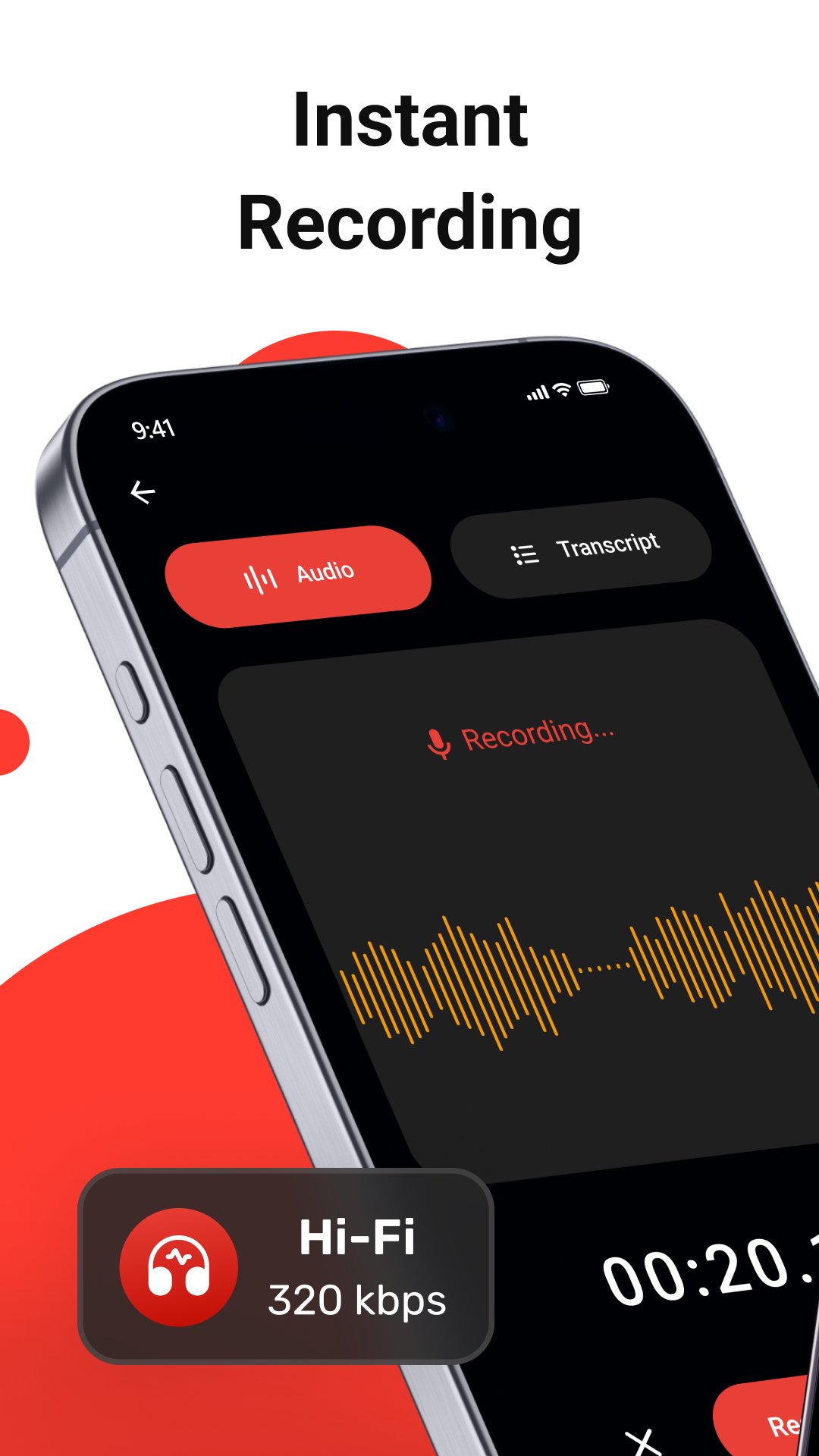
• Live audio spectrum analyzer
• Save/pause/resume/cancel recording process control
• Microphone tool to adjust the sensitivity
• Users can record voice, edit audio, rename and delete
• Automatic stop when out of memory
• Sorting recordings by date, name, size, and duration
• Saving sounds to the media library
• Smooth playback
• Integration with widget
• Audio recording voice notes
• Built-in sound player supports media controls such as Skip muted, play speed, and Repeat mode.
• Share your recordings with your friends via Email, Messages, Facebook, Twitter, YouTube, Instagram, Snapchat. etc.
ADVANCED FEATURES
• Record in MP3 audio format - Passcode protect recordings
• Loop recordings
• Trim recordings
• Change playback speed
• Skip backward/forward
• Favorite recordings
Group Recording
Group all your vocal recordings into defined categories. Mark your favorite talks and memos.
Easy Recorder app provides an easy method to record things with your phone & Built-in user-friendly Audio Recorder.
You have to tap a button to start recording and then tap it again to stop. All the audio files you record are stored on your device, and you can access them directly from the app.
A Voice recorder can help you in many ways; you can record audio and conversations by recording memories. Thus your phone can be used as a phone recorder, dictaphone, podcast, or smart music recorder.
Smart Recorder High-quality Audio Recorder is the best voice recorder app for anyone who wants to record high-quality sound and edit their recordings easily. It's designed to be simple and powerful. You don't need to spend hours learning how to use it or setting it up. You can start using it right away and enjoy its features.
Download Smart Recorder High-quality Audio Recorder today and see why it's the best voice recorder app for USA and more. You'll never miss an important moment or detail again. You'll always have a reliable and convenient way to record your voice and sound.
Xem trước
Thẻ
Music-&Thông tin
Nhà phát triển
Calendar Date
Phiên bản mới nhất
94.2.9
Cập nhật mới nhất
2026-08-24
Loại
Music-audio
Có trên
Google Play
Cho xem nhiều hơn
Cách chơi Voice Recorder với GameLoop trên PC
1. Tải xuống GameLoop từ trang web chính thức, sau đó chạy tệp exe để cài đặt GameLoop.
2. Mở GameLoop và tìm kiếm “Voice Recorder”, tìm Voice Recorder trong kết quả tìm kiếm và nhấp vào “Cài đặt”.
3. Thích chơi Voice Recorder trên GameLoop.
Minimum requirements
OS
Windows 8.1 64-bit or Windows 10 64-bit
GPU
GTX 1050
CPU
i3-8300
Memory
8GB RAM
Storage
1GB available space
Recommended requirements
OS
Windows 8.1 64-bit or Windows 10 64-bit
GPU
GTX 1050
CPU
i3-9320
Memory
16GB RAM
Storage
1GB available space