
iTOUCH Home Automation PC
Connected Switchgear
Tải xuống iTOUCH Home Automation trên PC với Trình giả lập GameLoop
iTOUCH Home Automation trên PC
iTOUCH Home Automation, đến từ nhà phát triển Connected Switchgear, đang chạy trên hệ điều hành Android trong quá khứ.
Giờ đây, bạn có thể chơi iTOUCH Home Automation trên PC với GameLoop một cách mượt mà.
Tải xuống nó trong thư viện GameLoop hoặc kết quả tìm kiếm. Không còn để ý đến pin hoặc các cuộc gọi bực bội vào sai thời điểm nữa.
Chỉ cần thưởng thức iTOUCH Home Automation PC trên màn hình lớn miễn phí!
iTOUCH Home Automation Giới thiệu
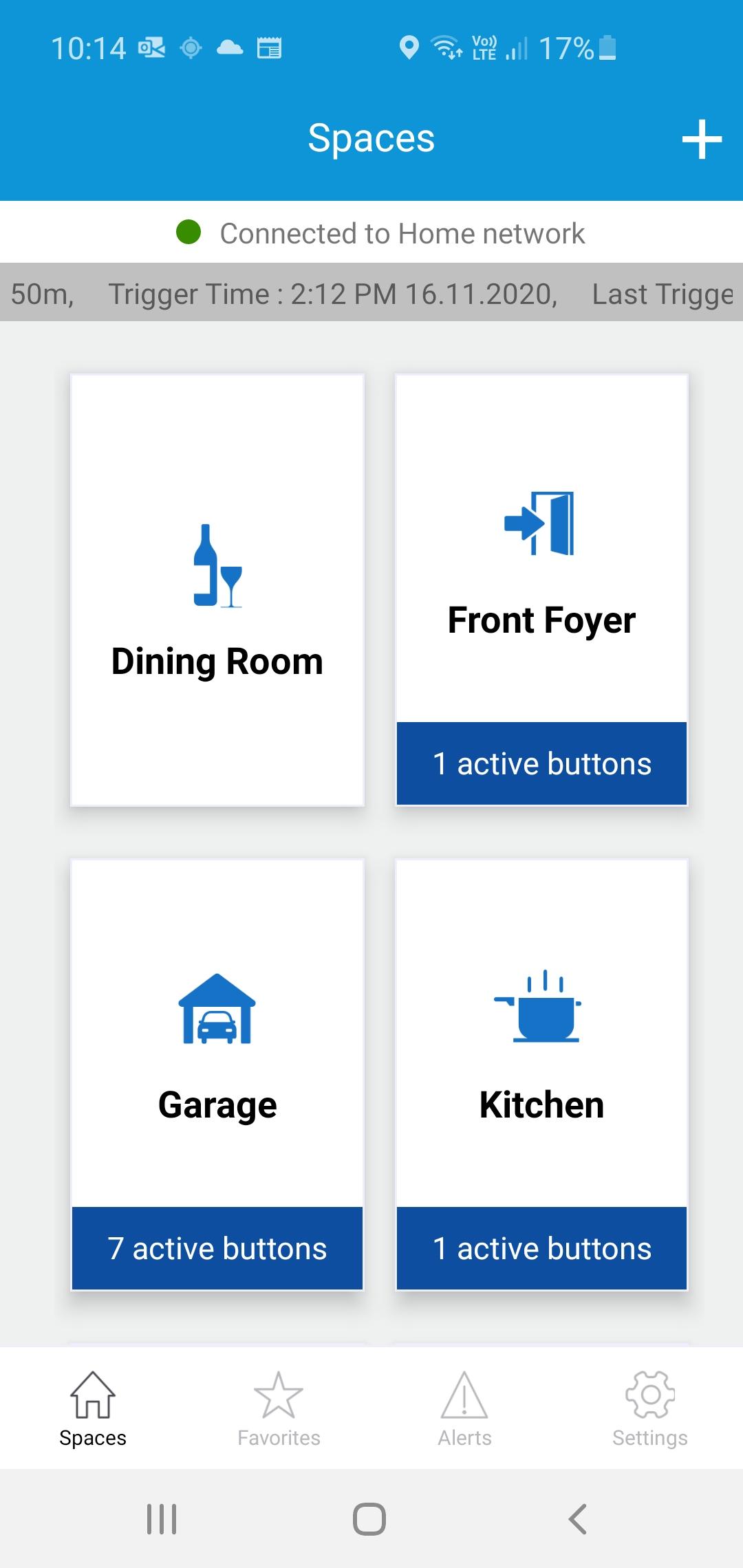
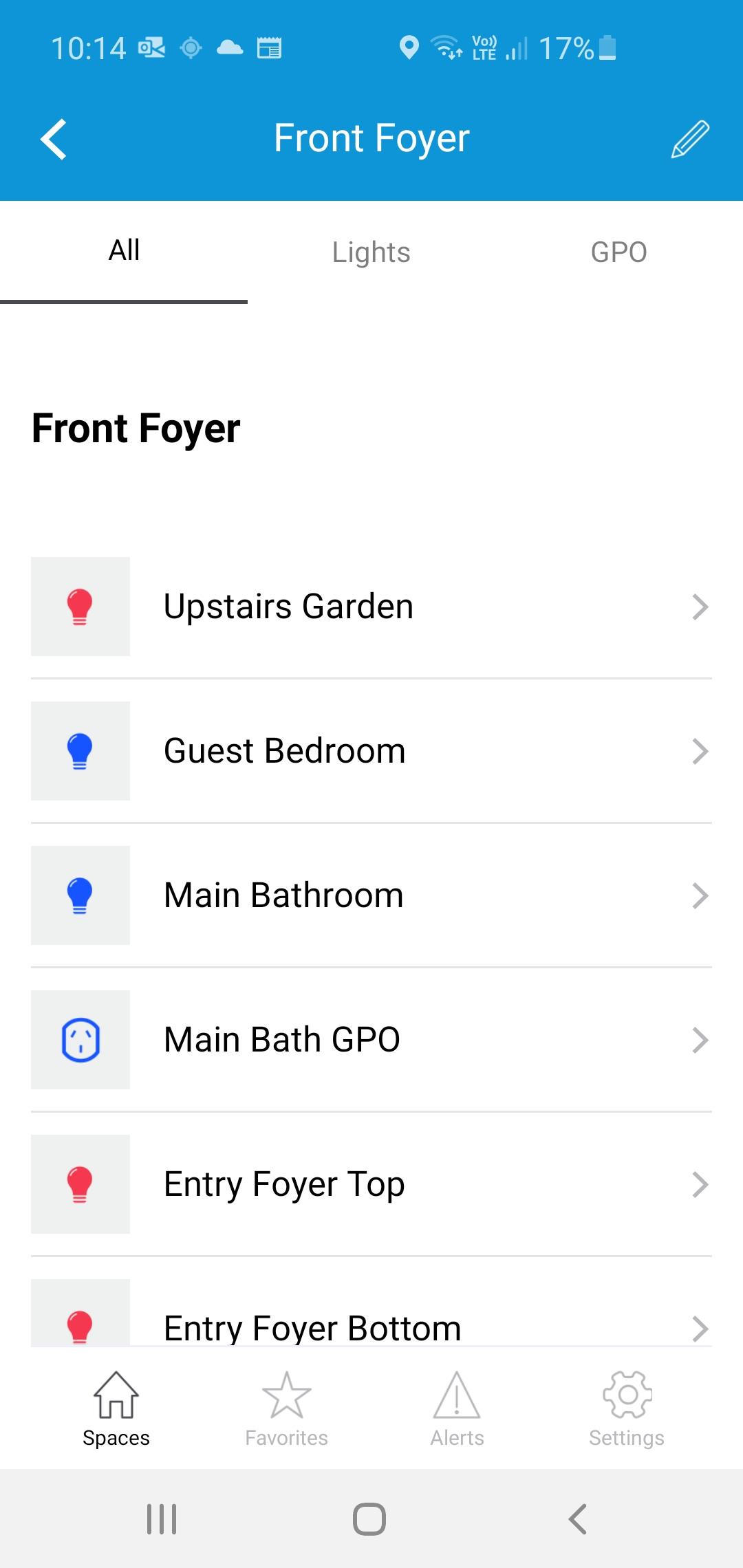
The iTOUCH Home Automation App places configuration and control of your iTOUCH Home Automation System onto your mobile device. Personalize your system by creating spaces and naming individual panels and buttons. Set up timers, ambient light triggers and group control multiple buttons using a buttons double tap feature. Issue global commands such as Home, Away, Goodnight or Good Morning. Check the state of your whole home. Assign users, access levels and passwords. Turn on or off global timers and synchronize time across the whole system. Set up Geo-Fence feature to trigger global commands using the devices GPS proximately to the installation.
Xem trước
Thẻ
House-&Thông tin
Nhà phát triển
Connected Switchgear
Phiên bản mới nhất
2.0.1
Cập nhật mới nhất
2021-11-19
Loại
House-home
Có trên
Google Play
Cho xem nhiều hơn
Cách chơi iTOUCH Home Automation với GameLoop trên PC
1. Tải xuống GameLoop từ trang web chính thức, sau đó chạy tệp exe để cài đặt GameLoop.
2. Mở GameLoop và tìm kiếm “iTOUCH Home Automation”, tìm iTOUCH Home Automation trong kết quả tìm kiếm và nhấp vào “Cài đặt”.
3. Thích chơi iTOUCH Home Automation trên GameLoop.
Minimum requirements
OS
Windows 8.1 64-bit or Windows 10 64-bit
GPU
GTX 1050
CPU
i3-8300
Memory
8GB RAM
Storage
1GB available space
Recommended requirements
OS
Windows 8.1 64-bit or Windows 10 64-bit
GPU
GTX 1050
CPU
i3-9320
Memory
16GB RAM
Storage
1GB available space