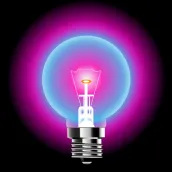
Blacklight UV light Simulator PC
Greenline apps
Tải xuống Blacklight UV light Simulator trên PC với Trình giả lập GameLoop
Blacklight UV light Simulator trên PC
Blacklight UV light Simulator, đến từ nhà phát triển Greenline apps, đang chạy trên hệ điều hành Android trong quá khứ.
Giờ đây, bạn có thể chơi Blacklight UV light Simulator trên PC với GameLoop một cách mượt mà.
Tải xuống nó trong thư viện GameLoop hoặc kết quả tìm kiếm. Không còn để ý đến pin hoặc các cuộc gọi bực bội vào sai thời điểm nữa.
Chỉ cần thưởng thức Blacklight UV light Simulator PC trên màn hình lớn miễn phí!
Blacklight UV light Simulator Giới thiệu
Blacklight UV light Simulator is a Free app that provides a variety of screen lights on your phone, including Party light, Traffic light, and Candle light. With just a few taps, you can transform your phone's screen into a vibrant display of colors and patterns.
In today's digital age, smartphones have become an essential part of our lives. From communication to entertainment.
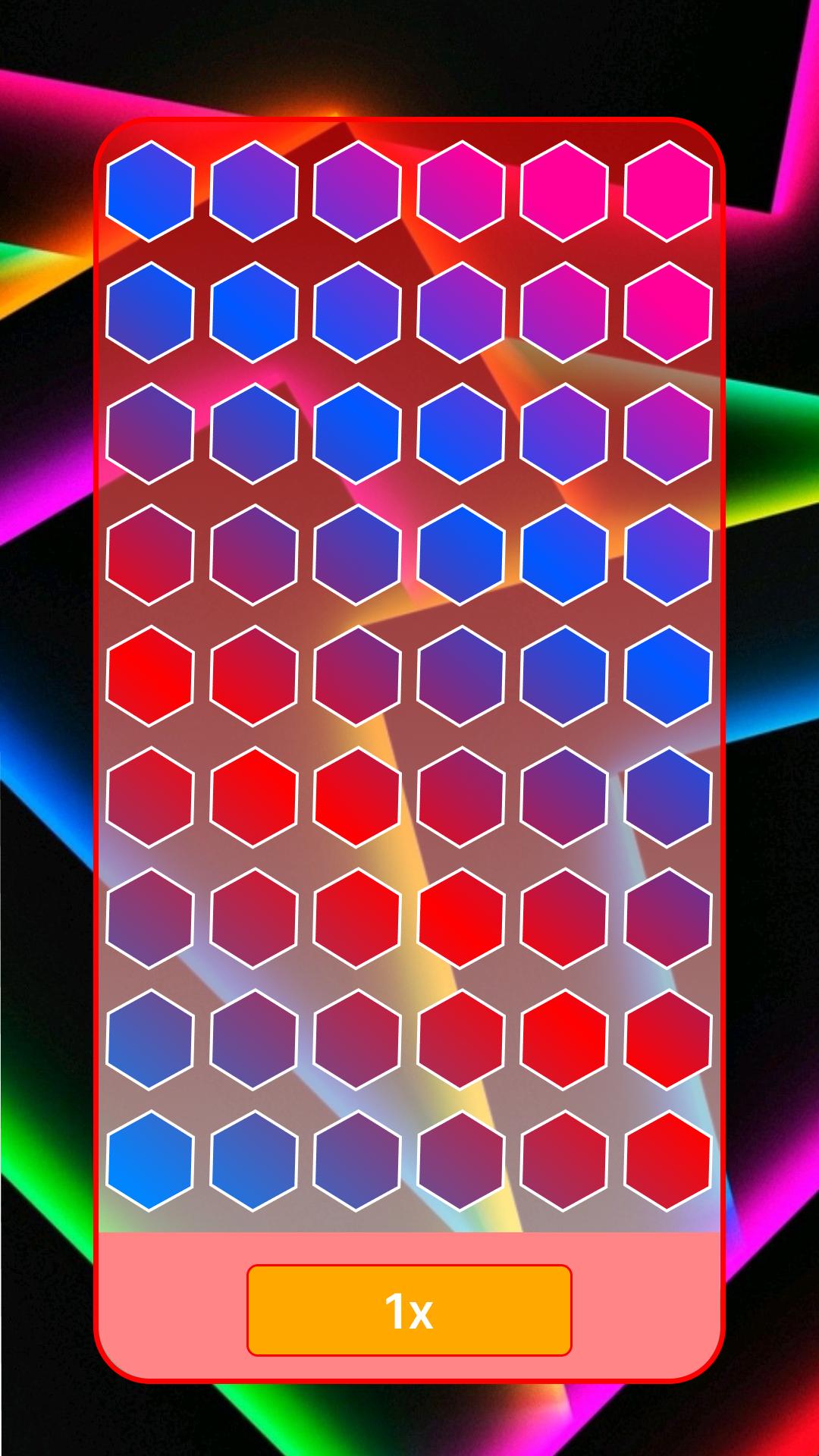
The app is easy to use and offers a range of customization options. For example, with the party light mode, you can choose from a variety of colors and patterns to create a disco-style light show. Meanwhile, the traffic light mode simulates the red, yellow, and green lights of a real traffic light.
Perhaps the most relaxing mode is the candle light mode. With this mode, you can turn your phone into a virtual candle, complete with a flickering flame effect. This is perfect for creating a calming ambiance during a quiet night in or for setting the mood during a romantic dinner.
Blacklight UV light Simulator provides multiple screen lights on your phone like party light, traffic light, and candle light etc.
With just a few taps, you can transform your phone into a vibrant display of colors and patterns.
One of the most interesting features of this app is the UV light simulator. It mimics the effects of a blacklight, creating a glowing effect on your phone's screen. This is perfect for creating a neon or fluorescent effect, or for detecting hidden stains or marks that are normally invisible to the naked eye.
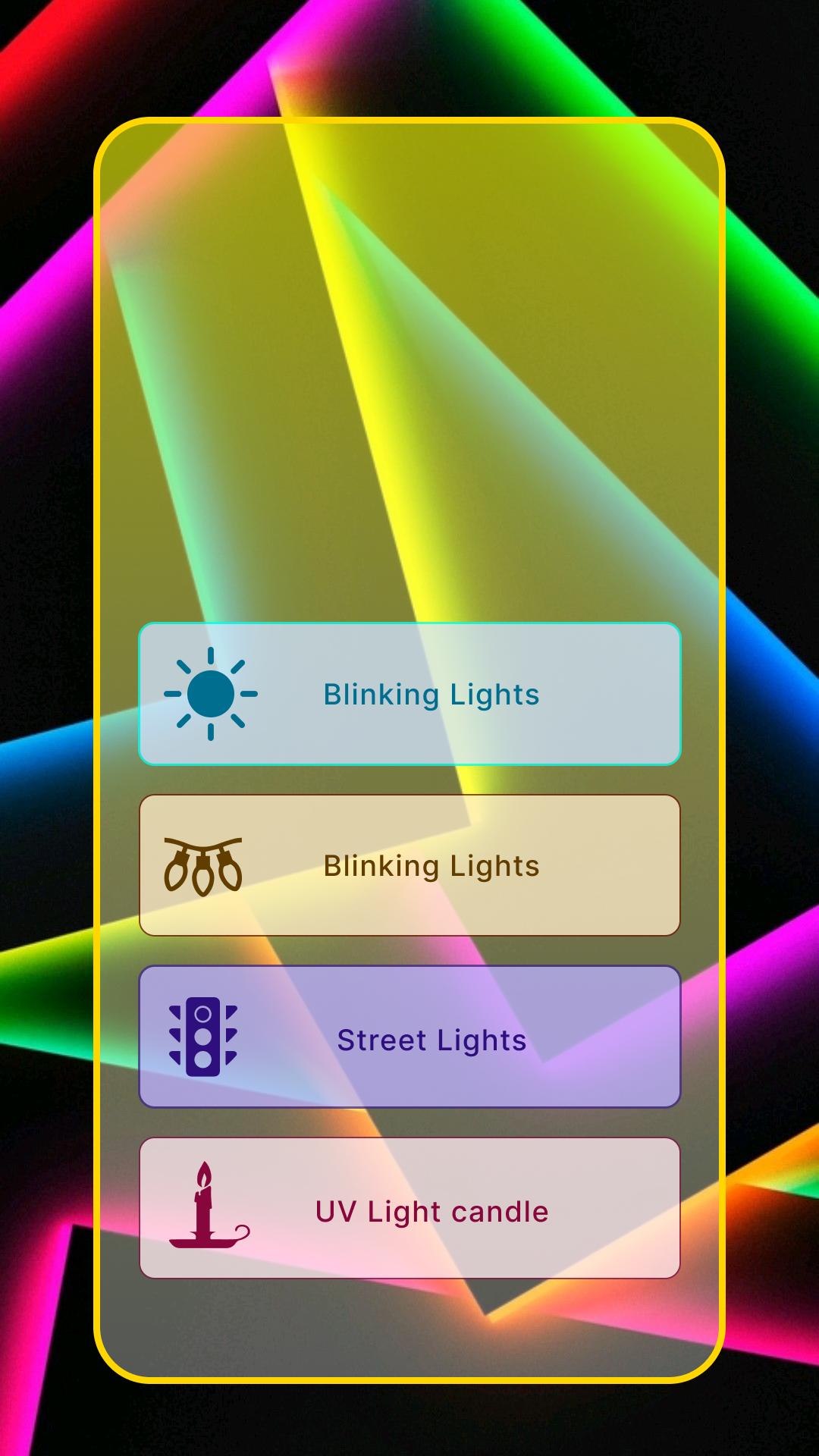
In addition to the UV light simulator, the app also provides a range of other lighting effects. The blinking lights mode simulates the flashing lights of a police car or ambulance, while the party lights mode creates a colorful disco-style light show. The street lights mode simulates the yellow and white lights of a city street, adding a realistic touch to your phone's display.
Finally, the app also includes a candlelight mode. This mode simulates the soft, warm glow of a candle flame, perfect for creating a cozy and romantic atmosphere.
Features:
UV Light Simulator - This feature allows you to create a blacklight effect on your phone's screen, perfect for creating a neon or fluorescent display, or for detecting hidden stains or marks that are normally invisible to the naked eye.
Party Lights - This mode creates a colorful disco-style light show, perfect for adding a fun and festive atmosphere to any party or gathering.
Candle Light - This mode simulates the soft, warm glow of a candle flame, ideal for creating a cozy and romantic ambiance.
Street Lights - This mode simulates the yellow and white lights of a city street, adding a realistic touch to your phone's display.
Blinking Lights - This mode simulates the flashing lights of a police car or ambulance, perfect for creating a dramatic and attention-grabbing effect.
Overall, Blacklight UV light Simulator is a versatile app that offers a range of screen lights on your phone, suitable for different occasions and moods. Whether you want to create a party atmosphere, add a touch of romance, or simulate a realistic environment, this app has something for everyone.
Xem trước
Thẻ
House-&Thông tin
Nhà phát triển
Greenline apps
Phiên bản mới nhất
1.0.5
Cập nhật mới nhất
2023-03-10
Loại
House-home
Có trên
Google Play
Cho xem nhiều hơn
Cách chơi Blacklight UV light Simulator với GameLoop trên PC
1. Tải xuống GameLoop từ trang web chính thức, sau đó chạy tệp exe để cài đặt GameLoop.
2. Mở GameLoop và tìm kiếm “Blacklight UV light Simulator”, tìm Blacklight UV light Simulator trong kết quả tìm kiếm và nhấp vào “Cài đặt”.
3. Thích chơi Blacklight UV light Simulator trên GameLoop.
Minimum requirements
OS
Windows 8.1 64-bit or Windows 10 64-bit
GPU
GTX 1050
CPU
i3-8300
Memory
8GB RAM
Storage
1GB available space
Recommended requirements
OS
Windows 8.1 64-bit or Windows 10 64-bit
GPU
GTX 1050
CPU
i3-9320
Memory
16GB RAM
Storage
1GB available space