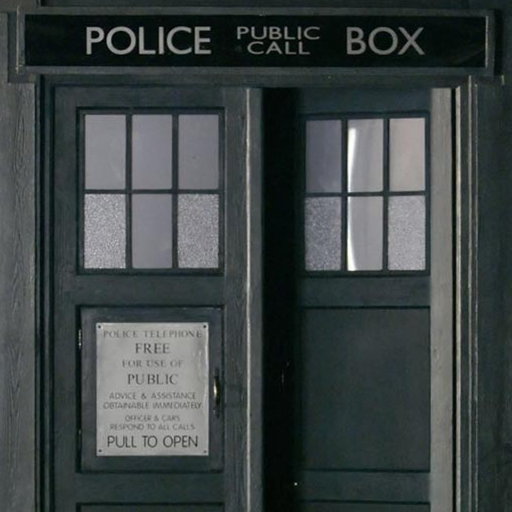
Tardis Live Wallpaper PC
Didactic Development
Tải xuống Tardis Live Wallpaper trên PC với Trình giả lập GameLoop
Tardis Live Wallpaper trên PC
Tardis Live Wallpaper, đến từ nhà phát triển Didactic Development, đang chạy trên hệ điều hành Android trong quá khứ.
Giờ đây, bạn có thể chơi Tardis Live Wallpaper trên PC với GameLoop một cách mượt mà.
Tải xuống nó trong thư viện GameLoop hoặc kết quả tìm kiếm. Không còn để ý đến pin hoặc các cuộc gọi bực bội vào sai thời điểm nữa.
Chỉ cần thưởng thức Tardis Live Wallpaper PC trên màn hình lớn miễn phí!
Tardis Live Wallpaper Giới thiệu
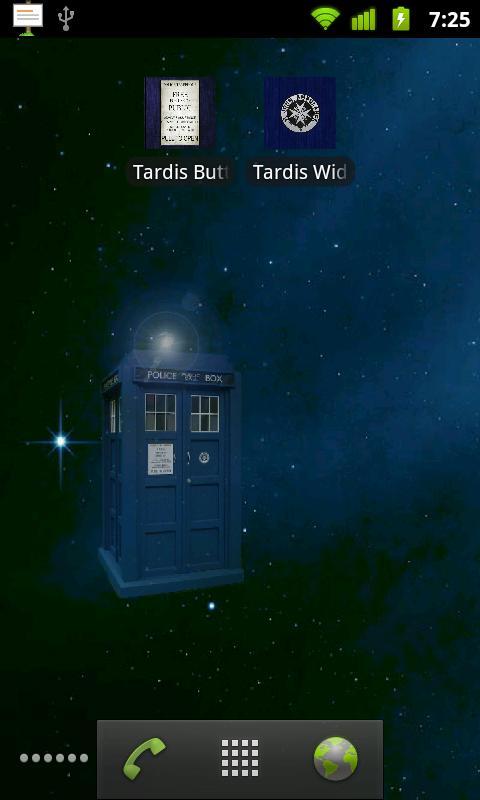
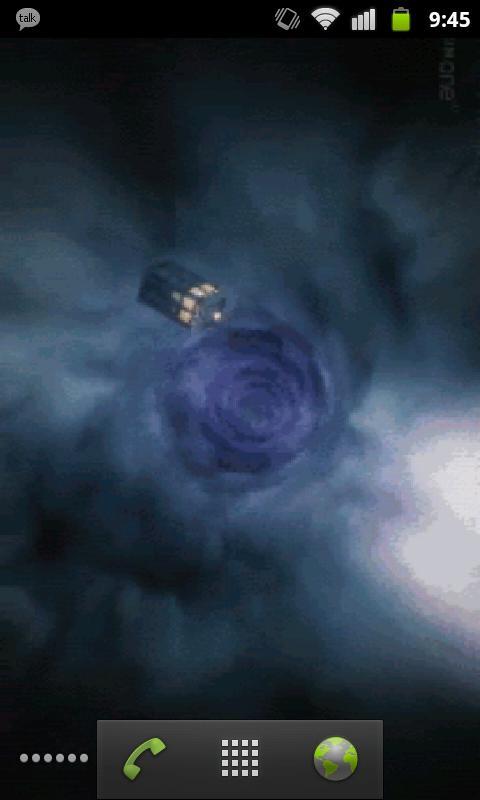
Doctor Who TARDIS LWP: Now comes with two live wallpapers.
-Touch controlled TARDIS
-Eleventh Doctor opening sequence
NOTE: This will not appear under your applications, but will rather appear as two wallpaper services when you go to Menu -> Wallpaper -> Live Wallpapers.
I realize the image quality is less than desirable but please understand that it's a trade-off between frame rate & resolution and battery drain. I've received comments about the performance and chose to sacrifice smoothness and compress the images to more wisely use system resources. Please have realistic expectations.
NOTE: if the wallpaper appears blank, touch the screen.
If you find any bugs or have any suggestions, feel free to email me at didacticdev@gmail.com
KNOWN ISSUES:
-None! "My ship don't crash. She crashes, you crashed her."
Xem trước
Thông tin
Nhà phát triển
Didactic Development
Phiên bản mới nhất
1.4
Cập nhật mới nhất
2013-03-14
Loại
Giải trí
Có trên
Google Play
Cho xem nhiều hơn
Cách chơi Tardis Live Wallpaper với GameLoop trên PC
1. Tải xuống GameLoop từ trang web chính thức, sau đó chạy tệp exe để cài đặt GameLoop.
2. Mở GameLoop và tìm kiếm “Tardis Live Wallpaper”, tìm Tardis Live Wallpaper trong kết quả tìm kiếm và nhấp vào “Cài đặt”.
3. Thích chơi Tardis Live Wallpaper trên GameLoop.
Minimum requirements
OS
Windows 8.1 64-bit or Windows 10 64-bit
GPU
GTX 1050
CPU
i3-8300
Memory
8GB RAM
Storage
1GB available space
Recommended requirements
OS
Windows 8.1 64-bit or Windows 10 64-bit
GPU
GTX 1050
CPU
i3-9320
Memory
16GB RAM
Storage
1GB available space