HD Screen Mirroring PC
Techbuddies
Tải xuống HD Screen Mirroring trên PC với Trình giả lập GameLoop
HD Screen Mirroring trên PC
HD Screen Mirroring, đến từ nhà phát triển Techbuddies, đang chạy trên hệ điều hành Android trong quá khứ.
Giờ đây, bạn có thể chơi HD Screen Mirroring trên PC với GameLoop một cách mượt mà.
Tải xuống nó trong thư viện GameLoop hoặc kết quả tìm kiếm. Không còn để ý đến pin hoặc các cuộc gọi bực bội vào sai thời điểm nữa.
Chỉ cần thưởng thức HD Screen Mirroring PC trên màn hình lớn miễn phí!
HD Screen Mirroring Giới thiệu
The Screen Mirroring App is the #1 Screen Mirror - fast, easy and user friendly. Share your photos, videos, games, websites, apps, presentations and documents with your friends, family and co-workers.
Screen mirroring assistant app helps to open window in smart TV screen from your phone. Share second screen throw wireless and wifi and connect phone dongles with smart TV mirroring assistant.
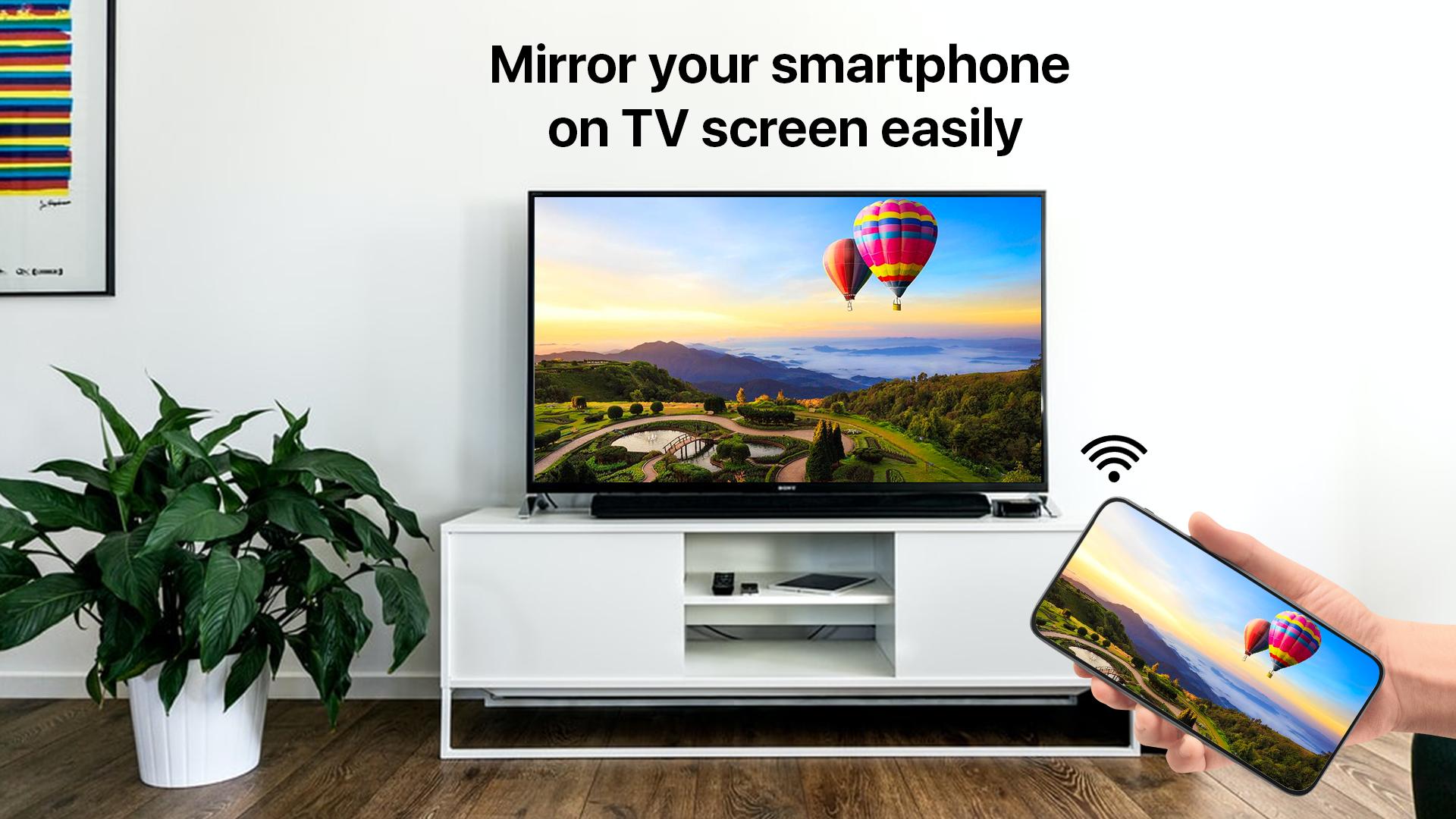
This app will assist you to scan and mirror your android phone or tab's screen on smart TV and will get a great big screen phone experience by connecting your phone to a TV screen via This Cast To TV app and easily stream movies from phone to your big TV screen.
FEATURES:
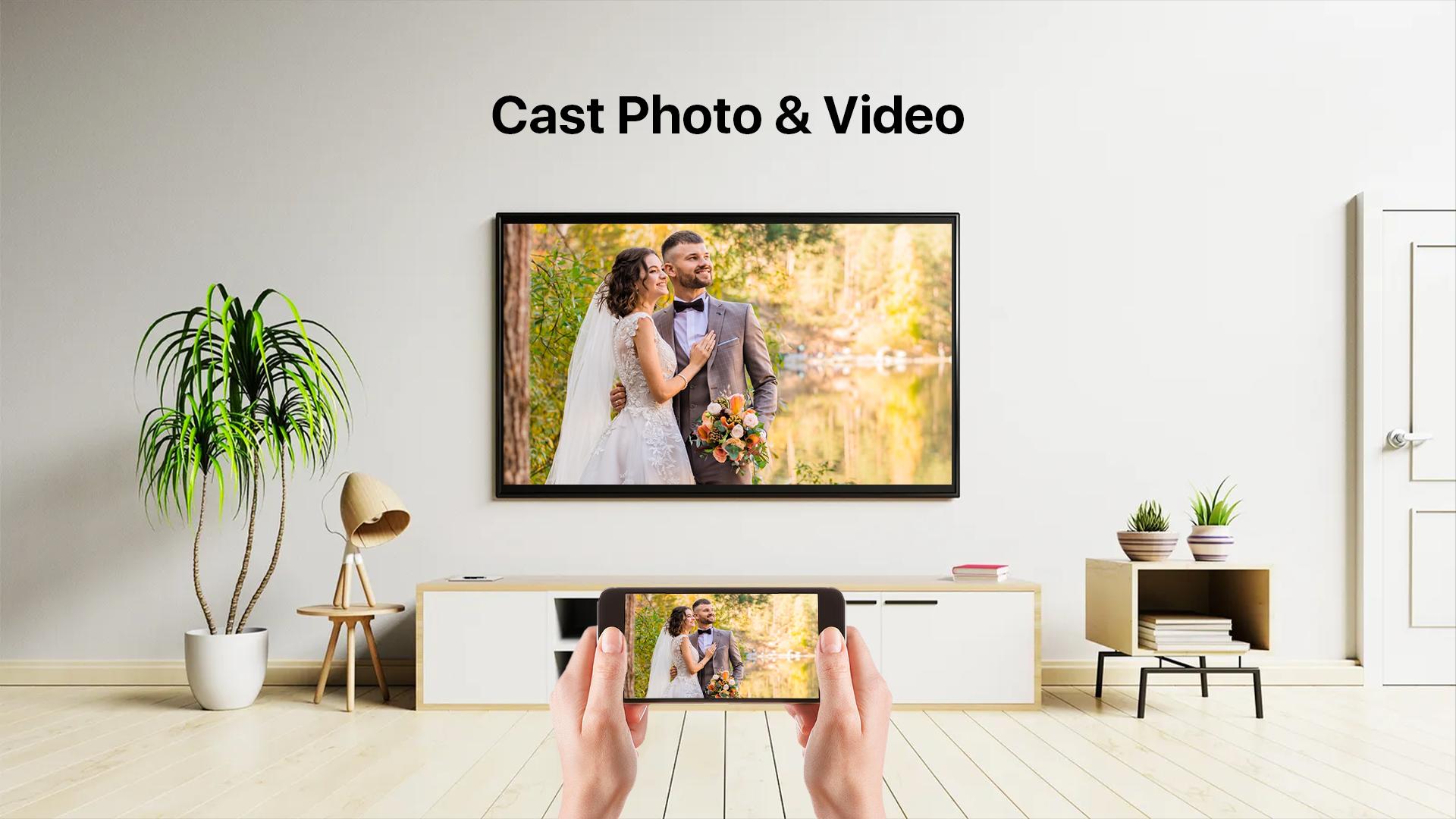
- Cast to TV and enjoy the best experience of watching videos and movies.
- Simple & fast connection with just a click
- All media files supported, videos, photos, audios, PDFs, etc.
- Multiple Devices Supported
- Cast phone screen to big TV screen faster.
- Fast connection and easy to use
- Cast Live video on browser.
- Speed screen share.
Multiple Devices Supported
- Most smart TVs, LG, Samsung, Sony, TCL, Xiaomi, Hisense, etc.
- Google Chromecast
- Amazon Fire Stick & Fire TV
- Roku Stick & Roku TV
- AnyCast
- Other DLNA Receivers
- Other wireless adapters
HOW TO CONNECT MOBILE WITH TV?:
- Make sure your TV and your Phone are Connected to the same wifi network
- Miracast Display on your TV
- Enable Wireless Dispaly option on your phone
- Click Select button and choose your TV
- Enjoy…………..
Screen Mirroring is supported by all Android devices and Android Versions. If you face any problems with your device, feel free to contact us!
Xem trước
Thẻ
Giải tríThông tin
Nhà phát triển
Techbuddies
Phiên bản mới nhất
1.5
Cập nhật mới nhất
2022-02-22
Loại
Giải trí
Có trên
Google Play
Cho xem nhiều hơn
Cách chơi HD Screen Mirroring với GameLoop trên PC
1. Tải xuống GameLoop từ trang web chính thức, sau đó chạy tệp exe để cài đặt GameLoop.
2. Mở GameLoop và tìm kiếm “HD Screen Mirroring”, tìm HD Screen Mirroring trong kết quả tìm kiếm và nhấp vào “Cài đặt”.
3. Thích chơi HD Screen Mirroring trên GameLoop.
Minimum requirements
OS
Windows 8.1 64-bit or Windows 10 64-bit
GPU
GTX 1050
CPU
i3-8300
Memory
8GB RAM
Storage
1GB available space
Recommended requirements
OS
Windows 8.1 64-bit or Windows 10 64-bit
GPU
GTX 1050
CPU
i3-9320
Memory
16GB RAM
Storage
1GB available space