Sound Recorder PC
Idea Soft Apps
Tải xuống Sound Recorder trên PC với Trình giả lập GameLoop
Sound Recorder trên PC
Sound Recorder, đến từ nhà phát triển Idea Soft Apps, đang chạy trên hệ điều hành Android trong quá khứ.
Giờ đây, bạn có thể chơi Sound Recorder trên PC với GameLoop một cách mượt mà.
Tải xuống nó trong thư viện GameLoop hoặc kết quả tìm kiếm. Không còn để ý đến pin hoặc các cuộc gọi bực bội vào sai thời điểm nữa.
Chỉ cần thưởng thức Sound Recorder PC trên màn hình lớn miễn phí!
Sound Recorder Giới thiệu
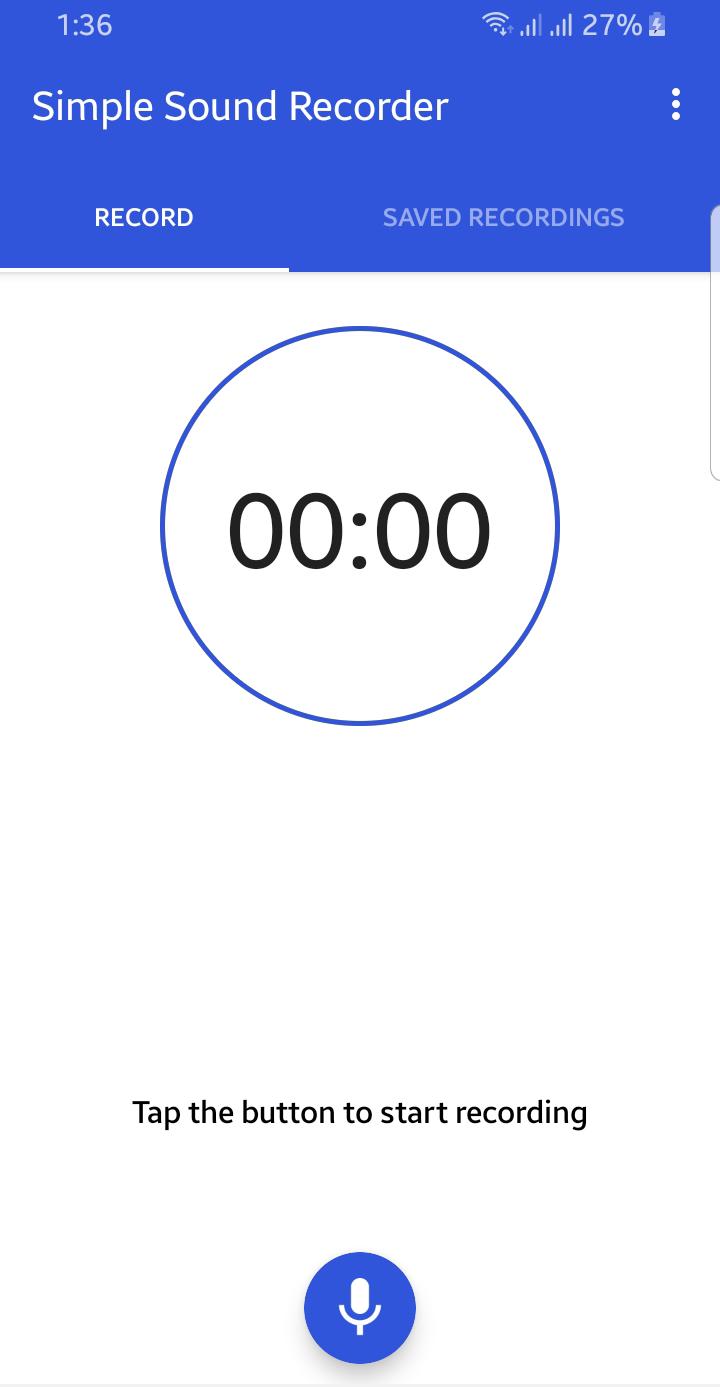
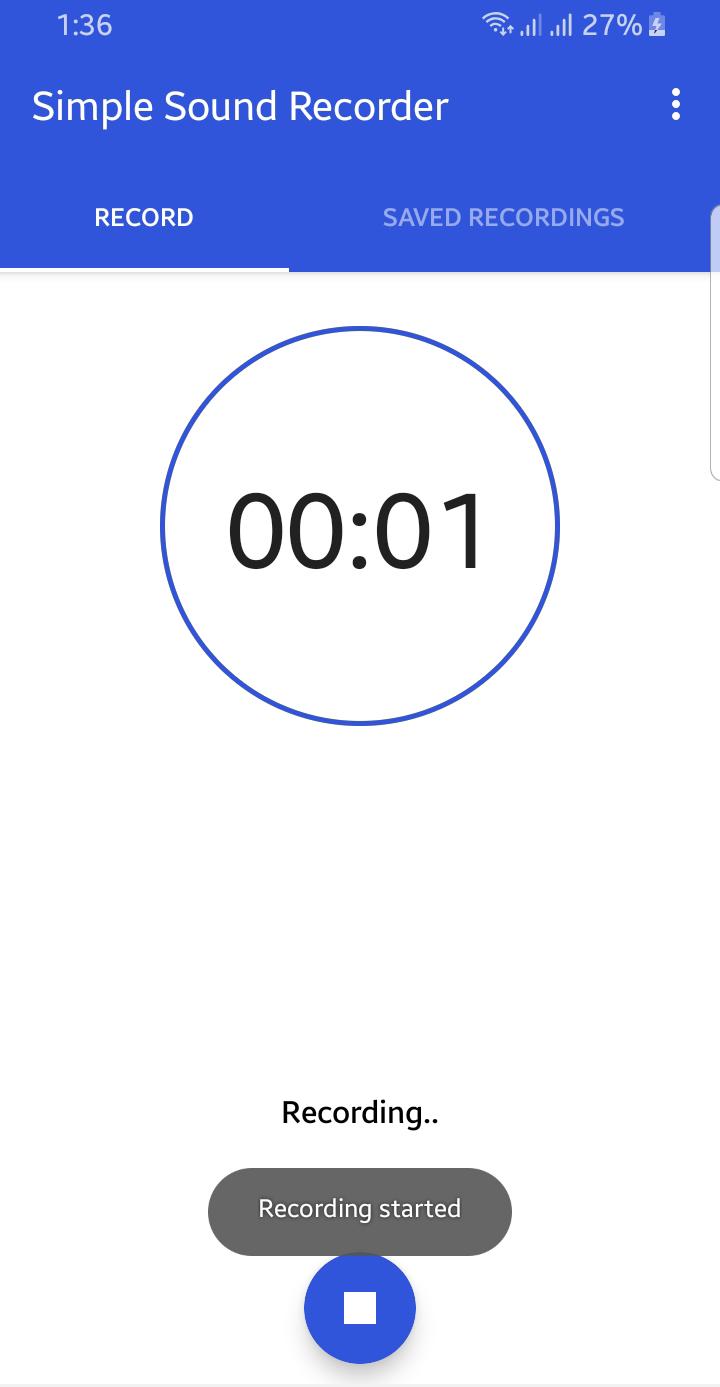
Application is totally free. It is simple and easy to use. You can reliably record your meetings, personal notes, speeches, lectures, songs. There is no time limits. This application can record most of your sound and voice. You can record a business meeting, a lecture, an interview. This app is a best choice. Other names which you can call it: voice recorder, audio recorder, sound recorder. Record classes and lectures with clear quality, even when the teacher is not right in front of you. Listen to these recordings as many times as you want to help you study for that next exam.
Features:
1. Record voice with different qualities.
2. Simple user interface, easy to use.
3. Simple and Reliable.
4. Keep Recordings Safe.
5. Quality Settings.
6. Manage Clips.
With many options to fine-tune the recording, the app is great for rehearsals and for capturing melodies that pop into your head. Try new ideas fast, hear the results and make adjustments on a new take.
Xem trước
Thẻ
Giải tríThông tin
Nhà phát triển
Idea Soft Apps
Phiên bản mới nhất
2.0
Cập nhật mới nhất
2021-08-21
Loại
Giải trí
Có trên
Google Play
Cho xem nhiều hơn
Cách chơi Sound Recorder với GameLoop trên PC
1. Tải xuống GameLoop từ trang web chính thức, sau đó chạy tệp exe để cài đặt GameLoop.
2. Mở GameLoop và tìm kiếm “Sound Recorder”, tìm Sound Recorder trong kết quả tìm kiếm và nhấp vào “Cài đặt”.
3. Thích chơi Sound Recorder trên GameLoop.
Minimum requirements
OS
Windows 8.1 64-bit or Windows 10 64-bit
GPU
GTX 1050
CPU
i3-8300
Memory
8GB RAM
Storage
1GB available space
Recommended requirements
OS
Windows 8.1 64-bit or Windows 10 64-bit
GPU
GTX 1050
CPU
i3-9320
Memory
16GB RAM
Storage
1GB available space