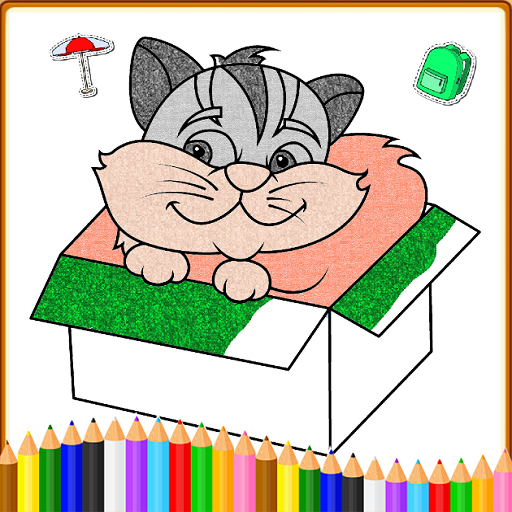
Coloring Games: Color & Paint PC
Gaming World Studio
Tải xuống Coloring Games: Color & Paint trên PC với Trình giả lập GameLoop
Coloring Games: Color & Paint trên PC
Coloring Games: Color & Paint, đến từ nhà phát triển Gaming World Studio, đang chạy trên hệ điều hành Android trong quá khứ.
Giờ đây, bạn có thể chơi Coloring Games: Color & Paint trên PC với GameLoop một cách mượt mà.
Tải xuống nó trong thư viện GameLoop hoặc kết quả tìm kiếm. Không còn để ý đến pin hoặc các cuộc gọi bực bội vào sai thời điểm nữa.
Chỉ cần thưởng thức Coloring Games: Color & Paint PC trên màn hình lớn miễn phí!
Coloring Games: Color & Paint Giới thiệu
Kids love fun coloring games, and this Coloring Game is one of the best free coloring book and painting apps for children!
Kids Coloring Book: Painting, Coloring Games for Kids is collection of 170+ colouring book pages for kids, toddlers, and preschool and kindergarten kids
Coloring Games is filled with fun, colorful, and creative drawing and painting tools that help kids of all ages enjoy creating art on your mobile device. There are multiple modes the whole family can enjoy, including paint by numbers, color by numbers, doodling modes, and free coloring books of all types. Whether your kid is a toddler or a preschooler, they're bound to have fun with this free coloring game!
Basis concept of Kids coloring book is to provide a drawing and painting game for kids that contain coloring pages of different categories that helps kids color, paint and draw and have fun at the same time
Coloring Games was built specifically for children. It has an easy to understand interface kids as young as one year old can use. They'll have fun using the drawing, painting, and learning games at their disposal, while parents can watch the looks of joy on their faces as they color in the pages with a wide variety of paints.
There are a ton of coloring mini-games to play in Coloring Games, including:
1. Fun Paint - Tap to fill in the blank coloring book pages with a dozen bright and fun colors!
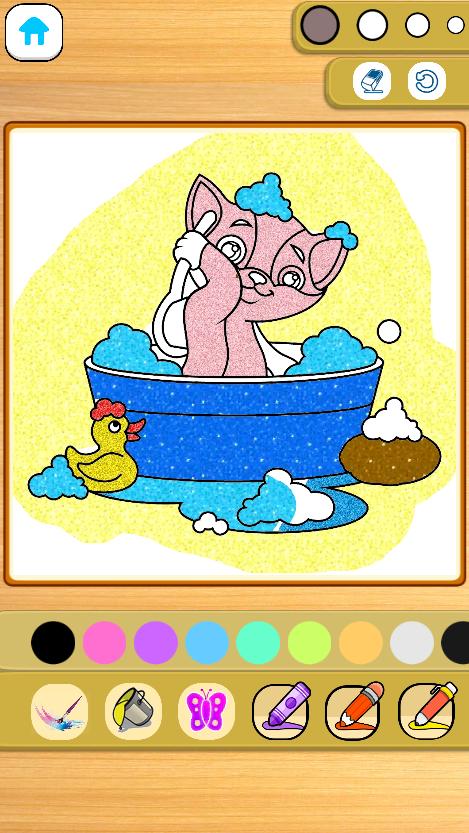
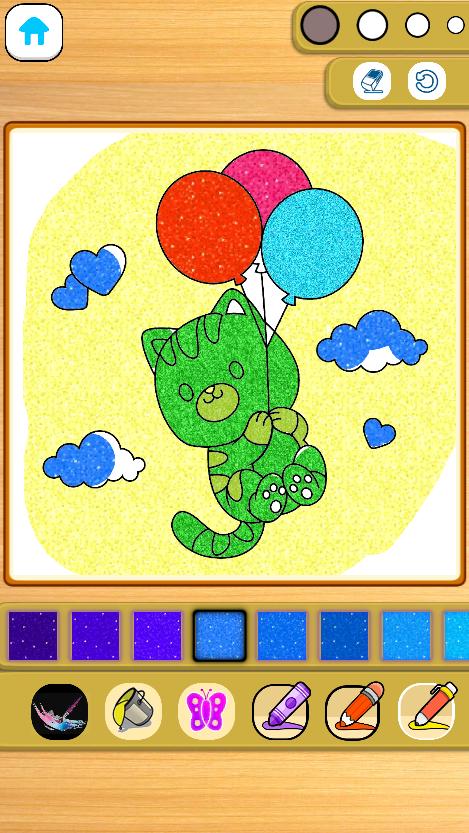
2. Color Fill - Use a wider variety of colors and options to paint the pictures, including stickers, glitter, crayons, and cute patterns.
3. Drawing - Draw on a blank slate with a full palette of colors ready to go.
4. Glow Pen - Paint with neon colors on a dark background. A fun way to create unique artwork!
Coloring Games comes with a number of features that help adults monitor their child's progress.Best of all, the coloring game is completely FREE to play. There is no in-app purchases, and no paywalls to fight with, just tons of safe, educational fun for kids.
Preschoolers, toddlers, families, and boys and girls of all ages will love the simple but engaging fun of Coloring Games. It's easy to start coloring with just a few taps on the screen, and maybe your child will create a miniature masterpiece!
Coloring Games is completely free. You won't find any in-app purchases, just a great coloring book app you can play with your children.
Xem trước
Thẻ
Giáo dụcThông tin
Nhà phát triển
Gaming World Studio
Phiên bản mới nhất
1.0.1
Cập nhật mới nhất
2022-12-01
Loại
Giáo dục
Có trên
Google Play
Cho xem nhiều hơn
Cách chơi Coloring Games: Color & Paint với GameLoop trên PC
1. Tải xuống GameLoop từ trang web chính thức, sau đó chạy tệp exe để cài đặt GameLoop.
2. Mở GameLoop và tìm kiếm “Coloring Games: Color & Paint”, tìm Coloring Games: Color & Paint trong kết quả tìm kiếm và nhấp vào “Cài đặt”.
3. Thích chơi Coloring Games: Color & Paint trên GameLoop.
Minimum requirements
OS
Windows 8.1 64-bit or Windows 10 64-bit
GPU
GTX 1050
CPU
i3-8300
Memory
8GB RAM
Storage
1GB available space
Recommended requirements
OS
Windows 8.1 64-bit or Windows 10 64-bit
GPU
GTX 1050
CPU
i3-9320
Memory
16GB RAM
Storage
1GB available space