
SIPO PC
Sumita Arora Integrated Learning
Tải xuống SIPO trên PC với Trình giả lập GameLoop
SIPO trên PC
SIPO, đến từ nhà phát triển Sumita Arora Integrated Learning, đang chạy trên hệ điều hành Android trong quá khứ.
Giờ đây, bạn có thể chơi SIPO trên PC với GameLoop một cách mượt mà.
Tải xuống nó trong thư viện GameLoop hoặc kết quả tìm kiếm. Không còn để ý đến pin hoặc các cuộc gọi bực bội vào sai thời điểm nữa.
Chỉ cần thưởng thức SIPO PC trên màn hình lớn miễn phí!
SIPO Giới thiệu
While studying from technical books such as Computer Science text books, you often encounter situations where you want detailed illustrations, animations, videos, examples, and so forth, describing the concept.Printed books, especially the syllabus based books have some limits on the coverage and examples etc.
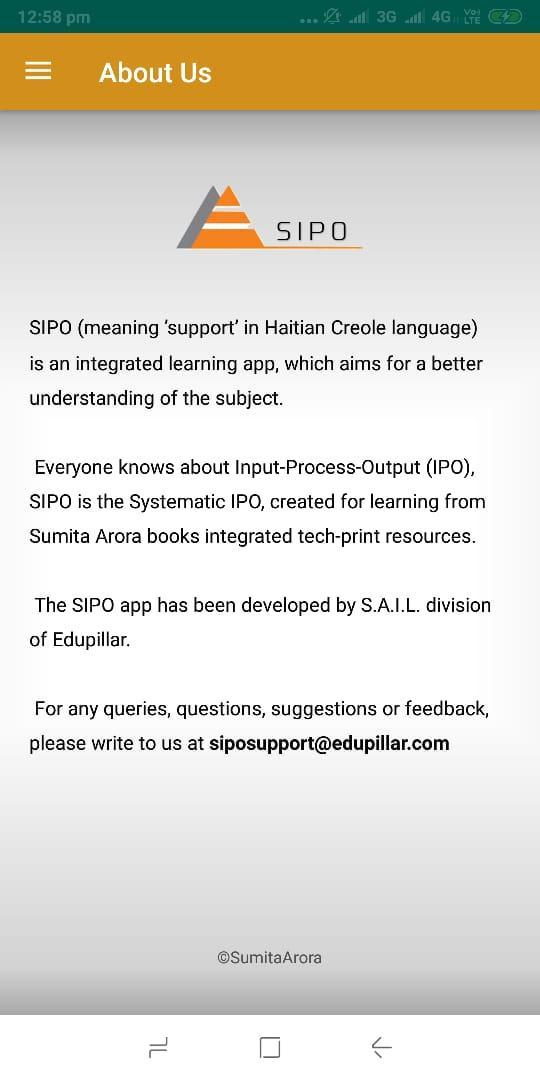
The SIPO app, by ‘Sumita Arora Integrated Learning’ division of Edupillar, comes here to fill the gap.With SIPO, you can get access to linked learning resources (animations/videos/images/illustrations) with the books written by Sumita Arora.
In a SIPO linked book, you will find a QR code next to a topic/concept or Assignment. All you need to do is to scan the QR code with the SIPO app and you will have instant access to the linked learning resource, which may be a video or animation or an illustration/image or simple text-based assignment solution.
The app SIPO intends to bridge the gaps in your learning. The SIPO app is currently linked to Computer Science books written by Sumita Arora.
New resources and new books will get added to SIPO from time to time.
App Developer: Amit Malhotra
fonappsolutions.business@gmail.com
Xem trước
Thông tin
Nhà phát triển
Sumita Arora Integrated Learning
Phiên bản mới nhất
15.2
Cập nhật mới nhất
2019-08-17
Loại
Giáo dục
Có trên
Google Play
Cho xem nhiều hơn
Cách chơi SIPO với GameLoop trên PC
1. Tải xuống GameLoop từ trang web chính thức, sau đó chạy tệp exe để cài đặt GameLoop.
2. Mở GameLoop và tìm kiếm “SIPO”, tìm SIPO trong kết quả tìm kiếm và nhấp vào “Cài đặt”.
3. Thích chơi SIPO trên GameLoop.
Minimum requirements
OS
Windows 8.1 64-bit or Windows 10 64-bit
GPU
GTX 1050
CPU
i3-8300
Memory
8GB RAM
Storage
1GB available space
Recommended requirements
OS
Windows 8.1 64-bit or Windows 10 64-bit
GPU
GTX 1050
CPU
i3-9320
Memory
16GB RAM
Storage
1GB available space