I Like to Paint Lite PC
School Zone Publishing
Tải xuống I Like to Paint Lite trên PC với Trình giả lập GameLoop
I Like to Paint Lite trên PC
I Like to Paint Lite, đến từ nhà phát triển School Zone Publishing, đang chạy trên hệ điều hành Android trong quá khứ.
Giờ đây, bạn có thể chơi I Like to Paint Lite trên PC với GameLoop một cách mượt mà.
Tải xuống nó trong thư viện GameLoop hoặc kết quả tìm kiếm. Không còn để ý đến pin hoặc các cuộc gọi bực bội vào sai thời điểm nữa.
Chỉ cần thưởng thức I Like to Paint Lite PC trên màn hình lớn miễn phí!
I Like to Paint Lite Giới thiệu
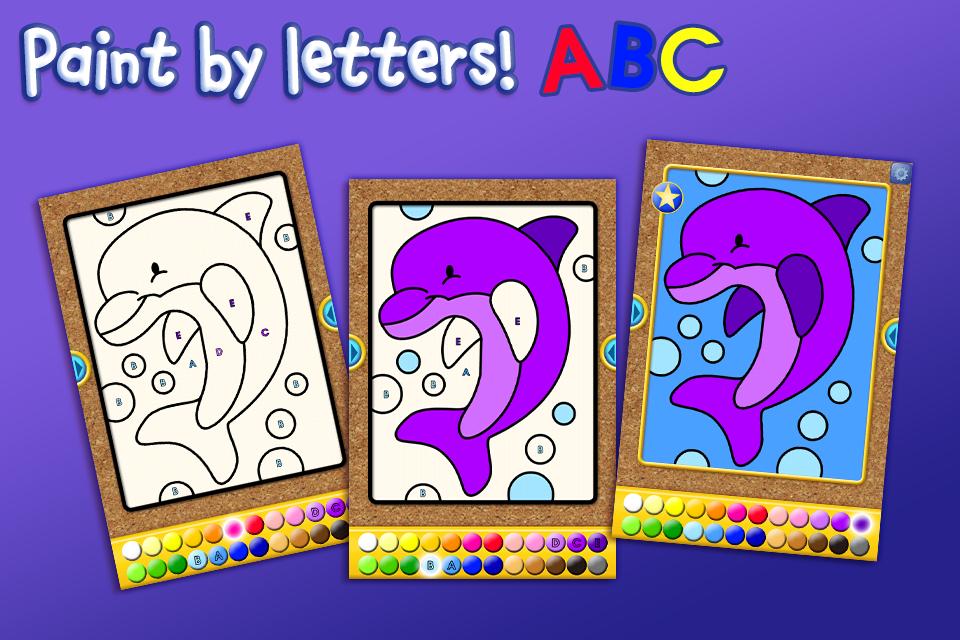
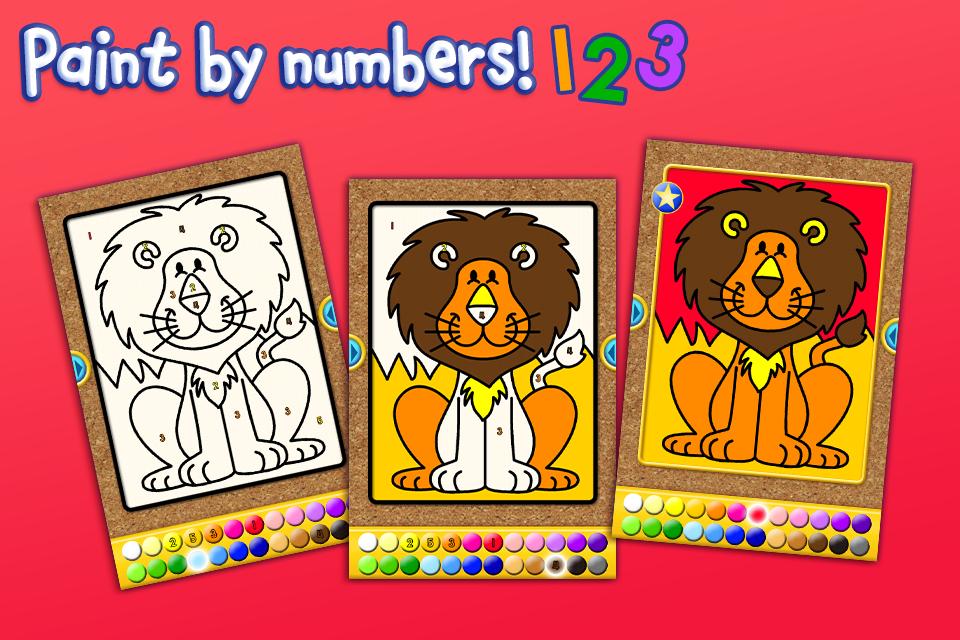
Give your kids an app to celebrate their creativity while they learn letters, shapes and numbers! This free I Like to Paint Lite app from School Zone, delivers big learning fun in rainbow colors. Preschoolers and kindergarteners can choose one of four pictures to “paint” from a Mammals image gallery. Pick an image, then select Paint by Letters, Paint by Numbers, or Paint by Shapes. It’s easy! Just touch the color displaying a number, letter, or shape inside it, and then touch the image area with the matching symbol to paint it. Following this pattern throughout the picture, when it’s complete, your child will delight in seeing sparkles and hearing, “You are an amazing artist!” Incorrect moves will result in “almost” or “try again” feedback. Kids can save all the images. Little artists can also choose the smiley face to let their creativity go wild, using any colors they choose. Even then they hear the name pronounced for each color selected. That helps reinforce colors and distinguishes between light and dark shades. Scroll back and forth between images with ease. To spritz away the filled-in colors and try again, touch the spray bottle icon. Like the final result? Share it with Grandma or others by Facebook or e-mail without even leaving the app. Once your little learner has experienced the free pictures, choose from many more available as in-app purchases, including 12 more pictures in the full Mammals gallery, plus four other galleries--Nature, Favorite Foods, Fun Characters, and Things That Go--each with 16 pictures.
Features:
• Easy instructions
• 4 cheerful images
• 4 coloring modes
• 24 colors
• Share by e-mail and on Facebook
• Fun and educational!
Skills:
• Colors
• Numbers
• Shapes
• Matching
• Visual perception
• Spatial reasoning
• Following directions
Ages 3-6
ABOUT SCHOOL ZONE
www.schoolzone.com
School Zone sparks imagination and nurtures children’s natural curiosity. We offer playful, research-based content, brimming with color, creativity and bonus features. A trusted friend to parents and teachers for more than 30 years, we know how kids learn best. Play together with your kids or turn them loose to explore with confidence--no third-party advertising.
Xem trước
Thông tin
Nhà phát triển
School Zone Publishing
Phiên bản mới nhất
1.0.4
Cập nhật mới nhất
2013-12-30
Loại
Giáo dục
Có trên
Google Play
Cho xem nhiều hơn
Cách chơi I Like to Paint Lite với GameLoop trên PC
1. Tải xuống GameLoop từ trang web chính thức, sau đó chạy tệp exe để cài đặt GameLoop.
2. Mở GameLoop và tìm kiếm “I Like to Paint Lite”, tìm I Like to Paint Lite trong kết quả tìm kiếm và nhấp vào “Cài đặt”.
3. Thích chơi I Like to Paint Lite trên GameLoop.
Minimum requirements
OS
Windows 8.1 64-bit or Windows 10 64-bit
GPU
GTX 1050
CPU
i3-8300
Memory
8GB RAM
Storage
1GB available space
Recommended requirements
OS
Windows 8.1 64-bit or Windows 10 64-bit
GPU
GTX 1050
CPU
i3-9320
Memory
16GB RAM
Storage
1GB available space