
Sticker Maker - WASticker PC
Trusted Tools
Tải xuống Sticker Maker - WASticker trên PC với Trình giả lập GameLoop
Sticker Maker - WASticker trên PC
Sticker Maker - WASticker, đến từ nhà phát triển Trusted Tools, đang chạy trên hệ điều hành Android trong quá khứ.
Giờ đây, bạn có thể chơi Sticker Maker - WASticker trên PC với GameLoop một cách mượt mà.
Tải xuống nó trong thư viện GameLoop hoặc kết quả tìm kiếm. Không còn để ý đến pin hoặc các cuộc gọi bực bội vào sai thời điểm nữa.
Chỉ cần thưởng thức Sticker Maker - WASticker PC trên màn hình lớn miễn phí!
Sticker Maker - WASticker Giới thiệu
Send any images in any format (jpg, webp, png, etc.) from your phone as WhatsApp stickers. Create and customize your own stickers and sticker packs, and share them with everyone you want. No more switching apps: our all-in-one sticker studio has everything you need.
It's simple and easy to use; you can easily add pictures in any format to your sticker packs, such as personal photos, downloaded pictures and saved stickers.
There's no need to download a bunch of apps for different sticker packs, this all-in-one sticker maker meets all your needs!
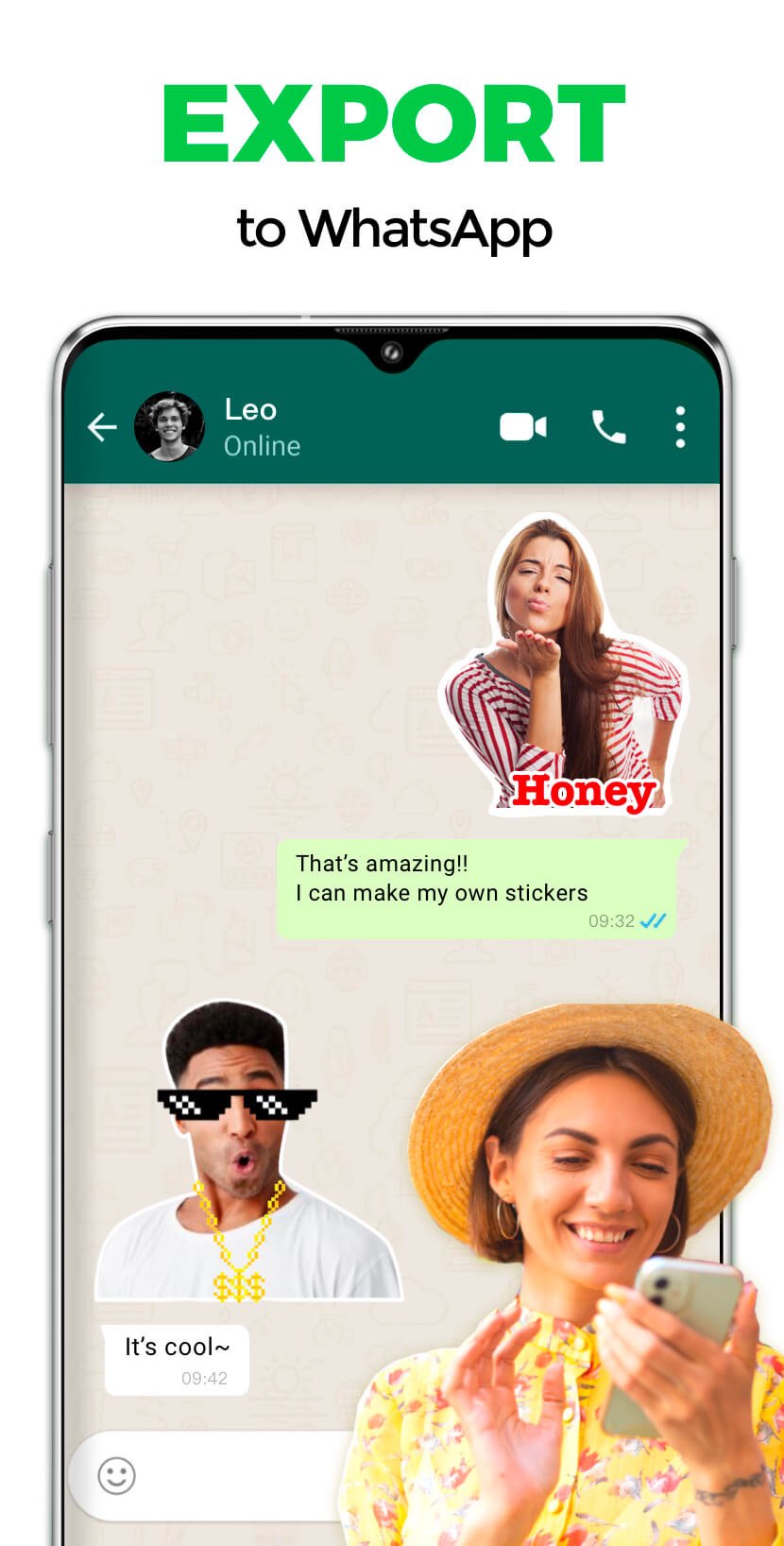
Done with your sticker? One tap is all it takes to send it to WhatsApp—no saving or exporting needed!
How to create stickers for WhatsApp?
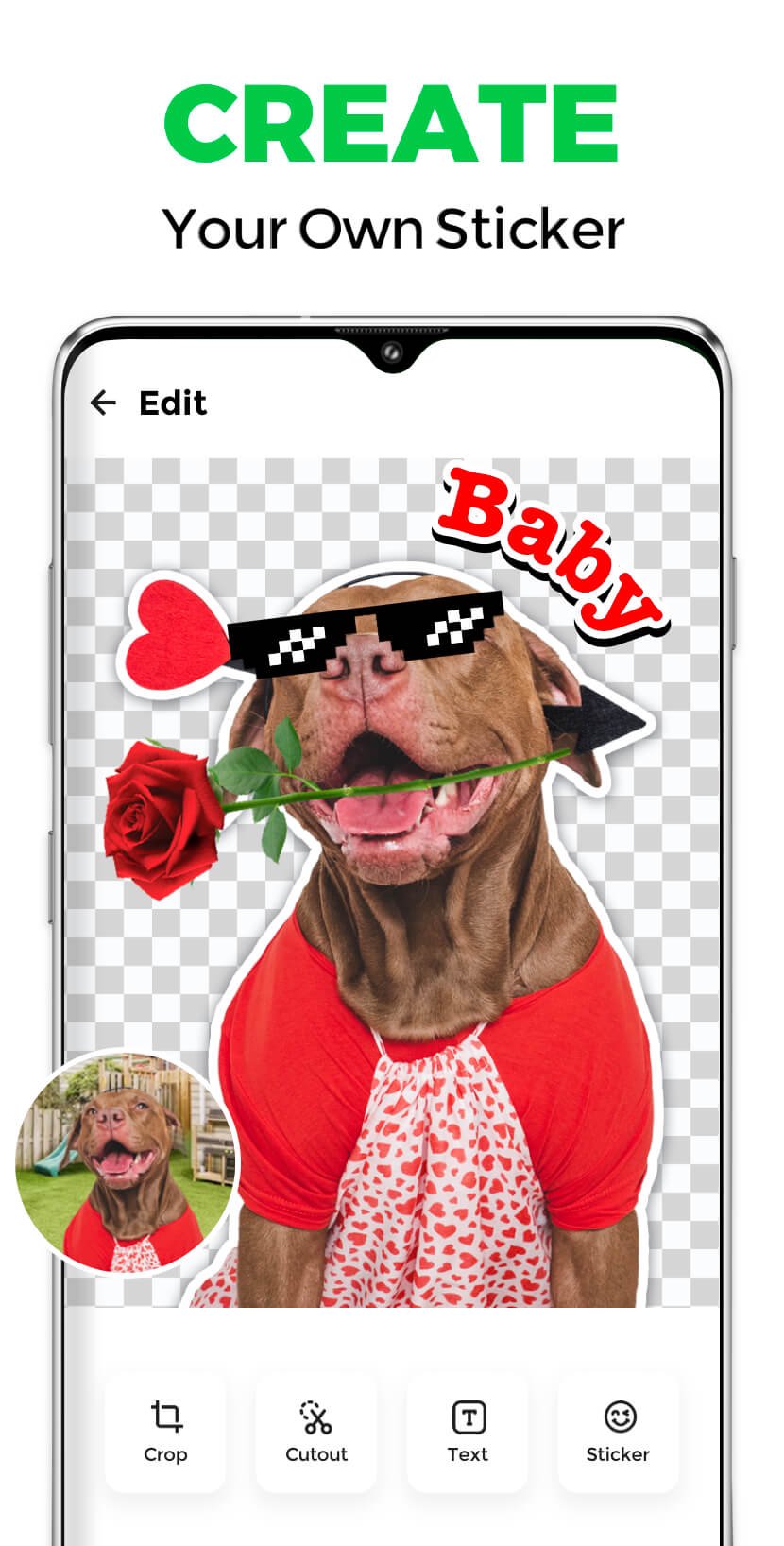
1. Select your photos and cut out stickers
2. Add text or decorations for your stickers
3. Name your sticker pack
4. Tap "Add" to export stickers to WhatsApp
Now you can send your unique stickers to your friends!
Features:
🌟 Supports all picture formats, jpg, webp, png, etc
🌟 Easily crop your stickers
🌟 Add text, emoji & funny decorations to your stickers
🌟 Click to preview sticker in the sticker pack
🌟 Share your customized sticker packs with friends
🌟 Backup and restore data
🌟 Automatically convert image formats
🌟 Customize HD quality stickers
Send your photos as personal stickers to friends in WhatsApp, making the chat more interesting!
😎 Make Personal Stickers with Sticker Maker for WhatsApp
This free sticker maker for WhatsApp allows you to create and customize personal stickers for WhatsApp. Make your personal stickers for WhatsApp with the best sticker maker for WhatsApp.
🎊 Create Stickers for WhatsApp with WhatsApp sticker maker
Wanna create stickers for WhatsApp? Try this WhatsApp sticker maker! The all-featured WhatsApp sticker maker makes it easy to create stickers for WhatsApp.
📝 Next-Level Text Sticker Editor
Choose from a wide selection of trendy fonts to match your style, and make every sticker stand out. Add special effects like outline, background, and shadow to give your text extra depth and flair. Explore creative formats—from fun bubble text to unique artistic fonts—to make each sticker truly yours.
Disclaimer:
Sticker Maker is not affiliated, associated, sponsored, endorsed by, or in any way officially connected with WhatsApp.
Xem trước
Thẻ
Truyền thôngThông tin
Nhà phát triển
Trusted Tools
Phiên bản mới nhất
1.163.40
Cập nhật mới nhất
2026-02-12
Loại
Truyền thông
Có trên
Google Play
Cho xem nhiều hơn
Cách chơi Sticker Maker - WASticker với GameLoop trên PC
1. Tải xuống GameLoop từ trang web chính thức, sau đó chạy tệp exe để cài đặt GameLoop.
2. Mở GameLoop và tìm kiếm “Sticker Maker - WASticker”, tìm Sticker Maker - WASticker trong kết quả tìm kiếm và nhấp vào “Cài đặt”.
3. Thích chơi Sticker Maker - WASticker trên GameLoop.
Minimum requirements
OS
Windows 8.1 64-bit or Windows 10 64-bit
GPU
GTX 1050
CPU
i3-8300
Memory
8GB RAM
Storage
1GB available space
Recommended requirements
OS
Windows 8.1 64-bit or Windows 10 64-bit
GPU
GTX 1050
CPU
i3-9320
Memory
16GB RAM
Storage
1GB available space