
ntel VOXHD PC
NatCom Development and Investment Limited
Tải xuống ntel VOXHD trên PC với Trình giả lập GameLoop
ntel VOXHD trên PC
ntel VOXHD, đến từ nhà phát triển NatCom Development and Investment Limited, đang chạy trên hệ điều hành Android trong quá khứ.
Giờ đây, bạn có thể chơi ntel VOXHD trên PC với GameLoop một cách mượt mà.
Tải xuống nó trong thư viện GameLoop hoặc kết quả tìm kiếm. Không còn để ý đến pin hoặc các cuộc gọi bực bội vào sai thời điểm nữa.
Chỉ cần thưởng thức ntel VOXHD PC trên màn hình lớn miễn phí!
ntel VOXHD Giới thiệu
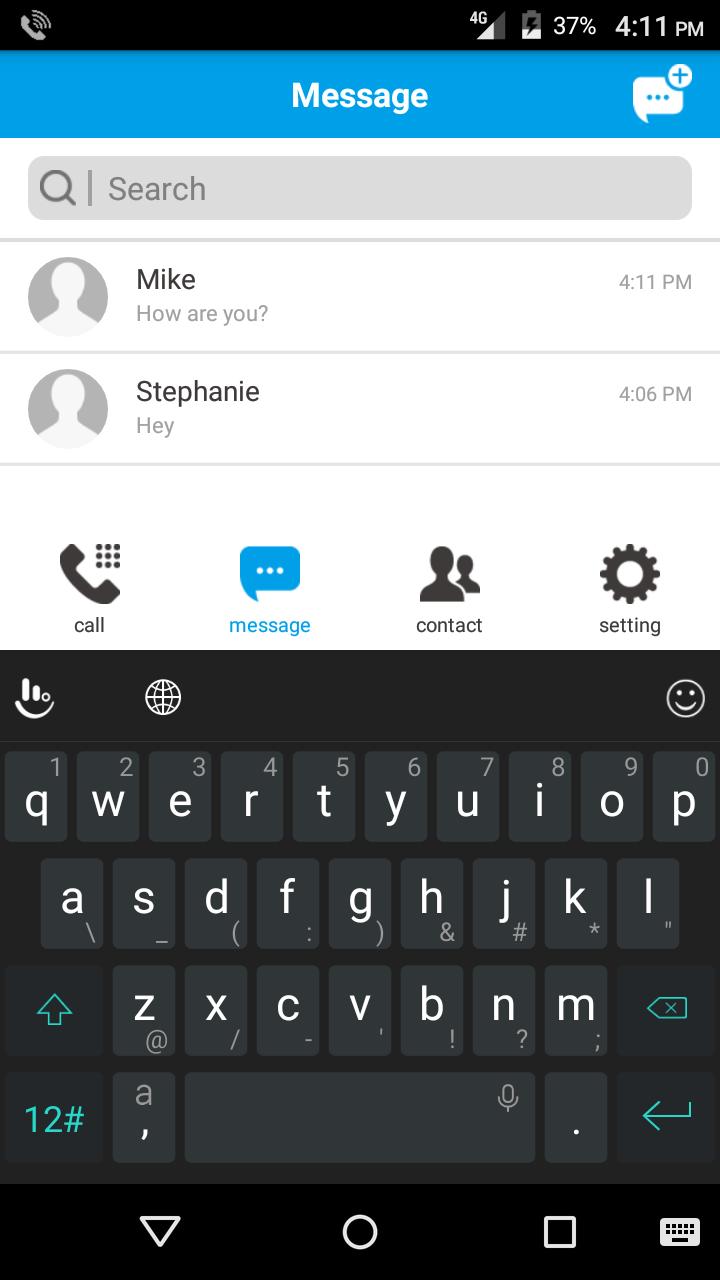
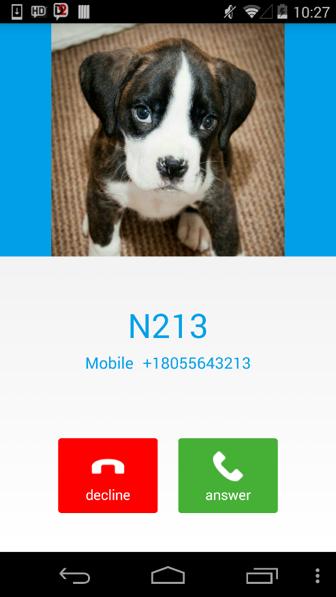
VoXHD is an IMS client/VoLTE calling application from ntel. The app was designed to allow ntel subscribers who have 4G/LTE devices that are supported on the ntel network, but do not own an ntel VoLTE phone, to experience the unique voice feature on cellular 4G. The app provides our customers with our crystal clear high definition Voice over LTE (VoLTE) service, Short Message Service (SMS over LTE) as well as other traditional features expected from a cellular voice service. With this app, our customers can make and receive HD voice calls, send and receive SMS on their ntel number, from any supported 4G device, everywhere within our coverage.
Compatibility
The ntel VoXHD app is currently compatible with devices running Android operating systems and supports versions from Android 4.x KitKat, Android 5.X and Android 6.X.
The ntel VoXHD is only compatible with ntel SIM cards and will not work on any other SIM cards.
Main Features
- User Friendly Interface
- Text Messaging
- HD Voice calls
- Contacts integration
Xem trước
Thông tin
Nhà phát triển
NatCom Development and Investment Limited
Phiên bản mới nhất
1.0.0.132 Date: 2017-05-12
Cập nhật mới nhất
2017-05-18
Loại
Truyền thông
Có trên
Google Play
Cho xem nhiều hơn
Cách chơi ntel VOXHD với GameLoop trên PC
1. Tải xuống GameLoop từ trang web chính thức, sau đó chạy tệp exe để cài đặt GameLoop.
2. Mở GameLoop và tìm kiếm “ntel VOXHD”, tìm ntel VOXHD trong kết quả tìm kiếm và nhấp vào “Cài đặt”.
3. Thích chơi ntel VOXHD trên GameLoop.
Minimum requirements
OS
Windows 8.1 64-bit or Windows 10 64-bit
GPU
GTX 1050
CPU
i3-8300
Memory
8GB RAM
Storage
1GB available space
Recommended requirements
OS
Windows 8.1 64-bit or Windows 10 64-bit
GPU
GTX 1050
CPU
i3-9320
Memory
16GB RAM
Storage
1GB available space