Avatar Keyboard PC
Garg Oluchukwu
Tải xuống Avatar Keyboard trên PC với Trình giả lập GameLoop
Avatar Keyboard trên PC
Avatar Keyboard, đến từ nhà phát triển Garg Oluchukwu, đang chạy trên hệ điều hành Android trong quá khứ.
Giờ đây, bạn có thể chơi Avatar Keyboard trên PC với GameLoop một cách mượt mà.
Tải xuống nó trong thư viện GameLoop hoặc kết quả tìm kiếm. Không còn để ý đến pin hoặc các cuộc gọi bực bội vào sai thời điểm nữa.
Chỉ cần thưởng thức Avatar Keyboard PC trên màn hình lớn miễn phí!
Avatar Keyboard Giới thiệu
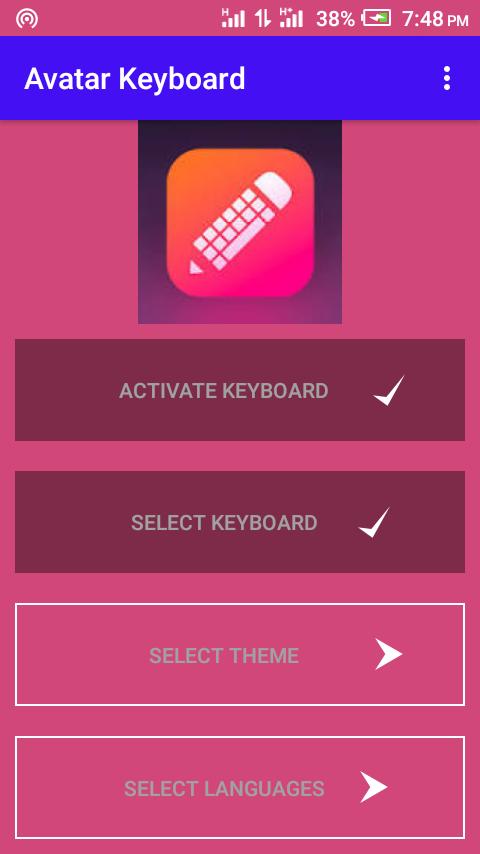
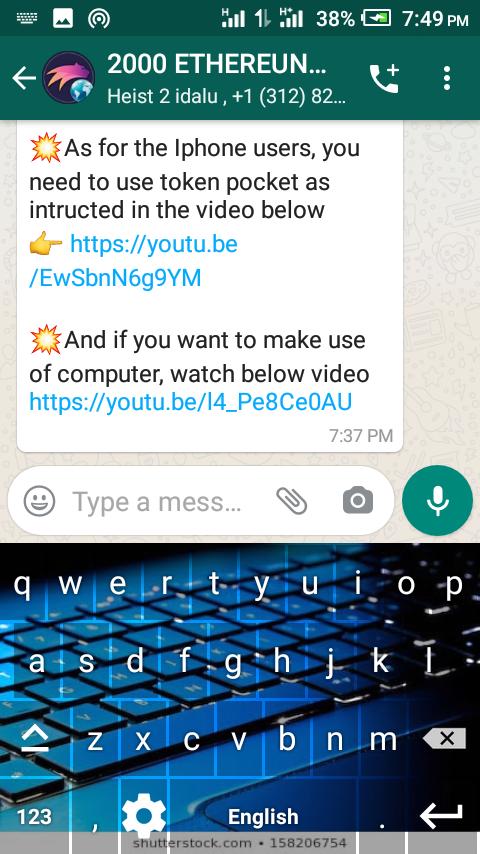
Avatar Keyboard uses gesture typing for easier and faster input. It also has an aggressive and artificially intelligent autocorrect engine that learns the way you type and gets better at correcting your typos over time.
Something that sets Avatar keyboard apart is its floating keyboard. You can undock the keyboard, resize it and drag it anywhere on the screen to type, as well as enable a one-handed mode or turn it into a split thumb keyboard. These features are particularly useful on a larger device, such as a tablet.
Avatar keyboard is available at no cost, with free themes...
Xem trước
Thông tin
Nhà phát triển
Garg Oluchukwu
Phiên bản mới nhất
1.0
Cập nhật mới nhất
2020-08-19
Loại
Truyền thông
Có trên
Google Play
Cho xem nhiều hơn
Cách chơi Avatar Keyboard với GameLoop trên PC
1. Tải xuống GameLoop từ trang web chính thức, sau đó chạy tệp exe để cài đặt GameLoop.
2. Mở GameLoop và tìm kiếm “Avatar Keyboard”, tìm Avatar Keyboard trong kết quả tìm kiếm và nhấp vào “Cài đặt”.
3. Thích chơi Avatar Keyboard trên GameLoop.
Minimum requirements
OS
Windows 8.1 64-bit or Windows 10 64-bit
GPU
GTX 1050
CPU
i3-8300
Memory
8GB RAM
Storage
1GB available space
Recommended requirements
OS
Windows 8.1 64-bit or Windows 10 64-bit
GPU
GTX 1050
CPU
i3-9320
Memory
16GB RAM
Storage
1GB available space