
ACC Mobile 2 PC
Avigilon Corporation
Tải xuống ACC Mobile 2 trên PC với Trình giả lập GameLoop
ACC Mobile 2 trên PC
ACC Mobile 2, đến từ nhà phát triển Avigilon Corporation, đang chạy trên hệ điều hành Android trong quá khứ.
Giờ đây, bạn có thể chơi ACC Mobile 2 trên PC với GameLoop một cách mượt mà.
Tải xuống nó trong thư viện GameLoop hoặc kết quả tìm kiếm. Không còn để ý đến pin hoặc các cuộc gọi bực bội vào sai thời điểm nữa.
Chỉ cần thưởng thức ACC Mobile 2 PC trên màn hình lớn miễn phí!
ACC Mobile 2 Giới thiệu
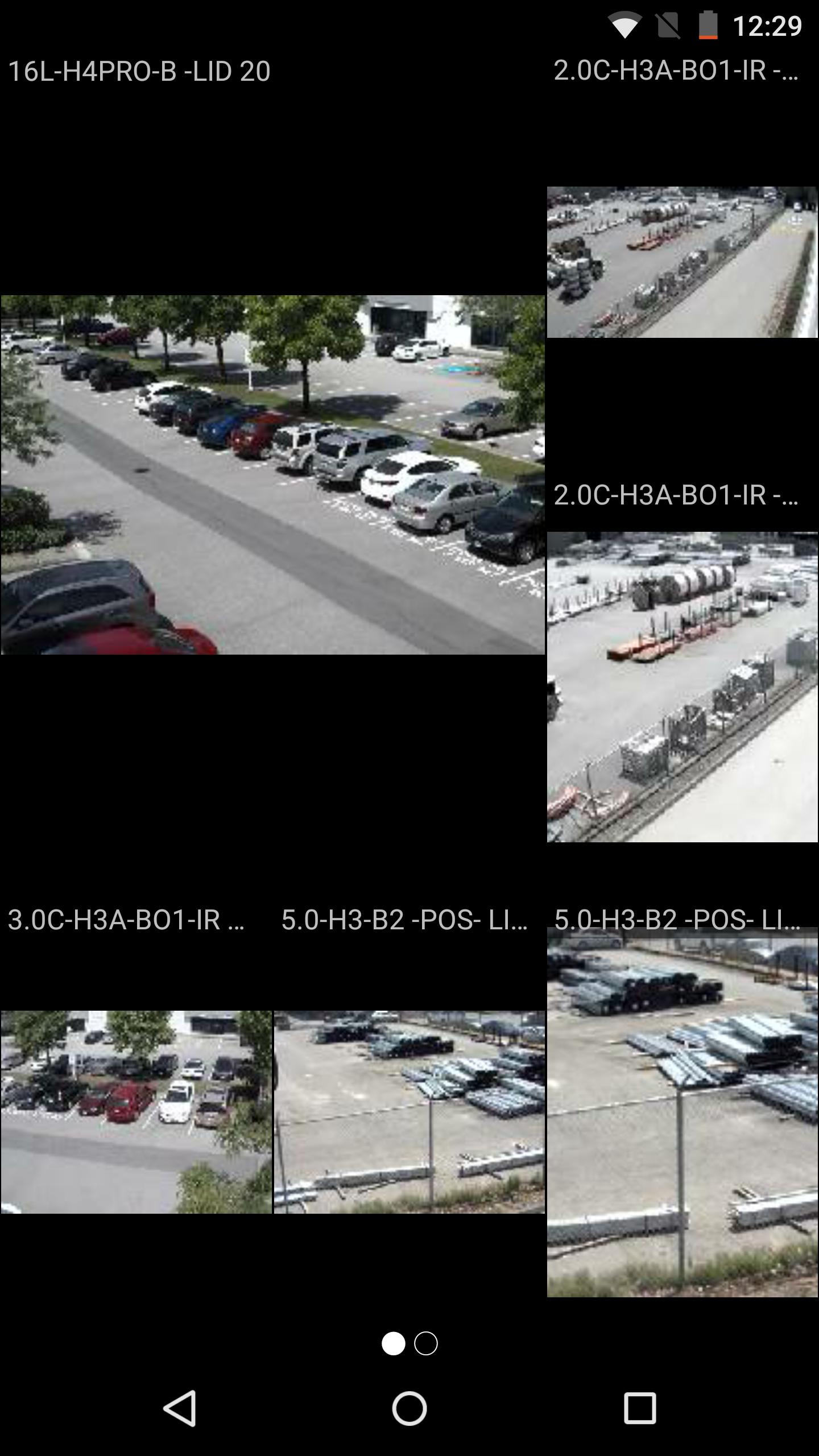
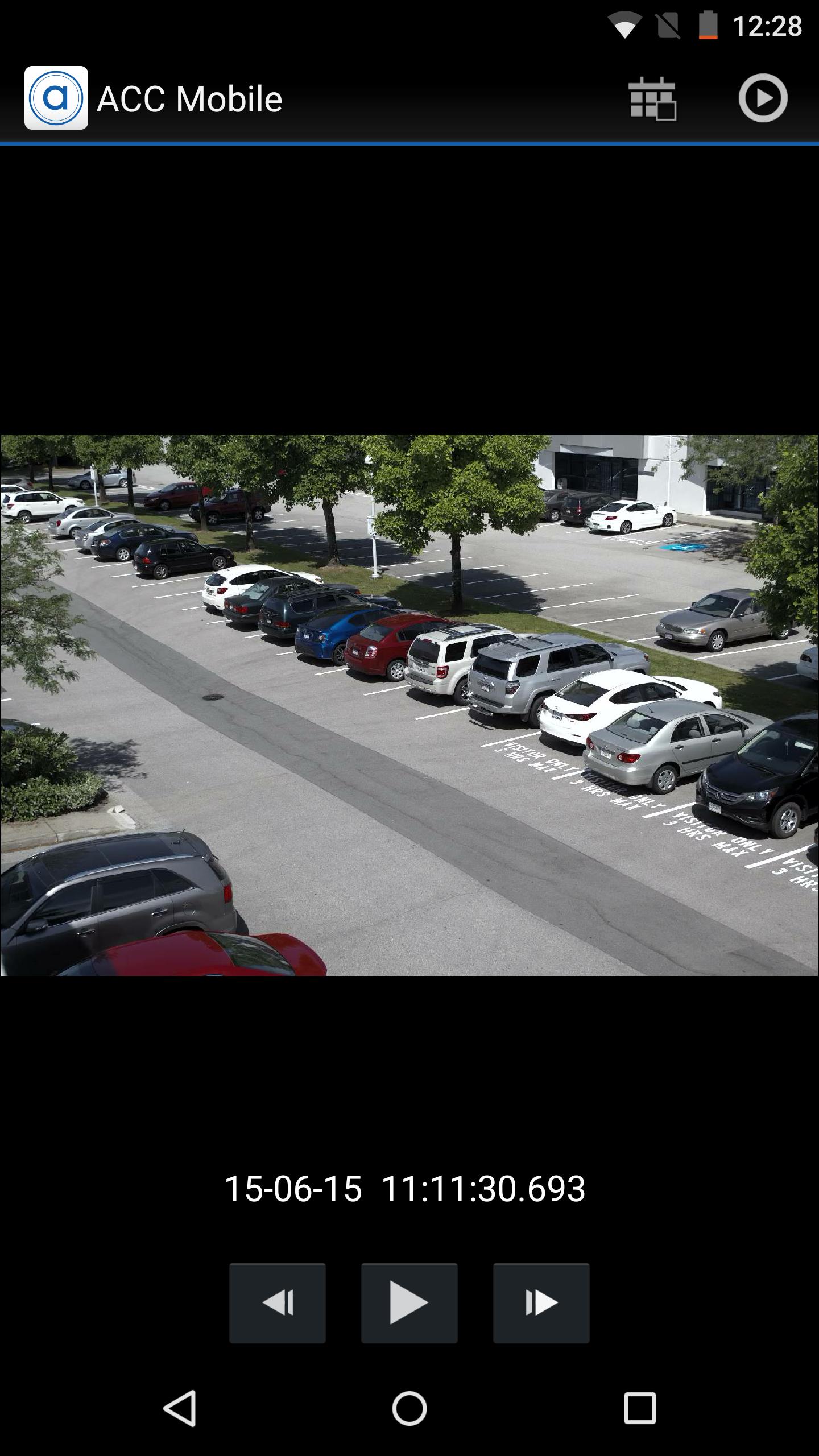
Avigilon Control Center Mobile 2 (ACC Mobile 2) enables security professionals to connect to the Avigilon Control Center (ACC) Network Video Management Software (NVMS) platform over any IP wireless network with Android smartphones and tablet devices. ACC Mobile 2 enables operators to remotely view live and recorded surveillance video, receive alarm push notifications, and speak back through enabled camera speakers to improve response times to incidents from any location.
Extending the award-winning High Definition Stream Management (HDSM) technology of Avigilon Control Center, ACC Mobile 2 is designed to efficiently support HD and megapixel images and detail up to 7K (30 MP). Leveraging the Avigilon Control Center Gateway, ACC Mobile 2 can be easily connected to an unlimited number of servers and cameras, expanding access to video surveillance data for greater coverage and remote monitoring.
System requirements:
• ACC 5.x or ACC 6.x
• Push alarm notifications require ACC Enterprise edition
• Audio talk down requires ACC Standard or ACC Enterprise edition
• ACC Gateway installed
Xem trước
Thông tin
Nhà phát triển
Avigilon Corporation
Phiên bản mới nhất
2.2.10 (00)
Cập nhật mới nhất
2019-10-10
Loại
Kinh doanh
Có trên
Google Play
Cho xem nhiều hơn
Cách chơi ACC Mobile 2 với GameLoop trên PC
1. Tải xuống GameLoop từ trang web chính thức, sau đó chạy tệp exe để cài đặt GameLoop.
2. Mở GameLoop và tìm kiếm “ACC Mobile 2”, tìm ACC Mobile 2 trong kết quả tìm kiếm và nhấp vào “Cài đặt”.
3. Thích chơi ACC Mobile 2 trên GameLoop.
Minimum requirements
OS
Windows 8.1 64-bit or Windows 10 64-bit
GPU
GTX 1050
CPU
i3-8300
Memory
8GB RAM
Storage
1GB available space
Recommended requirements
OS
Windows 8.1 64-bit or Windows 10 64-bit
GPU
GTX 1050
CPU
i3-9320
Memory
16GB RAM
Storage
1GB available space