3D Printer PC
Sparrow Softtech
Tải xuống 3D Printer trên PC với Trình giả lập GameLoop
3D Printer trên PC
3D Printer, đến từ nhà phát triển Sparrow Softtech, đang chạy trên hệ điều hành Android trong quá khứ.
Giờ đây, bạn có thể chơi 3D Printer trên PC với GameLoop một cách mượt mà.
Tải xuống nó trong thư viện GameLoop hoặc kết quả tìm kiếm. Không còn để ý đến pin hoặc các cuộc gọi bực bội vào sai thời điểm nữa.
Chỉ cần thưởng thức 3D Printer PC trên màn hình lớn miễn phí!
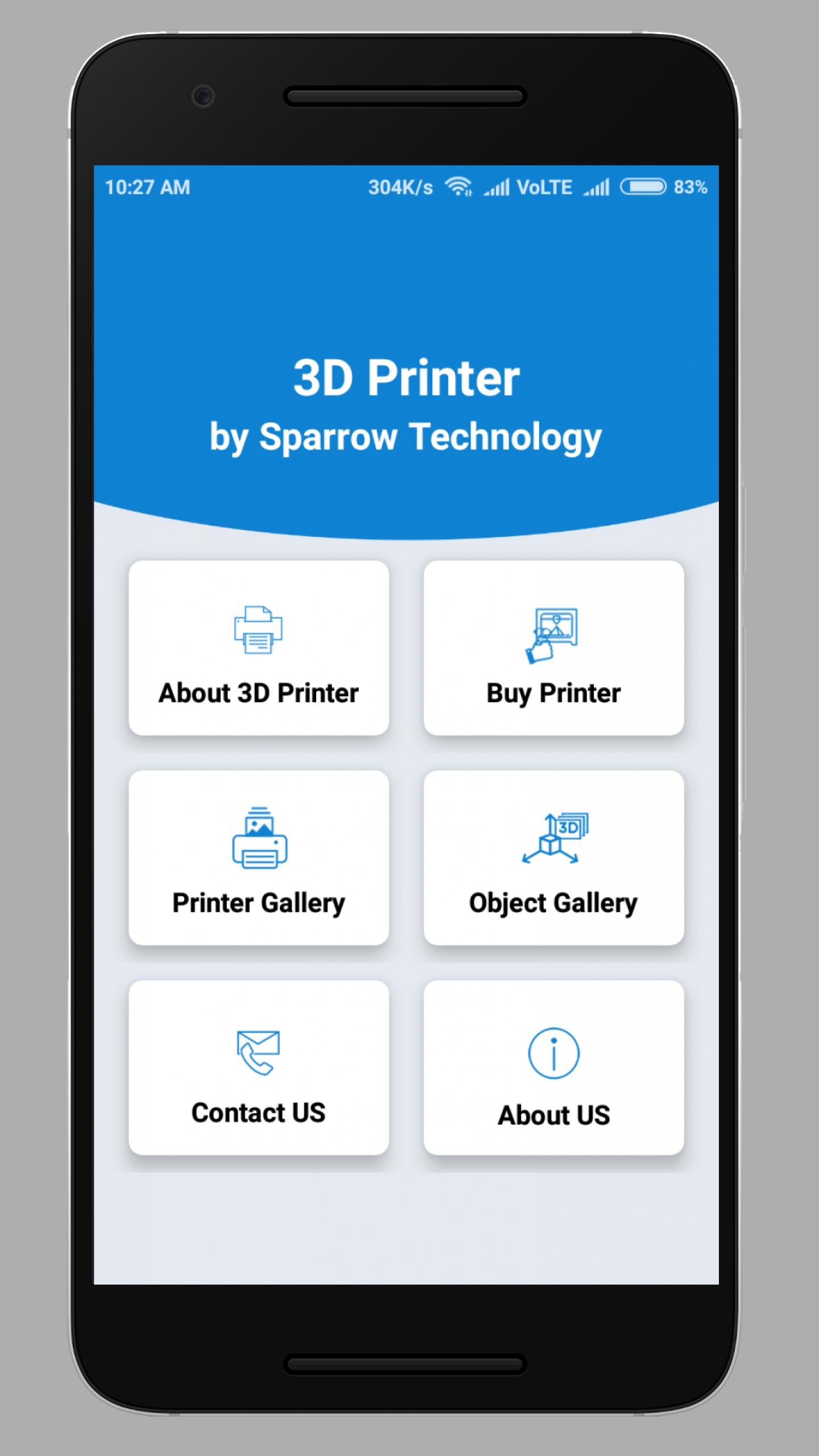
3D Printer Giới thiệu
*What is 3D Printer ?
D Printing is an additive manufacturing process that creates a physical object from a digital design. There are different 3D printing technologies and materials you can print with, but all are based on the same principle: a digital model is turned into a solid three-dimensional physical object by adding material layer by layer.
*How does 3D printing work?
Every 3D print starts as a digital 3D design file – like a blueprint – for a physical object. Trying to print without a design file is like trying to print a document on a sheet of paper without a text file. This design file is sliced into thin layers which is then sent to the 3D printer.
*What materials can be used in a 3d printer?
Many different materials can be used for 3D printing, such as ABS plastic, PLA, polyamide (nylon), glass filled polyamide, stereolithography materials (epoxy resins), silver, titanium, steel, wax, photopolymers and polycarbonate.
*Do 3d printers use a lot of power?
The average use of 3D printers for an hour is 50 watts. Incandescent bulbs have 60 watts and 30 watts, and at one time people equated that at how bright the bulbs are and it might have been, but it was really a measure of how much electricity that bulb would use in an hour.
*How long does it take to make something in a 3d printer?
The time it takes to make a 3D print on an Ultimaker depends on the size of the model and the settings that you use for printing. A small object with low quality settings can already be printed in less than 10 minutes. But when you want to print a big object in high quality it could also take several hours.
*How fast does a 3d printer print?
The first set is has been grouped at around 40 to 50mm/s, while the second set prints at about 80-100mm/s. Meanwhile, the fastest set prints at around 150mm/s. Some printers may even print at a speed faster than 150 mm/s.s. Typically, faster 3D printing speed means lower quality, though.
Xem trước
Thông tin
Nhà phát triển
Sparrow Softtech
Phiên bản mới nhất
1.0
Cập nhật mới nhất
2018-03-20
Loại
Kinh doanh
Có trên
Google Play
Cho xem nhiều hơn
Cách chơi 3D Printer với GameLoop trên PC
1. Tải xuống GameLoop từ trang web chính thức, sau đó chạy tệp exe để cài đặt GameLoop.
2. Mở GameLoop và tìm kiếm “3D Printer”, tìm 3D Printer trong kết quả tìm kiếm và nhấp vào “Cài đặt”.
3. Thích chơi 3D Printer trên GameLoop.
Minimum requirements
OS
Windows 8.1 64-bit or Windows 10 64-bit
GPU
GTX 1050
CPU
i3-8300
Memory
8GB RAM
Storage
1GB available space
Recommended requirements
OS
Windows 8.1 64-bit or Windows 10 64-bit
GPU
GTX 1050
CPU
i3-9320
Memory
16GB RAM
Storage
1GB available space