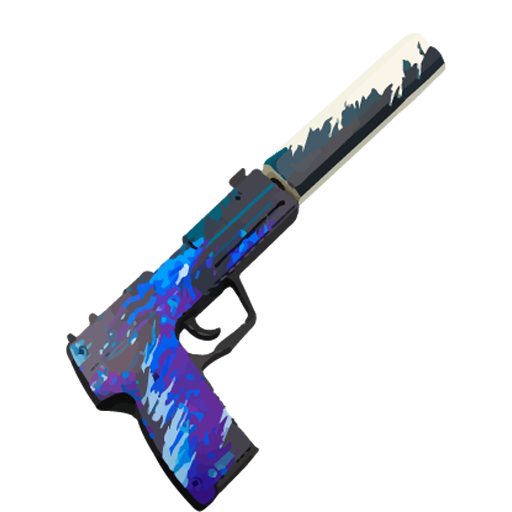
how to draw standoff weapons PC
Gosomojo
Tải xuống how to draw standoff weapons trên PC với Trình giả lập GameLoop
how to draw standoff weapons trên PC
how to draw standoff weapons, đến từ nhà phát triển Gosomojo, đang chạy trên hệ điều hành Android trong quá khứ.
Giờ đây, bạn có thể chơi how to draw standoff weapons trên PC với GameLoop một cách mượt mà.
Tải xuống nó trong thư viện GameLoop hoặc kết quả tìm kiếm. Không còn để ý đến pin hoặc các cuộc gọi bực bội vào sai thời điểm nữa.
Chỉ cần thưởng thức how to draw standoff weapons PC trên màn hình lớn miễn phí!
how to draw standoff weapons Giới thiệu
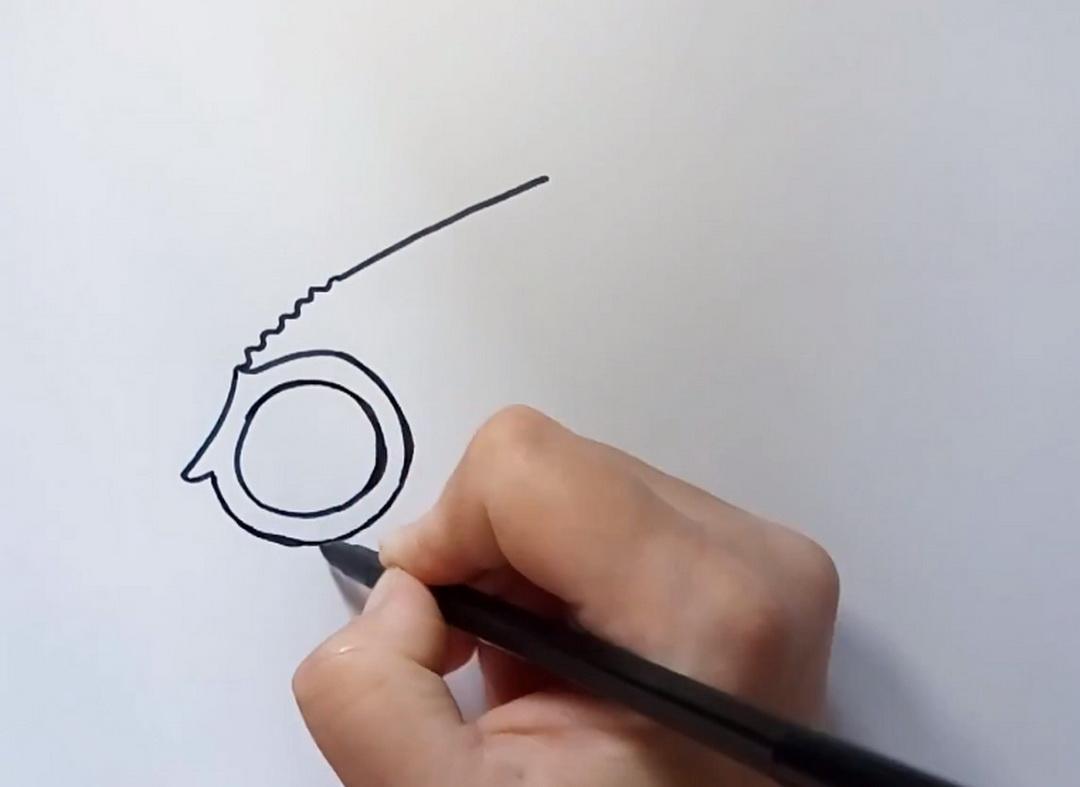
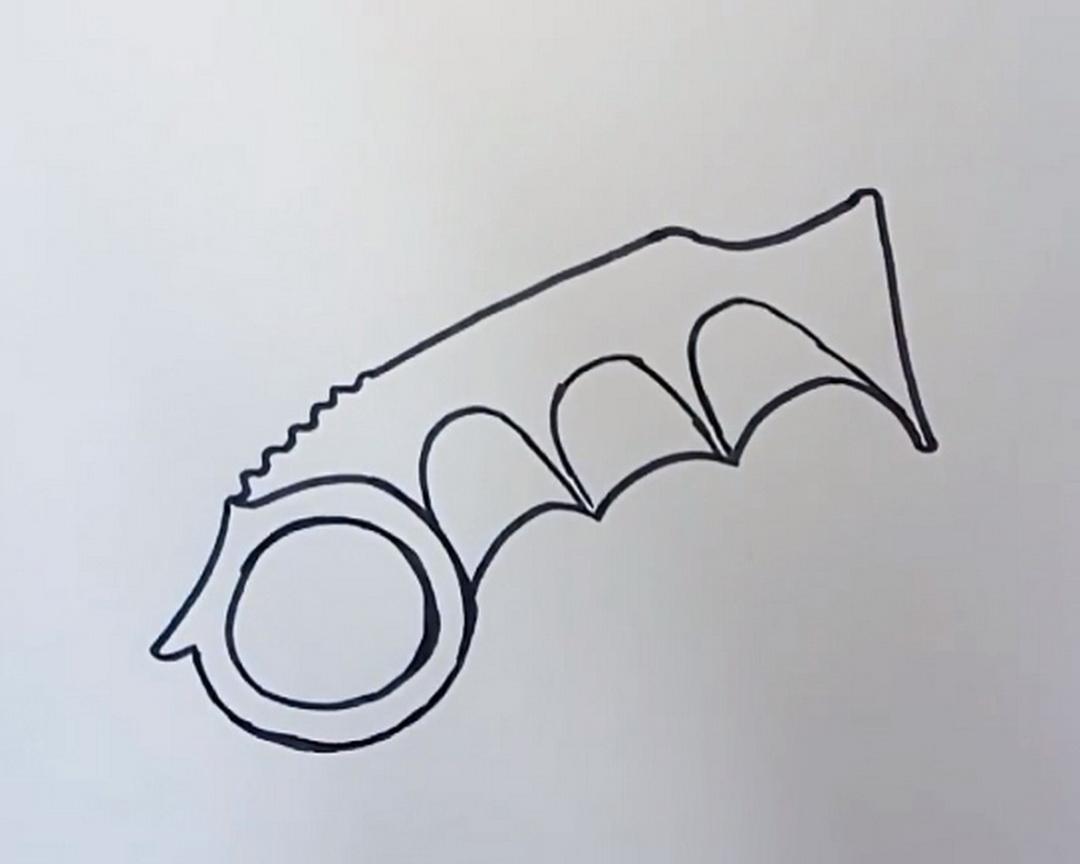
Well, how to draw weapons step by step? In drawing, as in any other business, experience plays a decisive role. Very few people can sit down and figure out how to learn how to draw weapons beautifully the first time - these are geniuses who see perspective, lines and their hand does not tremble.
But with a certain amount of patience, anyone can learn how to draw weapons from standoff 2. If you do not have the skills to draw weapons well, notice how a shadow falls, how an object will look in space, and so on, you need our application. Follow a few simple steps and you will figure out how to draw standoff 2 without any problems, but you will have to practice a little.
We recommend that you first learn how to draw a karambit, and then switch to a butterfly knife and learn how to draw a weapon without the Internet. Karambit looks cool but is very easy to draw. Other knives are more difficult to draw. But, in any case, with a certain amount of perseverance and free time, you will learn how to draw weapons from standoff.
In the application, we have explained in detail how to draw weapons in stages. Download our application how to draw weapons step by step. And enjoy learning how to draw weapons step by step.
All images used in this application are taken from open sources, of unknown origin.
If you are the legal owner of these images hosted in the application and do not want them to be displayed in it, please contact us in any way convenient for you, and we will immediately correct the situation.
Xem trước
Thẻ
Art-&Thông tin
Nhà phát triển
Gosomojo
Phiên bản mới nhất
1.0
Cập nhật mới nhất
2022-08-17
Loại
Art-design
Có trên
Google Play
Cho xem nhiều hơn
Cách chơi how to draw standoff weapons với GameLoop trên PC
1. Tải xuống GameLoop từ trang web chính thức, sau đó chạy tệp exe để cài đặt GameLoop.
2. Mở GameLoop và tìm kiếm “how to draw standoff weapons”, tìm how to draw standoff weapons trong kết quả tìm kiếm và nhấp vào “Cài đặt”.
3. Thích chơi how to draw standoff weapons trên GameLoop.
Minimum requirements
OS
Windows 8.1 64-bit or Windows 10 64-bit
GPU
GTX 1050
CPU
i3-8300
Memory
8GB RAM
Storage
1GB available space
Recommended requirements
OS
Windows 8.1 64-bit or Windows 10 64-bit
GPU
GTX 1050
CPU
i3-9320
Memory
16GB RAM
Storage
1GB available space