
Zoom Video Player 電腦版
Jâvan Palmer (App Establishment)
用GameLoop模拟器在電腦上玩Zoom Video Player
Zoom Video Player 電腦版
來自發行商 Jâvan Palmer (App Establishment) 的 Zoom Video Player 能夠在安卓系統上運行。
現在,您可以在電腦上使用 GameLoop 模擬器流暢地玩 Zoom Video Player。
在 GameLoop 遊戲庫或搜索結果中下載。 不需要再暢玩遊戲時盯著電池電量或被令人懊惱的來電打斷。
只需在電腦大屏幕上免費下載暢玩Zoom Video Player 電腦版!
Zoom Video Player 簡介
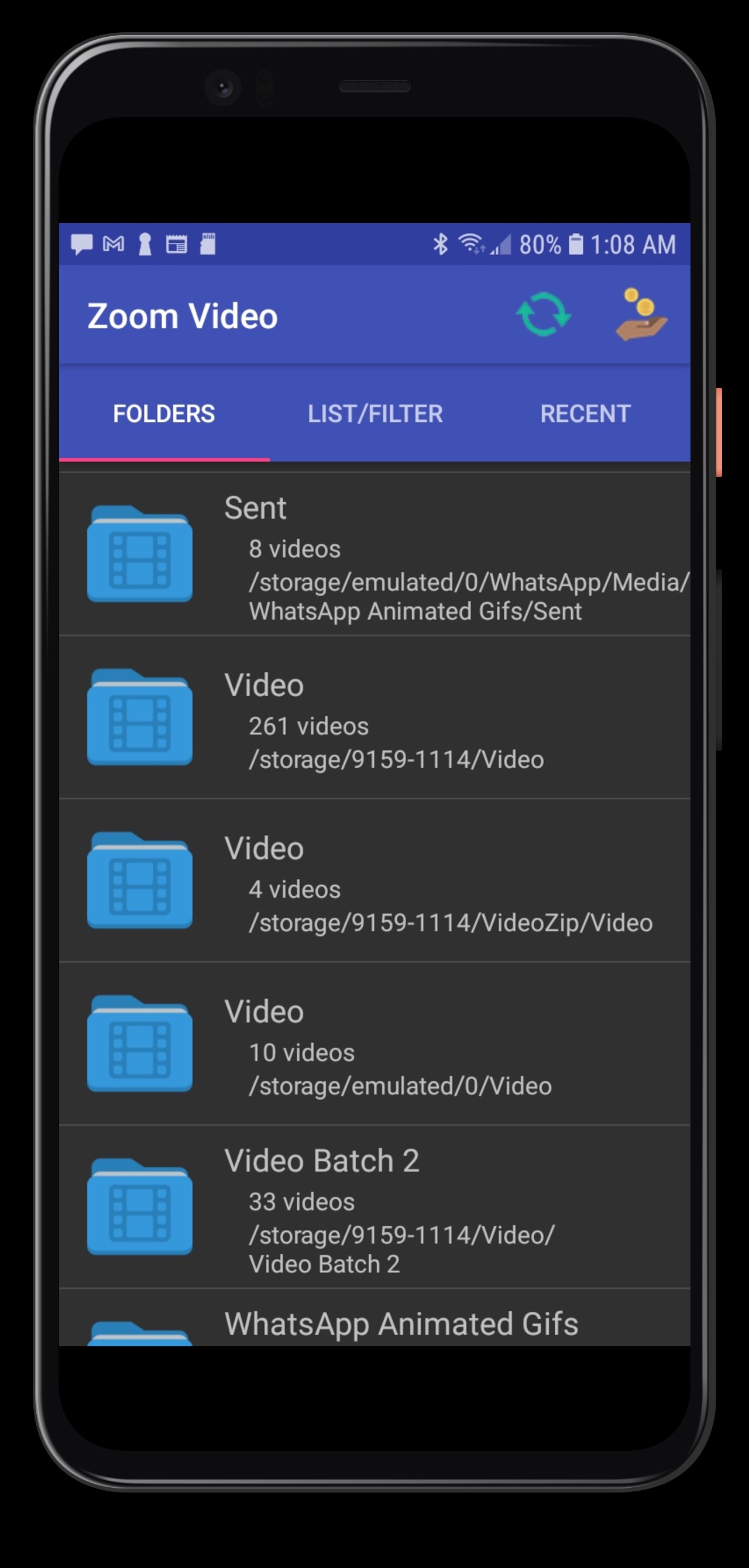
現在,您可以隨時放大任何小影片內容,就像在智慧型手機或平板電腦上放大照片一樣。在最大四倍的螢幕上觀看高清影片。
★Zoom 影片播放器採用靈活的核心模組。
★Zoom 影片播放器支援★ AVI / ASF / WMV / WMA、MP4 / MOV / 3GP、OGG / OGM / FLV / WEBM / MKV
★放大足球、籃球和其他體育比賽。
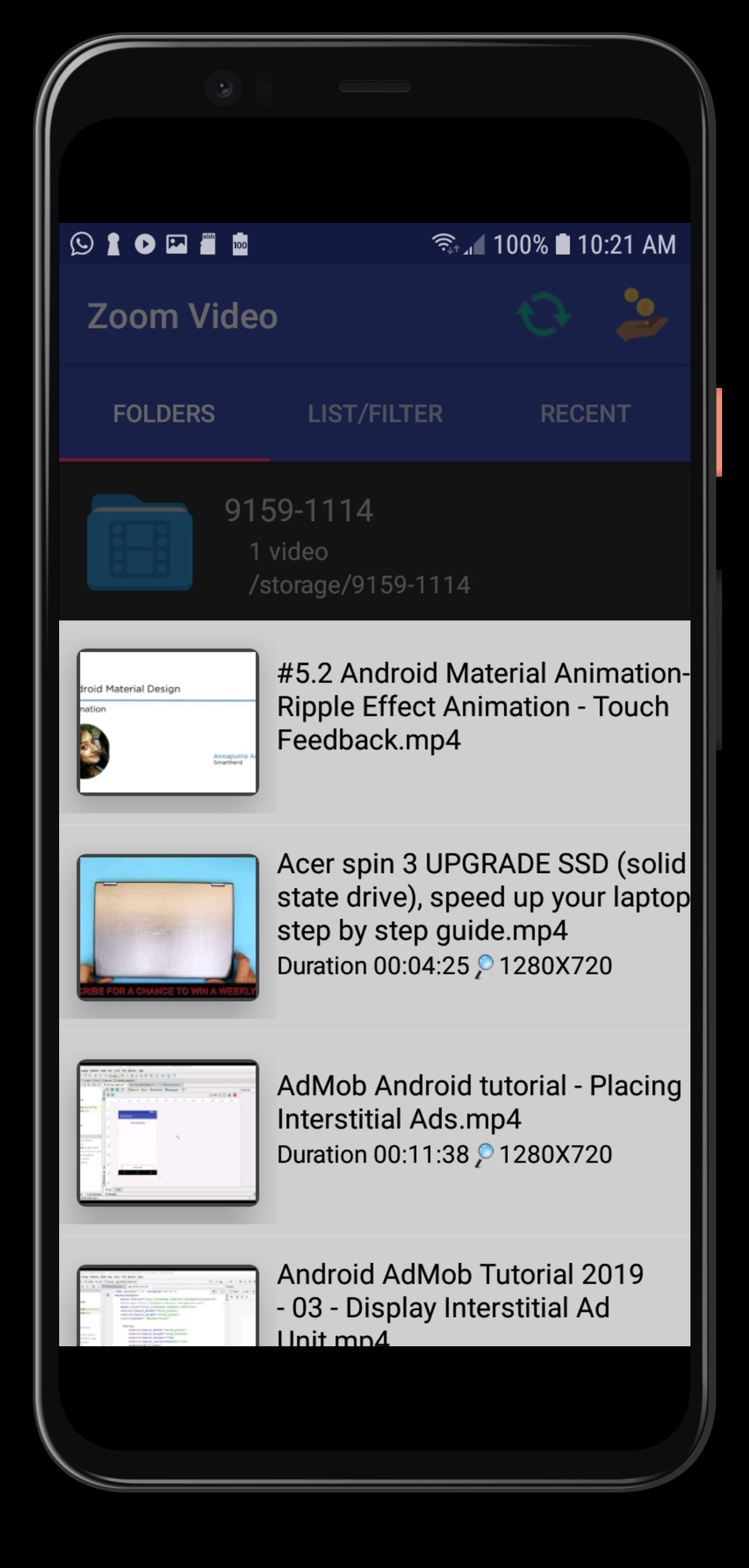
★方便觀看軟體使用教學影片。
★放鬆身心,觀看影片示範(操作方法影片)。
★Zoom 影片播放器適用於教育類影片。
★慢動作藝術繪畫影片。
★Zoom 影片播放器適用於老年人和近視人士。
教育類影片。
★允許自由捲動瀏覽影片內容。
★支援垂直螢幕和橫屏模式、自動旋轉和 A-B 循環播放。
★支援慢動作和快動作視訊縮放,並附帶音訊。
★支援存取外部 SD 卡上的檔案以及透過網路 URL 串流內容。
★★感謝 VideoLAN 開源社群。 ★★
預覽
標籤
Video-Players訊息
開發商
Jâvan Palmer (App Establishment)
最新版本
R.v80 adfree-don
更新時間
2025-11-16
類別
Video-players-editors
同時可用
Google Play
更多
如何在電腦上用 GameLoop 玩 Zoom Video Player
1. 從官網下載GameLoop,然後運行exe文件安裝GameLoop
2. 打開GameLoop,搜索“Zoom Video Player”,在搜索結果中找到Zoom Video Player,點擊“安裝”
3. 享受在 GameLoop 上玩 Zoom Video Player 的樂趣
Minimum requirements
OS
Windows 8.1 64-bit or Windows 10 64-bit
GPU
GTX 1050
CPU
i3-8300
Memory
8GB RAM
Storage
1GB available space
Recommended requirements
OS
Windows 8.1 64-bit or Windows 10 64-bit
GPU
GTX 1050
CPU
i3-9320
Memory
16GB RAM
Storage
1GB available space