
Square Blur Video Editor - Crop, Cut & Blur Video 電腦版
Photo Editor & Video Maker Zone
用GameLoop模拟器在電腦上玩Square Blur Video Editor - Crop, Cut & Blur Video
Square Blur Video Editor - Crop, Cut & Blur Video 電腦版
來自發行商 Photo Editor & Video Maker Zone 的 Square Blur Video Editor - Crop, Cut & Blur Video 能夠在安卓系統上運行。
現在,您可以在電腦上使用 GameLoop 模擬器流暢地玩 Square Blur Video Editor - Crop, Cut & Blur Video。
在 GameLoop 遊戲庫或搜索結果中下載。 不需要再暢玩遊戲時盯著電池電量或被令人懊惱的來電打斷。
只需在電腦大屏幕上免費下載暢玩Square Blur Video Editor - Crop, Cut & Blur Video 電腦版!
Square Blur Video Editor - Crop, Cut & Blur Video 簡介
Want to create blurry videos to share on social media application ?
Want to crop & crop specific part from videos ?
Want to create blur video background with customization tools ?
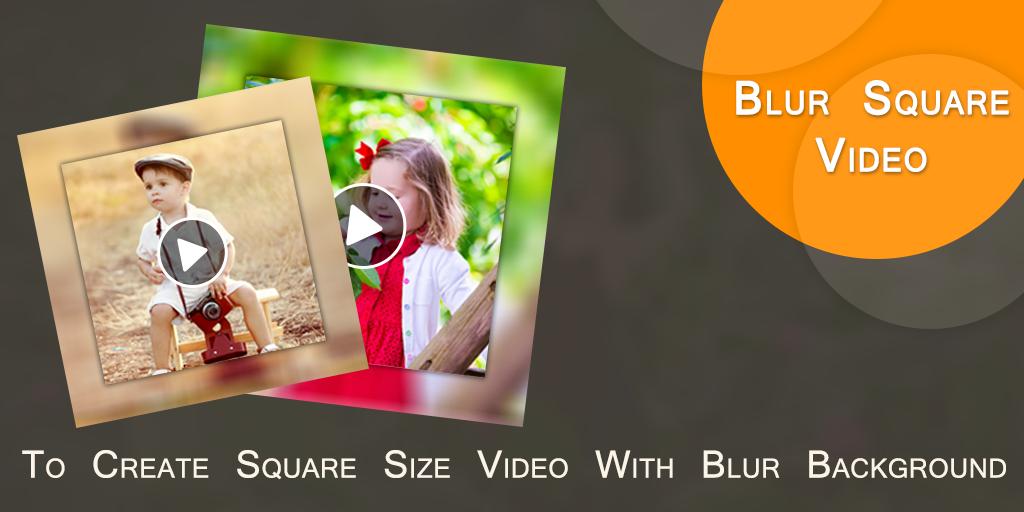
Square Blur Video Editor is an useful application which helps to create square size blur video for you.
Now your background video became totally blur.
Features :-
* Now create square size video with blur background.
* You can also create no crop blur video background also.
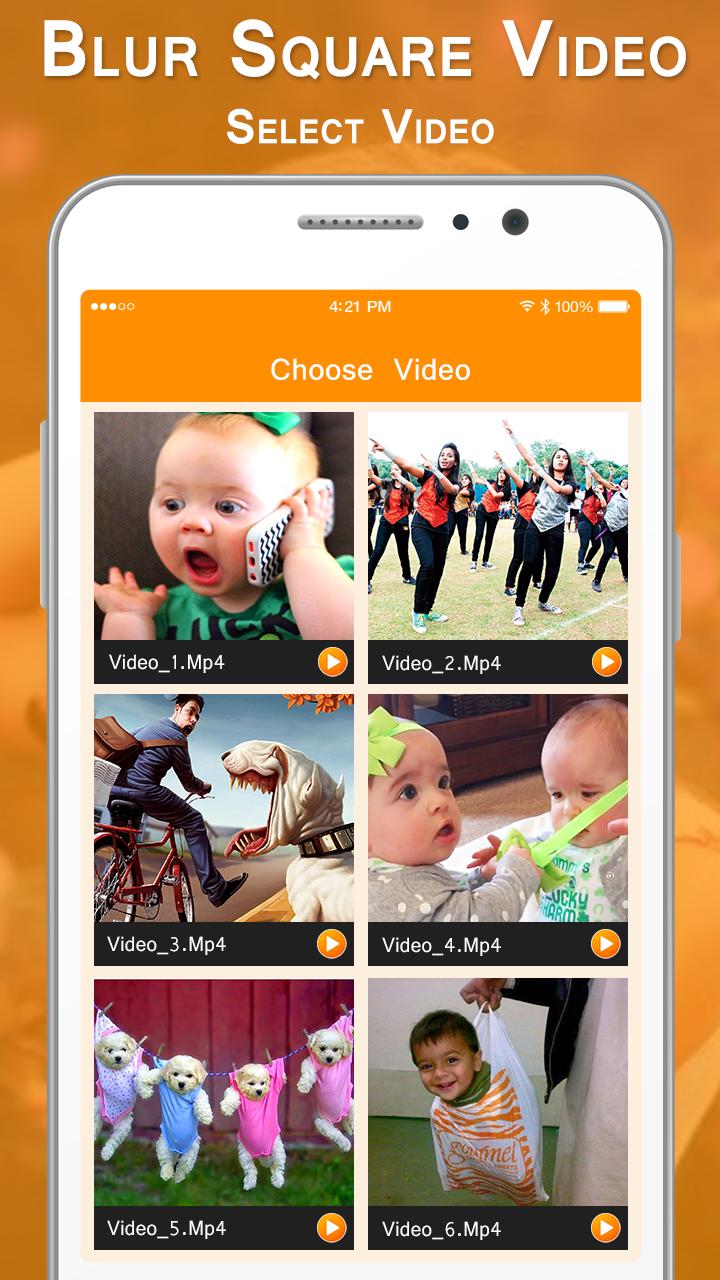
* Select video from custom gallery provided here.
* Easy to cut/ remove unused part from video.
* Easy to crop video for specific part of video.
* You can adjust blur opacity.
* Here you can crop or cut video at the same time.
* Add your own music from your album.
* Remove old music or you can create mute video also.
* Easy preview any time to play here how your Blur Square Video looks like
* One click to save final created Square Blur Video in your phone storage.
* Share blur videos with your friends.
In short you can create Square Blur Video in just a simple steps :-
- Select a video.
- Cut or crop video.
- Set video background's blur ratio.
- Add or remove music.
- Easy preview.
- One click to save & share Square Blur Video.
Square Blur Video Editor - Crop, Cut & Blur Video, is an useful application to create square size video with blur background as well as no crop blur videos.
預覽
訊息
開發商
Photo Editor & Video Maker Zone
最新版本
1.3
更新時間
2021-03-11
類別
Video-players-editors
同時可用
Google Play
更多
如何在電腦上用 GameLoop 玩 Square Blur Video Editor - Crop, Cut & Blur Video
1. 從官網下載GameLoop,然後運行exe文件安裝GameLoop
2. 打開GameLoop,搜索“Square Blur Video Editor - Crop, Cut & Blur Video”,在搜索結果中找到Square Blur Video Editor - Crop, Cut & Blur Video,點擊“安裝”
3. 享受在 GameLoop 上玩 Square Blur Video Editor - Crop, Cut & Blur Video 的樂趣
Minimum requirements
OS
Windows 8.1 64-bit or Windows 10 64-bit
GPU
GTX 1050
CPU
i3-8300
Memory
8GB RAM
Storage
1GB available space
Recommended requirements
OS
Windows 8.1 64-bit or Windows 10 64-bit
GPU
GTX 1050
CPU
i3-9320
Memory
16GB RAM
Storage
1GB available space