
AXIS Wireless Install’n Tool 電腦版
Axis Communications AB, Sweden
用GameLoop模拟器在電腦上玩AXIS Wireless Install’n Tool
AXIS Wireless Install’n Tool 電腦版
來自發行商 Axis Communications AB, Sweden 的 AXIS Wireless Install’n Tool 能夠在安卓系統上運行。
現在,您可以在電腦上使用 GameLoop 模擬器流暢地玩 AXIS Wireless Install’n Tool。
在 GameLoop 遊戲庫或搜索結果中下載。 不需要再暢玩遊戲時盯著電池電量或被令人懊惱的來電打斷。
只需在電腦大屏幕上免費下載暢玩AXIS Wireless Install’n Tool 電腦版!
AXIS Wireless Install’n Tool 簡介
此應用已被 AXIS Installer 取代。請從 Google Play 下載 AXIS Installer。
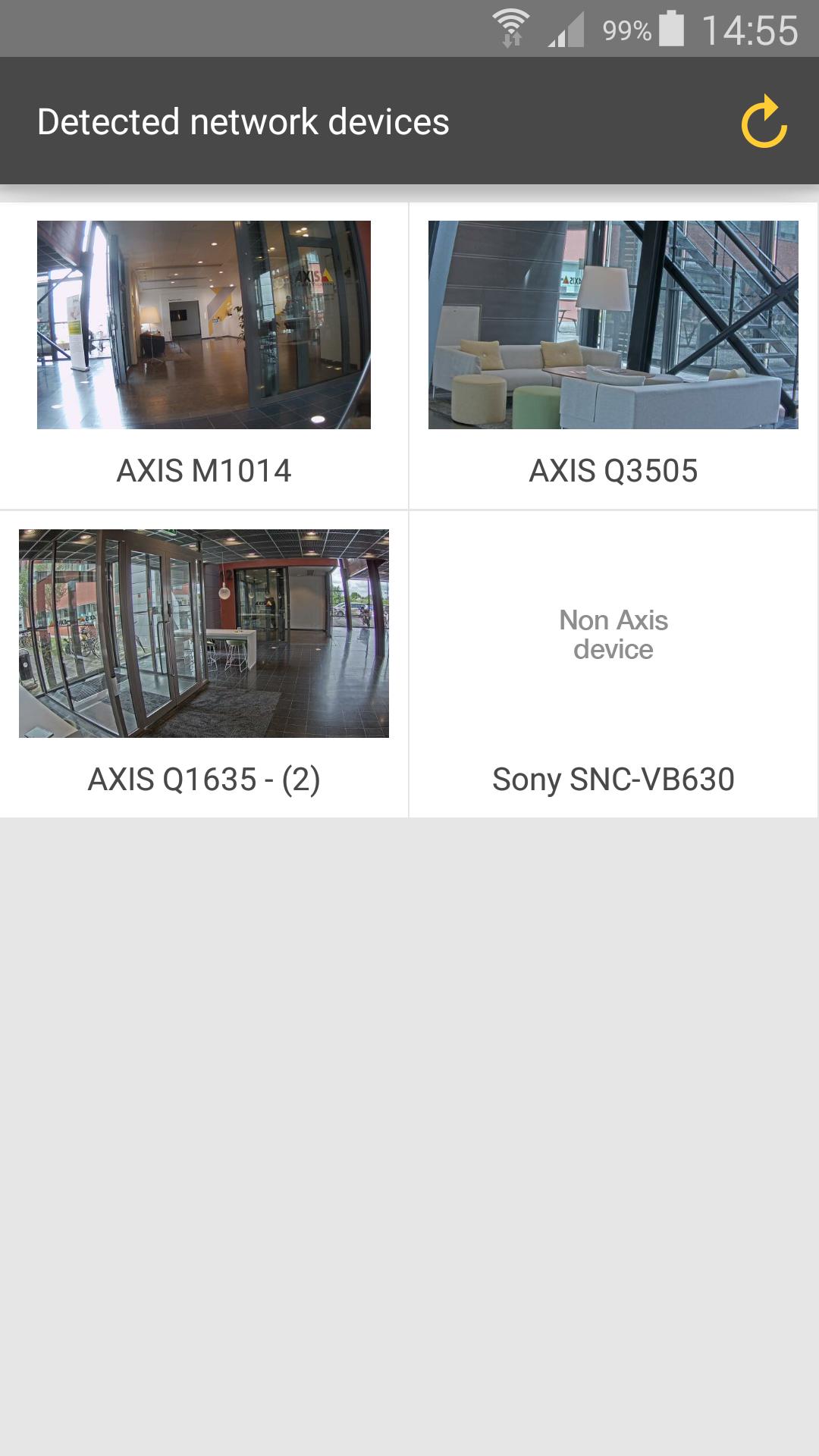
適用於 Axis T8415 無線安裝工具的安裝應用。操作簡便,輕鬆安裝 Axis 攝影機。
主要功能:
• 發現所有 Axis 攝影機以及 ONVIF
• 直接存取主要功能,例如對焦、旋轉、快照
• 基本網路設置,例如 IP 位址
設定:
此應用僅適用於 AXIS T8415 無線安裝工具。更多資訊及購買方式,請造訪 www.axis.com
預覽

標籤
Video-Players訊息
開發商
Axis Communications AB, Sweden
最新版本
2.1.3
更新時間
2025-07-07
類別
Video-players-editors
同時可用
Google Play
更多
如何在電腦上用 GameLoop 玩 AXIS Wireless Install’n Tool
1. 從官網下載GameLoop,然後運行exe文件安裝GameLoop
2. 打開GameLoop,搜索“AXIS Wireless Install’n Tool”,在搜索結果中找到AXIS Wireless Install’n Tool,點擊“安裝”
3. 享受在 GameLoop 上玩 AXIS Wireless Install’n Tool 的樂趣
Minimum requirements
OS
Windows 8.1 64-bit or Windows 10 64-bit
GPU
GTX 1050
CPU
i3-8300
Memory
8GB RAM
Storage
1GB available space
Recommended requirements
OS
Windows 8.1 64-bit or Windows 10 64-bit
GPU
GTX 1050
CPU
i3-9320
Memory
16GB RAM
Storage
1GB available space