
Battery Percentage Indicator 電腦版
Zanoj Mobi Apps
用GameLoop模拟器在電腦上玩Battery Percentage Indicator
Battery Percentage Indicator 電腦版
來自發行商 Zanoj Mobi Apps 的 Battery Percentage Indicator 能夠在安卓系統上運行。
現在,您可以在電腦上使用 GameLoop 模擬器流暢地玩 Battery Percentage Indicator。
在 GameLoop 遊戲庫或搜索結果中下載。 不需要再暢玩遊戲時盯著電池電量或被令人懊惱的來電打斷。
只需在電腦大屏幕上免費下載暢玩Battery Percentage Indicator 電腦版!
Battery Percentage Indicator 簡介
🔋 電量百分比指示器 – 簡單精準
在狀態列輕鬆監控您的電量百分比。
使用這款簡潔輕巧的應用程序,即時掌握您的電力。
📊 主要功能
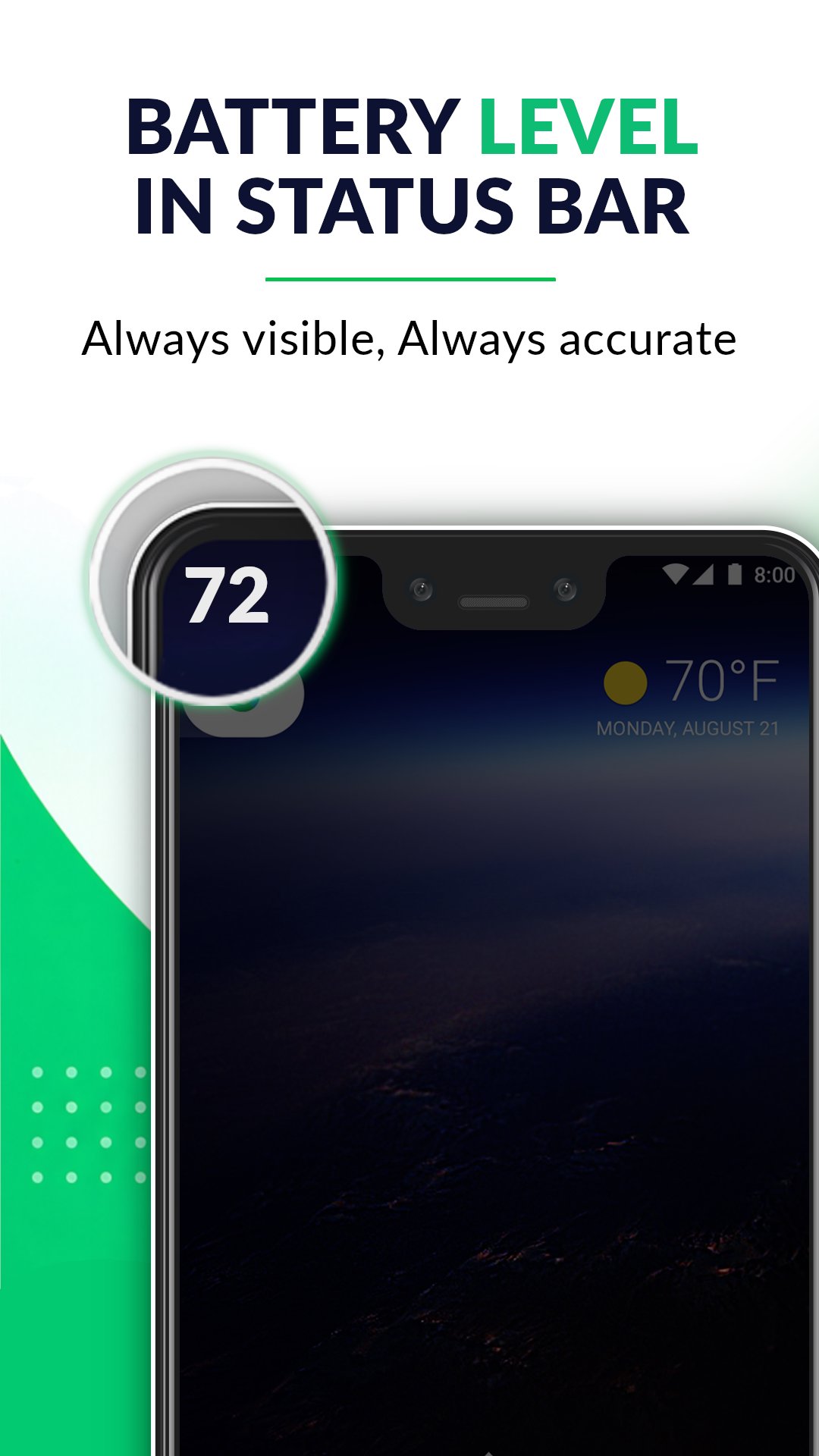
✔ 狀態列實時電量百分比
隨時顯示精準的電量百分比指示器
✔ 即時電量監控
即時追蹤電量變化(精度 1%)
✔ 詳細的通知面板
查看電量狀態:
- 充電/放電
- 電量進度條
✔ 輕巧省電
資源佔用極低,運作順暢
✔ 簡潔清爽的介面
文字清晰易讀,介面簡潔
✔ 支援所有設備
相容於多種螢幕尺寸和安卓版本
📱 為什麼選擇這款應用?
- 無冗餘功能
- 簡潔的設計
- 精準的電量追踪
- 簡單易用,人人適用
預覽
標籤
工具訊息
開發商
Zanoj Mobi Apps
最新版本
1.4.4
更新時間
2026-08-31
類別
工具
同時可用
Google Play
更多
如何在電腦上用 GameLoop 玩 Battery Percentage Indicator
1. 從官網下載GameLoop,然後運行exe文件安裝GameLoop
2. 打開GameLoop,搜索“Battery Percentage Indicator”,在搜索結果中找到Battery Percentage Indicator,點擊“安裝”
3. 享受在 GameLoop 上玩 Battery Percentage Indicator 的樂趣
Minimum requirements
OS
Windows 8.1 64-bit or Windows 10 64-bit
GPU
GTX 1050
CPU
i3-8300
Memory
8GB RAM
Storage
1GB available space
Recommended requirements
OS
Windows 8.1 64-bit or Windows 10 64-bit
GPU
GTX 1050
CPU
i3-9320
Memory
16GB RAM
Storage
1GB available space