
TS School 電腦版
NIC eGov Mobile Apps
用GameLoop模拟器在電腦上玩TS School
TS School 電腦版
來自發行商 NIC eGov Mobile Apps 的 TS School 能夠在安卓系統上運行。
現在,您可以在電腦上使用 GameLoop 模擬器流暢地玩 TS School。
在 GameLoop 遊戲庫或搜索結果中下載。 不需要再暢玩遊戲時盯著電池電量或被令人懊惱的來電打斷。
只需在電腦大屏幕上免費下載暢玩TS School 電腦版!
TS School 簡介
TS School Version 5.5
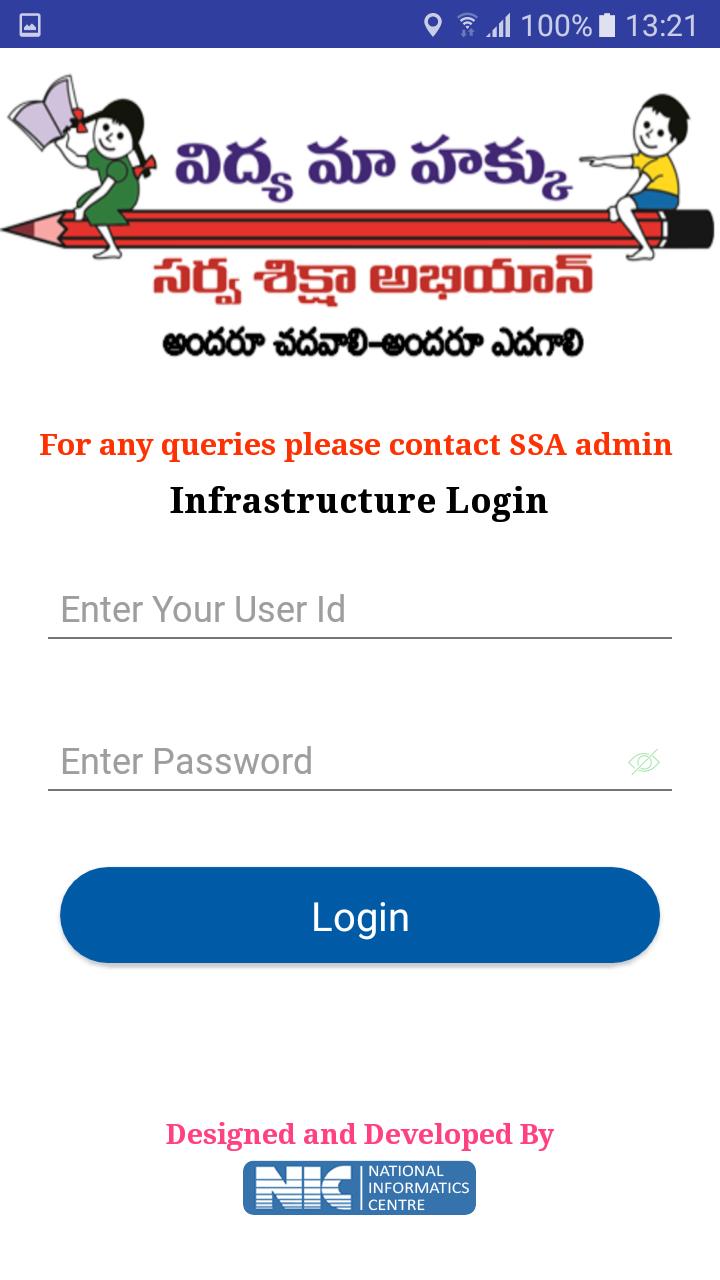
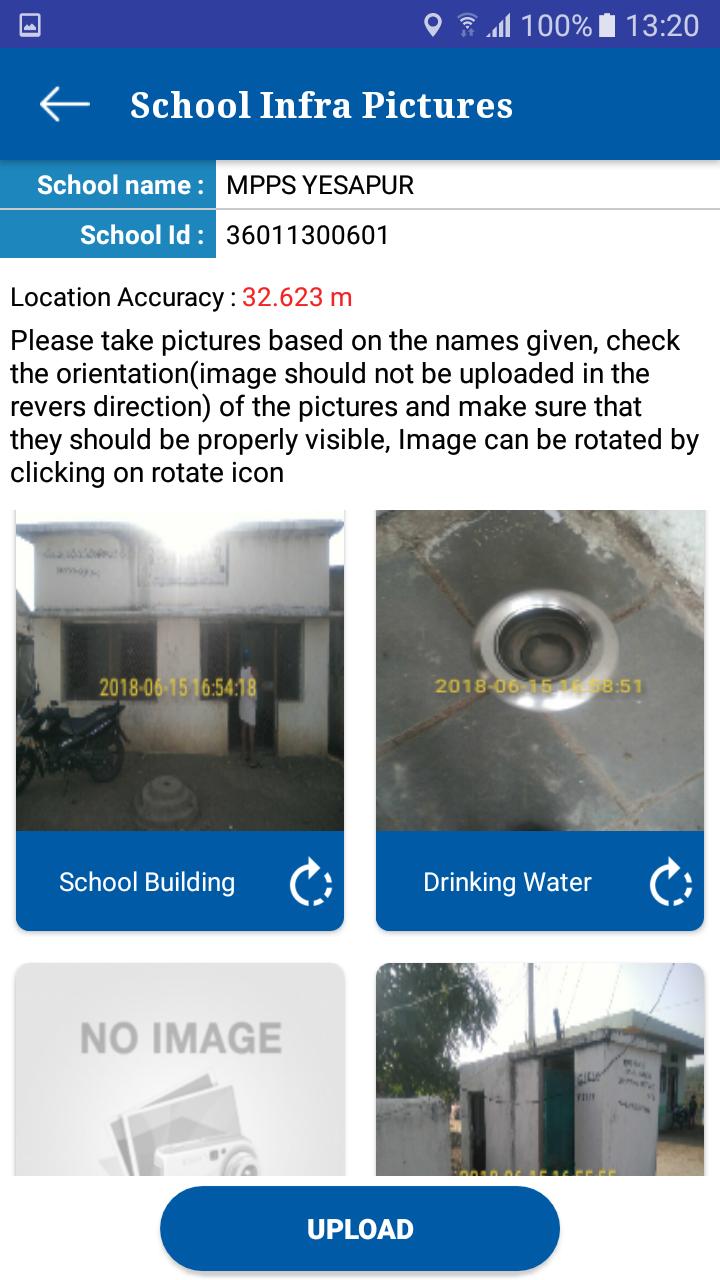
1. School Infrastructure
Visuals of School infrastructure like school building, class rooms, drinking water facility, compound wall, and kitchen shed etc. can be uploaded using this app.
2. School Monitoring
Toilet Monitoring: School HMs can upload the visuals of toilets at regular intervals. Authorities can monitor the functional status of toilets from time to time. It helps to track the status of individual toilets.
Attendance Monitoring: this module helps to school HM to enter the Attendance of the school children’s and employees
3. School Visit
This module allows to capture various school details like enrollment, attendance of children/teachers, syllabus covered, status of toilets, midday meal etc.
These parameters are stored in centralized database for generation of analysis reports for monitoring.
預覽
訊息
開發商
NIC eGov Mobile Apps
最新版本
5.5
更新時間
2019-06-26
類別
工具
同時可用
Google Play
更多
如何在電腦上用 GameLoop 玩 TS School
1. 從官網下載GameLoop,然後運行exe文件安裝GameLoop
2. 打開GameLoop,搜索“TS School”,在搜索結果中找到TS School,點擊“安裝”
3. 享受在 GameLoop 上玩 TS School 的樂趣
Minimum requirements
OS
Windows 8.1 64-bit or Windows 10 64-bit
GPU
GTX 1050
CPU
i3-8300
Memory
8GB RAM
Storage
1GB available space
Recommended requirements
OS
Windows 8.1 64-bit or Windows 10 64-bit
GPU
GTX 1050
CPU
i3-9320
Memory
16GB RAM
Storage
1GB available space