
Melon VPN - proxy in low cost 電腦版
Inf Security Studio
用GameLoop模拟器在電腦上玩Melon VPN - proxy in low cost
Melon VPN - proxy in low cost 電腦版
來自發行商 Inf Security Studio 的 Melon VPN - proxy in low cost 能夠在安卓系統上運行。
現在,您可以在電腦上使用 GameLoop 模擬器流暢地玩 Melon VPN - proxy in low cost。
在 GameLoop 遊戲庫或搜索結果中下載。 不需要再暢玩遊戲時盯著電池電量或被令人懊惱的來電打斷。
只需在電腦大屏幕上免費下載暢玩Melon VPN - proxy in low cost 電腦版!
Melon VPN - proxy in low cost 簡介
用戶可以使用 Melon VPN 付費或觀看廣告。
Melon VPN 是一款穩定且實用的 VPN(虛擬私人網路)。
為什麼選擇 Melon VPN?
✨ 支援 Wi-Fi、5G、LTE/4G、3G 以及所有行動數據營運商。
Melon VPN 有哪些功能?
★ 使用方便 - 只需「連接」按鈕 - 一鍵即可連接到 VPN 代理伺服器並連接到更佳網路。
★ 智慧選擇伺服器
★ 精心設計的使用者介面
★ 選擇可以使用 Melon VPN 的應用
★ 無需註冊或配置
Melon VPN 的功能有哪些?
無需任何配置,只需點擊一個按鈕,即可安全地存取網路。
超棒又智慧!
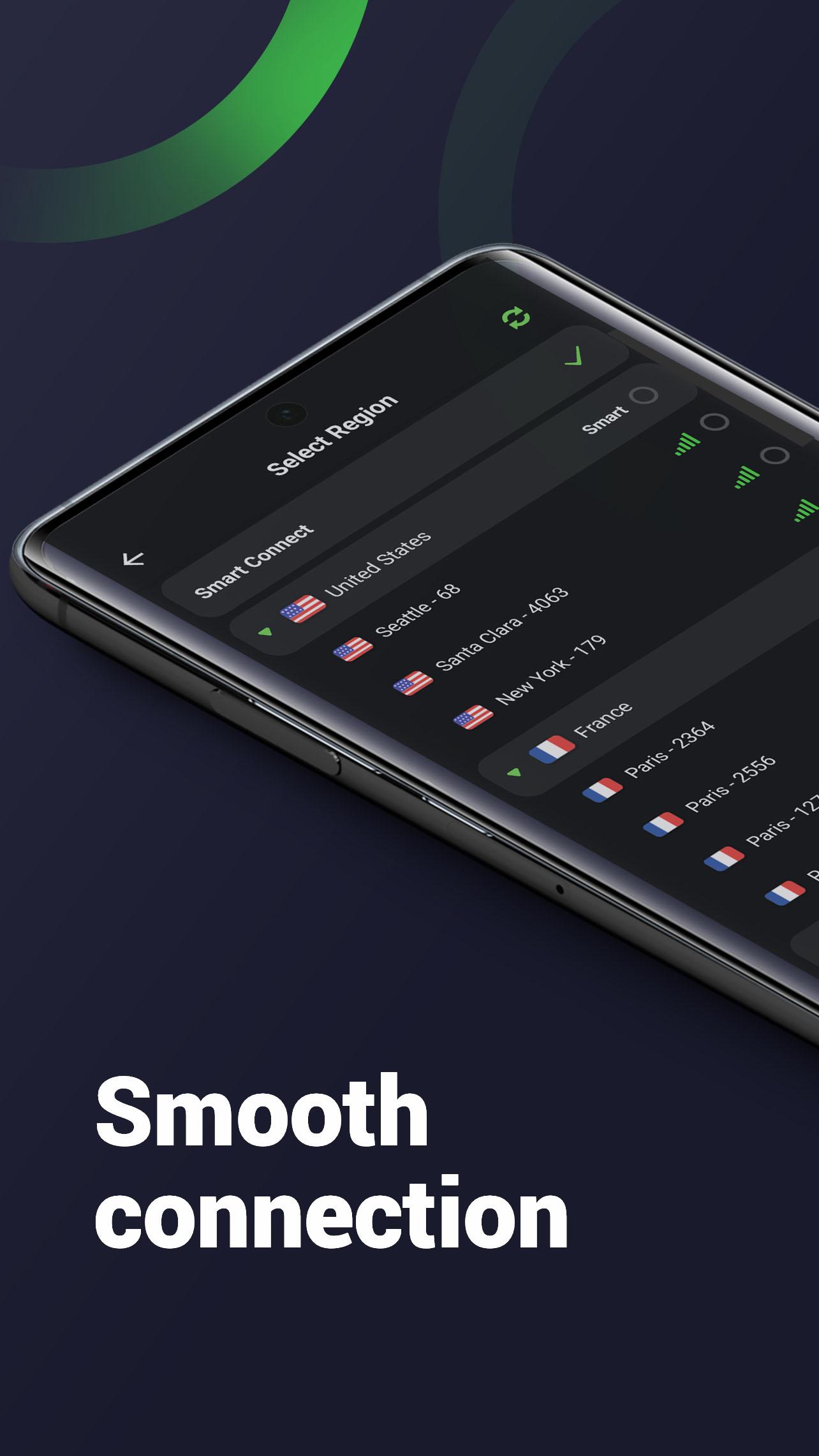
您可以從伺服器清單中選擇伺服器,並連接到您想要的區域。
根據您目前的 IP 位址自動連線到最佳位置。
在 Melon VPN 開啟時,保護您的資料、個人資訊和網路安全。
安裝 Melon VPN,全球安全的虛擬專用網絡,盡情享受一切!
如有任何回饋或建議,請發送電子郵件至:supernintendofans2018@gmail.com
預覽

標籤
工具訊息
開發商
Inf Security Studio
最新版本
9.0.114
更新時間
2025-11-12
類別
工具
同時可用
Google Play
更多
如何在電腦上用 GameLoop 玩 Melon VPN - proxy in low cost
1. 從官網下載GameLoop,然後運行exe文件安裝GameLoop
2. 打開GameLoop,搜索“Melon VPN - proxy in low cost”,在搜索結果中找到Melon VPN - proxy in low cost,點擊“安裝”
3. 享受在 GameLoop 上玩 Melon VPN - proxy in low cost 的樂趣
Minimum requirements
OS
Windows 8.1 64-bit or Windows 10 64-bit
GPU
GTX 1050
CPU
i3-8300
Memory
8GB RAM
Storage
1GB available space
Recommended requirements
OS
Windows 8.1 64-bit or Windows 10 64-bit
GPU
GTX 1050
CPU
i3-9320
Memory
16GB RAM
Storage
1GB available space