
Let Me Downgrade 電腦版
David Berdik
用GameLoop模拟器在電腦上玩Let Me Downgrade
Let Me Downgrade 電腦版
來自發行商 David Berdik 的 Let Me Downgrade 能夠在安卓系統上運行。
現在,您可以在電腦上使用 GameLoop 模擬器流暢地玩 Let Me Downgrade。
在 GameLoop 遊戲庫或搜索結果中下載。 不需要再暢玩遊戲時盯著電池電量或被令人懊惱的來電打斷。
只需在電腦大屏幕上免費下載暢玩Let Me Downgrade 電腦版!
Let Me Downgrade 簡介
Android 的應用程式安裝系統不允許使用者在已經安裝了較新版本的情況下降級到舊版本的應用程式。 Let Me Downgrade 是適用於 Android 12 至 15 QPR1 的 Xposed 模組,使用戶能夠繞過此限制。作為額外的好處,Let Me Downgrade 提供了一個快速設定圖塊,可以輕鬆啟用和停用降級塊。
⚠️ 警告:Let Me Downgrade 適用於運行 Android 12 至 15 QPR1 的已 root 設備,並且需要 Xposed。所需使用的 Xpose 變體是 LSPod。其他 Xpose 變體將無法工作。此外,不能保證該模組適用於所有設備。在最壞的情況下,它可能會導致引導循環。使用風險自負。
要使用“讓我降級”:
1.安裝LSpose。這需要您的裝置透過 Magisk 或 KernelSU 取得 root 權限。
2. 安裝「讓我降級」。
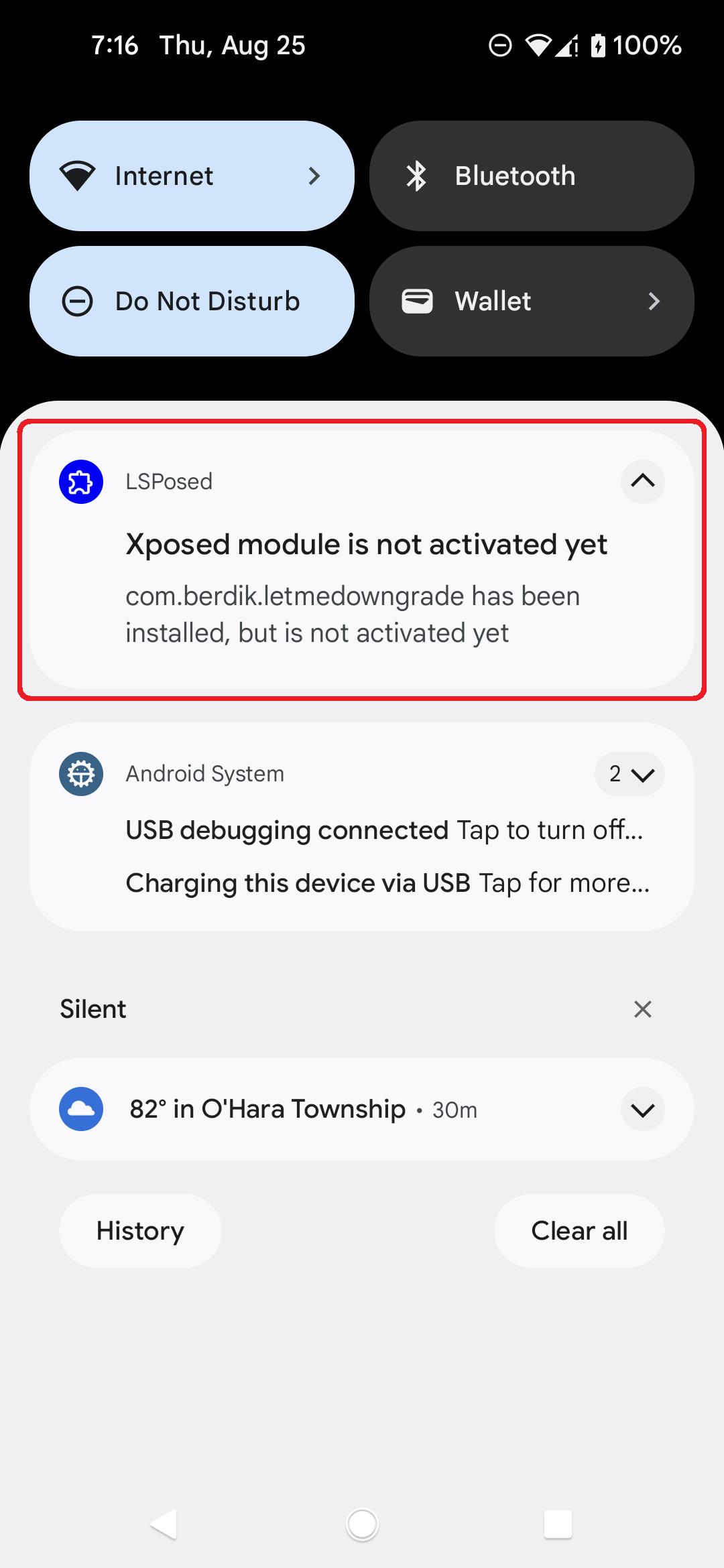
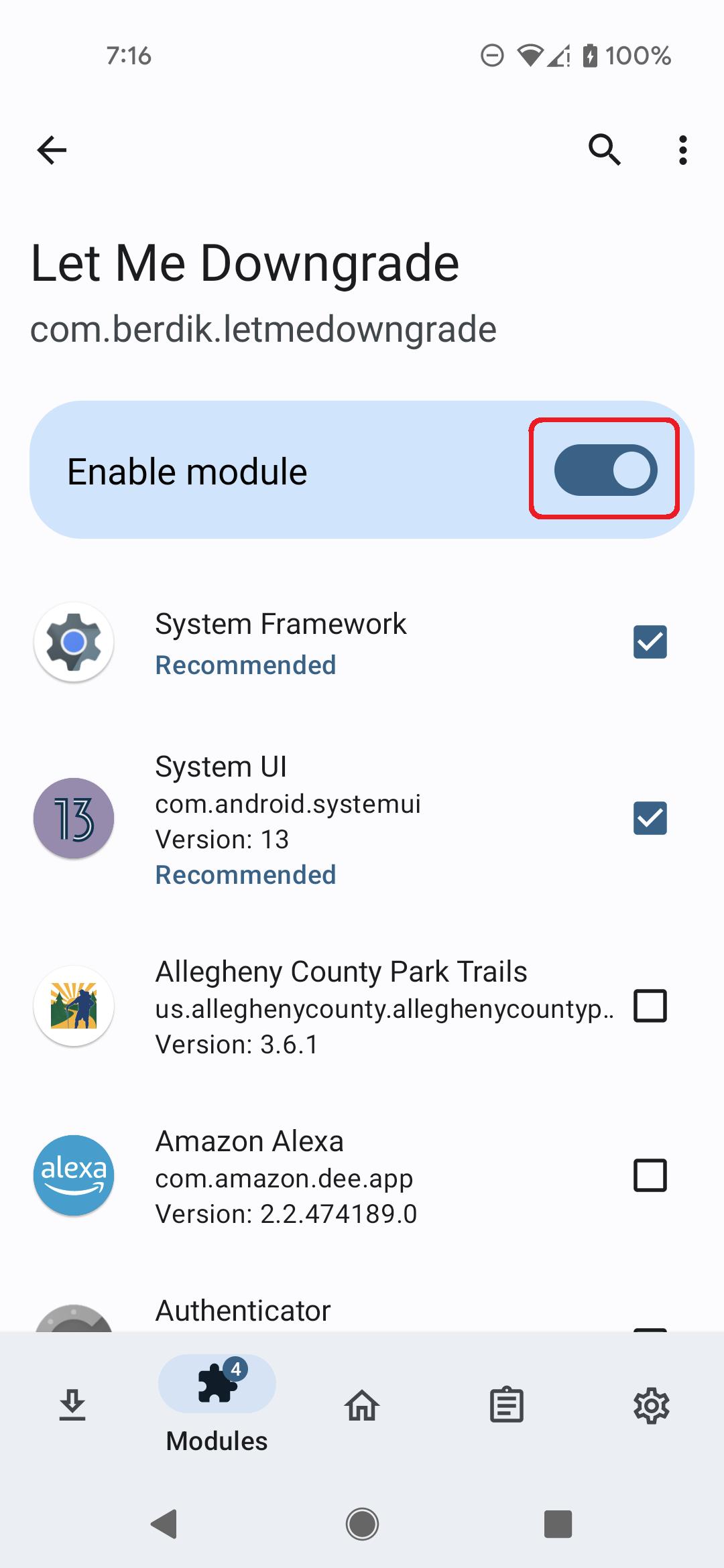
3. 啟動 LSpose 使用者介面中的 Let Me Downgrade 模組。
4. 重新啟動您的裝置並登入。
5. 開啟快速設定面板。將出現“讓我降級”圖塊。
6. 開啟或關閉「讓我降級」圖塊以啟用或停用它。
預覽
標籤
工具訊息
開發商
David Berdik
最新版本
1.0.6
更新時間
2025-01-05
類別
工具
同時可用
Google Play
更多
如何在電腦上用 GameLoop 玩 Let Me Downgrade
1. 從官網下載GameLoop,然後運行exe文件安裝GameLoop
2. 打開GameLoop,搜索“Let Me Downgrade”,在搜索結果中找到Let Me Downgrade,點擊“安裝”
3. 享受在 GameLoop 上玩 Let Me Downgrade 的樂趣
Minimum requirements
OS
Windows 8.1 64-bit or Windows 10 64-bit
GPU
GTX 1050
CPU
i3-8300
Memory
8GB RAM
Storage
1GB available space
Recommended requirements
OS
Windows 8.1 64-bit or Windows 10 64-bit
GPU
GTX 1050
CPU
i3-9320
Memory
16GB RAM
Storage
1GB available space