
Video call recorder for whatsa 電腦版
Live screen recorder
用GameLoop模拟器在電腦上玩Video call recorder for whatsa
Video call recorder for whatsa 電腦版
來自發行商 Live screen recorder 的 Video call recorder for whatsa 能夠在安卓系統上運行。
現在,您可以在電腦上使用 GameLoop 模擬器流暢地玩 Video call recorder for whatsa。
在 GameLoop 遊戲庫或搜索結果中下載。 不需要再暢玩遊戲時盯著電池電量或被令人懊惱的來電打斷。
只需在電腦大屏幕上免費下載暢玩Video call recorder for whatsa 電腦版!
Video call recorder for whatsa 簡介
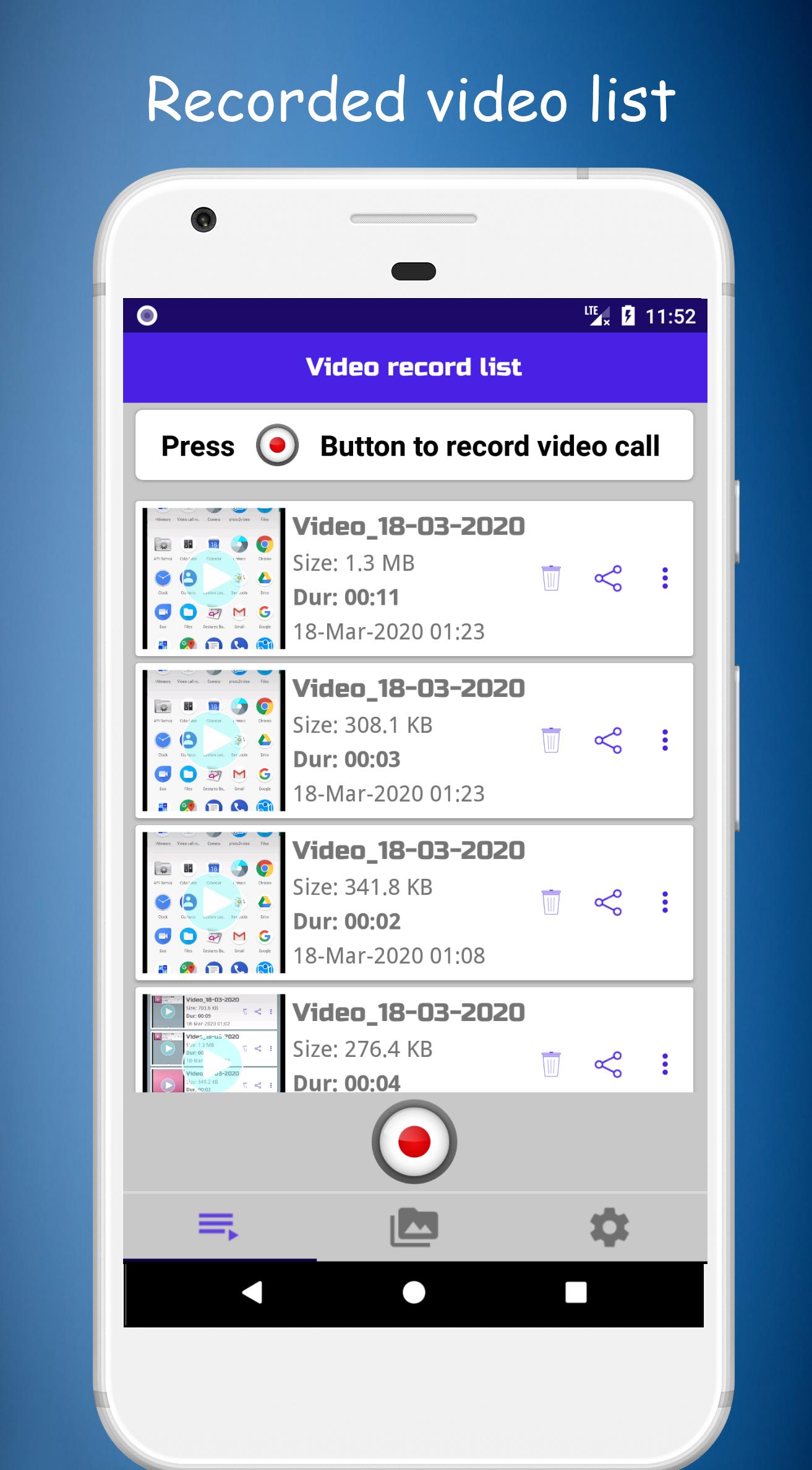
視頻通話記錄器是一款超級錄製應用程序,可幫助捕獲屏幕並記錄手機中的任何視頻。視頻通話記錄器可以在開始時輕鬆記錄每個視頻通話。視頻微調器可以編輯錄製的視頻。
這是一個非常有用的應用程序,用於記錄日常工作記錄,遠程家庭工作記錄,在線會議記錄,whatsapp,fb,messenger,meet,zoom等的視頻通話記錄。
現在,可以使用視頻通話記錄器記錄不同視頻聊天應用程序的視頻通話,並保存記錄器視頻以供離線使用
特徵:
-高質量記錄通話和對話。
-即時捕獲,錄製屏幕和錄製視頻
-播放並與親人分享錄製的視頻。
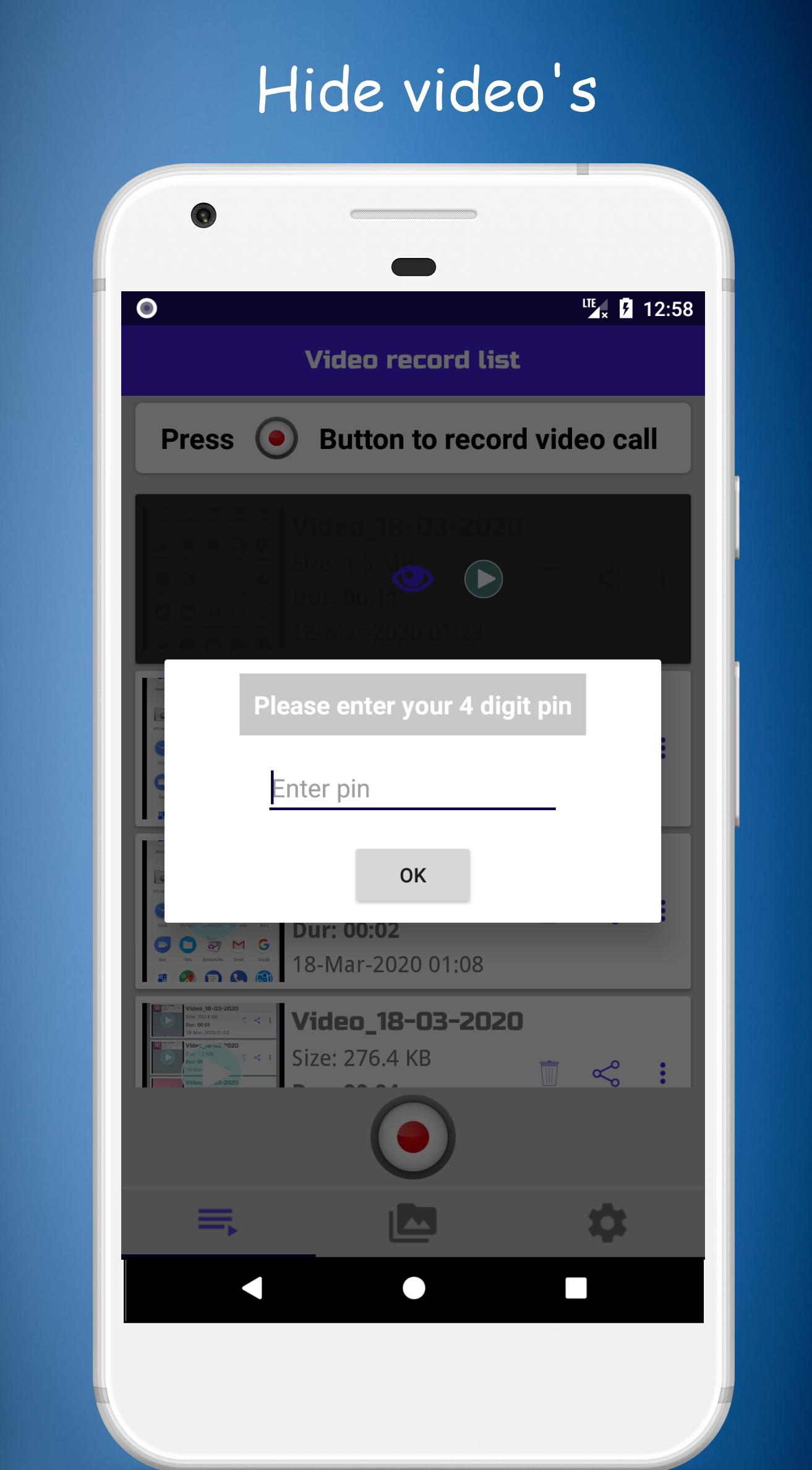
-將圖釘設置為隱藏的錄製視頻
-視頻微調設備
-調整屏幕分辨率和視頻質量
預覽
標籤
工具訊息
開發商
Live screen recorder
最新版本
1.1.0
更新時間
2024-06-11
類別
工具
同時可用
Google Play
更多
如何在電腦上用 GameLoop 玩 Video call recorder for whatsa
1. 從官網下載GameLoop,然後運行exe文件安裝GameLoop
2. 打開GameLoop,搜索“Video call recorder for whatsa”,在搜索結果中找到Video call recorder for whatsa,點擊“安裝”
3. 享受在 GameLoop 上玩 Video call recorder for whatsa 的樂趣
Minimum requirements
OS
Windows 8.1 64-bit or Windows 10 64-bit
GPU
GTX 1050
CPU
i3-8300
Memory
8GB RAM
Storage
1GB available space
Recommended requirements
OS
Windows 8.1 64-bit or Windows 10 64-bit
GPU
GTX 1050
CPU
i3-9320
Memory
16GB RAM
Storage
1GB available space