
Quick Browser 電腦版
Zoftech divine
用GameLoop模拟器在電腦上玩Quick Browser
Quick Browser 電腦版
來自發行商 Zoftech divine 的 Quick Browser 能夠在安卓系統上運行。
現在,您可以在電腦上使用 GameLoop 模擬器流暢地玩 Quick Browser。
在 GameLoop 遊戲庫或搜索結果中下載。 不需要再暢玩遊戲時盯著電池電量或被令人懊惱的來電打斷。
只需在電腦大屏幕上免費下載暢玩Quick Browser 電腦版!
Quick Browser 簡介
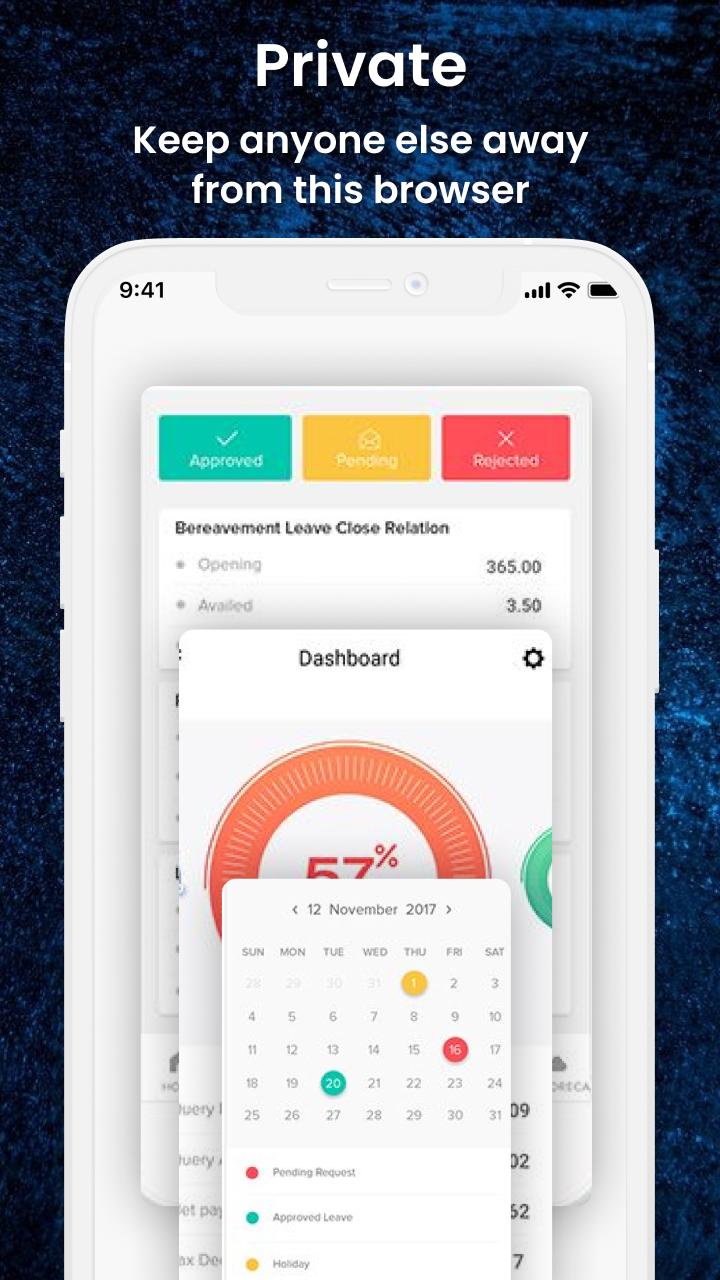
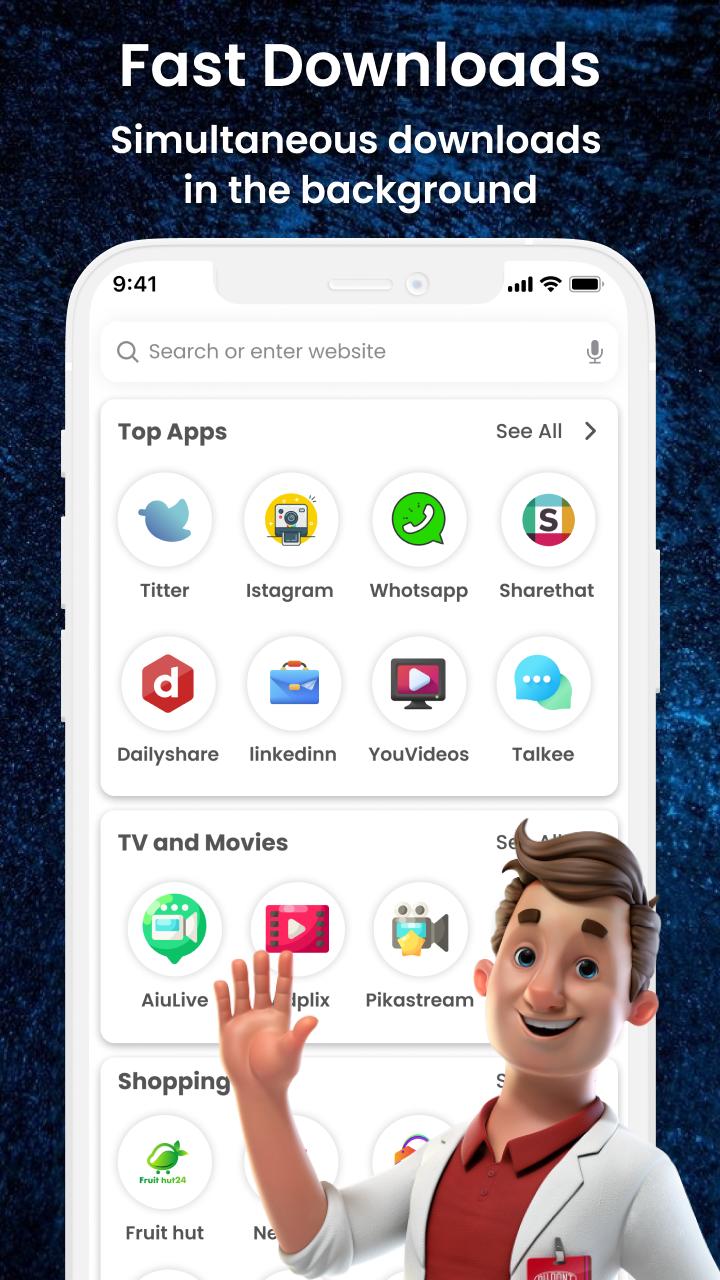
Quick Browser app protects your privacy and gives the best search and browsing experience. Personal Browser app provides a fast and secure surfing experience. This Browser Hub app enables you to have an advertisement-free web experience to see more and more content.
Main Features
• Fast browsing
• Multi-tabs manage
• Font size customized
• Import/export bookmarks
• Faster page load
• Get private mode easily
• Private browsing
• Saves data and battery
This Fast and Secure Browser app has so many functions like private browsing, ad blocking, history, bookmark lock, etc. It is a secure browsing app where you can view whatever you want to see.
Other Features
• Light-weight
• QR code
• Block ad trackers automatically
• Language choice
If you have any suggestions about this application then let us know at: zoftechdivine557@gmail.com
預覽
標籤
工具訊息
開發商
Zoftech divine
最新版本
1.0.3
更新時間
2022-08-07
類別
工具
同時可用
Google Play
更多
如何在電腦上用 GameLoop 玩 Quick Browser
1. 從官網下載GameLoop,然後運行exe文件安裝GameLoop
2. 打開GameLoop,搜索“Quick Browser”,在搜索結果中找到Quick Browser,點擊“安裝”
3. 享受在 GameLoop 上玩 Quick Browser 的樂趣
Minimum requirements
OS
Windows 8.1 64-bit or Windows 10 64-bit
GPU
GTX 1050
CPU
i3-8300
Memory
8GB RAM
Storage
1GB available space
Recommended requirements
OS
Windows 8.1 64-bit or Windows 10 64-bit
GPU
GTX 1050
CPU
i3-9320
Memory
16GB RAM
Storage
1GB available space