
Donde estoy? - Mi ubicacion es 電腦版
NissiApps: Apps Educativas, Wallpapers
用GameLoop模拟器在電腦上玩Donde estoy? - Mi ubicacion es
Donde estoy? - Mi ubicacion es 電腦版
來自發行商 NissiApps: Apps Educativas, Wallpapers 的 Donde estoy? - Mi ubicacion es 能夠在安卓系統上運行。
現在,您可以在電腦上使用 GameLoop 模擬器流暢地玩 Donde estoy? - Mi ubicacion es。
在 GameLoop 遊戲庫或搜索結果中下載。 不需要再暢玩遊戲時盯著電池電量或被令人懊惱的來電打斷。
只需在電腦大屏幕上免費下載暢玩Donde estoy? - Mi ubicacion es 電腦版!
Donde estoy? - Mi ubicacion es 簡介
📌我現在在哪裡? 🗺
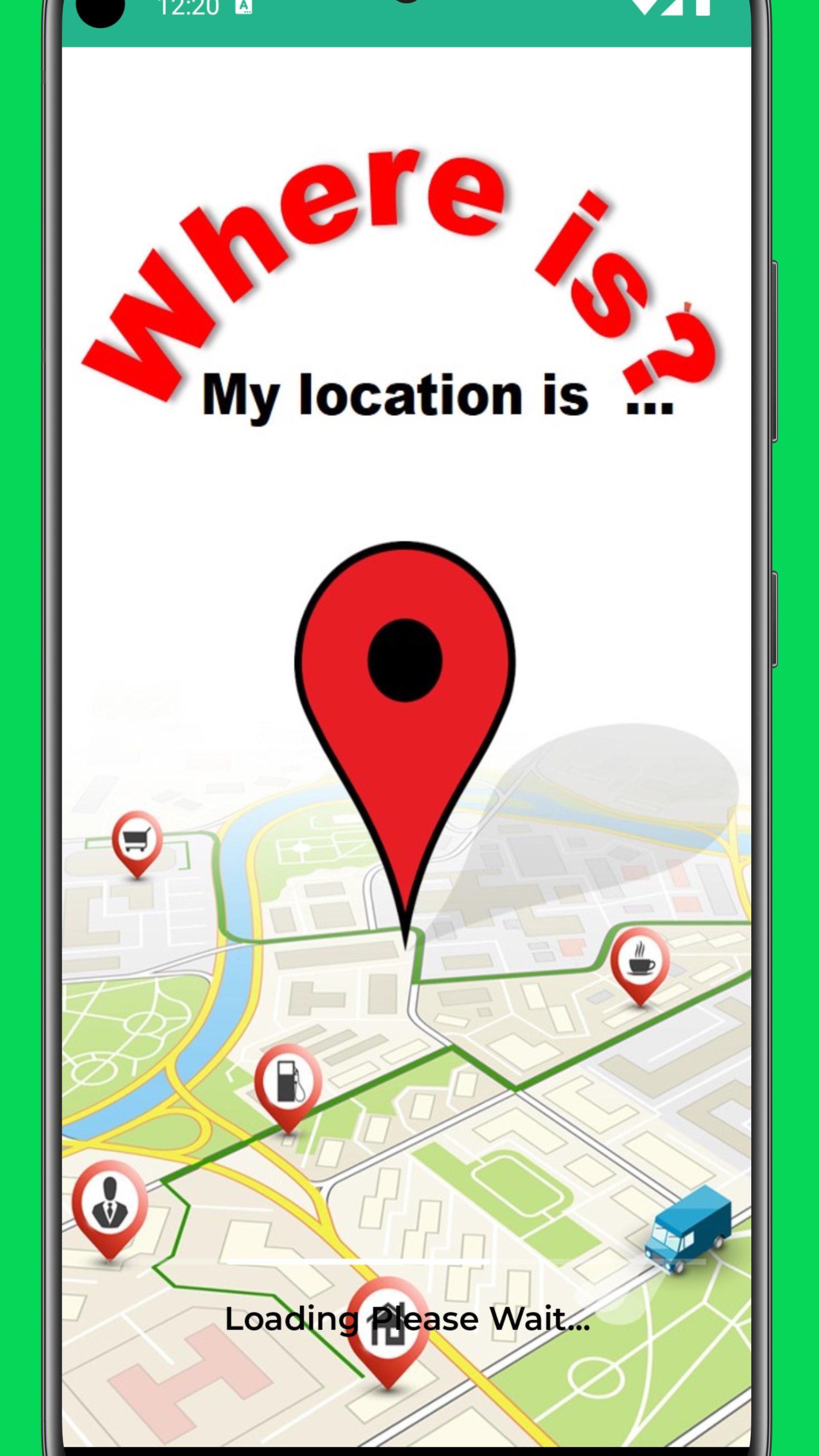
如果您不知道自己身在何處,需要提供地址,「我在哪裡?」應用程式能夠快速且準確地告訴您。它還會顯示您在谷歌地圖上的位置,方便您說“我的位置是…”
此應用程式利用 GPS 和網路連接,即時定位您的精確位置。它會顯示您所在的地點、城鎮、省/地區和國家/地區的地址。您還可以獲得非常精確的地理座標,包括經緯度。
「我在哪裡?」旨在幫助您在陌生的地方找到自己的位置並指引方向。該應用程式可以幫助您找到確切的地址,避免迷路。您也可以分享您的位置,或叫計程車並告知司機您的目前位置。
您可以更快到達目的地。 「我在哪裡?」會顯示交通擁擠路段,幫助您避開擁堵,準時到達。
您可以發現附近的地點,例如餐廳、ATM、銀行、咖啡館、商店以及更多其他興趣點。
您也可以保存停車位置,以便日後輕鬆找到您的車輛。
應用功能:
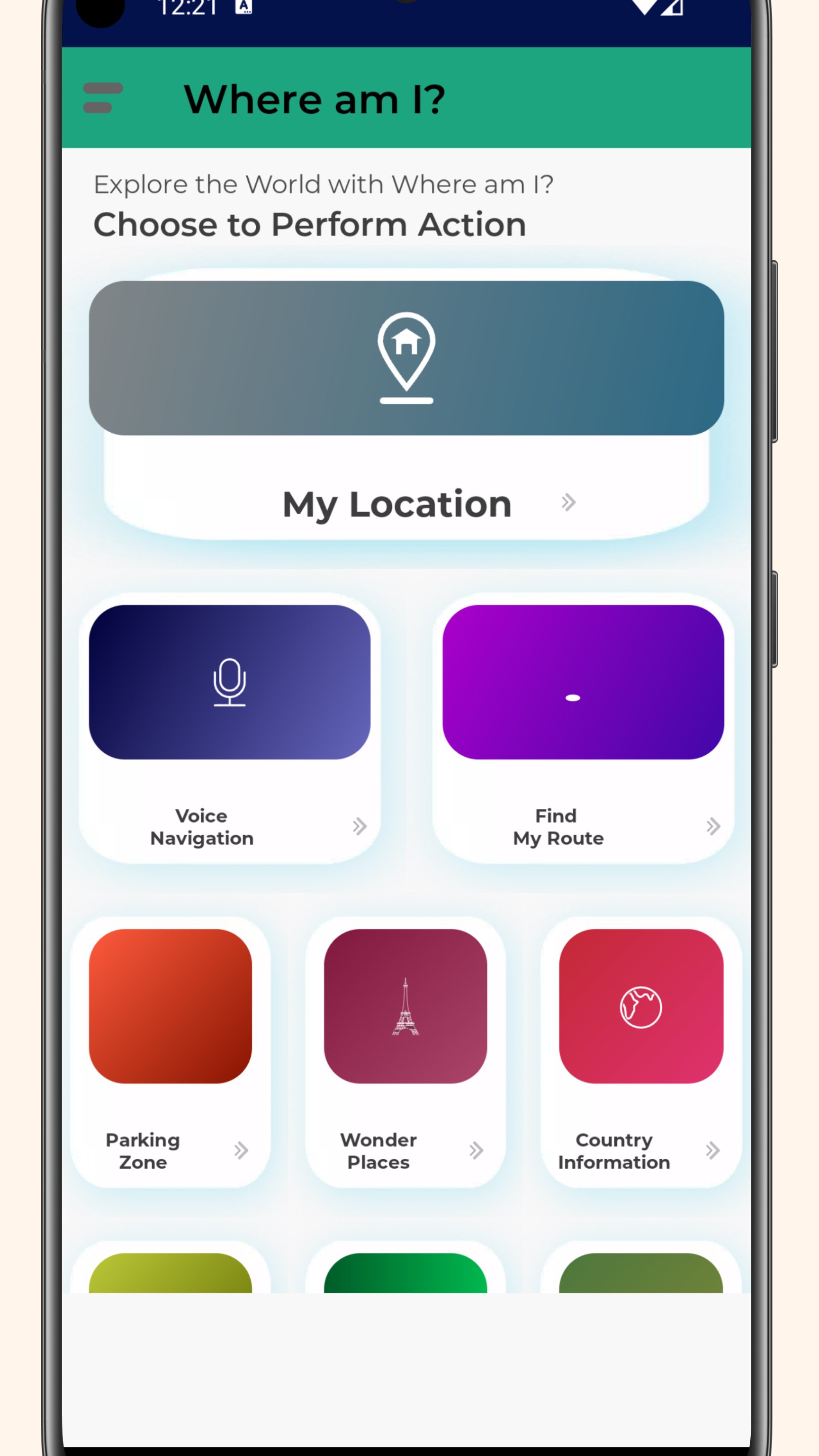
- 顯示您目前的位置
- 語音導航
- 衛星視圖
- 附近地點
- 定位您的停車位置
- 查看路況及更多信息
- 與朋友、家人以及您需要見面的人分享您的位置
不妨試試「我在哪裡?」這款應用程式。當您迷路或需要指路時,它將非常實用,您甚至可以保存停車位置。
預覽
標籤
工具訊息
開發商
NissiApps: Apps Educativas, Wallpapers
最新版本
2.3.8
更新時間
2026-08-23
類別
工具
同時可用
Google Play
更多
如何在電腦上用 GameLoop 玩 Donde estoy? - Mi ubicacion es
1. 從官網下載GameLoop,然後運行exe文件安裝GameLoop
2. 打開GameLoop,搜索“Donde estoy? - Mi ubicacion es”,在搜索結果中找到Donde estoy? - Mi ubicacion es,點擊“安裝”
3. 享受在 GameLoop 上玩 Donde estoy? - Mi ubicacion es 的樂趣
Minimum requirements
OS
Windows 8.1 64-bit or Windows 10 64-bit
GPU
GTX 1050
CPU
i3-8300
Memory
8GB RAM
Storage
1GB available space
Recommended requirements
OS
Windows 8.1 64-bit or Windows 10 64-bit
GPU
GTX 1050
CPU
i3-9320
Memory
16GB RAM
Storage
1GB available space