AMS India Font Converter 電腦版
Narendra Bairagi
用GameLoop模拟器在電腦上玩AMS India Font Converter
AMS India Font Converter 電腦版
來自發行商 Narendra Bairagi 的 AMS India Font Converter 能夠在安卓系統上運行。
現在,您可以在電腦上使用 GameLoop 模擬器流暢地玩 AMS India Font Converter。
在 GameLoop 遊戲庫或搜索結果中下載。 不需要再暢玩遊戲時盯著電池電量或被令人懊惱的來電打斷。
只需在電腦大屏幕上免費下載暢玩AMS India Font Converter 電腦版!
AMS India Font Converter 簡介
AMS India 字體轉換器 – Unicode 轉 AMS 字體
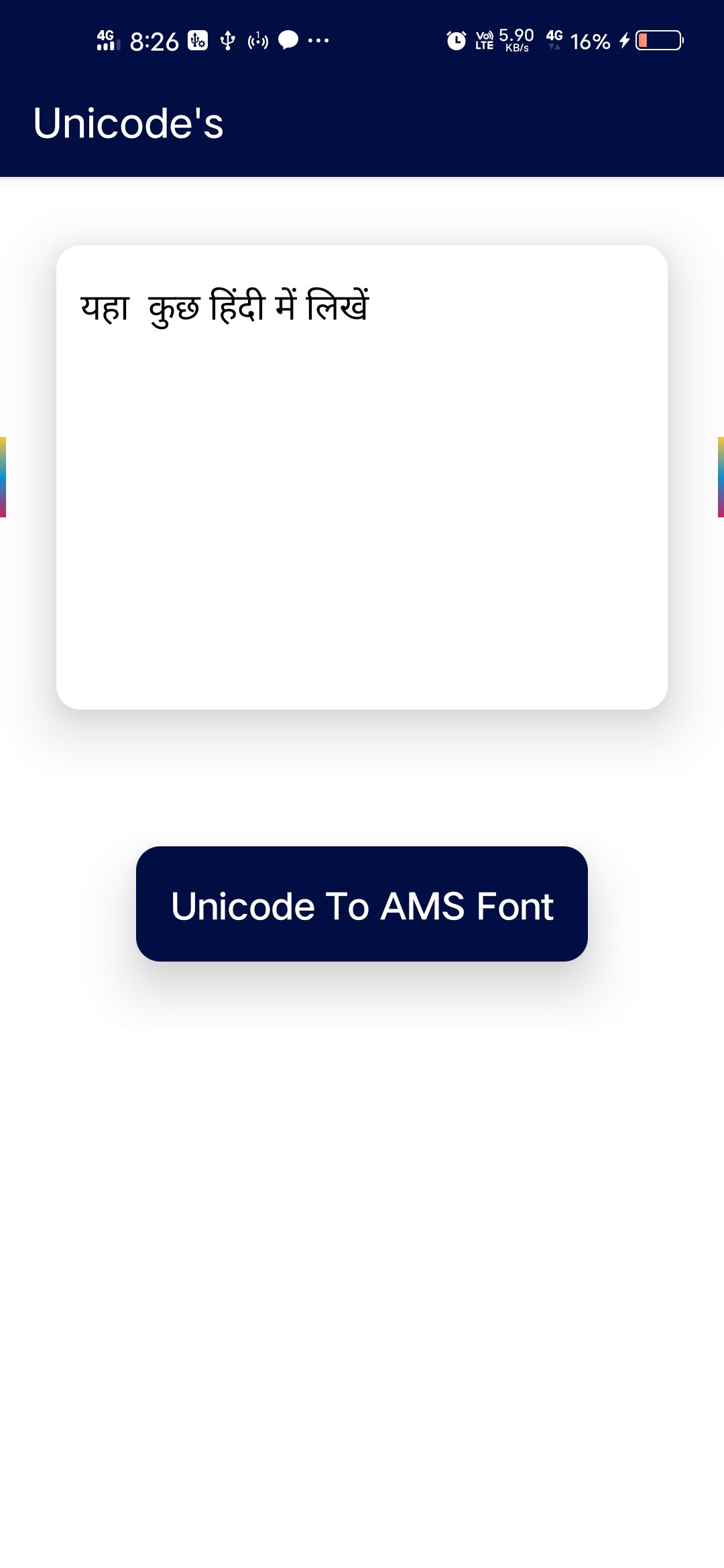
AMS India 字體轉換器是一款簡單易用的印地語字體轉換器應用。這款應用程式可以快速且準確地將 AMS India 字體轉換為 Unicode 格式,反之亦然。
如果您需要處理印地語輸入、書法字體或政府文件,這款應用程式可以幫助您輕鬆地在 AMS India 字體和印地語 Unicode 格式之間轉換文字。
🔹 功能:
✔ 將 AMS India 字體轉換為印地語 Unicode 字體
✔ 將印地語 Unicode 字體轉換為 AMS India 字體
✔ 快速且準確的文字轉換
✔ 輕鬆複製貼上
✔ 簡潔明了的介面
✔ 適用於印地語輸入和書法工作
🔹 為什麼要使用這款應用程式?
AMS India 字體廣泛用於印地語輸入和設計工作。然而,許多網站和官方平台要求使用 Unicode 格式。
這款應用程式可助您輕鬆轉換:
AMS 字型轉 Unicode
Unicode 轉 AMS 字體
它是一款適用於學生、打字員、設計師和辦公人員的印地語字體轉換工具。
🔹 相關工具
如果您正在尋找 Kruti Dev 字體轉換器,也可以試試我們的另一個應用程式:
Kruti Dev 字型轉換器 Kruti Dev 字型轉換器 安裝連結:https://play.google.com/store/apps/details?id=in.narenbairagi.unicode.converter
預覽
標籤
工具訊息
開發商
Narendra Bairagi
最新版本
8.0
更新時間
2023-04-21
類別
工具
同時可用
Google Play
更多
如何在電腦上用 GameLoop 玩 AMS India Font Converter
1. 從官網下載GameLoop,然後運行exe文件安裝GameLoop
2. 打開GameLoop,搜索“AMS India Font Converter”,在搜索結果中找到AMS India Font Converter,點擊“安裝”
3. 享受在 GameLoop 上玩 AMS India Font Converter 的樂趣
Minimum requirements
OS
Windows 8.1 64-bit or Windows 10 64-bit
GPU
GTX 1050
CPU
i3-8300
Memory
8GB RAM
Storage
1GB available space
Recommended requirements
OS
Windows 8.1 64-bit or Windows 10 64-bit
GPU
GTX 1050
CPU
i3-9320
Memory
16GB RAM
Storage
1GB available space