Remote Control for Sam SmartTV 電腦版
PHA Inc
用GameLoop模拟器在電腦上玩Remote Control for Sam SmartTV
Remote Control for Sam SmartTV 電腦版
來自發行商 PHA Inc 的 Remote Control for Sam SmartTV 能夠在安卓系統上運行。
現在,您可以在電腦上使用 GameLoop 模擬器流暢地玩 Remote Control for Sam SmartTV。
在 GameLoop 遊戲庫或搜索結果中下載。 不需要再暢玩遊戲時盯著電池電量或被令人懊惱的來電打斷。
只需在電腦大屏幕上免費下載暢玩Remote Control for Sam SmartTV 電腦版!
Remote Control for Sam SmartTV 簡介
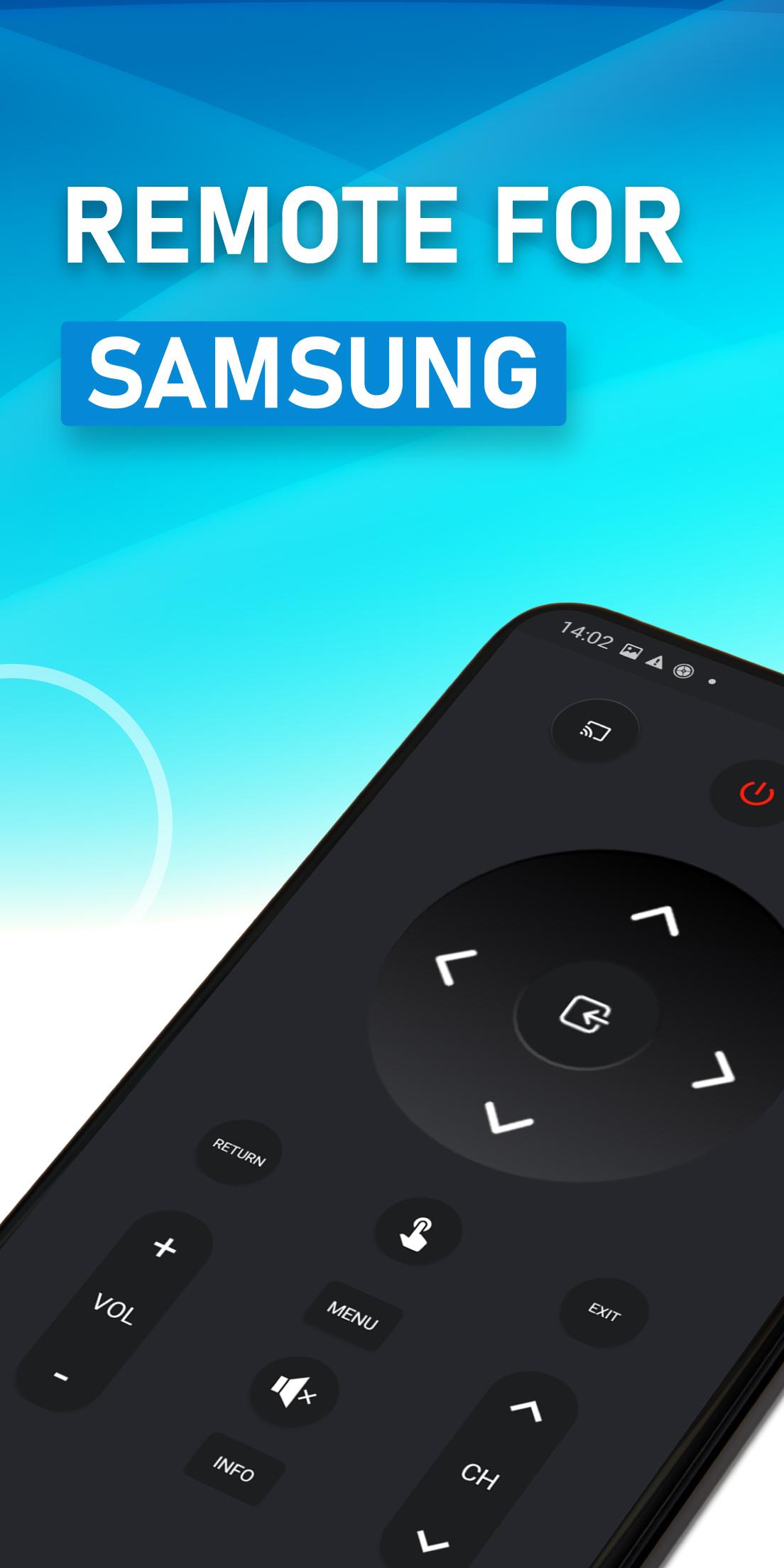
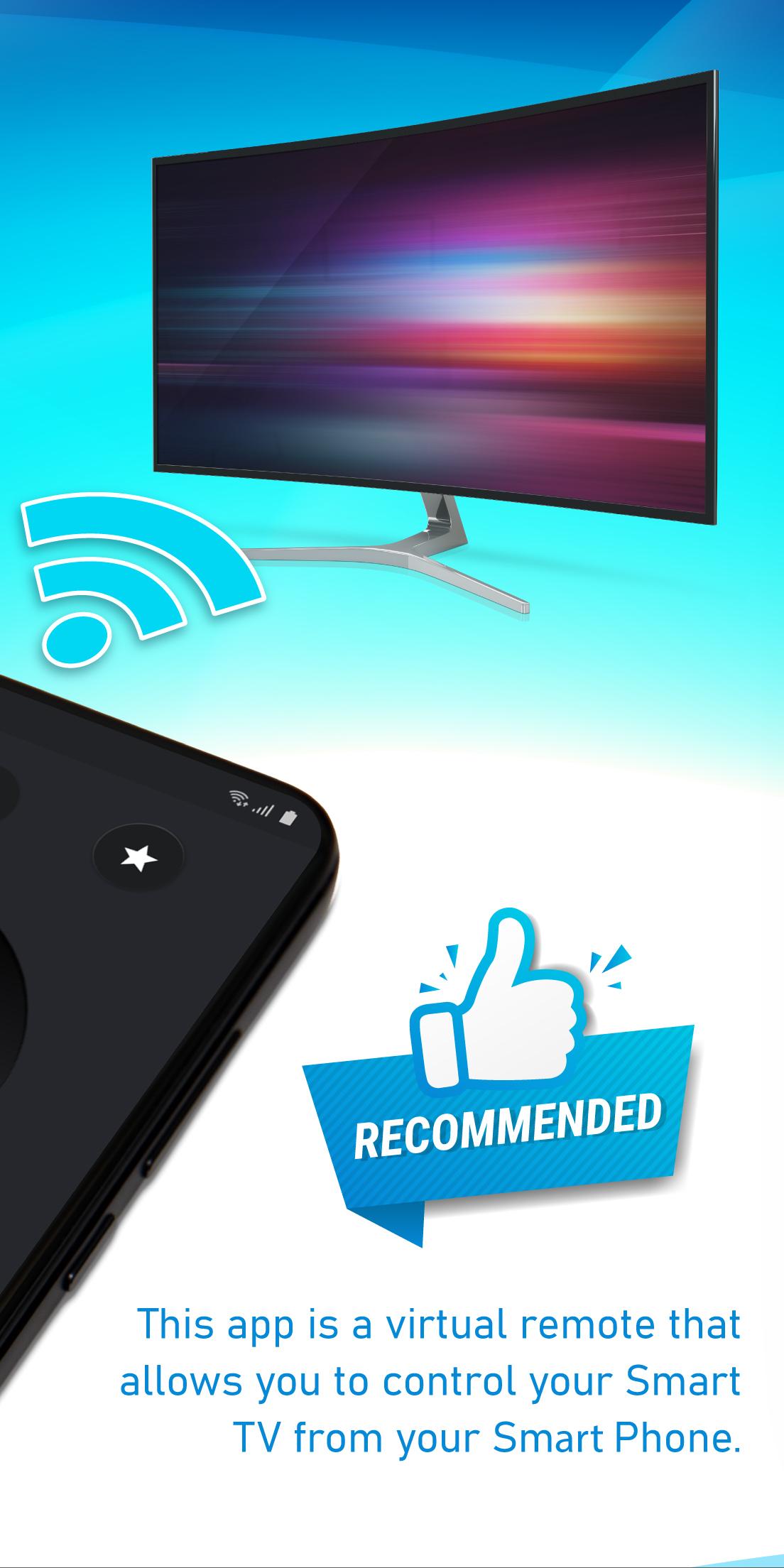
SamRemote 是一款虛擬遙控器,可讓您控制智慧電視。該應用程式完全免費。
若要使用 Sam SmartTV 遙控器,您必須將手機與電視連接到相同 Wi-Fi 網絡,並接受電視上顯示的訊息。由於該應用程式透過無線網路運行,因此無需靠近電視。
如果您錯誤地拒絕了電視的確認訊息(用於建立通訊的訊息),您可以前往以下位置更改您的選擇:
/ 選單 / 網路 / AllShare 設定
除了仔細查看遙控器的外觀外,您還可以使用實體遙控器的所有功能。
Sam SmartTV 遙控器適用於以下電視:
- C 系列(2010 年),附網絡
- D 系列(2011 年),附 All Share
- E 系列(2012 年),附 All Share
- F 系列(2013 年),附 All Share
- K-L-M-N 系列(2016/2017/2018 年)
免責聲明
SamRemote 並非三星官方產品,我們與三星電子公司亦無關聯。
預覽
標籤
效率提升訊息
開發商
PHA Inc
最新版本
18.0.0
更新時間
2025-09-12
類別
效率提升
同時可用
Google Play
更多
如何在電腦上用 GameLoop 玩 Remote Control for Sam SmartTV
1. 從官網下載GameLoop,然後運行exe文件安裝GameLoop
2. 打開GameLoop,搜索“Remote Control for Sam SmartTV”,在搜索結果中找到Remote Control for Sam SmartTV,點擊“安裝”
3. 享受在 GameLoop 上玩 Remote Control for Sam SmartTV 的樂趣
Minimum requirements
OS
Windows 8.1 64-bit or Windows 10 64-bit
GPU
GTX 1050
CPU
i3-8300
Memory
8GB RAM
Storage
1GB available space
Recommended requirements
OS
Windows 8.1 64-bit or Windows 10 64-bit
GPU
GTX 1050
CPU
i3-9320
Memory
16GB RAM
Storage
1GB available space