ezPDF Reader 免費試用 電腦版
Unidocs Inc.
用GameLoop模拟器在電腦上玩ezPDF Reader 免費試用
ezPDF Reader 免費試用 電腦版
來自發行商 Unidocs Inc. 的 ezPDF Reader 免費試用 能夠在安卓系統上運行。
現在,您可以在電腦上使用 GameLoop 模擬器流暢地玩 ezPDF Reader 免費試用。
在 GameLoop 遊戲庫或搜索結果中下載。 不需要再暢玩遊戲時盯著電池電量或被令人懊惱的來電打斷。
只需在電腦大屏幕上免費下載暢玩ezPDF Reader 免費試用 電腦版!
ezPDF Reader 免費試用 簡介
+ Unidocs News +
Introducing a new PDF application from Unidocs - Cup!
Clip a portion of PDF page, Append to a PDF, or scrap on PDF page. Search for "cup pdf"
"ezPDF Reader Free Trial" is the full trial version of ezPDF Reader, which is the best selling, best rated and most commented Multimedia PDF viewer, annotator, and form filler with calculations. (Check out for 15 days)
For those countries where paid apps are not allowed,
Use China Mobile MM for China
For others, please contact Unidocs directly
Please leave your comment, review, bug report, suggestion, volume purchase, and other business inquiries to android(at)unidocs.com
User Guide: http://goo.gl/wP9UC
+ Special +
ezPDF Multimedia PDF Maker (PC only)
To maximize the multimedia PDF features, download our PC authoring utility, ezPDF Multimedia PDF Maker - add hyperlinks and embed audio/video files.
PC Program : http://bit.ly/VUf01z
User Guide : http://bit.ly/Wh1eCt
+ App Review +
"Android Apps for Business: 10 Low-Cost Mobile Tools You Should Know About" by eWeek (http://bit.ly/LJTtEH)
"Plenty of PDF readers are available for Android devices, and a number of them are free. But ezPDF is by far the best of the bunch." Daniel A. Begun, author of Amazing Android Apps For Dummies
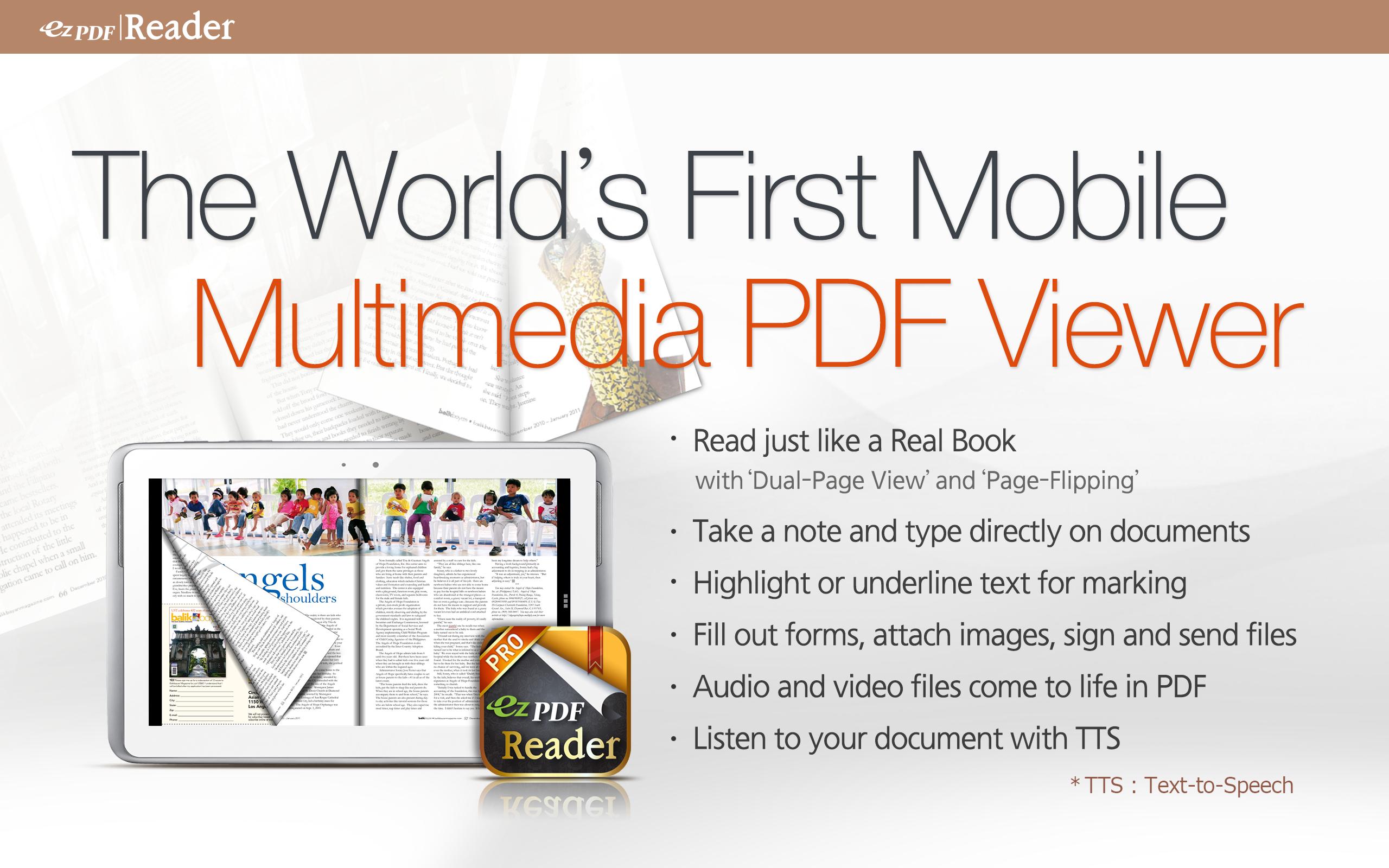
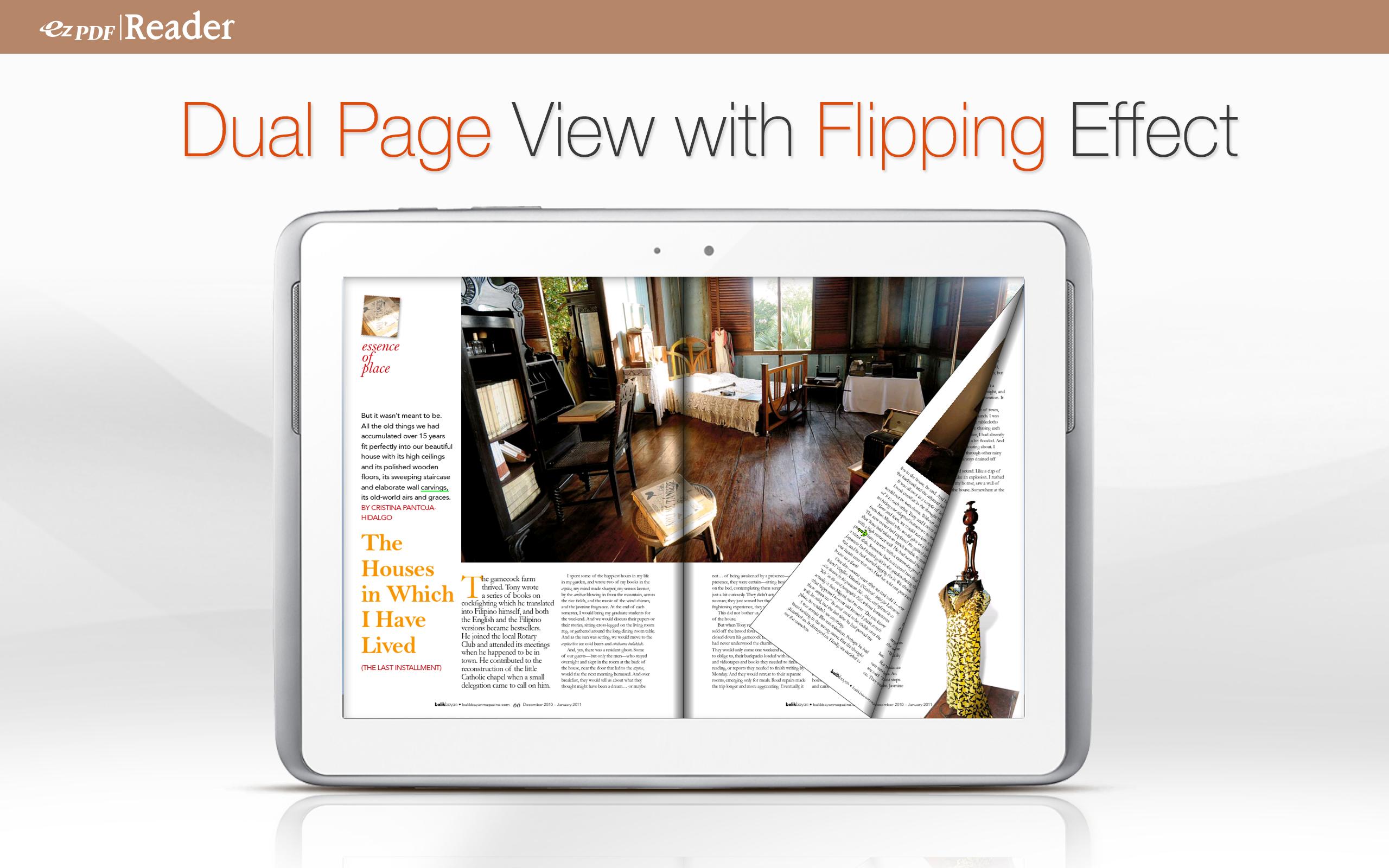
Customized Viewing with flipping DUAL PAGE VIEW supported!
Documents appear as they would on your PC, but customized to fit your mobile device's screen. Scanned and text based PDFs are all supported, including JPEG2000 and JBIG2 compression. Select Text Reflow, Fit to Text Column, Copy and paste text in PDF view and bookmark as you go or Change Reading Direction to ease reading
PDF Form Filler
Good for application forms. Fill out your PDF form with ezPDF Reader. Sign with Freehand, and send via email.
Multimedia PDF Viewer - Audio, Video, and Read Aloud
Plays multimedia files embedded into PDF. Perfect solution for PDF based audio/video-enabled eBooks. Use Voice Reading feature to have documents read to you with the continuous automatic page-turning feature. (It uses TTS feature of the hardware settings)
Annotation Features on PDF
Useful tool to add text in text box and sticky notes; highlight, underline, or strikethrough texts; draw rectangles, ovals and freehand drawings. Add memo & append images, change color / thickness, resize and move them around as you like. Compatible with Adobe® Acrobat®.
More Features
-Form calculations supported
-Supports ePub format
-Text View with reflow function. Night / Day Mode, Able to change font size and color (text and background)
-Thumbnail image view
-Search (Options for case sensitive, whole word or part, exact word, and/or operator) and highlighted result
-Auto Fit Zoom for multi-column article or removing white margin
-Crop or Rotate page
-Scroll lock / unlock
-Able to select text in PDF, save to clipboard, web search, share with other apps, check with dictionary (Support ColorDict)
-Support hyperlinks (Go to page within the PDF, Call PDF to PDF, URL links to webpage)
-Open Standard Password-protected PDF (A DRM protected PDF file would not be opened.)
-Intuitive bookmarking & viewing bookmarks with its description and ribbon & thumbnail image
-Auto Page Turn (in secs) or Auto Scroll (up a screen full)
-Table of Contents
-Page navigation with thumbnail scroll images
-Jump to a specific page number
-Change reading direction - Arabic, Chinese, Japanese & Hebrew
-Undo & Redo button
-Support Trackball
-Page Turning Effect (Flip); ON/OFF
-FREE PDF Conversion PC Program (link to download)
-5-point-tap : Annotation Tool ON/OFF
-4-point-tap : Notification Bar ON/OFF
-3-point-tap : PDF view or Text Reflow view
-2-point-tap : Reduces the page to fit the width when enlarged
-1-point-tap : Toggles Menu ON/OFF
twitter.com/ezpdf
facebook.com/ezpdf
預覽
訊息
開發商
Unidocs Inc.
最新版本
2.6.9.12
更新時間
2017-02-15
類別
效率提升
同時可用
Google Play
更多
如何在電腦上用 GameLoop 玩 ezPDF Reader 免費試用
1. 從官網下載GameLoop,然後運行exe文件安裝GameLoop
2. 打開GameLoop,搜索“ezPDF Reader 免費試用”,在搜索結果中找到ezPDF Reader 免費試用,點擊“安裝”
3. 享受在 GameLoop 上玩 ezPDF Reader 免費試用 的樂趣
Minimum requirements
OS
Windows 8.1 64-bit or Windows 10 64-bit
GPU
GTX 1050
CPU
i3-8300
Memory
8GB RAM
Storage
1GB available space
Recommended requirements
OS
Windows 8.1 64-bit or Windows 10 64-bit
GPU
GTX 1050
CPU
i3-9320
Memory
16GB RAM
Storage
1GB available space