
Accell InstantView 電腦版
Silicon Motion Inc.
用GameLoop模拟器在電腦上玩Accell InstantView
Accell InstantView 電腦版
來自發行商 Silicon Motion Inc. 的 Accell InstantView 能夠在安卓系統上運行。
現在,您可以在電腦上使用 GameLoop 模擬器流暢地玩 Accell InstantView。
在 GameLoop 遊戲庫或搜索結果中下載。 不需要再暢玩遊戲時盯著電池電量或被令人懊惱的來電打斷。
只需在電腦大屏幕上免費下載暢玩Accell InstantView 電腦版!
Accell InstantView 簡介
>>> Accell InstantView 需要基於 Accell 的顯示產品才能運行 <<<
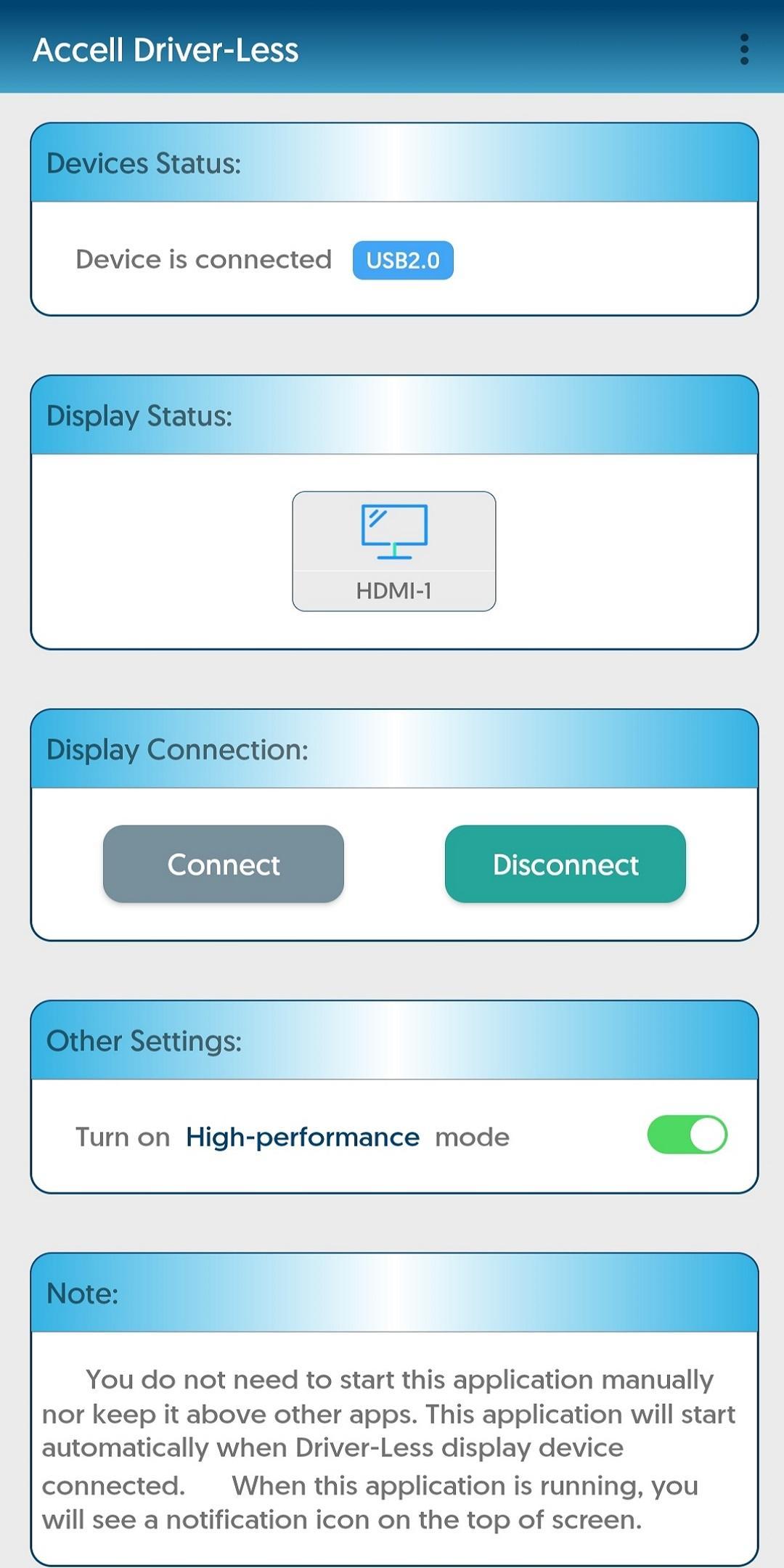
此應用程序支持單個顯示器,分辨率最高可達 1920x1080。該應用程序會將 Android 設備屏幕鏡像到監視器/投影儀。
我可以用這個應用程序做什麼?
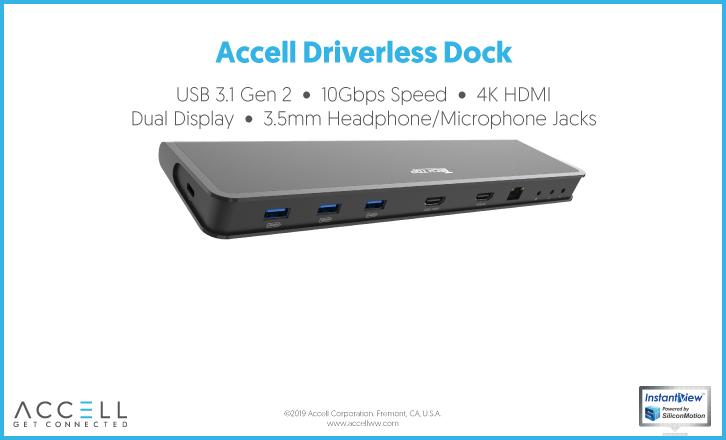
使用 Accell USB 擴展塢,您可以輕鬆地將 Android 設備與外接顯示器、鍵盤、鼠標和 USB 外圍設備連接。使 Android 設備更容易同時訪問許多配件並提高工作效率。
此應用程序還可以與 Accell USB 顯示加密狗一起使用,將 Android 屏幕內容呈現到另一個顯示器,例如連接到會議室或教室中的投影儀,或連接到酒店房間的電視。
要求
- 任何運行 Marshmallow 6.0 或更高版本且帶有 USB-C、USB-A 或 Micro B 端口的安卓設備
- 基於 Accell 的塢站或顯示適配器
功能細節
- 支持高達 1920x1080 (FHD) 分辨率的單顯示器
- 支持 USB 音頻
預覽
標籤
效率提升訊息
開發商
Silicon Motion Inc.
最新版本
2.16.1.0
更新時間
2023-07-16
類別
效率提升
同時可用
Google Play
更多
如何在電腦上用 GameLoop 玩 Accell InstantView
1. 從官網下載GameLoop,然後運行exe文件安裝GameLoop
2. 打開GameLoop,搜索“Accell InstantView”,在搜索結果中找到Accell InstantView,點擊“安裝”
3. 享受在 GameLoop 上玩 Accell InstantView 的樂趣
Minimum requirements
OS
Windows 8.1 64-bit or Windows 10 64-bit
GPU
GTX 1050
CPU
i3-8300
Memory
8GB RAM
Storage
1GB available space
Recommended requirements
OS
Windows 8.1 64-bit or Windows 10 64-bit
GPU
GTX 1050
CPU
i3-9320
Memory
16GB RAM
Storage
1GB available space