PIP Color Splash 電腦版
Opex
用GameLoop模拟器在電腦上玩PIP Color Splash
PIP Color Splash 電腦版
來自發行商 Opex 的 PIP Color Splash 能夠在安卓系統上運行。
現在,您可以在電腦上使用 GameLoop 模擬器流暢地玩 PIP Color Splash。
在 GameLoop 遊戲庫或搜索結果中下載。 不需要再暢玩遊戲時盯著電池電量或被令人懊惱的來電打斷。
只需在電腦大屏幕上免費下載暢玩PIP Color Splash 電腦版!
PIP Color Splash 簡介
Enhance your photo to make it more creative and attractive.
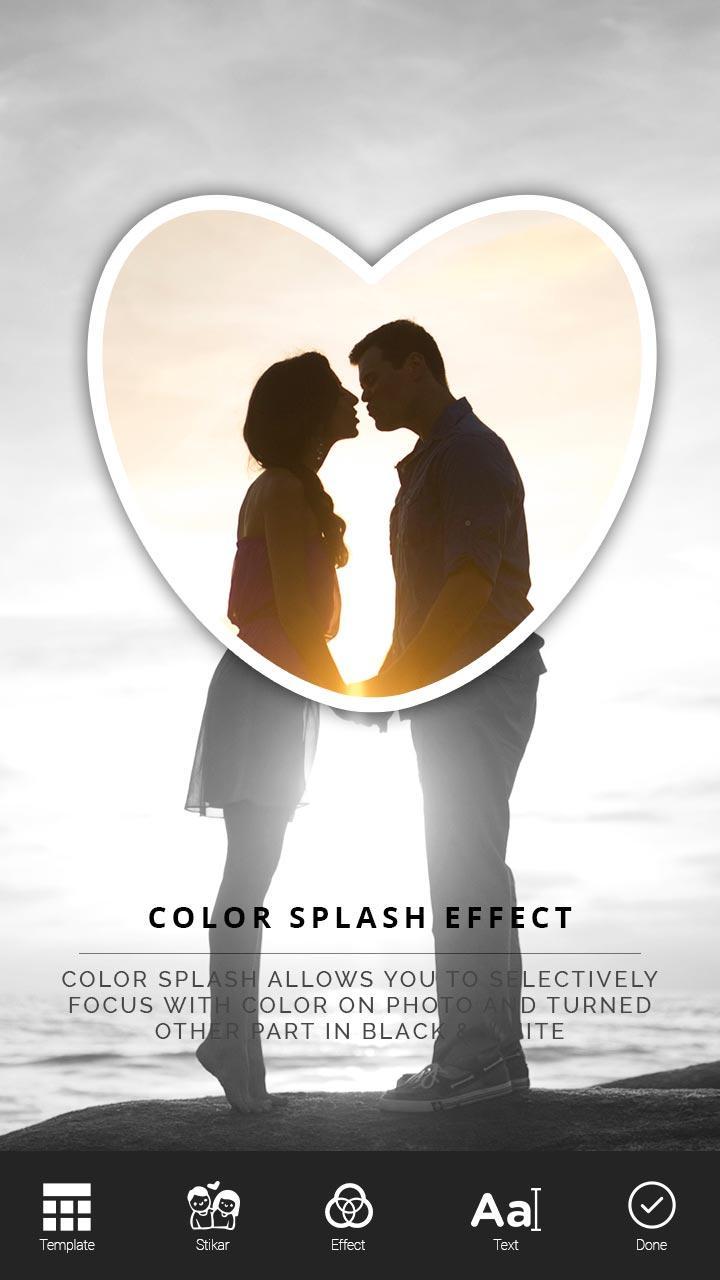
Color Splash allows you to selectively focus with color on photo and turned other part in Black & White.
We design shapes, bubbles, etc. to move ,scale, zoom over photo to give beautiful color splash effect.
You can choose black and white filter inside or outside of shape, other part will automatically turn into colored one.
Features :
# Color Splash with PIP effect.
# 25+ Shapes.
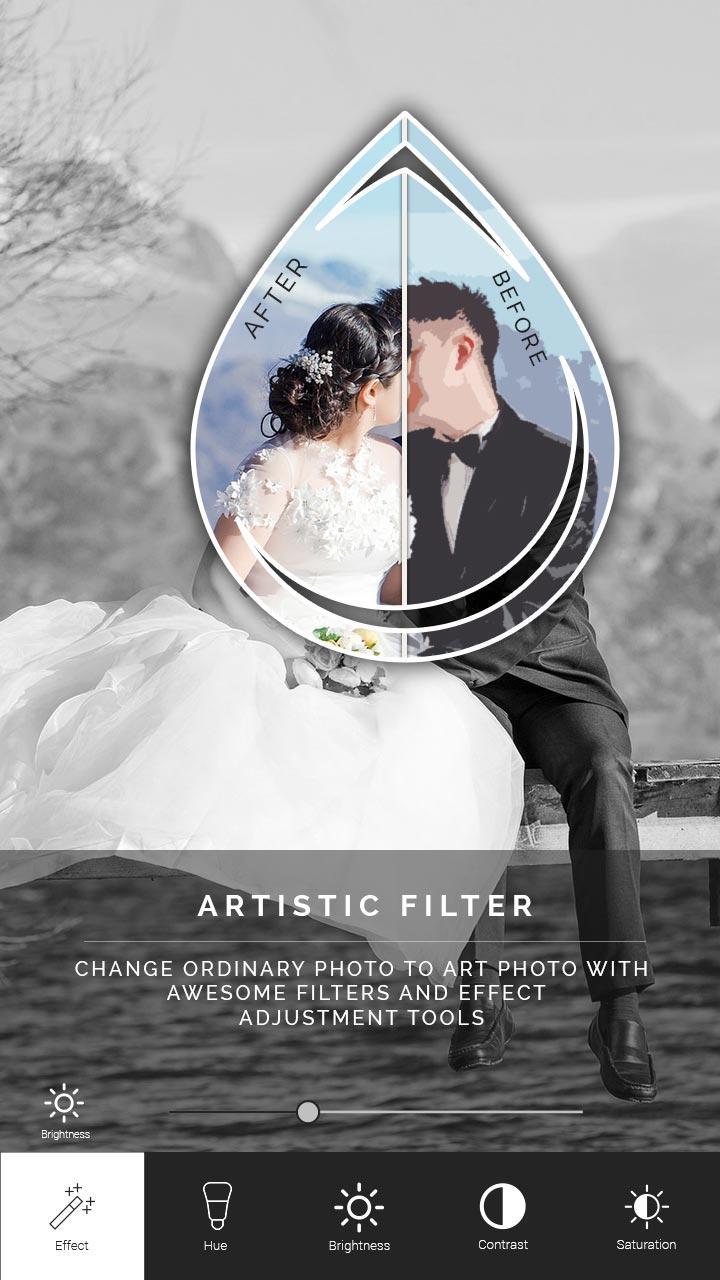
# 30+ Artistic filters
# 100+ Stickers
# Powerful text tool
# Easy to use
# Save and share on single click
How to use?
1. Select your favourite photo from gallery.
2. Crop the photo before editing.
3. Add Emojis, Cliparts ,Stickers to give emotions to your photo. We have all types of stickers.
4. Add custom and creative texts to photo. To give titles or captions in photo.
5. Apply filters to your photo from our artistic effects.
6. Smooth gesture support like scale, zoom, rotate on shape. Set Shape in best place over your photo ,and make other part in grayscale.
7. We have 25+ awesome shape. Get your best shape from our app.
8. Save your PIP color splash photo to your SD Card.
9. Share your photo easily on social media.
Enjoy the editing!!
Thanking you!!
Appreciate us by rating!
預覽
訊息
開發商
Opex
最新版本
1.0
更新時間
2017-04-19
類別
攝影
同時可用
Google Play
更多
如何在電腦上用 GameLoop 玩 PIP Color Splash
1. 從官網下載GameLoop,然後運行exe文件安裝GameLoop
2. 打開GameLoop,搜索“PIP Color Splash”,在搜索結果中找到PIP Color Splash,點擊“安裝”
3. 享受在 GameLoop 上玩 PIP Color Splash 的樂趣
Minimum requirements
OS
Windows 8.1 64-bit or Windows 10 64-bit
GPU
GTX 1050
CPU
i3-8300
Memory
8GB RAM
Storage
1GB available space
Recommended requirements
OS
Windows 8.1 64-bit or Windows 10 64-bit
GPU
GTX 1050
CPU
i3-9320
Memory
16GB RAM
Storage
1GB available space