
Horror photo editor 電腦版
VictoryTech Studio
用GameLoop模拟器在電腦上玩Horror photo editor
Horror photo editor 電腦版
來自發行商 VictoryTech Studio 的 Horror photo editor 能夠在安卓系統上運行。
現在,您可以在電腦上使用 GameLoop 模擬器流暢地玩 Horror photo editor。
在 GameLoop 遊戲庫或搜索結果中下載。 不需要再暢玩遊戲時盯著電池電量或被令人懊惱的來電打斷。
只需在電腦大屏幕上免費下載暢玩Horror photo editor 電腦版!
Horror photo editor 簡介
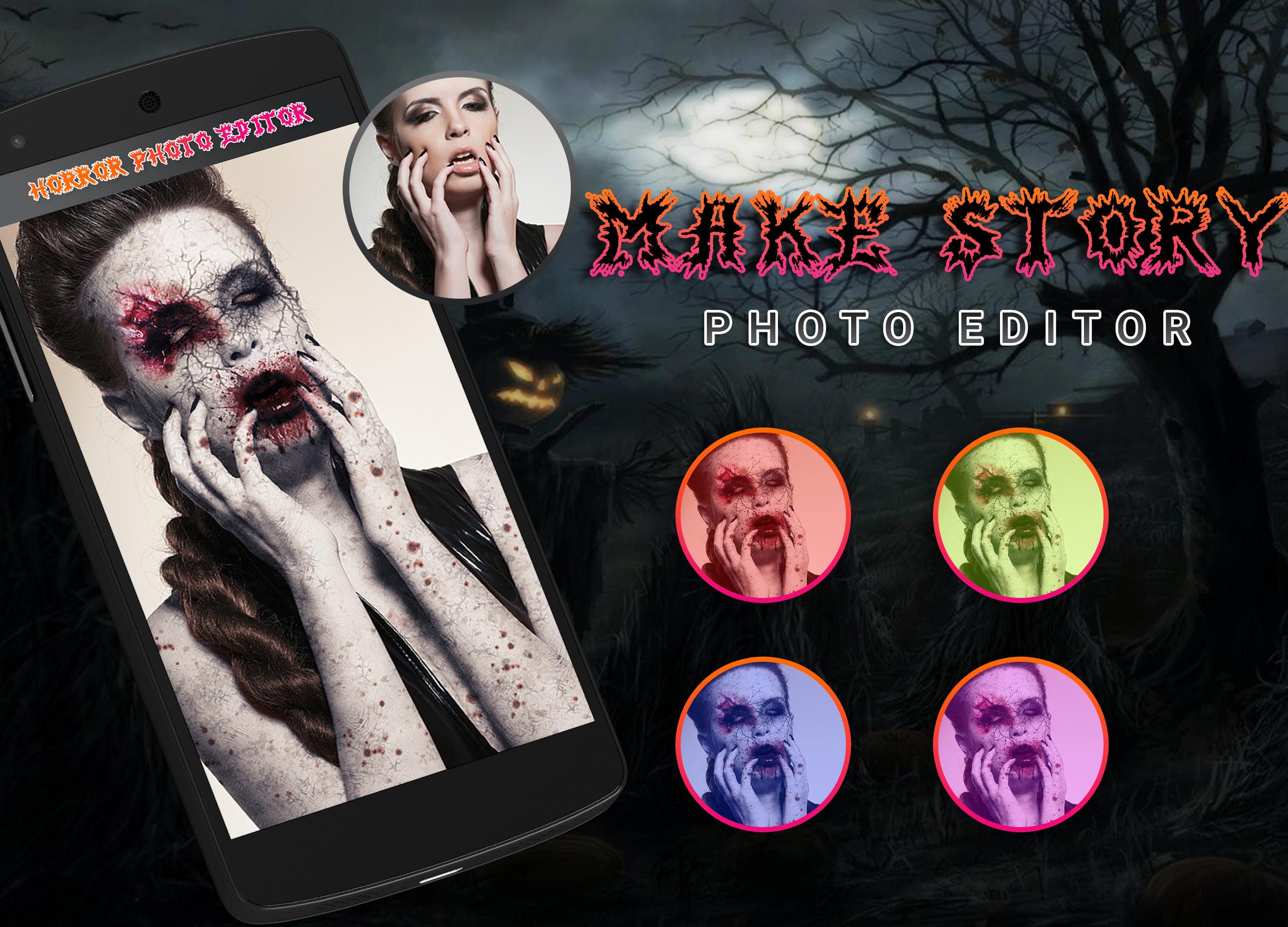
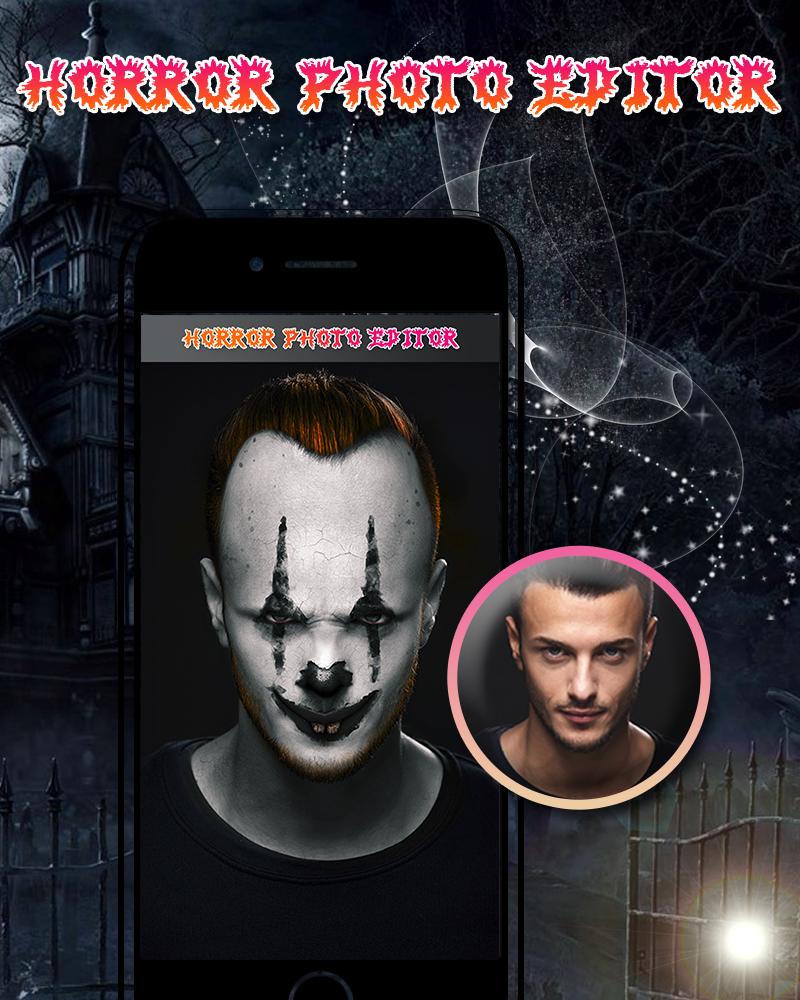
Make the scariest Horror pictures using horror photo editor and scare your friends! ,
This cool app is a free photo editor, which will help you make incredible Horror photo to scare your friends and family members
and You can also apply a photo editing filter effects and all.
Features:
--- Photo Editing Filters.
--- Create horror pranks to scare your friends with Amazing Cropping functionalities!
--- Select a pic from the gallery!
--- Cool stickers to turn yourself into a Horror!
--- Adjust the Horror sticker to fit your image, change the size with your fingers!
--- Add Text that you want, Also Apply more than 20+ Font style, different types of colors and size.
---Share your photo art on Facebook, Twitter, Instagram and any other social media!!
INSTALL This horror photo editor app and share with your friends and Look Scary.
More from Developers:
• DSLR Blur HD Camera 2018
• Beauty Photo Editor
• 3D Classic Photo
• Funny Face Changer
• Glory Photo Lab
• Pixel Art Studio Editor
• PhotoVideo.ly
• Visual FX Photo
• Instant Lomo Effects Photo Lab
• DSLR Camera 2018
Thank you for your support…
預覽
訊息
開發商
VictoryTech Studio
最新版本
1.1
更新時間
2019-10-24
類別
攝影
同時可用
Google Play
更多
如何在電腦上用 GameLoop 玩 Horror photo editor
1. 從官網下載GameLoop,然後運行exe文件安裝GameLoop
2. 打開GameLoop,搜索“Horror photo editor”,在搜索結果中找到Horror photo editor,點擊“安裝”
3. 享受在 GameLoop 上玩 Horror photo editor 的樂趣
Minimum requirements
OS
Windows 8.1 64-bit or Windows 10 64-bit
GPU
GTX 1050
CPU
i3-8300
Memory
8GB RAM
Storage
1GB available space
Recommended requirements
OS
Windows 8.1 64-bit or Windows 10 64-bit
GPU
GTX 1050
CPU
i3-9320
Memory
16GB RAM
Storage
1GB available space