Launcher iOS 15 Control Center 電腦版
Future 4 Tomorrow
用GameLoop模拟器在電腦上玩Launcher iOS 15 Control Center
Launcher iOS 15 Control Center 電腦版
來自發行商 Future 4 Tomorrow 的 Launcher iOS 15 Control Center 能夠在安卓系統上運行。
現在,您可以在電腦上使用 GameLoop 模擬器流暢地玩 Launcher iOS 15 Control Center。
在 GameLoop 遊戲庫或搜索結果中下載。 不需要再暢玩遊戲時盯著電池電量或被令人懊惱的來電打斷。
只需在電腦大屏幕上免費下載暢玩Launcher iOS 15 Control Center 電腦版!
Launcher iOS 15 Control Center 簡介
1OS Control center is easy and instant icenter 14 for access on your device looks like a professional launcher.
Control center 1OS 15 launchers for your android phone with easy to using 1OS 13 launcher and smooth & clean user interface. You can experience the 1OS control center with the assistive touch 1OS 14.
1OS control center launcher has a convenient feature of iCenter 14 - 1OS assistive touch 14.
↦ Key Features of 1OS launcher
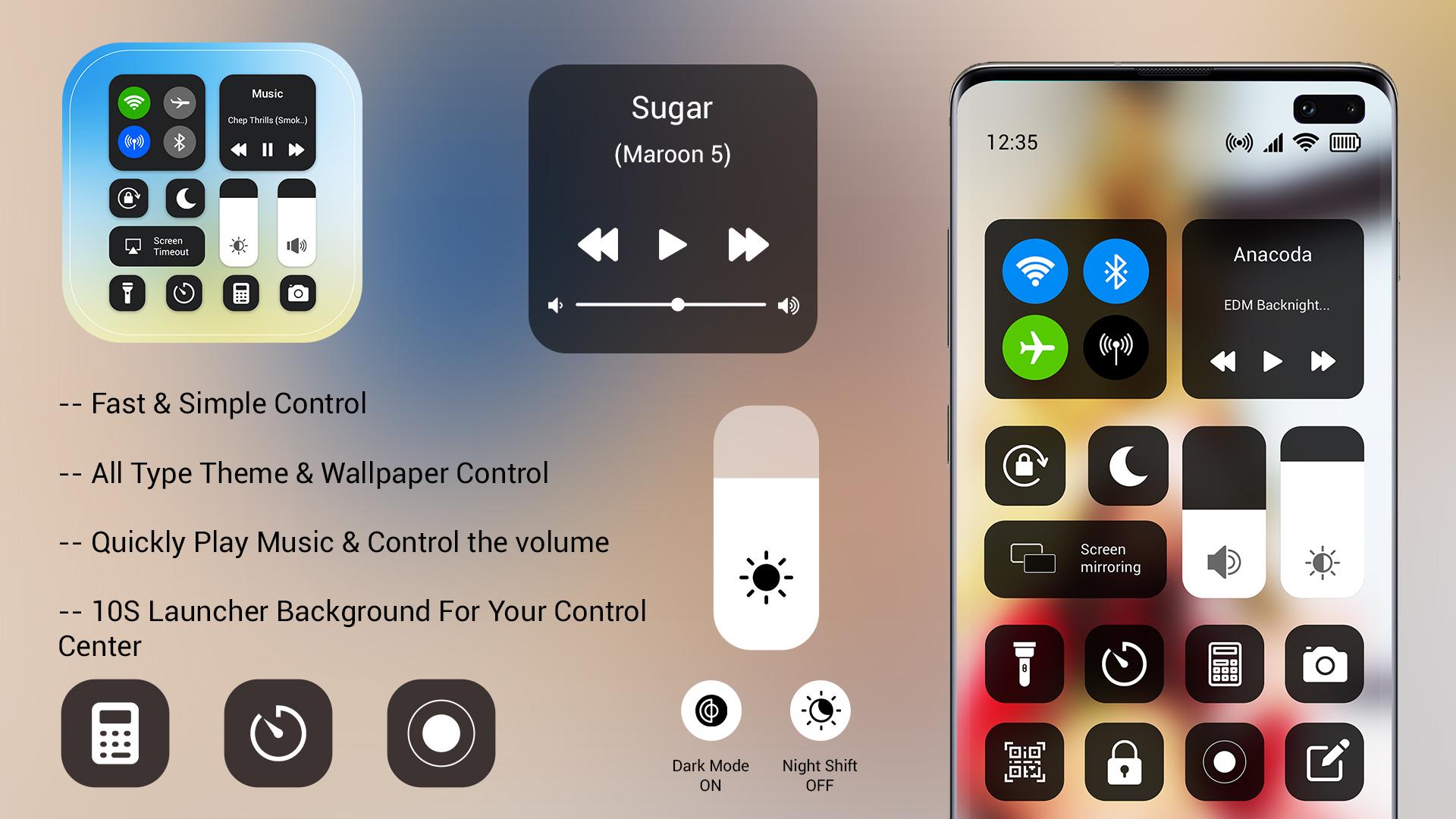
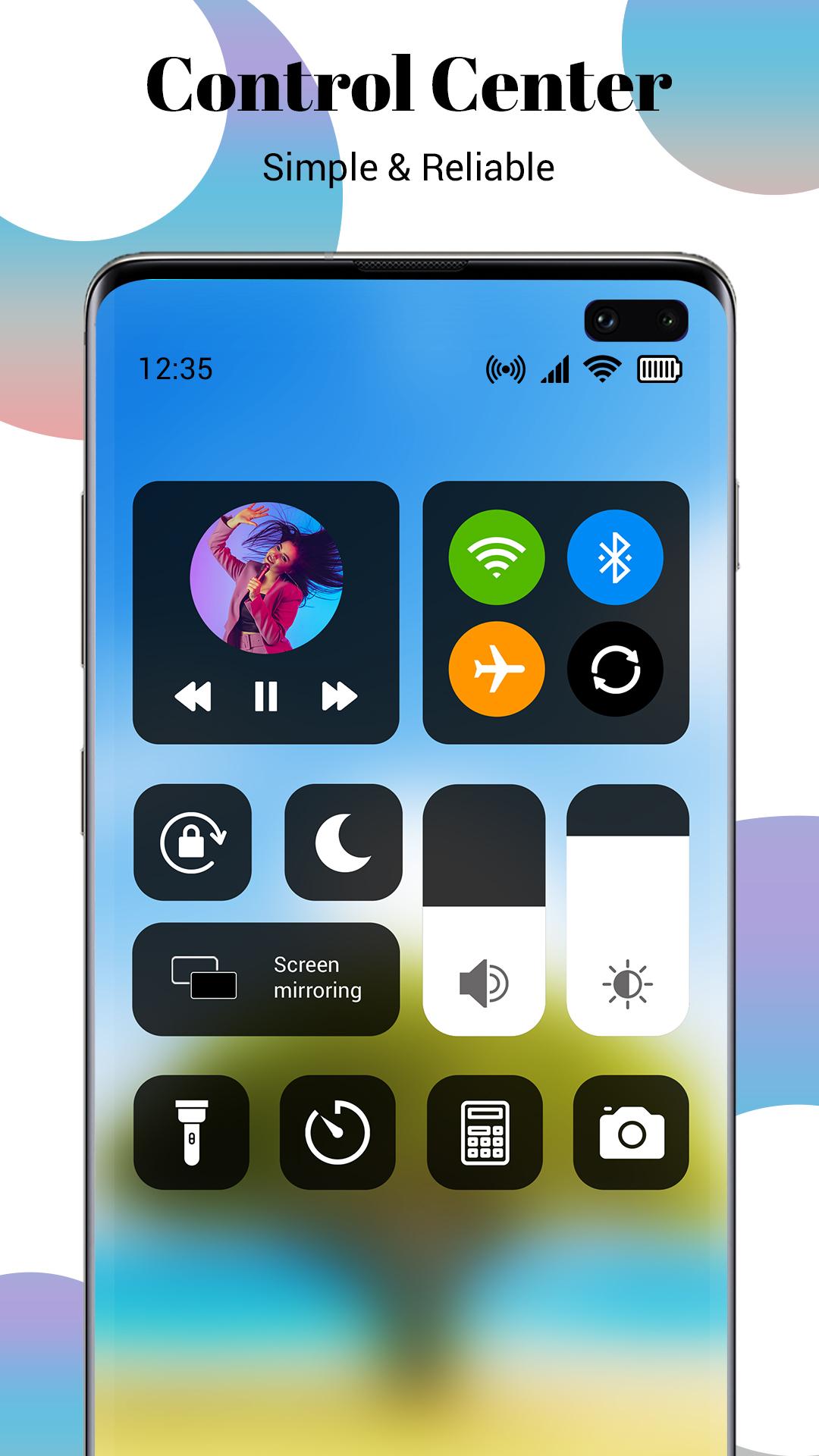
⦁ All-in-one 1OS control center like the home screen, icontrol center, 1OS lock screen, assistive touch
⦁ Quick search gesture by just swiping down anywhere on the screen
⦁ Make multiple groups of applications with you can hide the app by 1OS launcher
⦁ Gets all application icons similar to myOS center
⦁ Check notification in 1OS style on left down swiping
⦁ Manage all control in one icontrol center
Note: For use, this launcher sets 1OS launcher as the default OS on your smartphone.
In control center for 1OS 15 launcher has an inbuilt 1OS assistive touch 14 control center which all control access in one touch. It can use as a quick control center placed on the screen anywhere. Add ilock screen on mobile with check all notification get in 1OS style notification launcher. In 1OS launcher, you get all features of the same as I launcher.
↦ Disclaimer:
⦁ This 1OS launcher is not linked with the iOS system. This is launcher app.
⦁ This icon collection for iOS was designed by fans and does not infringe on any copyrights or trademarks.
⦁ It is purely a fan-made third-party application for customizing Android phones and is in no way linked with Apple Inc.
⦁ Please contact the team directly if you have a problem.
預覽
標籤
個人化訊息
開發商
Future 4 Tomorrow
最新版本
1.0
更新時間
2022-01-11
類別
個人化
同時可用
Google Play
更多
如何在電腦上用 GameLoop 玩 Launcher iOS 15 Control Center
1. 從官網下載GameLoop,然後運行exe文件安裝GameLoop
2. 打開GameLoop,搜索“Launcher iOS 15 Control Center”,在搜索結果中找到Launcher iOS 15 Control Center,點擊“安裝”
3. 享受在 GameLoop 上玩 Launcher iOS 15 Control Center 的樂趣
Minimum requirements
OS
Windows 8.1 64-bit or Windows 10 64-bit
GPU
GTX 1050
CPU
i3-8300
Memory
8GB RAM
Storage
1GB available space
Recommended requirements
OS
Windows 8.1 64-bit or Windows 10 64-bit
GPU
GTX 1050
CPU
i3-9320
Memory
16GB RAM
Storage
1GB available space