DashClock Widget 電腦版
Roman Nurik and Ian Lake
用GameLoop模拟器在電腦上玩DashClock Widget
DashClock Widget 電腦版
來自發行商 Roman Nurik and Ian Lake 的 DashClock Widget 能夠在安卓系統上運行。
現在,您可以在電腦上使用 GameLoop 模擬器流暢地玩 DashClock Widget。
在 GameLoop 遊戲庫或搜索結果中下載。 不需要再暢玩遊戲時盯著電池電量或被令人懊惱的來電打斷。
只需在電腦大屏幕上免費下載暢玩DashClock Widget 電腦版!
DashClock Widget 簡介
** NOTE: this app is no longer being maintained. **
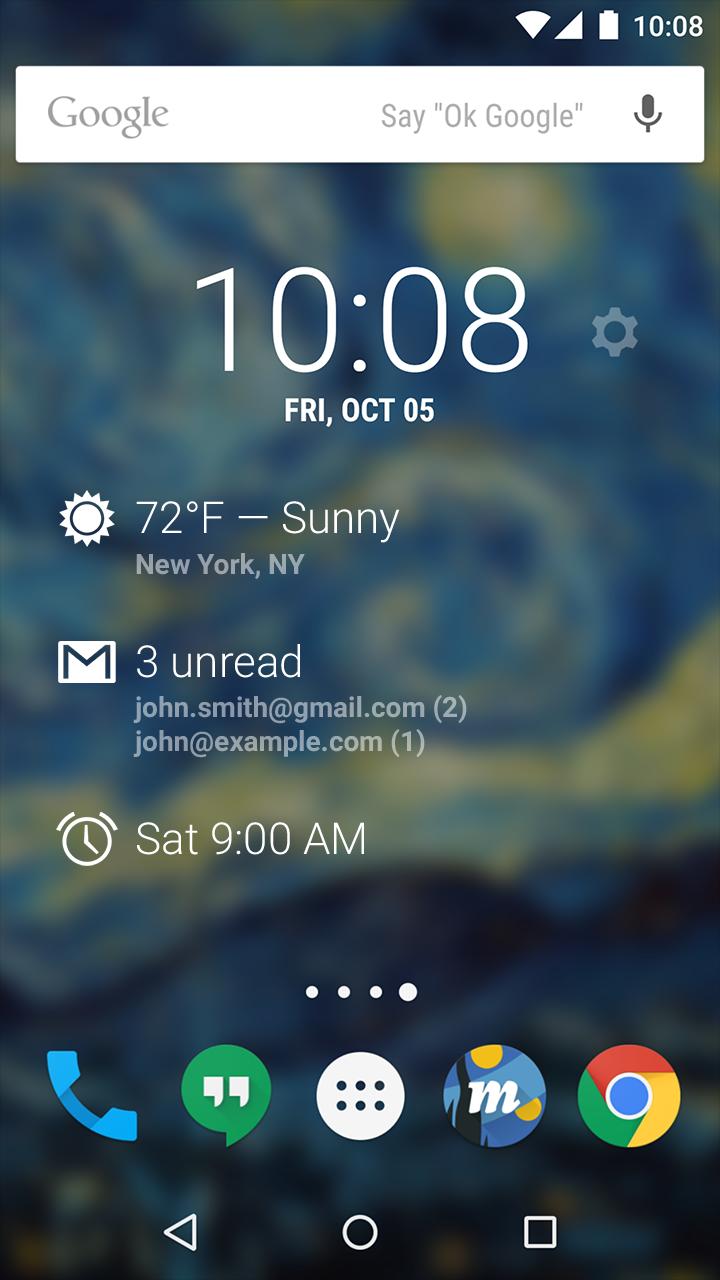
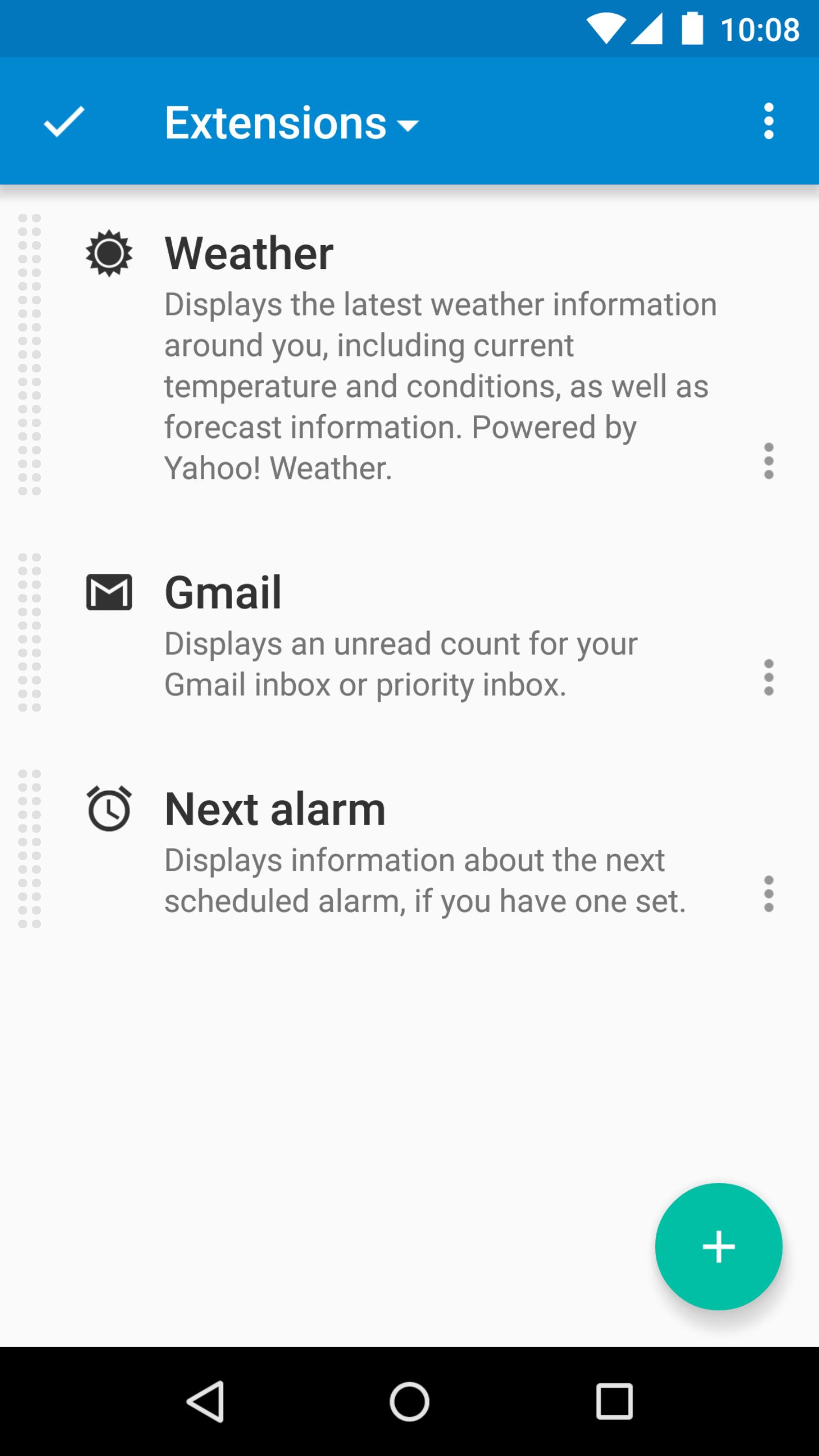
DashClock is a home screen clock widget for Android 4.2+ phones and tablets, with lock screen support for Android 4.2-4.4. It also exposes additional status items called extensions. The widget comes bundled with extensions that give you instant access to:
• Your current local weather
• Missed calls and unread text messages
• Your next calendar appointment
• Unread Gmail inbox or priority inbox conversations
• Your next scheduled alarm
To add the widget to your Android 4.2 device's lock screen, first make sure that "Enable widgets" is turned on in your security settings. Then, simply swipe to the left-most page of your lock screen and touch the "+" icon. Finally, select "DashClock" to customize and add the widget. You can make this the primary lock screen widget, replacing the default clock, by first touching-and-holding it and then dragging it horizontally to the very rightmost position.
Developers: DashClock is extensible! Visit the open source project at https://github.com/romannurik/dashclock to learn more or just check out the source.
預覽
訊息
開發商
Roman Nurik and Ian Lake
最新版本
1.7.2
更新時間
2016-05-11
類別
個人化
同時可用
Google Play
更多
如何在電腦上用 GameLoop 玩 DashClock Widget
1. 從官網下載GameLoop,然後運行exe文件安裝GameLoop
2. 打開GameLoop,搜索“DashClock Widget”,在搜索結果中找到DashClock Widget,點擊“安裝”
3. 享受在 GameLoop 上玩 DashClock Widget 的樂趣
Minimum requirements
OS
Windows 8.1 64-bit or Windows 10 64-bit
GPU
GTX 1050
CPU
i3-8300
Memory
8GB RAM
Storage
1GB available space
Recommended requirements
OS
Windows 8.1 64-bit or Windows 10 64-bit
GPU
GTX 1050
CPU
i3-9320
Memory
16GB RAM
Storage
1GB available space