
Speedoc for Licensed Providers 電腦版
Speedoc
用GameLoop模拟器在電腦上玩Speedoc for Licensed Providers
Speedoc for Licensed Providers 電腦版
來自發行商 Speedoc 的 Speedoc for Licensed Providers 能夠在安卓系統上運行。
現在,您可以在電腦上使用 GameLoop 模擬器流暢地玩 Speedoc for Licensed Providers。
在 GameLoop 遊戲庫或搜索結果中下載。 不需要再暢玩遊戲時盯著電池電量或被令人懊惱的來電打斷。
只需在電腦大屏幕上免費下載暢玩Speedoc for Licensed Providers 電腦版!
Speedoc for Licensed Providers 簡介
注意:Speedoc Provider 應用程序僅適用於在 Speedoc 註冊的許可醫療服務提供商。如果您想請求醫生、護士或救護車到您家,請下載 Speedoc 應用程序。
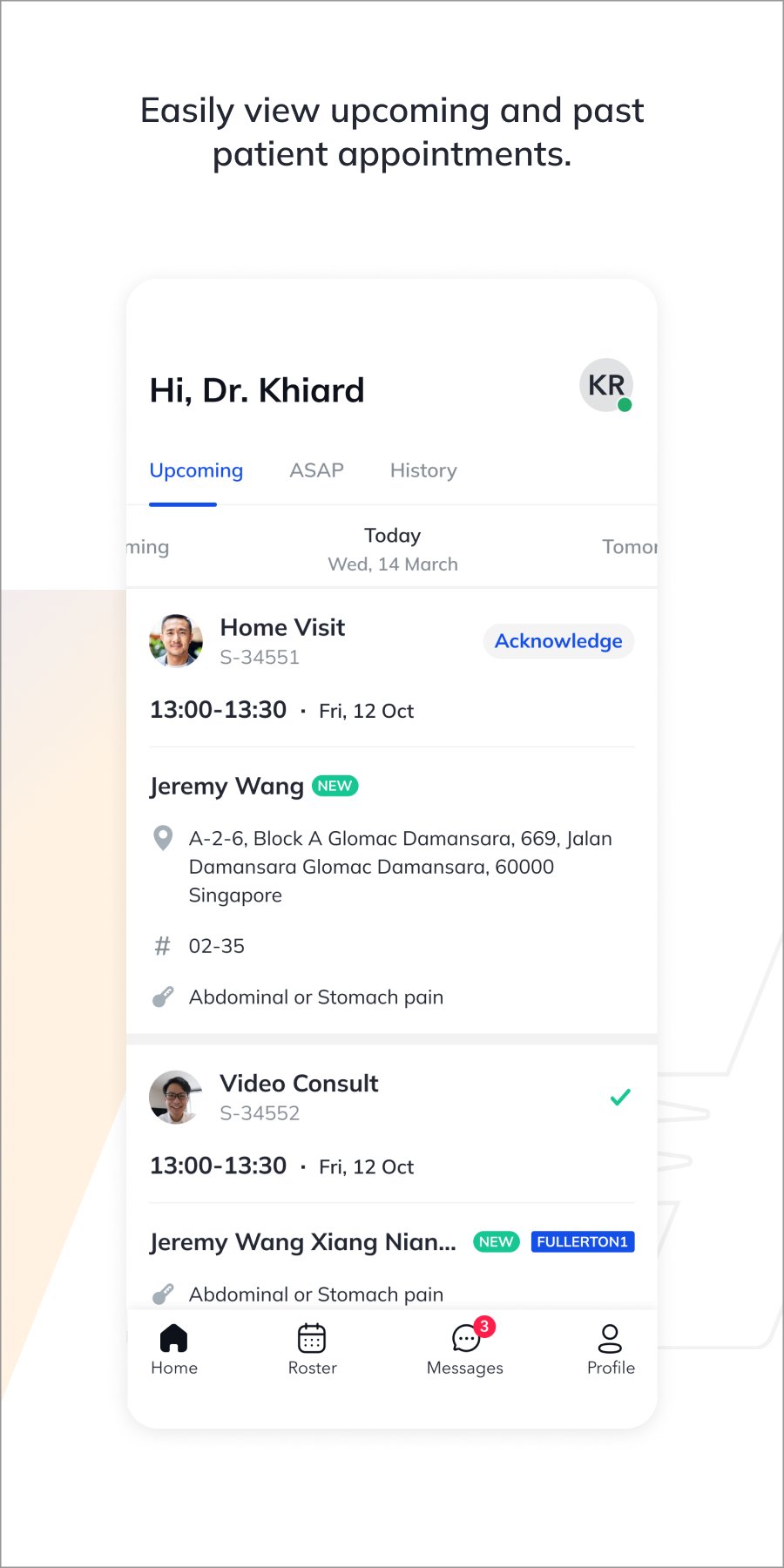
Speedoc for Licensed Providers 為獲得 Speedoc 許可的醫療服務提供商(醫生、護士、救護車提供商等)提供了一種簡單的方法來安排和跟踪患者的請求和預約。在同一個遠程醫療呼叫中與多個提供商合作,為您的患者提供更全面的醫療保健體驗。
為什麼選擇 Speedoc:
- 完全控制您的日程安排;選擇僅在您有空時接受上門拜訪或視頻諮詢患者請求
- 無論您身在何處,都能看到您附近的患者
- 隨時隨地接受或拒絕患者請求的自由
- 沒有最低承諾
- 易於使用的應用程序,包含患者信息和臨床記錄
開始:
1. 發送電子郵件至 business@speedoc.com 以請求提供提供商的帳戶
2. 下載並安裝 Speedoc for Licensed Providers 應用程序
3. 登錄並完成您的個人資料
4. 開始接受患者的請求
預覽

標籤
醫療訊息
開發商
Speedoc
最新版本
3.76.0
更新時間
2025-08-20
類別
醫療
同時可用
Google Play
更多
如何在電腦上用 GameLoop 玩 Speedoc for Licensed Providers
1. 從官網下載GameLoop,然後運行exe文件安裝GameLoop
2. 打開GameLoop,搜索“Speedoc for Licensed Providers”,在搜索結果中找到Speedoc for Licensed Providers,點擊“安裝”
3. 享受在 GameLoop 上玩 Speedoc for Licensed Providers 的樂趣
Minimum requirements
OS
Windows 8.1 64-bit or Windows 10 64-bit
GPU
GTX 1050
CPU
i3-8300
Memory
8GB RAM
Storage
1GB available space
Recommended requirements
OS
Windows 8.1 64-bit or Windows 10 64-bit
GPU
GTX 1050
CPU
i3-9320
Memory
16GB RAM
Storage
1GB available space