
Cocoon - Smart Home Security 電腦版
Cocoon Labs Ltd
用GameLoop模拟器在電腦上玩Cocoon - Smart Home Security
Cocoon - Smart Home Security 電腦版
來自發行商 Cocoon Labs Ltd 的 Cocoon - Smart Home Security 能夠在安卓系統上運行。
現在,您可以在電腦上使用 GameLoop 模擬器流暢地玩 Cocoon - Smart Home Security。
在 GameLoop 遊戲庫或搜索結果中下載。 不需要再暢玩遊戲時盯著電池電量或被令人懊惱的來電打斷。
只需在電腦大屏幕上免費下載暢玩Cocoon - Smart Home Security 電腦版!
Cocoon - Smart Home Security 簡介
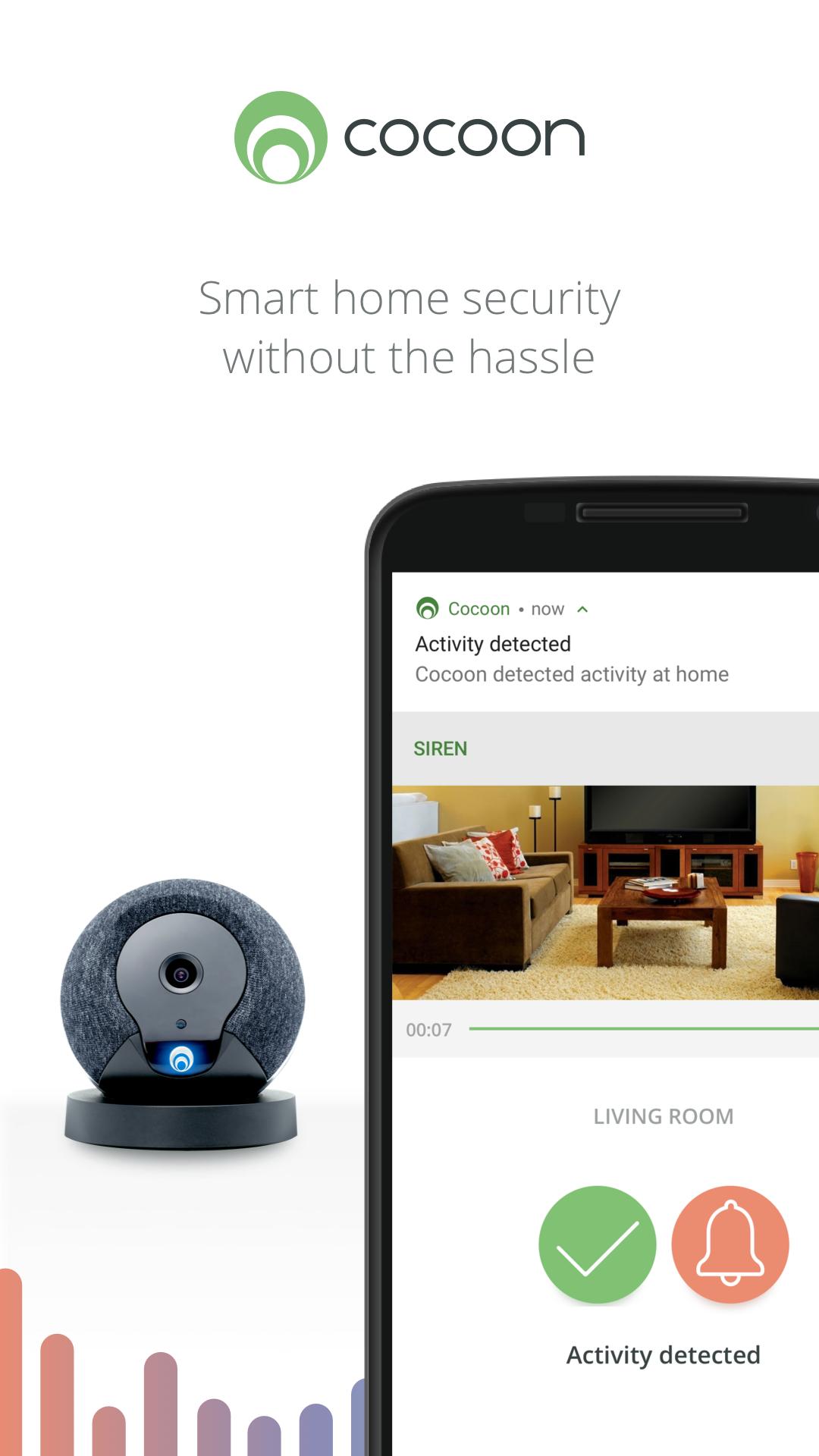
Cocoon makes home security simple. Our amazing multi-room protection technology better protects who and what you care about most. The iPhone app works with the Cocoon home security device to give you home security without the hassle.
HASSLE-FREE SETUP - Cocoon is the easiest home security system to setup, ever. Take it out of the box, plug it in, download the app and you’re done.
HD CAMERA: Cocoon automatically records and stores footage as easily at night as it does during daylight.
MULTI-ROOM PROTECTION: Unique Subsound® technology protects more of your home than other home security systems without the need for pesky door or window sensors.
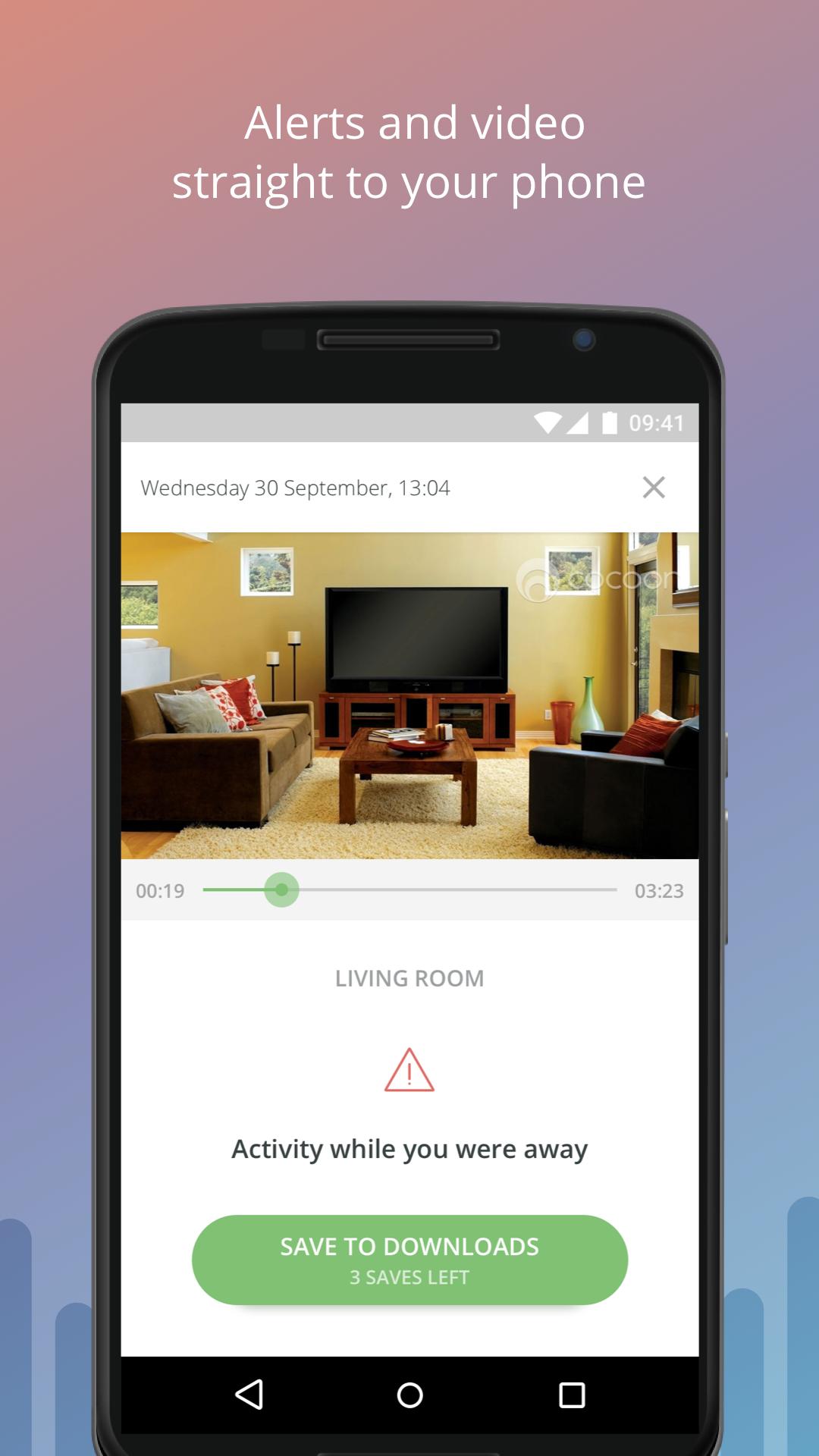
SMART NOTIFICATIONS: Cocoon alerts you the moment it detects something suspicious, with live HD video straight to your phone.
PEACE OF MIND: Cocoon learns your unique patterns in just 7 days, and keeps adjusting itself to better protect your home.
NO CONTRACTS OR FEES: With Cocoon there are no contracts or monthly fees to use the product.
-----
Email: support@cocoon.life
Facebook: Cocoon
Twitter: @Cocoon
預覽
標籤
House-&訊息
開發商
Cocoon Labs Ltd
最新版本
1.12.3018
更新時間
2018-09-20
類別
House-home
同時可用
Google Play
更多
如何在電腦上用 GameLoop 玩 Cocoon - Smart Home Security
1. 從官網下載GameLoop,然後運行exe文件安裝GameLoop
2. 打開GameLoop,搜索“Cocoon - Smart Home Security”,在搜索結果中找到Cocoon - Smart Home Security,點擊“安裝”
3. 享受在 GameLoop 上玩 Cocoon - Smart Home Security 的樂趣
Minimum requirements
OS
Windows 8.1 64-bit or Windows 10 64-bit
GPU
GTX 1050
CPU
i3-8300
Memory
8GB RAM
Storage
1GB available space
Recommended requirements
OS
Windows 8.1 64-bit or Windows 10 64-bit
GPU
GTX 1050
CPU
i3-9320
Memory
16GB RAM
Storage
1GB available space