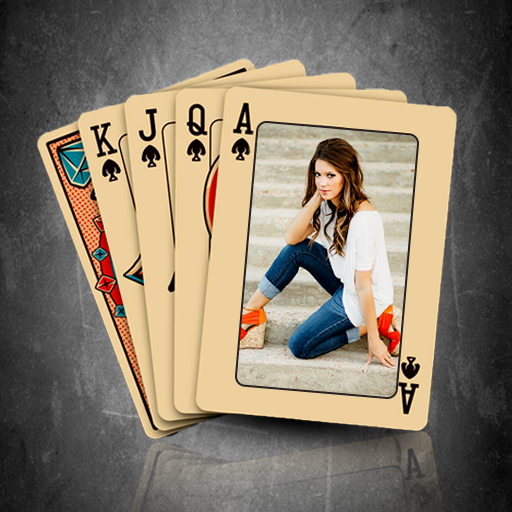
Playing Card Photo Frame 電腦版
Framography Apps
用GameLoop模拟器在電腦上玩Playing Card Photo Frame
Playing Card Photo Frame 電腦版
來自發行商 Framography Apps 的 Playing Card Photo Frame 能夠在安卓系統上運行。
現在,您可以在電腦上使用 GameLoop 模擬器流暢地玩 Playing Card Photo Frame。
在 GameLoop 遊戲庫或搜索結果中下載。 不需要再暢玩遊戲時盯著電池電量或被令人懊惱的來電打斷。
只需在電腦大屏幕上免費下載暢玩Playing Card Photo Frame 電腦版!
Playing Card Photo Frame 簡介
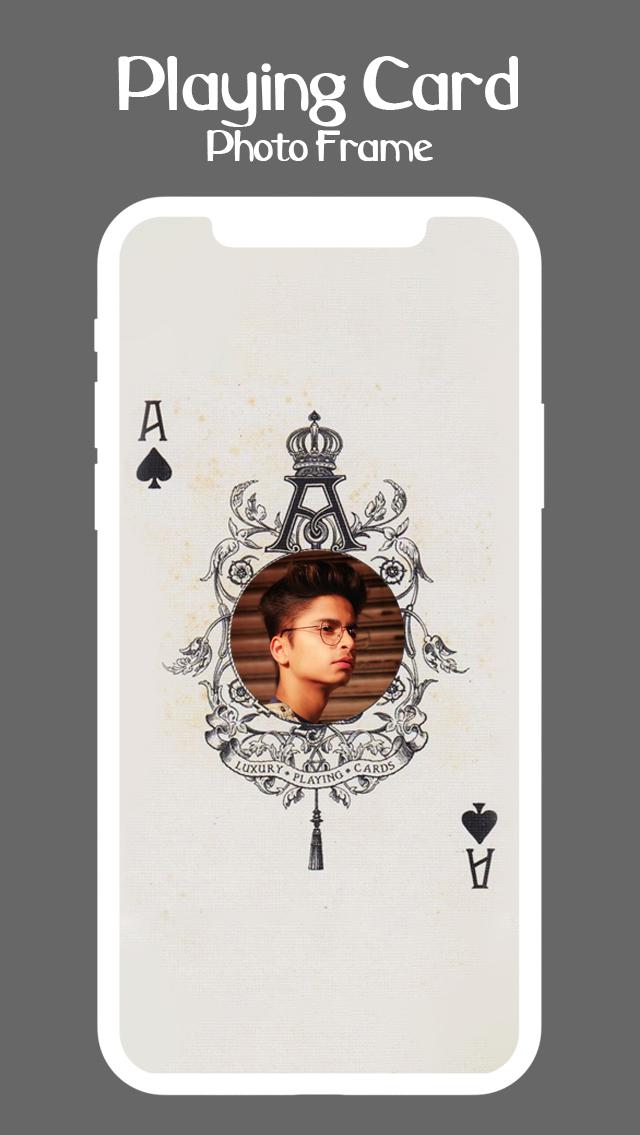
使用撲克牌相框,將您的照片變成獨特的編輯作品——一款有趣的照片編輯器,可將您的照片放入時尚的撲克牌圖案中。讓您的照片看起來像國王、女王或小丑牌,並與好友分享。
✨ 功能:
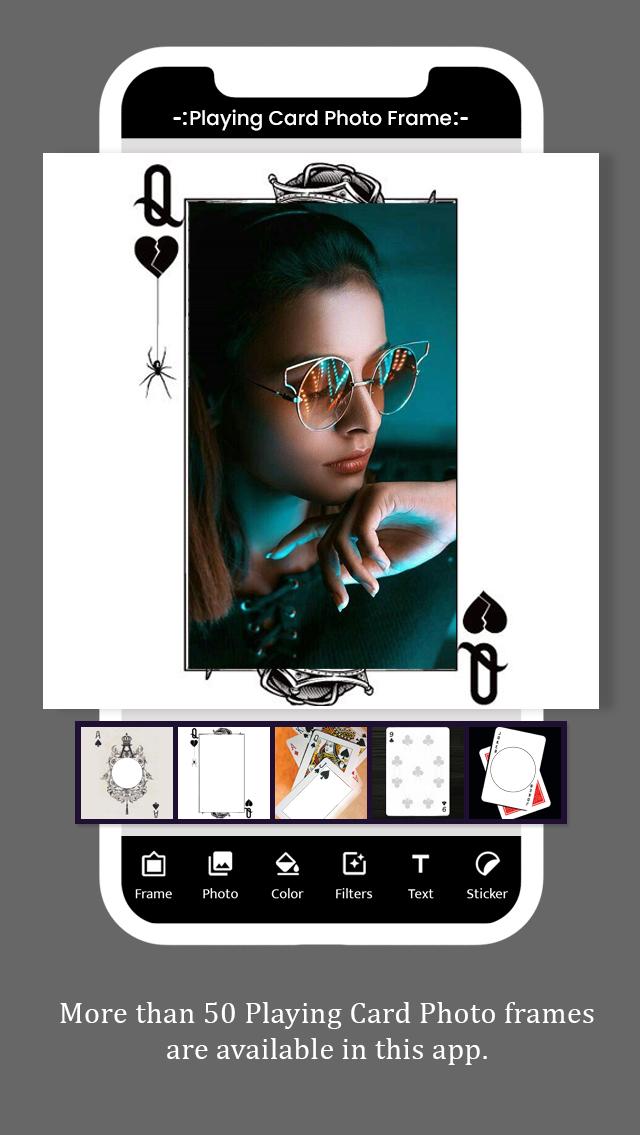
• 30 多種撲克牌相框
• 紅桃、黑桃、梅花、方塊等圖案
• 文字編輯器,可新增姓名或標題
• 貼紙,可進行有趣又時尚的編輯
• 簡單的裁切與調整工具
• 可在 WhatsApp、Instagram、Facebook 等平台上即時分享
📌 為什麼要使用這款應用?
• 創作撲克牌風格的照片
• 製作有趣的拼貼畫和編輯
• 嘗試獨特的照片疊加
• 與好友分享創意照片
❤️ 適合:
• 撲克牌愛好者
• 有趣的社群媒體編輯
• 獨特的撲克牌和頭像
• 創意照片禮物
立即下載撲克牌相框,讓您的照片成為贏家!
預覽
標籤
娛樂訊息
開發商
Framography Apps
最新版本
1.11
更新時間
2025-09-10
類別
娛樂
同時可用
Google Play
更多
如何在電腦上用 GameLoop 玩 Playing Card Photo Frame
1. 從官網下載GameLoop,然後運行exe文件安裝GameLoop
2. 打開GameLoop,搜索“Playing Card Photo Frame”,在搜索結果中找到Playing Card Photo Frame,點擊“安裝”
3. 享受在 GameLoop 上玩 Playing Card Photo Frame 的樂趣
Minimum requirements
OS
Windows 8.1 64-bit or Windows 10 64-bit
GPU
GTX 1050
CPU
i3-8300
Memory
8GB RAM
Storage
1GB available space
Recommended requirements
OS
Windows 8.1 64-bit or Windows 10 64-bit
GPU
GTX 1050
CPU
i3-9320
Memory
16GB RAM
Storage
1GB available space