
Rosetta Stone: Learn Languages 電腦版
Rosetta Stone Ltd
用GameLoop模拟器在電腦上玩Rosetta Stone: Learn Languages
Rosetta Stone: Learn Languages 電腦版
來自發行商 Rosetta Stone Ltd 的 Rosetta Stone: Learn Languages 能夠在安卓系統上運行。
現在,您可以在電腦上使用 GameLoop 模擬器流暢地玩 Rosetta Stone: Learn Languages。
在 GameLoop 遊戲庫或搜索結果中下載。 不需要再暢玩遊戲時盯著電池電量或被令人懊惱的來電打斷。
只需在電腦大屏幕上免費下載暢玩Rosetta Stone: Learn Languages 電腦版!
Rosetta Stone: Learn Languages 簡介
Why the Rosetta Stone app?
Because the best way to learn a new language is to surround yourself with it, and our language learning app does just that. Rosetta Stone’s Dynamic Immersion® method uses interactive and contextual language lessons blended with Extended Learning features. Everything you need is literally at your fingertips–any time, anywhere, any device; online or off and completely ad-free.
RECENT AWARDS
• 2019 PCMag Editors’ Choice
• 2019 Tabby Awards Winner
• 2019 Best Mobile App Awards: Best Designed App and Best Overall App
For the first time, we’re offering every one of our languages under one subscription. Flip between languages as often as you’d like and enjoy the freedom to get seriously curious. To access all languages, simply select Unlimited Languages when you subscribe.
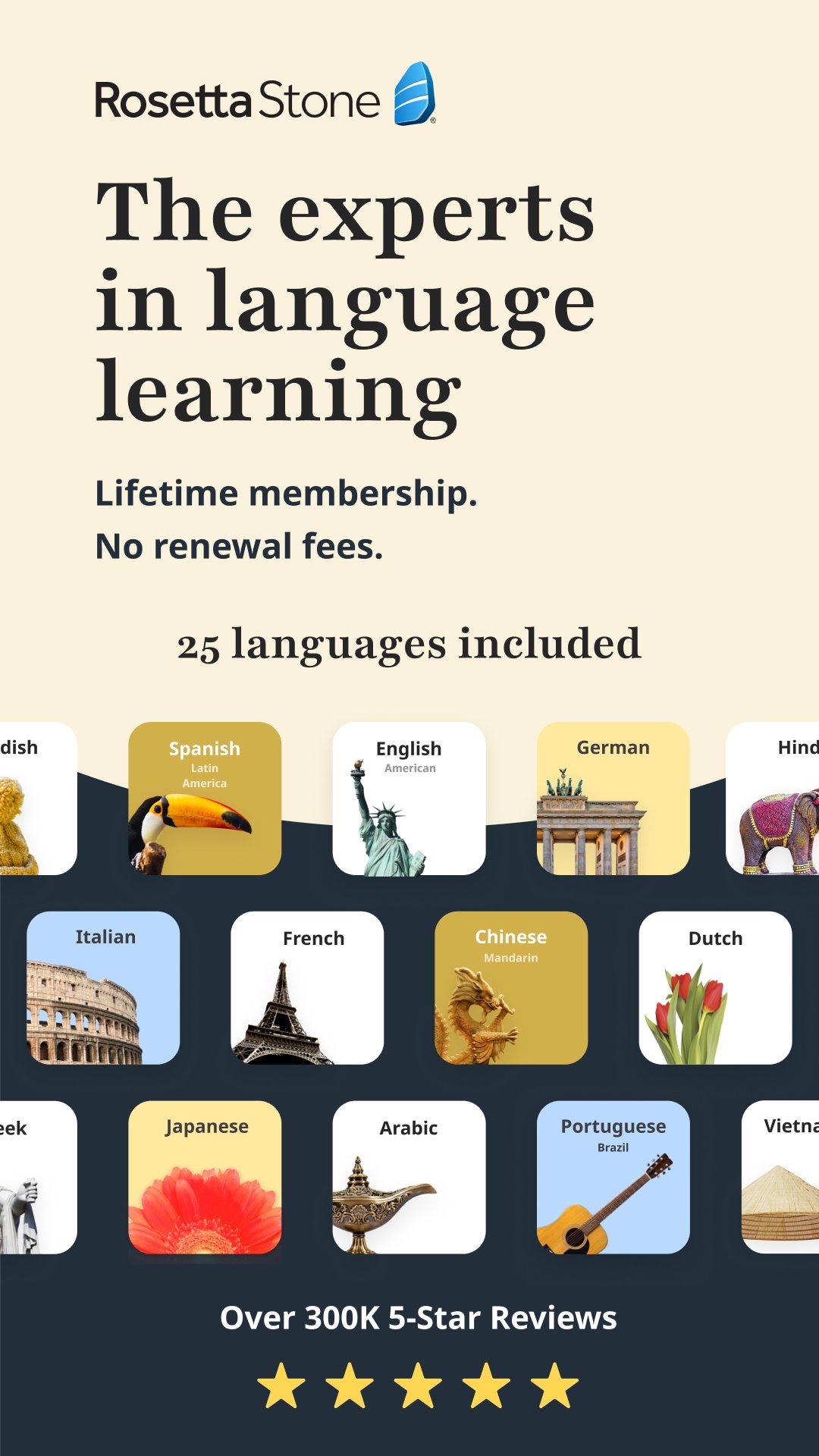
Practice and learn to speak Spanish, French, German, Italian, English, Japanese, Korean, Chinese, Arabic, Portuguese, Russian, Dutch, Filipino, Greek, Hebrew, Hindi, Irish, Persian, Polish, Swedish, Turkish, Vietnamese, and more!
Rosetta Stone helps you speak confidently.
With a variety of speaking-focused lessons and features, instantaneous pronunciation feedback with TruAccent, a track record of getting people speaking any language confidently and a near-five star rating in the app store, the award-winning Rosetta Stone mobile app is the best way to learn and speak new languages.
What you want to learn, first.
Let us know why you're learning a new language and we'll create a game plan with curated content and helpful lesson reminders to help you stay on track in your learning journey**.
Fits any schedule.
Take a 10-minute lesson anywhere, study online or off.
Never leaves your side.
Practice languages here, there, and everywhere. Learn to speak English, Spanish, Chinese, Japanese or any language you want.
Don’t get lost in translation.
Touch and hold anything from your Core Lessons to reveal its translation*.
Speak confidently.
TruAccent® technology provides real-time pronunciation feedback and helps you speak confidently.
Go beyond memorization.
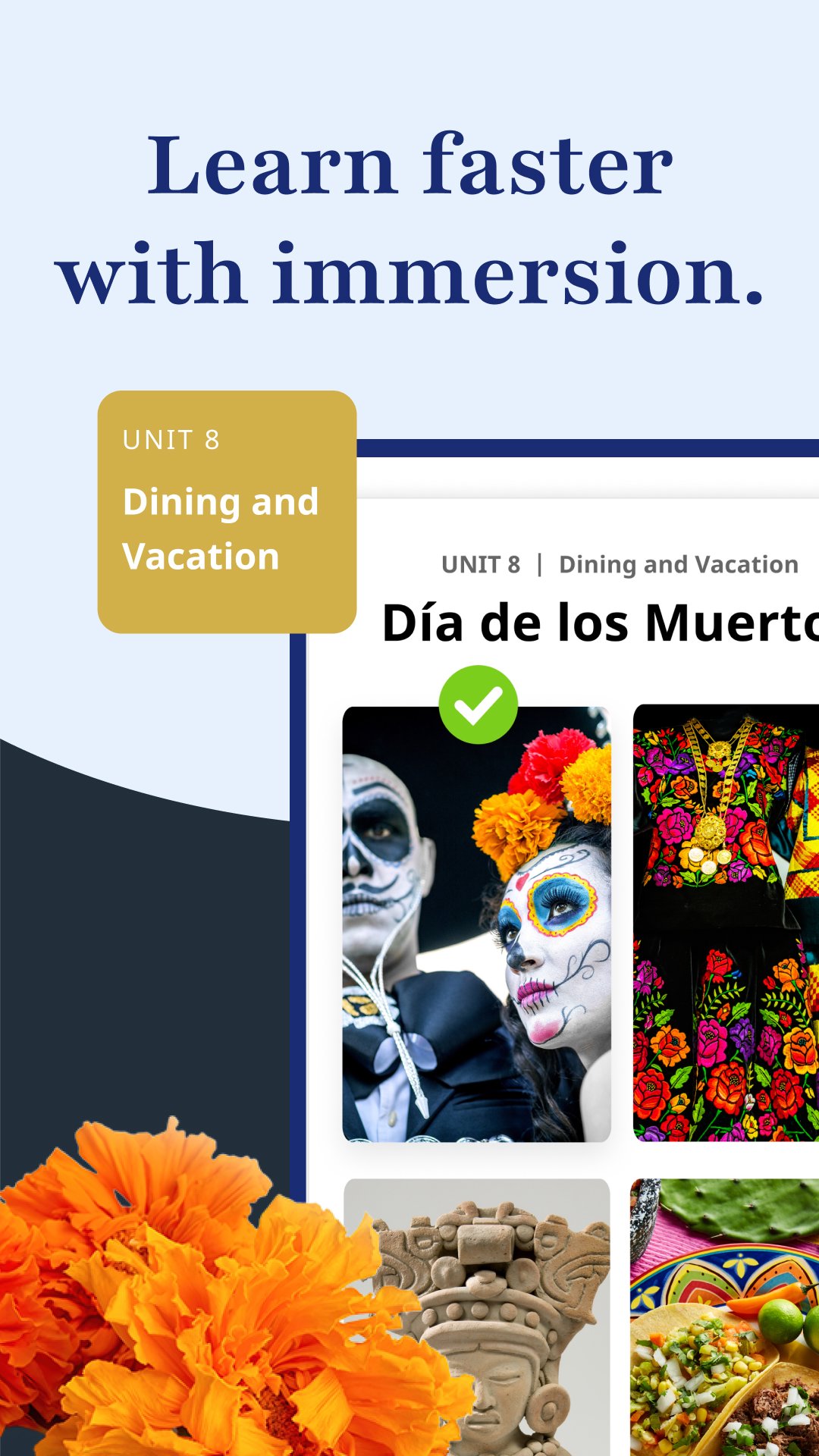
Learn in context using our Dynamic Immersion® method.
Extended Language Learning Features
Say it like a local.
Improve pronunciation and practice speaking by reading aloud while listening to native speakers with stories and useful conversations.
Always know what to say.
Get easy-to-understand greetings, phrases, expressions, daily conversations and more with Phrasebook*.
Train your ear.
Take a break from the screen by listening to Audio Companion® lessons.
Select a language learning subscription:
Choose from 3 and 12-month subscriptions—as well as a Lifetime option. No translators, grammar books or dictionary needed!
Available Languages:
Spanish (Latin American or Spain)
French
German
Italian
English (American or British)
Japanese
Korean
Chinese (Mandarin)
Arabic
Portuguese (Brazil)
Russian
Dutch
Filipino (Tagalog)
Greek
Hebrew
Hindi
Irish
Persian (Farsi)
Polish
Swedish
Turkish
Vietnamese
Enterprise and Education Learners
Unlimited use of Rosetta Stone's mobile app is available for existing Enterprise and Education Learners. Features may vary for Enterprise and Education Learners.
*Available with select languages on the Rosetta Stone: Learn Languages app.
**Your Plan languages offered for Android are English, French, Italian, German, and Spanish.
預覽
標籤
教育訊息
開發商
Rosetta Stone Ltd
最新版本
9.0.1
更新時間
2026-03-17
類別
教育
同時可用
Google Play
更多
如何在電腦上用 GameLoop 玩 Rosetta Stone: Learn Languages
1. 從官網下載GameLoop,然後運行exe文件安裝GameLoop
2. 打開GameLoop,搜索“Rosetta Stone: Learn Languages”,在搜索結果中找到Rosetta Stone: Learn Languages,點擊“安裝”
3. 享受在 GameLoop 上玩 Rosetta Stone: Learn Languages 的樂趣
Minimum requirements
OS
Windows 8.1 64-bit or Windows 10 64-bit
GPU
GTX 1050
CPU
i3-8300
Memory
8GB RAM
Storage
1GB available space
Recommended requirements
OS
Windows 8.1 64-bit or Windows 10 64-bit
GPU
GTX 1050
CPU
i3-9320
Memory
16GB RAM
Storage
1GB available space