
Mochi - Flashcards and notes 電腦版
Mochi Cards, LLC
用GameLoop模拟器在電腦上玩Mochi - Flashcards and notes
Mochi - Flashcards and notes 電腦版
來自發行商 Mochi Cards, LLC 的 Mochi - Flashcards and notes 能夠在安卓系統上運行。
現在,您可以在電腦上使用 GameLoop 模擬器流暢地玩 Mochi - Flashcards and notes。
在 GameLoop 遊戲庫或搜索結果中下載。 不需要再暢玩遊戲時盯著電池電量或被令人懊惱的來電打斷。
只需在電腦大屏幕上免費下載暢玩Mochi - Flashcards and notes 電腦版!
Mochi - Flashcards and notes 簡介
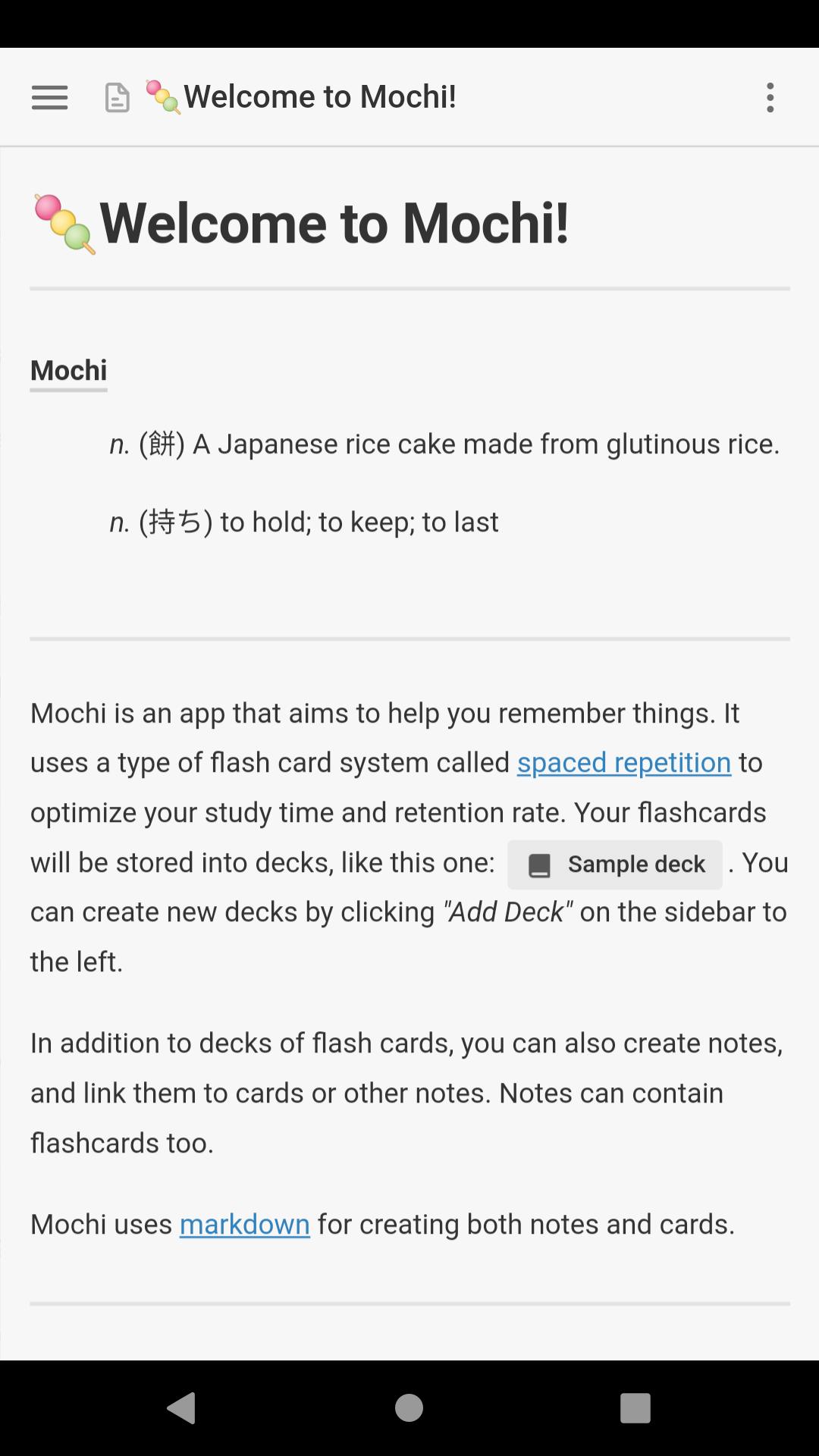
記筆記並使用降價製作抽認卡,然後使用間隔重複進行學習。
Mochi使您能夠根據自己的學習需求創建內容。
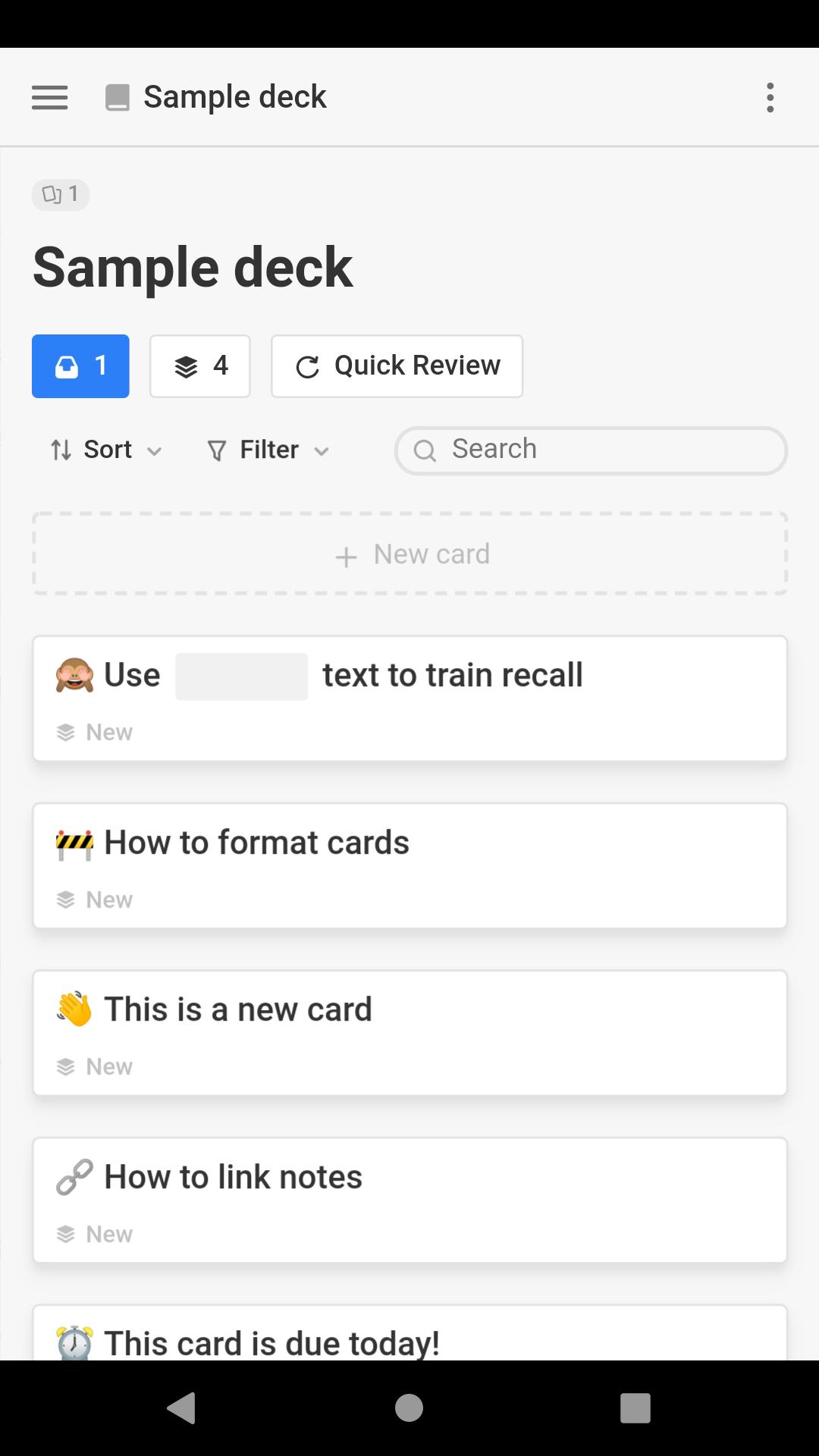
從頭開始創建一個牌組,或與朋友分享一個牌組。
-Mochi使用間隔重複算法來最大程度地提高保留率並縮短學習時間。
-以減價速度快速記下便籤和卡片。如果需要,還可以使用格式化控件和快捷方式。
-卡片和便箋之間的鏈接是建立相關信息網絡的有效方法。
-避免繁瑣地將筆記一一複製到閃存卡中。使用Mochi,您可以一鍵從筆記中創建閃存卡。
-您可以將媒體(例如圖像,音頻和視頻)拖動到編輯器中,以將它們嵌入到筆記或卡片中。
-使用Pro帳戶,您可以同步內容並在所有設備(包括移動設備)上使用Mochi。
-利用已經在線提供的數千個Anki卡座,或導入自己的卡座。
預覽
標籤
教育訊息
開發商
Mochi Cards, LLC
最新版本
1.19.4
更新時間
2025-09-08
類別
教育
同時可用
Google Play
更多
如何在電腦上用 GameLoop 玩 Mochi - Flashcards and notes
1. 從官網下載GameLoop,然後運行exe文件安裝GameLoop
2. 打開GameLoop,搜索“Mochi - Flashcards and notes”,在搜索結果中找到Mochi - Flashcards and notes,點擊“安裝”
3. 享受在 GameLoop 上玩 Mochi - Flashcards and notes 的樂趣
Minimum requirements
OS
Windows 8.1 64-bit or Windows 10 64-bit
GPU
GTX 1050
CPU
i3-8300
Memory
8GB RAM
Storage
1GB available space
Recommended requirements
OS
Windows 8.1 64-bit or Windows 10 64-bit
GPU
GTX 1050
CPU
i3-9320
Memory
16GB RAM
Storage
1GB available space