Learn to read Spanish 電腦版
Educaplanet S.L.
用GameLoop模拟器在電腦上玩Learn to read Spanish
Learn to read Spanish 電腦版
來自發行商 Educaplanet S.L. 的 Learn to read Spanish 能夠在安卓系統上運行。
現在,您可以在電腦上使用 GameLoop 模擬器流暢地玩 Learn to read Spanish。
在 GameLoop 遊戲庫或搜索結果中下載。 不需要再暢玩遊戲時盯著電池電量或被令人懊惱的來電打斷。
只需在電腦大屏幕上免費下載暢玩Learn to read Spanish 電腦版!
Learn to read Spanish 簡介
Reading is one of the most important skills that can be taught in preschool and the first years of Elementary because it is the basis of everything that our little ones will make at school and in most of their adult life.
Kids love computers and tablets, they are digital natives. We should take advantage of this to review
or improve what they are already working at the school.
METHOD
Learn to read Spanish with phonics is designed for kids from the age of 3 until 6 or 7 years old and even adults to improve pronunciation.
This method is divided into a section for tracing letters and 30 lessons, starting with vowels and continuing with L, M, S, T, P, N, D, F, H, C, Q, CH, G, GUE, R, -rr- - R, B, V, G, J, GE, GUE, Y, Z, CE, LL, X, K.
Each lesson contains 11 games, all available in two different levels. Ideal for parents and teachers looking for a way to practice and ask the kids the first syllables and words in Spanish. Encourage the child to listen and resolve the exercises; it is not necessary to understand everything.
Learning to read is a long process, which can take more than one year. We recommend practicing a few minutes a day and from time to time back to what has already been learned and always adapting the type and level of exercise. It is very important to be perceived as a game.
LEVELS
All games have 2 difficulty levels, which can be changed at any time. The child progresses at his own pace, you can interrupt the game and come back another time. As the games get resolved, the child obtains fruits.
The first level is suitable for three years and in some cases even earlier with help from parents or educators. In games it can be solved with the help of the statement. The second level is more complex. We must invite them to work it out as they are able to do it, but always remember that learning is and must be fun.
As parents or guardians, we recommend that the difficulty suits the child's abilities. In no event press excessively to complete the level or move to the next stage.
ABILITIES
★ Visual and auditory memorization
★ Identification and Association
★ Discrimination
★ Understanding
★ Literacy
OPTIONS
On the home screen:
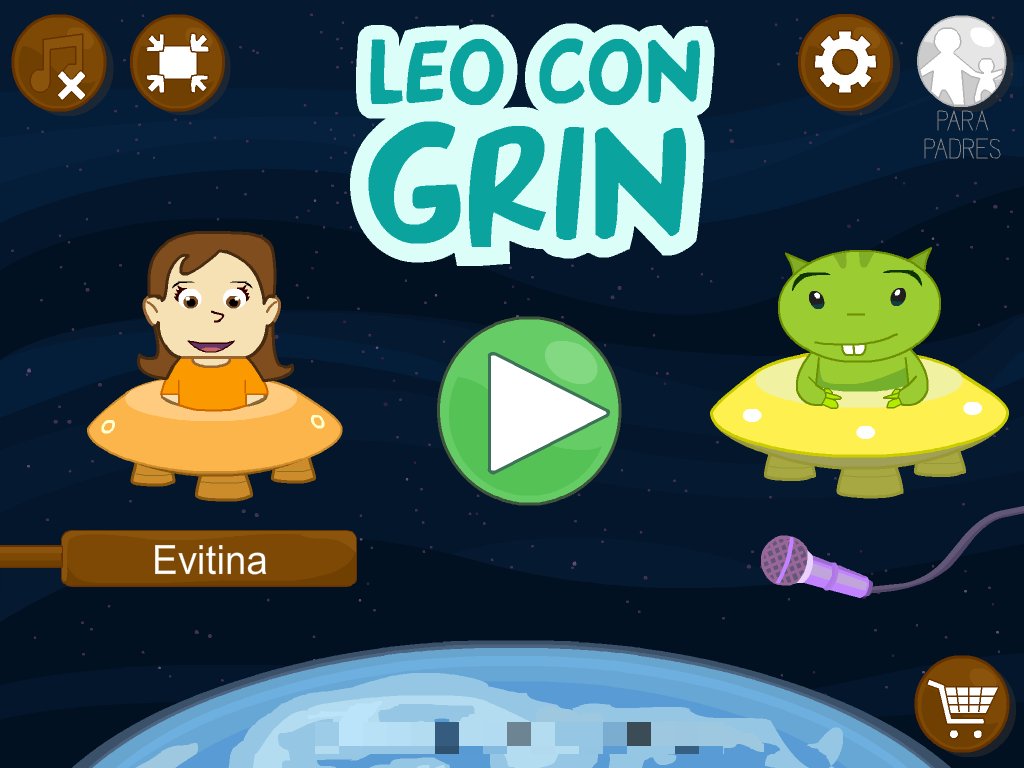
- Enable / Disable background music
- Play full screen
At Tikis menus:
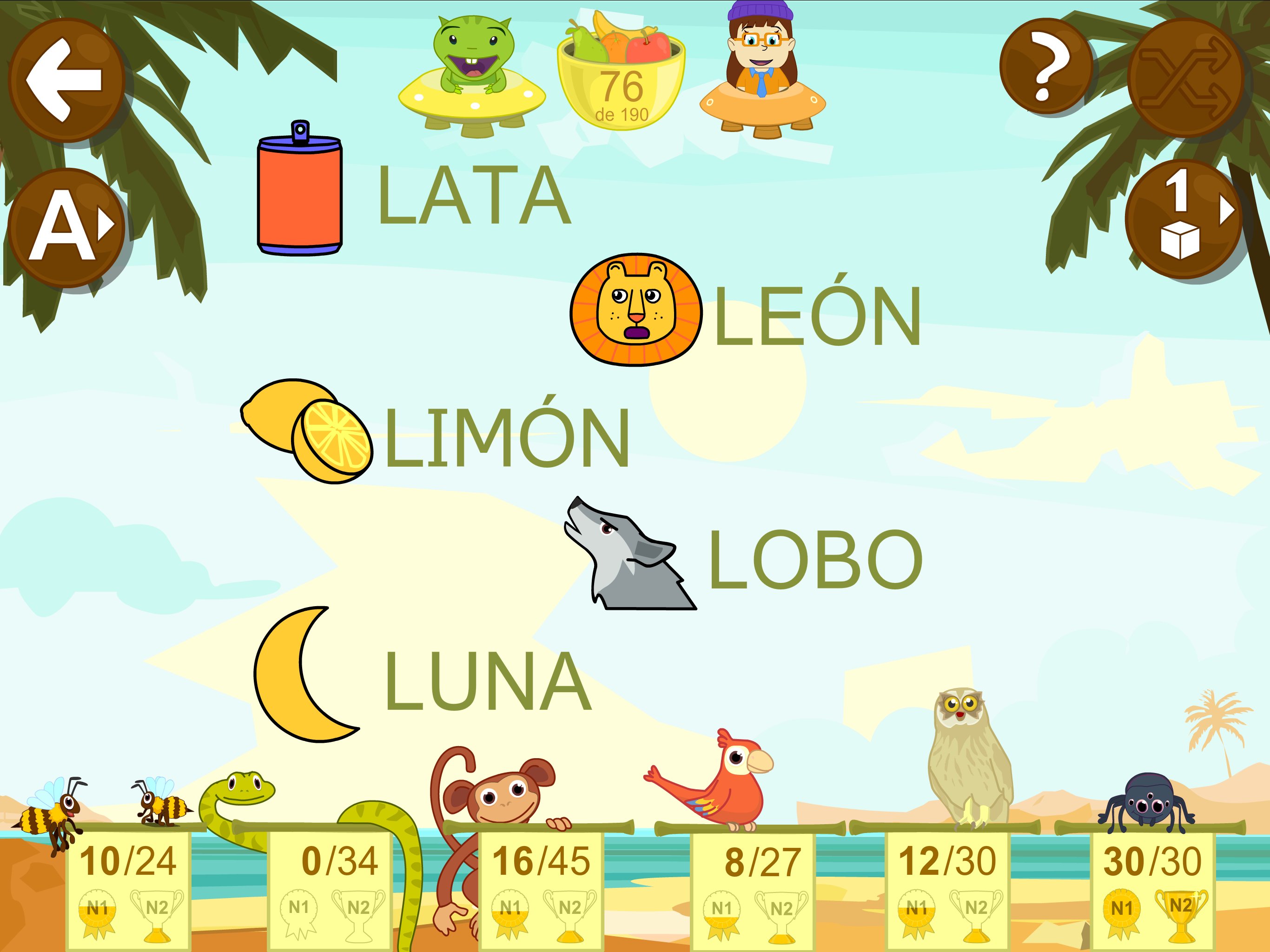
- Change the font: uppercase, lowercase, and cursive handwriting.
- Enable/Disable automatic activity: active means that after a number of exercises set, will automatically switch to another game.
- Shuffle: rearrange the syllables.
ACHIEVEMENTS
You can create up to three profiles (avatars) for different children and for each of them you can see the progress at each level as well as the rights and wrongs and the determined percentage of which is represented in the form of fruit.
Fruits are a fun way to motivate kids to continue playing. When you have some in the basket, click on it to give them to the little aliens.
If you want a more complete picture of progress press on the repotrs button at tikis screen.
GAMES
** NEW ** THE ALPHABET:
Listen and learn to write each of the letters of the alphabet, the syllables and some words in different modes: trace, copy and free mode. Choose between 3 different types of letters: upper case, lower case and handwriting.
For each lesson you will find 11 games:
1. DOLPHIN: Presentation of the word and its parts.
2. BALLOONS: Identification of the letters of the syllable.
3. CLOUDS: lace shape of each syllable.
4. CRABS: Formation of syllables from letters.
5. BUTTERFLIES: Identification of syllables.
6. BEES: Identification of the initial syllable of words.
7. SNAKE: Formation of words using syllables.
8. MONKEYS: Formation of words from letters.
9. PARROTS: recognition and word reading.
10. MOUSE: The order of the words and sentences reading.
11. SNAILS: Formation of sentences from words.
Send your feedback or technical queries: info@educaplanet.com
預覽
標籤
教育教育訊息
開發商
Educaplanet S.L.
最新版本
7.4.10
更新時間
2026-02-05
類別
教育
同時可用
Google Play
更多
如何在電腦上用 GameLoop 玩 Learn to read Spanish
1. 從官網下載GameLoop,然後運行exe文件安裝GameLoop
2. 打開GameLoop,搜索“Learn to read Spanish”,在搜索結果中找到Learn to read Spanish,點擊“安裝”
3. 享受在 GameLoop 上玩 Learn to read Spanish 的樂趣
Minimum requirements
OS
Windows 8.1 64-bit or Windows 10 64-bit
GPU
GTX 1050
CPU
i3-8300
Memory
8GB RAM
Storage
1GB available space
Recommended requirements
OS
Windows 8.1 64-bit or Windows 10 64-bit
GPU
GTX 1050
CPU
i3-9320
Memory
16GB RAM
Storage
1GB available space