
BluePrinnt 電腦版
Education Thanos Media
用GameLoop模拟器在電腦上玩BluePrinnt
BluePrinnt 電腦版
來自發行商 Education Thanos Media 的 BluePrinnt 能夠在安卓系統上運行。
現在,您可以在電腦上使用 GameLoop 模擬器流暢地玩 BluePrinnt。
在 GameLoop 遊戲庫或搜索結果中下載。 不需要再暢玩遊戲時盯著電池電量或被令人懊惱的來電打斷。
只需在電腦大屏幕上免費下載暢玩BluePrinnt 電腦版!
BluePrinnt 簡介
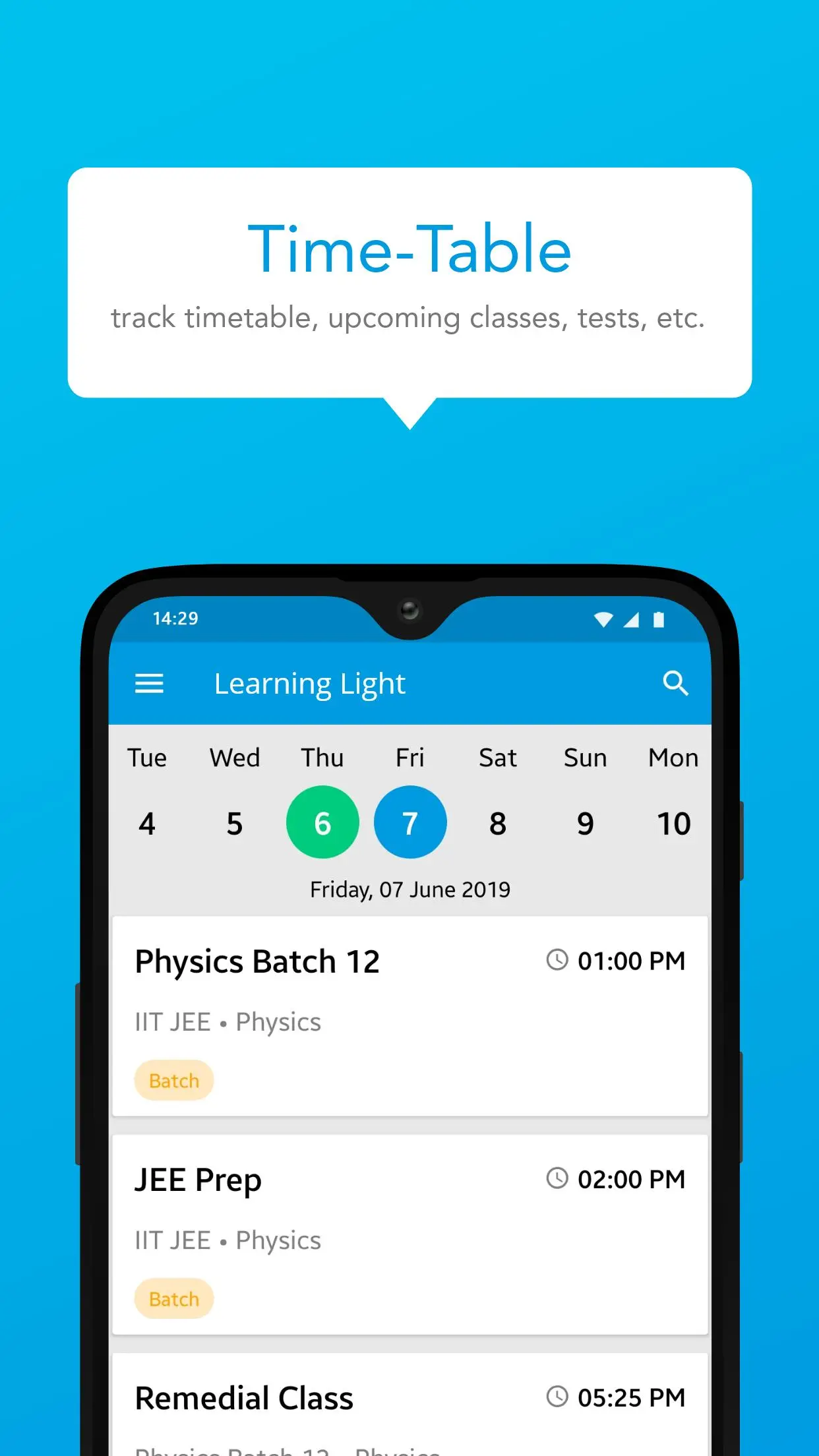
BluePrintnt 是您的綜合教育伴侶,旨在讓學習變得無縫且引人入勝,開啟學習的新維度。無論您是尋求複雜科目幫助的學生,還是旨在增強課堂體驗的教師,BluePrint 都可以提供一系列工具來支持您的教育之旅。我們的平台提供跨學科的互動課程、練習測驗和深入的影片教學。直覺的介面和個人化的學習路徑可確保您保持動力並實現您的學術目標。立即下載 BluePrintnt,透過觸手可及的尖端科技掌控您的學習體驗。
預覽

標籤
教育訊息
開發商
Education Thanos Media
最新版本
1.9.1.4
更新時間
2025-08-21
類別
教育
同時可用
Google Play
更多
如何在電腦上用 GameLoop 玩 BluePrinnt
1. 從官網下載GameLoop,然後運行exe文件安裝GameLoop
2. 打開GameLoop,搜索“BluePrinnt”,在搜索結果中找到BluePrinnt,點擊“安裝”
3. 享受在 GameLoop 上玩 BluePrinnt 的樂趣
Minimum requirements
OS
Windows 8.1 64-bit or Windows 10 64-bit
GPU
GTX 1050
CPU
i3-8300
Memory
8GB RAM
Storage
1GB available space
Recommended requirements
OS
Windows 8.1 64-bit or Windows 10 64-bit
GPU
GTX 1050
CPU
i3-9320
Memory
16GB RAM
Storage
1GB available space