I Like to Paint Lite 電腦版
School Zone Publishing
用GameLoop模拟器在電腦上玩I Like to Paint Lite
I Like to Paint Lite 電腦版
來自發行商 School Zone Publishing 的 I Like to Paint Lite 能夠在安卓系統上運行。
現在,您可以在電腦上使用 GameLoop 模擬器流暢地玩 I Like to Paint Lite。
在 GameLoop 遊戲庫或搜索結果中下載。 不需要再暢玩遊戲時盯著電池電量或被令人懊惱的來電打斷。
只需在電腦大屏幕上免費下載暢玩I Like to Paint Lite 電腦版!
I Like to Paint Lite 簡介
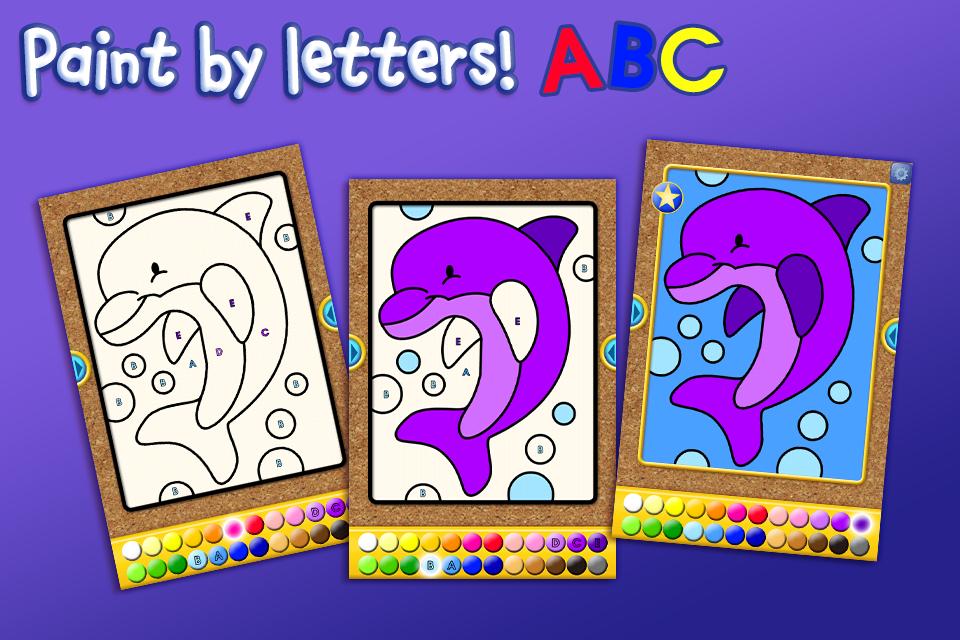
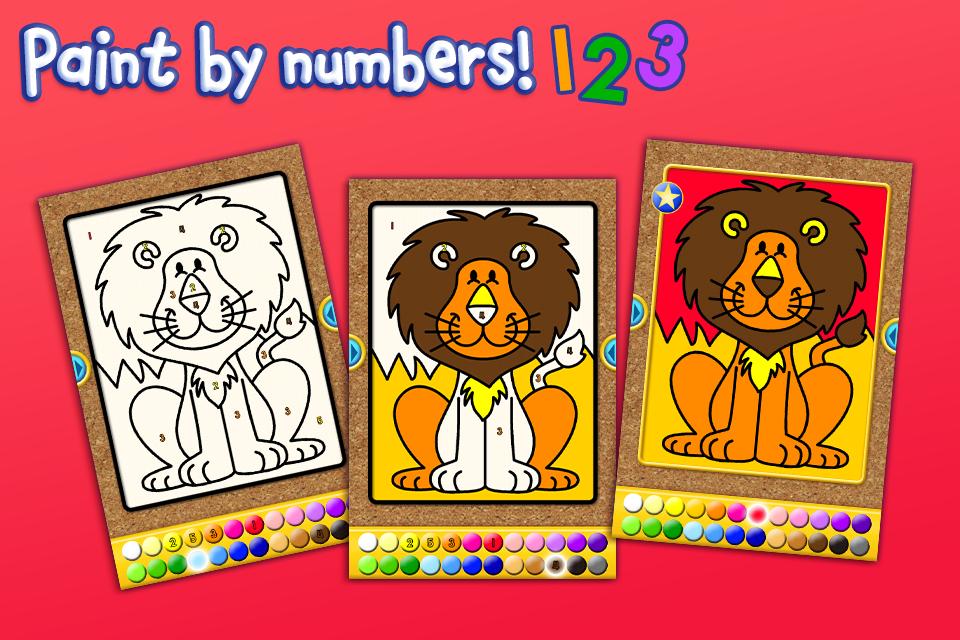
Give your kids an app to celebrate their creativity while they learn letters, shapes and numbers! This free I Like to Paint Lite app from School Zone, delivers big learning fun in rainbow colors. Preschoolers and kindergarteners can choose one of four pictures to “paint” from a Mammals image gallery. Pick an image, then select Paint by Letters, Paint by Numbers, or Paint by Shapes. It’s easy! Just touch the color displaying a number, letter, or shape inside it, and then touch the image area with the matching symbol to paint it. Following this pattern throughout the picture, when it’s complete, your child will delight in seeing sparkles and hearing, “You are an amazing artist!” Incorrect moves will result in “almost” or “try again” feedback. Kids can save all the images. Little artists can also choose the smiley face to let their creativity go wild, using any colors they choose. Even then they hear the name pronounced for each color selected. That helps reinforce colors and distinguishes between light and dark shades. Scroll back and forth between images with ease. To spritz away the filled-in colors and try again, touch the spray bottle icon. Like the final result? Share it with Grandma or others by Facebook or e-mail without even leaving the app. Once your little learner has experienced the free pictures, choose from many more available as in-app purchases, including 12 more pictures in the full Mammals gallery, plus four other galleries--Nature, Favorite Foods, Fun Characters, and Things That Go--each with 16 pictures.
Features:
• Easy instructions
• 4 cheerful images
• 4 coloring modes
• 24 colors
• Share by e-mail and on Facebook
• Fun and educational!
Skills:
• Colors
• Numbers
• Shapes
• Matching
• Visual perception
• Spatial reasoning
• Following directions
Ages 3-6
ABOUT SCHOOL ZONE
www.schoolzone.com
School Zone sparks imagination and nurtures children’s natural curiosity. We offer playful, research-based content, brimming with color, creativity and bonus features. A trusted friend to parents and teachers for more than 30 years, we know how kids learn best. Play together with your kids or turn them loose to explore with confidence--no third-party advertising.
預覽
訊息
開發商
School Zone Publishing
最新版本
1.0.4
更新時間
2013-12-30
類別
教育
同時可用
Google Play
更多
如何在電腦上用 GameLoop 玩 I Like to Paint Lite
1. 從官網下載GameLoop,然後運行exe文件安裝GameLoop
2. 打開GameLoop,搜索“I Like to Paint Lite”,在搜索結果中找到I Like to Paint Lite,點擊“安裝”
3. 享受在 GameLoop 上玩 I Like to Paint Lite 的樂趣
Minimum requirements
OS
Windows 8.1 64-bit or Windows 10 64-bit
GPU
GTX 1050
CPU
i3-8300
Memory
8GB RAM
Storage
1GB available space
Recommended requirements
OS
Windows 8.1 64-bit or Windows 10 64-bit
GPU
GTX 1050
CPU
i3-9320
Memory
16GB RAM
Storage
1GB available space